

Minecraft 1.20.1, 1.21.1 için Caelum Mod
Gerçekçi yıldızlar ve Güneş, Dünya, Ay ile gezegenlerin Kepler yörünge mekaniği. Artık tutulmalar ve daha fazlasıyla
 NeoForge
 Forge
ForgeCaelum
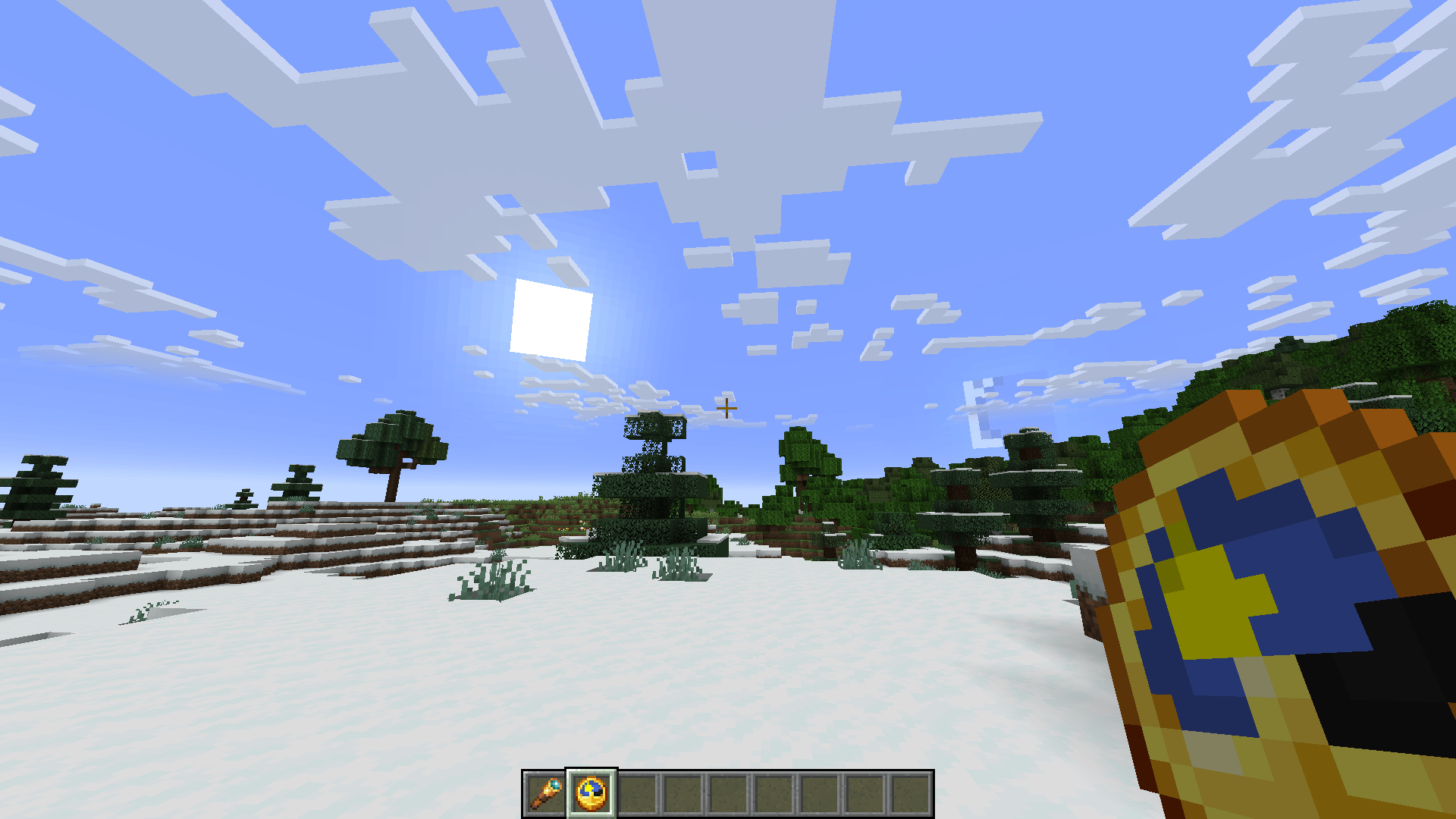
Caelum is a Minecraft mod, that aims to make the Minecraft sky more realistic by calculating the positions of the major solar system objects (namely the Earth and Moon) based on their Keplerian orbital elements for the given date.
The mod allows you to:
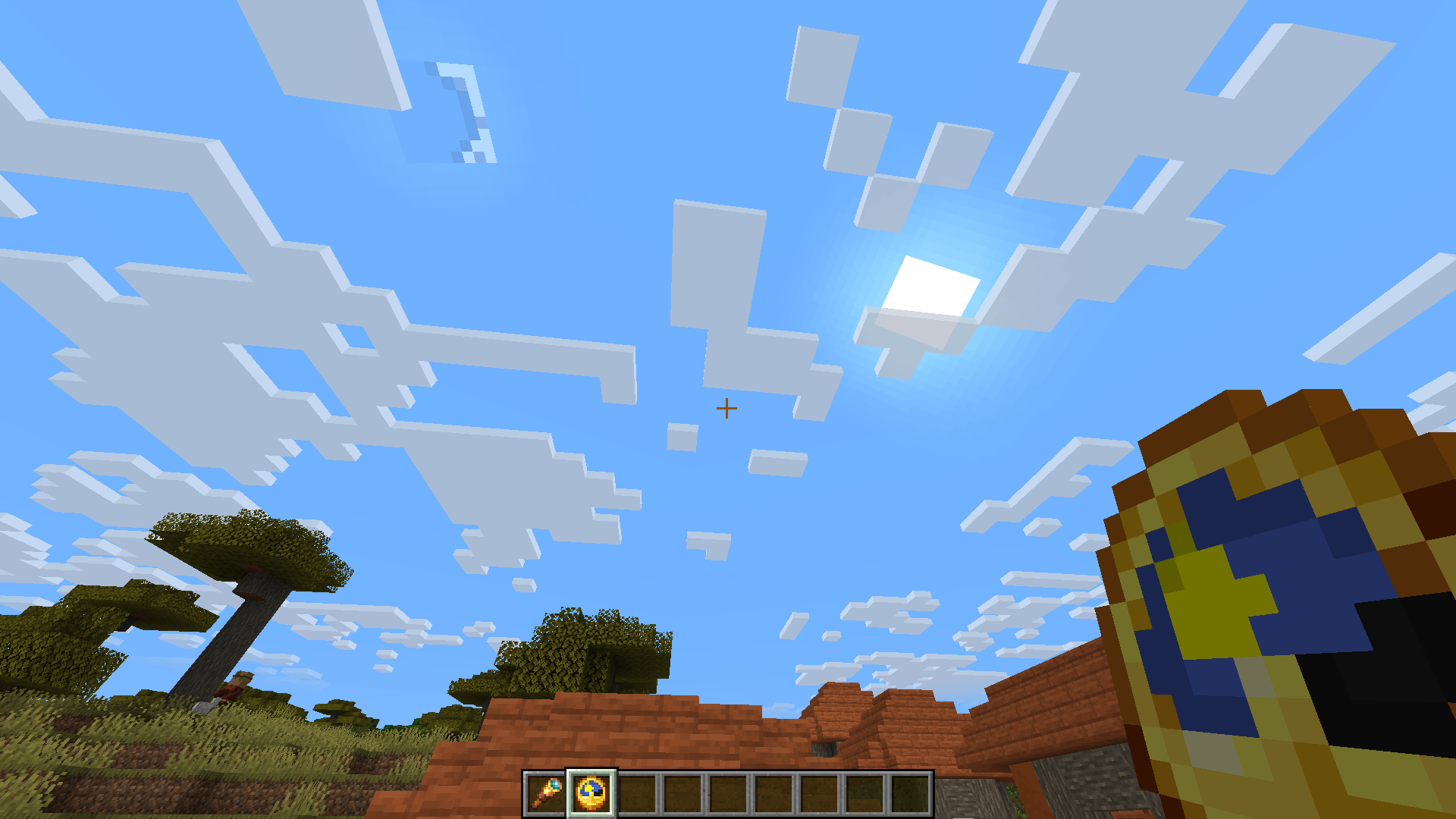
- choose whether to use the Vanilla or custom stars (or whether to render stars at all)
- add or even replace the custom stars using resource packs
- add and edit celestial objects like moons and planets
- enable/disable star color (does not apply to Vanilla stars)
- change star size (does not apply to Vanilla stars)
- change the speed of passage of time (i.e. how long the day and night are)
- have a different length of the day depending on your latitude (the Z coordinate) - resulting in polar days and nights near polar regions.
- Experience solar and lunar eclipses and planet transits
The positions of the planets correspond to their positions IRL within some tolerance, thus resulting in solar/lunar eclipses on the same* dates as they would IRL.
Keep in mind that the shader support is partial at best. While the positions of the Sun and the Moon and their shadows should be right for a large portion of shaders, stuff like custom stars or planets are almost certainly not going to work, as the shaders do their own sky rendering.
*Vanilla Minecraft Sun and Moon are several times larger than they are IRL, resulting in more eclipses. Their size can be made more realistic in the config.
Caelum nasıl kurulur
With Millida Launcher
Install Millida Launcher
The launcher is free: download it at millida.net/launcher and sign in with any nickname.
Click “Install” on this page
The launcher opens and installs the mod for Minecraft 1.20.1–1.21.1 on Forge or NeoForge automatically.
Launch the game
A profile with it appears in the launcher: click “Play”.
Manually
Install Forge or NeoForge
The loader must match the game version of the mod file, for example Minecraft 1.21.1. After installing it, a separate profile appears in your launcher.
Download the file for your version
In the version list above, pick the file caelum-3.0.0.6+1.21.1.jar (366 KB) for your game version and loader.
Put it in the mods folder
The folder is inside .minecraft (Windows: %appdata%\.minecraft\mods). If it does not exist, create it.
Launch the loader profile
Open “Mods” in the main menu: Caelum should be in the list.
Minecraft 1.21.1 runs on Java 21: with a different Java version the game may close right after launch.
Sürümler
Bağımlılıklarla
| Minecraft | Yükleyici | Dosya | Tarih | İşlemler |
|---|---|---|---|---|
| 1.21.1 | NeoForge | caelum-3.0.0.6+1.21.1.jar366 KB 1 | ||
| 1.20.1 | NeoForge, Forge | caelum-1.20.1-2.0.0.0.jar258 KB |
Yorumlar
Caelum için ilk puanı sen ver


