
Minecraft 1.20.1, 1.21.1 için Boss Checklist Mod
Kısa bilgileriyle birlikte kullanışlı bir boss listesi ekler.
 Fabric
 NeoForge
 Forge
📖 Description
Boss Checklist is an in-game checklist of every boss in your modpack. Check their drops, find out where to find them, and mark them off as beaten — all in one place.
Open it with the button in the pause menu, a keybind, or an optional button in the inventory.
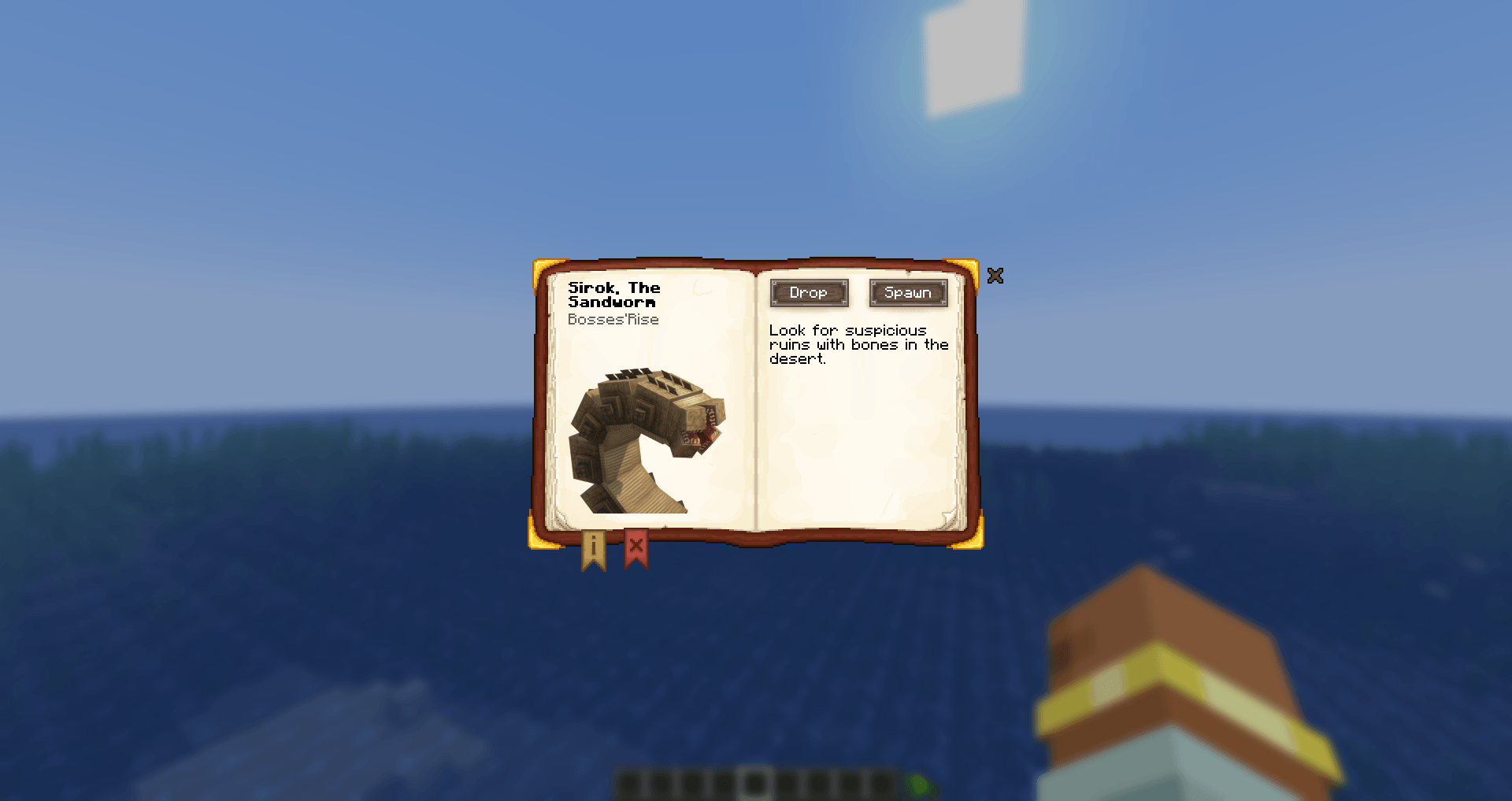
⭐️ Features:
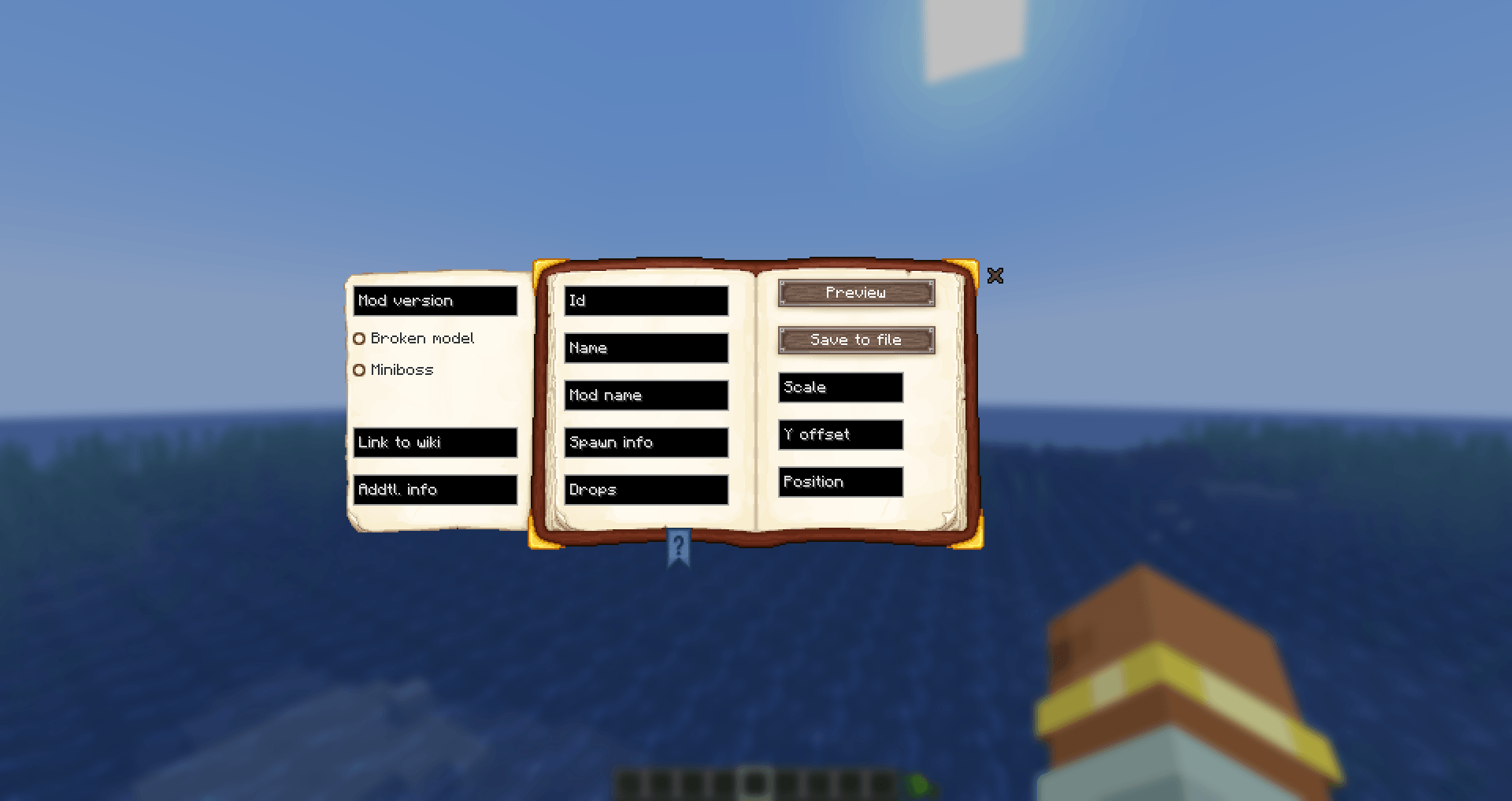
- built-in editor for adding and editing bosses;
- configuration, customization, and various features for modpacks or servers;
- client-side compatible (you can play on a server without the mod installed)*;
- supports the creation of add-ons.
- The mod must be installed on the server for automatic boss marking and player/battle statistics.
ℹ️ Supported mods
The list currently contains 180+ bosses and minibosses, arranged in a logical order from easiest to hardest. You can also move them using Alt + mouse wheel scroll.
Currently supported bosses include:
- AdventureZ
- Aether: Lost Content Addon
- Alex's Mobs
- Alex's Caves
- Ancient Elements
- Aquamirae
- Armageddon
- Ars Nouveau
- Arthropocolypse
- Beneath the Wetlands
- Blue Skies
- Born in Chaos
- Bosses of Mass Destruction
- Bosses'Rise
- Call From The Depth
- Call of Yucutan
- Companions!
- Confluence: Otherworld
- Cracker's Wither Storm Mod
- Cult of Azazel
- Dark Doppelganger: Iron's Spells and Spellbooks Addon
- Deep Aether
- Deeper and Darker
- Dungeon Now Loading 2%
- Dungeons And Combat
- EEEAB's Mobs
- Ender Trigon
- Epic Fight - The Wraithon
- Eternal Starlight
- Friends&Foes
- Frostiful
- Galosphere
- Goety - The Dark Arts
- H's Bosses
- Illage and Spillage
- Illager Invasion
- Iron's Spells 'n Spellbooks
- Knight Quest
- Legendary Monsters
- L_Ender's Cataclysm
- Marium's Soulslike Weaponry
- Mine Cells
- Mofu's Broken Constellation
- Monster Expansion
- Mowzie's Mobs
- Mutant Monsters
- Mutant More
- Myths & Legends
- Qilpoth Awakening
- Rediscovered
and the vanilla ones.
📋 How to edit the list?
The mod has an editor menu where you can add or edit a boss. Additionally, by holding Alt and scrolling the mouse wheel, you can change the boss's position in the checklist.
You can create an addon using the files from config/boss_checklist/override/; details are on the wiki.
You can also send these files to me (on GitHub or elsewhere), and I can add them to the mod.
📅 Version support
1.20.x ❌
1.21.1 ✔️
1.21.2-11 ❌
26.1 ✔️
26.2 ✔️
latest (26.3) ✔️
⚙️ Configuration
- Client: progression mode, ignoring defeats without your participation, search bar, progress bar, statistics tab, health and armor display, animations, and the buttons (pause menu, inventory, editor) with their offsets. Most of these are available in the in-game settings; a few are file-only and meant for modpack makers.
- Server: statistics, saving the boss killer's name, and multithreading.
Then again, the bosses themselves can also be edited.
If you found a bug or have any suggestions, please open an issue on GitHub.
Boss Checklist nasıl kurulur
With Millida Launcher
Install Millida Launcher
The launcher is free: download it at millida.net/launcher and sign in with any nickname.
Click “Install” on this page
The launcher opens and installs the mod for Minecraft 1.20.1–26.2 on Fabric, Forge or NeoForge automatically.
Launch the game
A profile with it appears in the launcher: click “Play”.
Manually
Install Fabric, Forge or NeoForge
The loader must match the game version of the mod file, for example Minecraft 26.2. After installing it, a separate profile appears in your launcher.
Download the file for your version
In the version list above, pick the file boss_checklist-5.2.0-26.2.jar (801 KB) for your game version and loader.
Put it in the mods folder
The folder is inside .minecraft (Windows: %appdata%\.minecraft\mods). If it does not exist, create it.
Launch the loader profile
Open “Mods” in the main menu: Boss Checklist should be in the list.
Sürümler
Bağımlılıklarla
| Minecraft | Yükleyici | Dosya | Tarih | İşlemler |
|---|---|---|---|---|
| 26.2 | Fabric | boss_checklist-5.2.0-26.2.jar801 KB 1 | ||
| 1.21.1 | NeoForge | boss_checklist-neoforge-5.2.0.jar804 KB 1 | ||
| 1.20.1 | Forge | boss_checklist-forge-5.2.0.jar857 KB 5 | ||
| 1.20.1 | Fabric | boss_checklist-fabric-5.1.0.jar848 KB 3 | ||
| 1.20.1 | Forge | boss_checklist-forge-5.1.0.jar853 KB | ||
| 1.21.1 | NeoForge | Boss Checklist Neoforge 3.0.0619 KB |
SSS
Which Minecraft versions does Boss Checklist work on?
There are files for 26.2, 1.21.1, 1.20.1. The newest is 26.2.
Is Boss Checklist for Forge or Fabric?
There are files for Fabric: 1.20.1–26.2, for Forge: 1.20.1 and for NeoForge: 1.21.1.
Does Boss Checklist need other mods?
The author lists no required dependencies: the Fabric, Forge or NeoForge loader is enough.
Where can I download Boss Checklist safely?
On this page: the file boss_checklist-5.2.0-26.2.jar (801 KB) is stored on Millida’s server, with no link shorteners. SHA-1 checksum: e2649e3ea820205fa6fafce8ffe55266fb43fdea.
Yorumlar
Boss Checklist için ilk puanı sen ver


