
Minecraft 1.16.5 için Blur Mod
Tüm GUI arka planlarına bulanıklık efekti ekler
 Forge
Forge Fabric
Blur modu hakkında
Ever thought that the world behind your inventory was just too distracting? Then this is the mod for you!
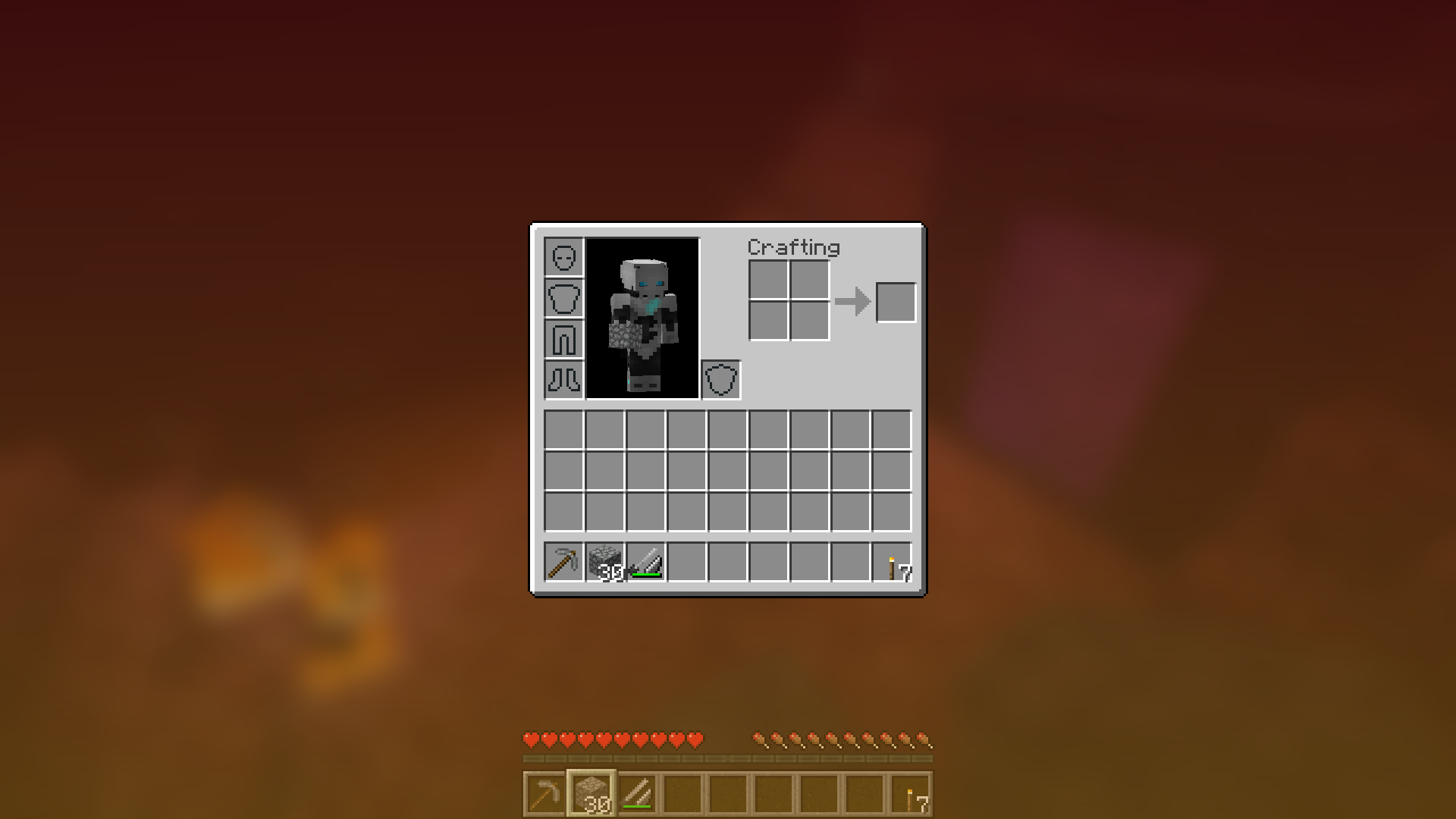
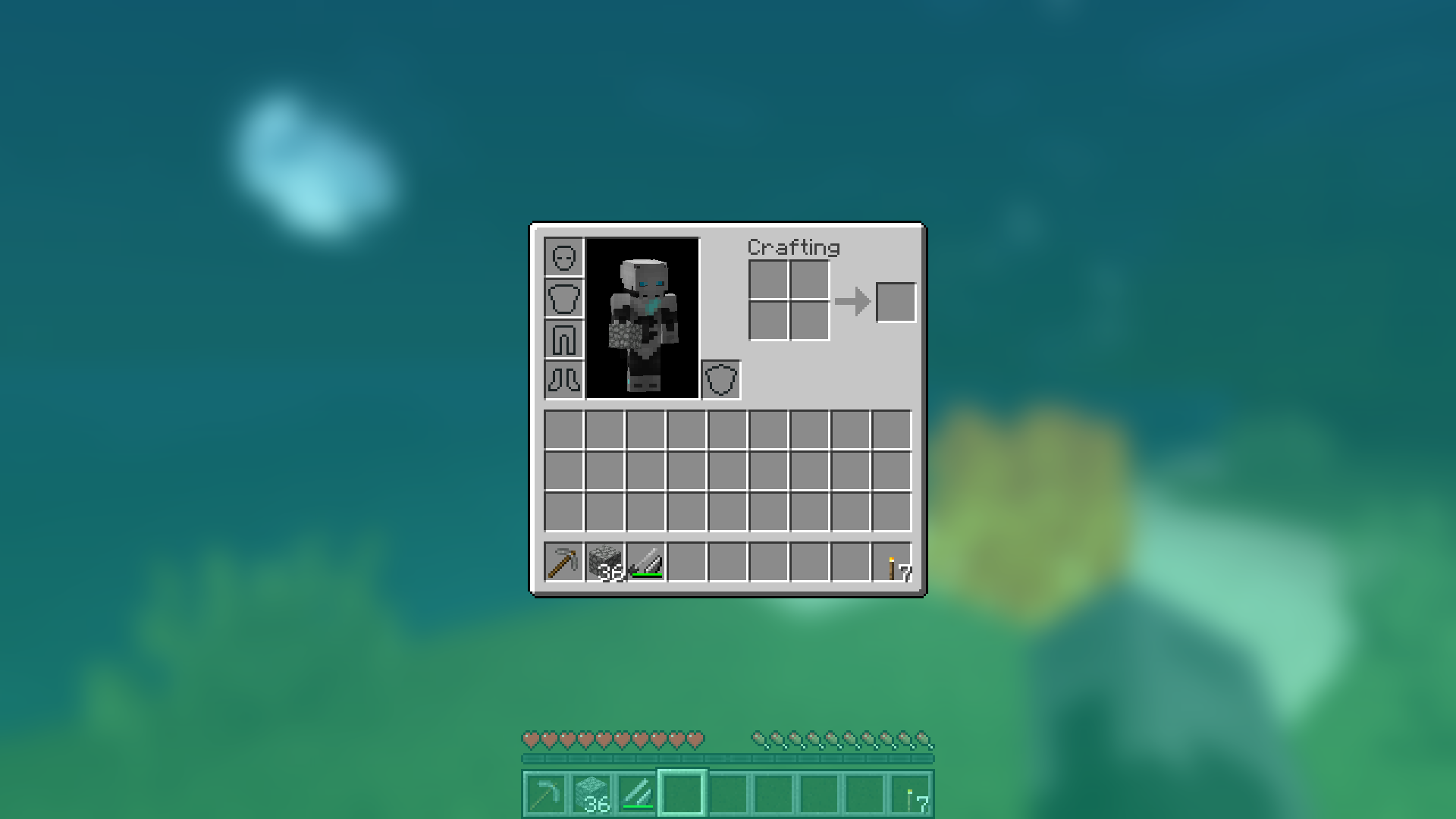
Blur adds a Gaussian blur shader to the background of all GUIs, which fades into give it a sleek look. It is also highly configurable, so you can tune the look of the mod to your liking. Click here for a massive gif demonstration!
NOTE: Versions for 1.14 snapshots require Fabric.
You can configure the strength of the blur in the config file with the "radius" option.
Here is a demonstration of a few different radii:
Change the background colors and gradient!
Get lost in your GUIs!
Gorgeous rainy evening with you and your blur:
Works with shaders!
Explanation of Config Settings
- radius
- As explained above, this controls how "strong" the blur is. If you are experiencing performance problems, lower this.
- fadeTime
- This is the time it takes for the blur to "fade in", in milliseconds.
- gradientStart/EndColor
- The colors to use for the overlay on all GUI backgrounds. The value here is a hexadecimal color value, in the format ARGB (alpha first, then rgb). Because the background is a gradient, two colors can be specified. The default is black with a 45% alpha value (75000000).
- guiExclusions
- A list of classes to be excluded from the blur shader. This is to be used for GUIs which do not necessarily cover the screen. It defaults to containing only one GUI, the chat.
Blur nasıl kurulur
With Millida Launcher
Install Millida Launcher
The launcher is free: download it at millida.net/launcher and sign in with any nickname.
Click “Install” on this page
The launcher opens and installs the mod for Minecraft 1.8.9–1.16.5 on Fabric or Forge automatically.
Launch the game
A profile with it appears in the launcher: click “Play”.
Manually
Install Fabric or Forge
The loader must match the game version of the mod file, for example Minecraft 1.16.5. After installing it, a separate profile appears in your launcher.
Download the file for your version
In the version list above, pick the file Blur-1.1.0-1.jar (358 KB) for your game version and loader.
Put it in the mods folder
The folder is inside .minecraft (Windows: %appdata%\.minecraft\mods). If it does not exist, create it.
Launch the loader profile
Open “Mods” in the main menu: Blur should be in the list.
Minecraft 1.16.5 runs on Java 8: with a different Java version the game may close right after launch.
Sürümler
Bağımlılıklarla
| Minecraft | Yükleyici | Dosya | Tarih | İşlemler |
|---|---|---|---|---|
| 1.14.4 | Forge | Blur - 1.1.0-1358 KB | ||
| 1.14.4 | Fabric | Blur 1.0.5 [Fabric]201 KB 2 | ||
| 1.8.9 | — | Blur 1.0.4 [1.8.9]16 KB | ||
| — | — | Blur 1.0.4 [Fabric]200 KB 2 |
SSS
Which Minecraft versions does Blur work on?
There are files for 1.16.5, 1.15.1, 1.14.4, 1.8.9. The newest is 1.16.5.
Is Blur for Forge or Fabric?
There are files for Fabric: 1.14.4 and for Forge: 1.14.4–1.16.5. There are no files for NeoForge: a mod for another loader will not start.
Does Blur need other mods?
The author lists no required dependencies: the Fabric or Forge loader is enough.
Which Java does Blur need?
Minecraft 1.16.5 runs on Java 8. If the game closes right after launch, the usual cause is the wrong Java version in the profile settings.
Where can I download Blur safely?
On this page: the file Blur-1.1.0-1.jar (358 KB) is stored on Millida’s server, with no link shorteners. SHA-1 checksum: eba362692f92c7c8e069cb0c5073f13fc479a251.
Yorumlar
Blur için ilk puanı sen ver


