
Minecraft 1.20.1, 1.20.4 için Beta Nether Mod
Nether'ı orijinal haline döndürür!
 Fabric
 Forge
Forge Quilt
QuiltBeta Nether modu hakkında
Beta Nether 2.0
Description
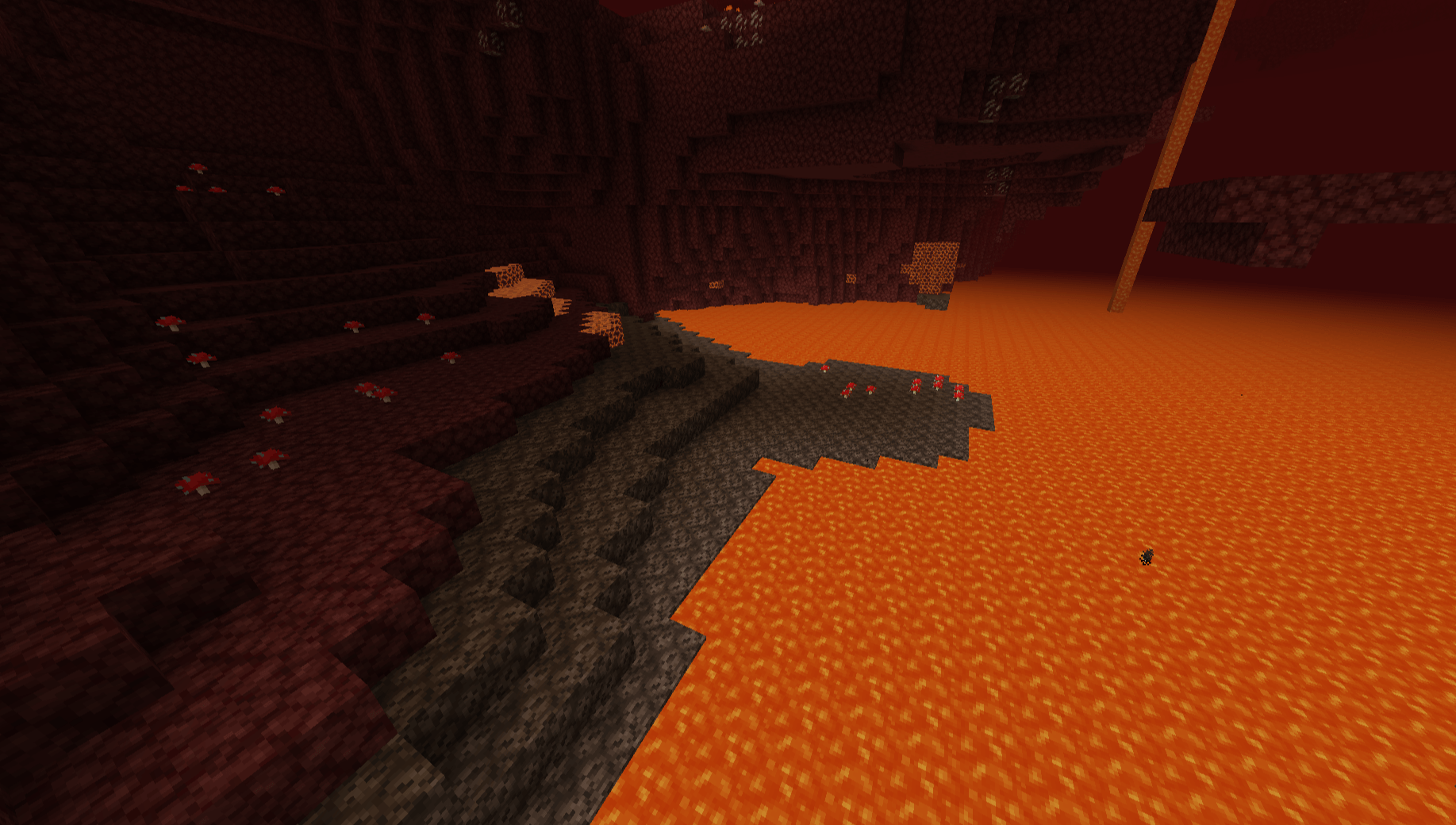
Beta Nether is a mod that aims to recreate the Nether terrain that existed before the 1.16 update. This mod is intended for people who want to revisit the old Nether Dimension of Minecraft again.
Features
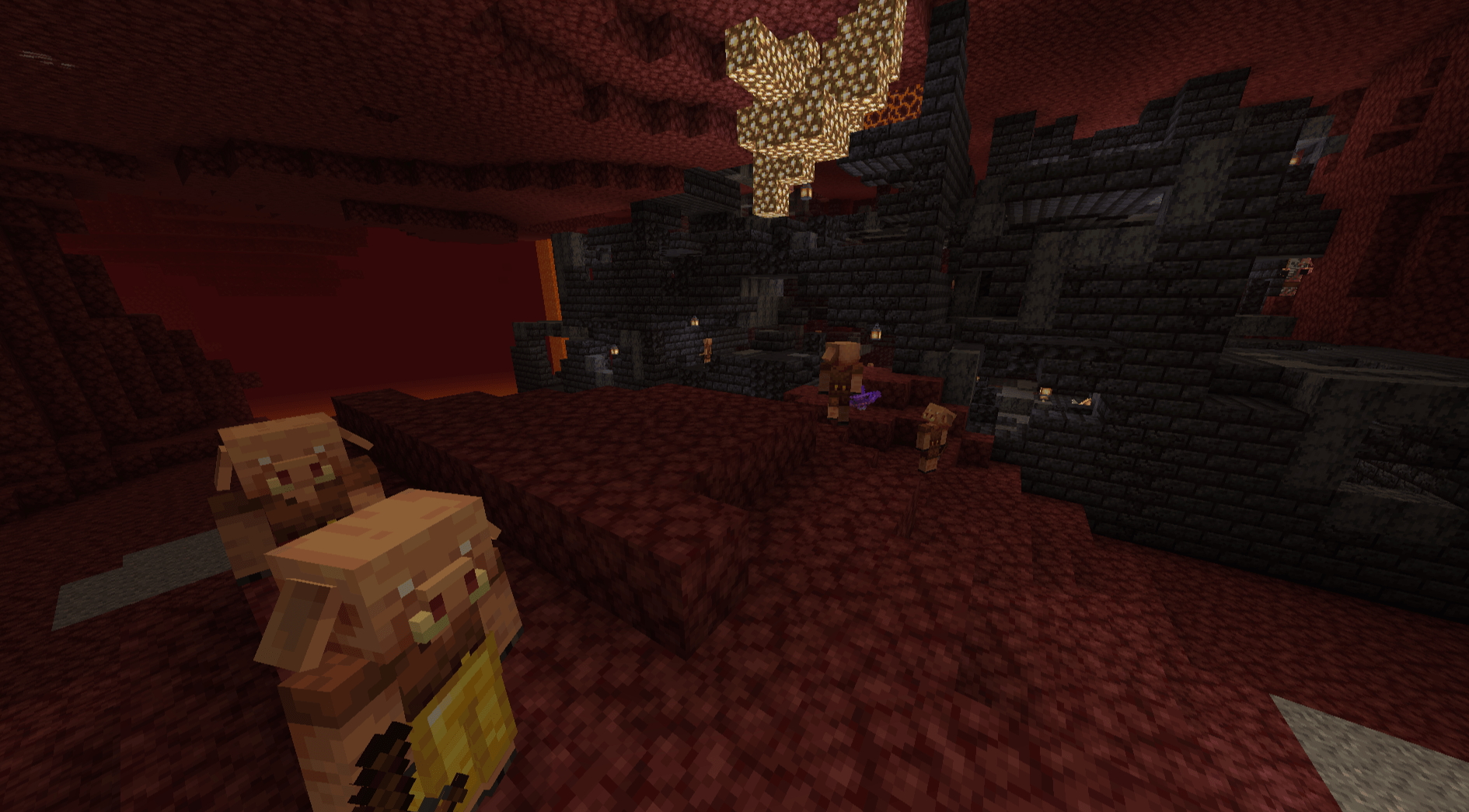
You can still find and play with the new features such as the Bastion Remnants and the Crimson and Warped fungus spawning inside Nether Fortress chests.
Nostalgia
For the best nostalgic experience, I recommend using the Nostalgic Tweaks mod by Adrenix which includes many faithful recreations of old minecraft features alonside the Golden Days resource pack by PoeticRainbow. Additionally, using the Modern Beta mod by b3spectacled brings back the old nostalgic terrain generation.
Datapack
If you would like to use this mod for specific worlds only, I've made a datapack for that
Support
If you have questions or any issues with the mod, you can report them in my discord server!
Beta Nether nasıl kurulur
With Millida Launcher
Install Millida Launcher
The launcher is free: download it at millida.net/launcher and sign in with any nickname.
Click “Install” on this page
The launcher opens and installs the mod for Minecraft 1.20–1.20.4 on Fabric, Forge or Quilt automatically.
Launch the game
A profile with it appears in the launcher: click “Play”.
Manually
Install Fabric, Forge or Quilt
The loader must match the game version of the mod file, for example Minecraft 1.20.4. After installing it, a separate profile appears in your launcher.
Download the file for your version
In the version list above, pick the file beta-nether-V1-1.20.jar (909 KB) for your game version and loader.
Put it in the mods folder
The folder is inside .minecraft (Windows: %appdata%\.minecraft\mods). If it does not exist, create it.
Launch the loader profile
Open “Mods” in the main menu: Beta Nether should be in the list.
Minecraft 1.20.4 runs on Java 17: with a different Java version the game may close right after launch.
Sürümler
Bağımlılıklarla
| Minecraft | Yükleyici | Dosya | Tarih | İşlemler |
|---|---|---|---|---|
| 1.20.2 | Fabric, Forge, Quilt | Beta Nether v1.0.0 1.20909 KB |
SSS
Which Minecraft versions does Beta Nether work on?
There are files for 1.20.4, 1.20.3, 1.20.2, 1.20.1, 1.20. The newest is 1.20.4.
Is Beta Nether for Forge or Fabric?
There are files for Fabric: 1.20–1.20.4, for Forge: 1.20–1.20.4 and for Quilt: 1.20–1.20.4. There are no files for NeoForge: a mod for another loader will not start.
Does Beta Nether need other mods?
The author lists no required dependencies: the Fabric, Forge or Quilt loader is enough.
Which Java does Beta Nether need?
Minecraft 1.20.4 runs on Java 17. If the game closes right after launch, the usual cause is the wrong Java version in the profile settings.
Where can I download Beta Nether safely?
On this page: the file beta-nether-V1-1.20.jar (909 KB) is stored on Millida’s server, with no link shorteners. SHA-1 checksum: 458039bae83ed0563297120977cefad460e1f219.
Yorumlar
Beta Nether için ilk puanı sen ver


