

Minecraft 1.20.1, 1.21.1 için AlcoCraft+ Mod
Bu mod ile bira demleyebilecek ve iyi arkadaşlarınıza ikram edebileceksiniz! 🍻
 NeoForge
 Fabric
 Quilt
Quilt Forge
ForgeAlcoCraft+ modu hakkında
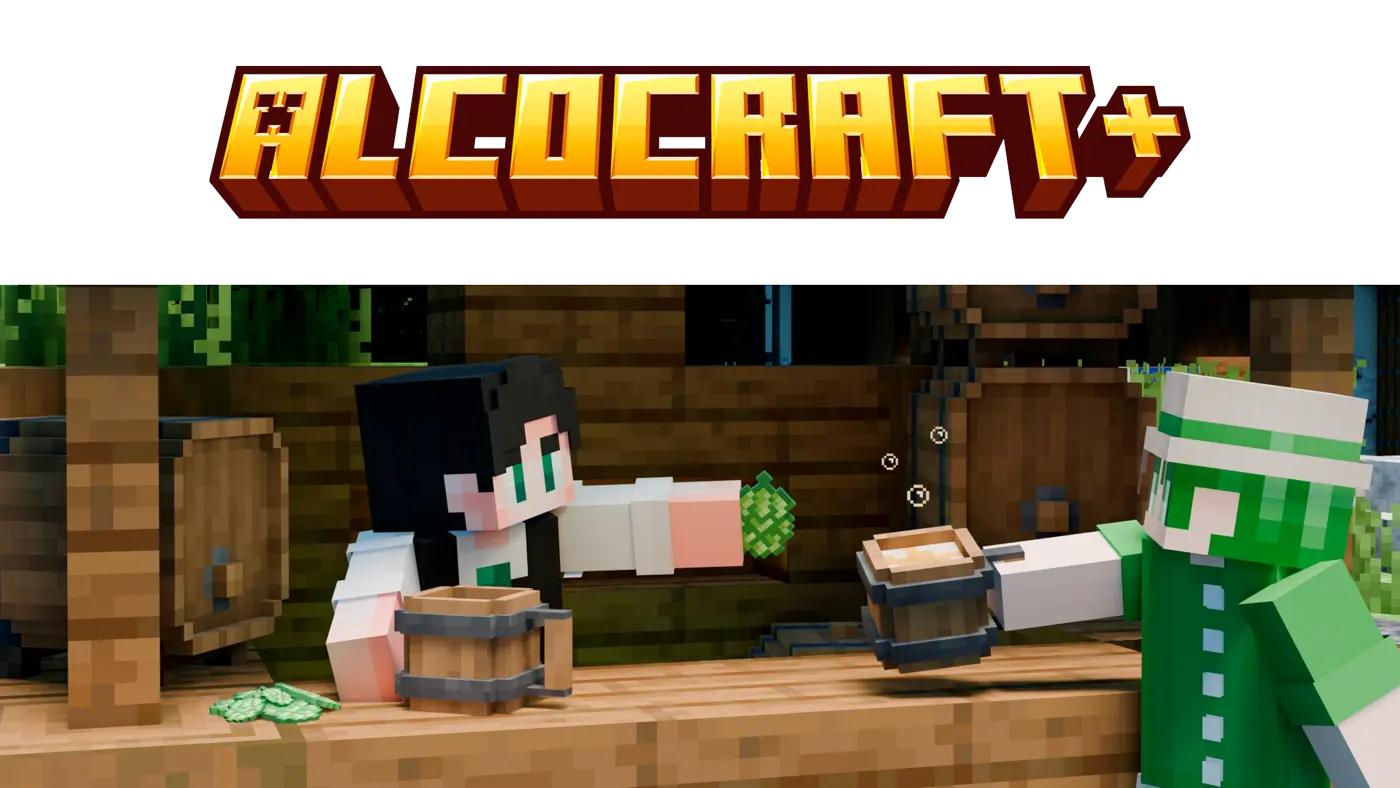
AlcoCraft+ adds a new element to gameplay ― a brewing keg for creating beer. Players can now craft their own beer using various ingredients, such as hops, sugar, apples and water (10+ recipes).
After brewing beer, players will experience different useful effects depending on ingredients used in brewing process. Some types of beer can increase the player's movement speed, while others can boost their strength and defense, and some may even grant the ability to see in the dark.
Overall, AlcoCraft+ adds a new level of depth and realism to Minecraft, allowing players to create their own beer and enjoy in the company of good friends :)

AlcoCraft+ nasıl kurulur
With Millida Launcher
Install Millida Launcher
The launcher is free: download it at millida.net/launcher and sign in with any nickname.
Click “Install” on this page
The launcher opens and installs the mod for Minecraft 1.20–26.1.2 on Fabric, Forge, NeoForge or Quilt automatically, together with its dependencies: Fabric API, Architectury API.
Launch the game
A profile with it appears in the launcher: click “Play”.
Manually
Install Fabric, Forge, NeoForge or Quilt
The loader must match the game version of the mod file, for example Minecraft 26.1.2. After installing it, a separate profile appears in your launcher.
Download the file for your version
In the version list above, pick the file alcocraftplus-26.1.2-2.1.3-neoforge.jar (288 KB) for your game version and loader.
Put it in the mods folder
The folder is inside .minecraft (Windows: %appdata%\.minecraft\mods). If it does not exist, create it. Required dependencies go there too: Fabric API, Architectury API.
Launch the loader profile
Open “Mods” in the main menu: AlcoCraft+ should be in the list.
On a server
A server on Fabric, Forge, NeoForge or Quilt
The mod only works on a server with the same loader and game version, for example 26.1.2.
File goes into the server’s mods folder
Stop the server, put the mod file into the mods folder and start the server again.
Use the “To server” button
On Millida Hosting, the button at the top of the page uploads the file to your server and restarts it for you.
Sürümler
Bağımlılıklarla
| Minecraft | Yükleyici | Dosya | Tarih | İşlemler |
|---|---|---|---|---|
| 26.1.2 | NeoForge | 26.1.2288 KB | ||
| 26.1.2 | Fabric, Quilt | 26.1.2287 KB | ||
| 1.20.1 | Forge | 1.20.1275 KB 15 | ||
| 26.1.2 | NeoForge | 26.1.2287 KB | ||
| 26.1.2 | Fabric, Quilt | 26.1.2286 KB | ||
| 1.21.1 | Fabric, Quilt | 1.21.1278 KB 1 | ||
| 1.21.10 | Fabric, Quilt | 1.21.10285 KB | ||
| 1.21.10 | NeoForge | 1.21.10296 KB |
Çalışması için gerekenler
- Fabric APIzorunlu
- Architectury APIzorunlu
- Mod Menuisteğe bağlı
- Roughly Enough Items (REI)isteğe bağlı
- Just Enough Items (JEI)isteğe bağlı
SSS
Which Minecraft versions does AlcoCraft+ work on?
There are files for 1.20–26.1.2, 7 versions in total. The newest is 26.1.2.
Is AlcoCraft+ for Forge or Fabric?
There are files for Fabric: 1.21–26.1.2, for Forge: 1.20–1.20.1, for NeoForge: 1.21.9–26.1.2 and for Quilt: 1.21–26.1.2.
What does AlcoCraft+ need to work?
Required: Fabric API, Architectury API. Without them the mod will not start: dependencies go into the same mods folder. Optional: Mod Menu, Roughly Enough Items (REI), Just Enough Items (JEI).
Does AlcoCraft+ work on a server?
Yes. AlcoCraft+ works both in singleplayer and on a server.
Where can I download AlcoCraft+ safely?
On this page: the file alcocraftplus-26.1.2-2.1.3-neoforge.jar (288 KB) is stored on Millida’s server, with no link shorteners. SHA-1 checksum: 1285946890cc12c740fa720232a1ee571862c380.
Yorumlar
AlcoCraft+ için ilk puanı sen ver


