

Minecraft 1.12.2 için Into The Betweenlands Mod paketi
Overworld'e erişim olmadan Betweenlands'e odaklanan bir mod paketi
- görüntülenme
- 18 görüntülenme
- Güncellendi
- Güncellendi 18.10.2026
- 1.12.2
 Forge
Forge
Into The Betweenlands mod paketi hakkında
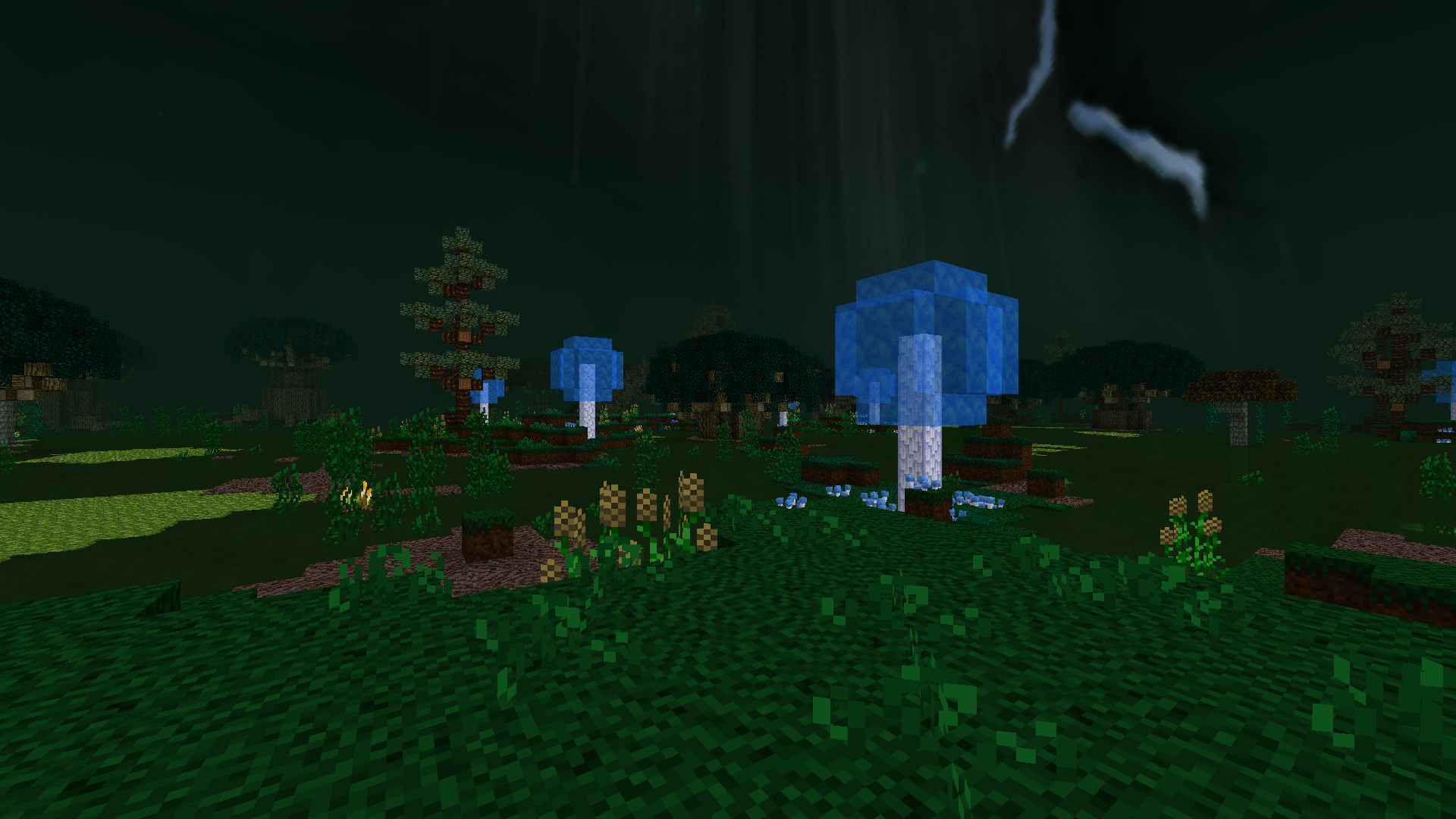
This light-weight pack focuses mostly on the mod "The Betweenlands", a very unique dimension on its own. There is no overworld, you will spawn inside the betweenlands and stay in it the entire time.
Features:
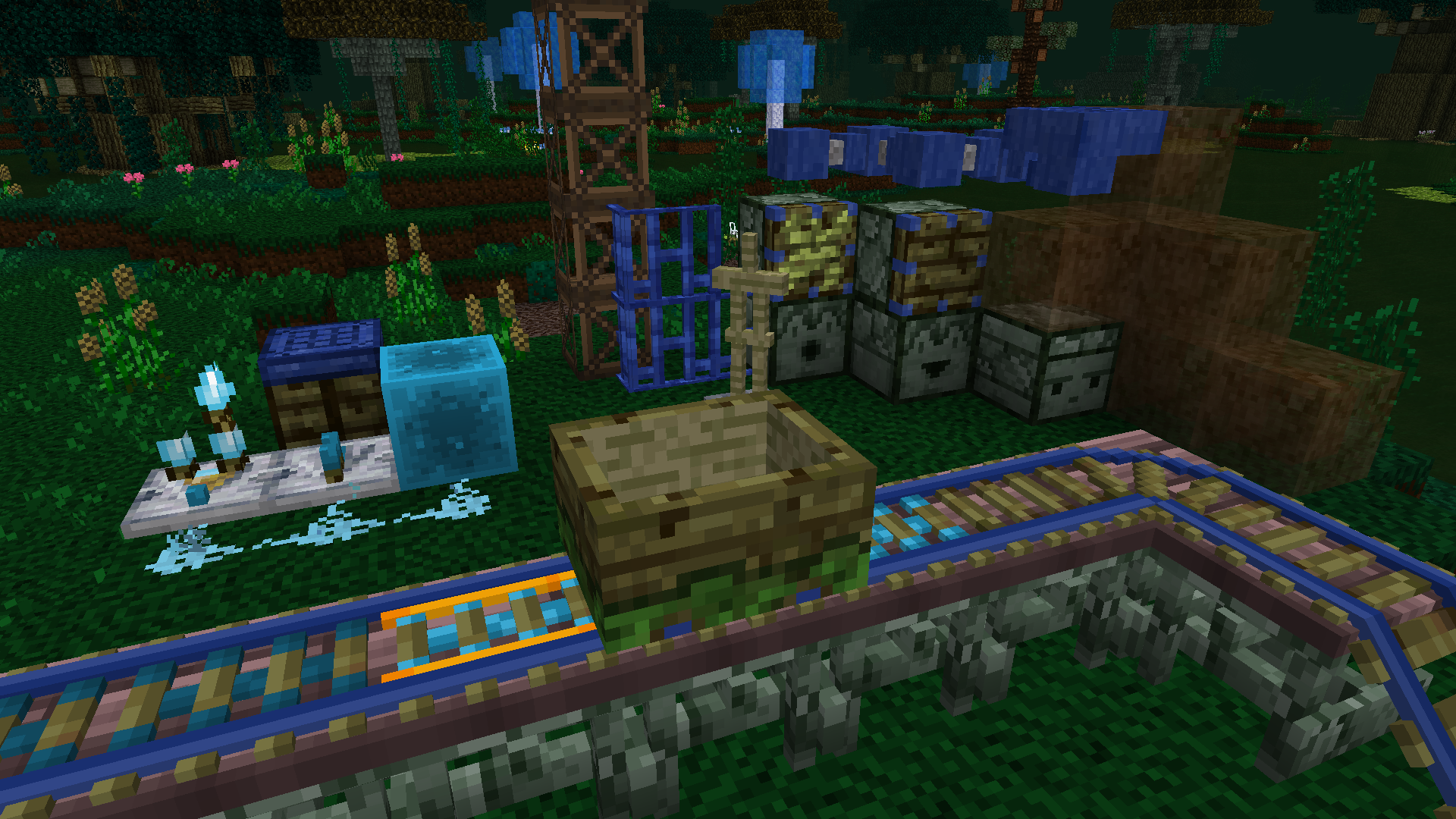
- Most vanilla items have been completely disabled
- The ones available + other modded items have adjusted recipes and textures to match the betweenlands
- When you die, you keep your hotbar, your equipped lurker pouch, your armor, and your off-hand. Anything else in your inventory gets placed inside a grave.
- Several Quality of Life mods to improve your time inside this swampy world, such as Ore Excavate (only works on ores and smaller trees), Wall-Jump, Find-Me)
- Decorative mods to help spice up your buildings
- Light-weight - while the betweenlands itself can be a bit on the heavier side, the pack has several performance mods to help with that
- UI Texture Pack by Flint (https://www.curseforge.com/minecraft/texture-packs/the-betweenlands-inventory-pack)
Looking for a server to play on? Join out discord to get access to the official Into The Betweenlands server!
Recommended 3-4GB RAM.
While you can use Optifine, i recommend to try without first. Optifine can cause some render glitches in the betweenlands. If you do end up using it, make sure to set "Fast Render" to OFF.
Created for my Twitch/Youtube series.
Also check out those playthroughs:
Lautner's Perspective
Randomobsessor's Perspective
Into The Betweenlands nasıl kurulur
With Millida Launcher
Install Millida Launcher
The launcher is free: download it at millida.net/launcher and sign in with any nickname.
Click “Install” on this page
The launcher opens and installs the modpack for Minecraft 1.12.2 on Forge automatically.
Launch the game
A profile with it appears in the launcher: click “Play”.
Manually
Download the modpack archive
In the version list above, pick the file Into The Betweenlands-1.5.2.zip (1.1 MB).
Import it into a launcher
A launcher that supports modpacks (Millida Launcher, Prism) takes the archive via “Add modpack”, then “From file”. No need to unpack it yourself.
Allocate memory
Modpacks need more memory than the plain game: set 4–6 GB in the profile settings.
On a server
Use the “To server” button
On Millida Hosting, the button at the top of the page uploads the file to your server and restarts it for you.
Invite friends: they install the same modpack
To join the server, every player needs the same modpack version.
Minecraft 1.12.2 runs on Java 8: with a different Java version the game may close right after launch.
Sürümler
Bağımlılıklarla
| Minecraft | Yükleyici | Dosya | Tarih | İşlemler |
|---|---|---|---|---|
| 1.12.2 | Forge | Into The Betweenlands-1.5.2.zip1.1 MB | ||
| 1.12.2 | — | Into The Betweenlands-1.5.0.zip979 KB |
SSS
Which Minecraft versions does Into The Betweenlands work on?
Only Minecraft 1.12.2: there are no files for other versions.
Is Into The Betweenlands for Forge or Fabric?
Only for Forge: 1.12.2.
Which Java does Into The Betweenlands need?
Minecraft 1.12.2 runs on Java 8. If the game closes right after launch, the usual cause is the wrong Java version in the profile settings.
Where can I download Into The Betweenlands safely?
On this page: the file Into The Betweenlands-1.5.2.zip (1.1 MB) is stored on Millida’s server, with no link shorteners. SHA-1 checksum: f2804e8d44344bbc58cc07aa201f74723db56f78.
Yorumlar
Into The Betweenlands için ilk puanı sen ver


