

Minecraft 1.18.2 için Fantasy Realm Mod paketi
Eşi benzeri olmayan bir Fantastik Macera ve Keşif Diyarı!
- indirme
- 1 indirme
- görüntülenme
- 26 görüntülenme
- Güncellendi
- Güncellendi 18.10.2026
- 1.18.2
 Forge
Forge
A RPG ADVENTURE & EXPLORATION MODPACK FOCUSING ON QUALITY!
🍀 800+ Quests!
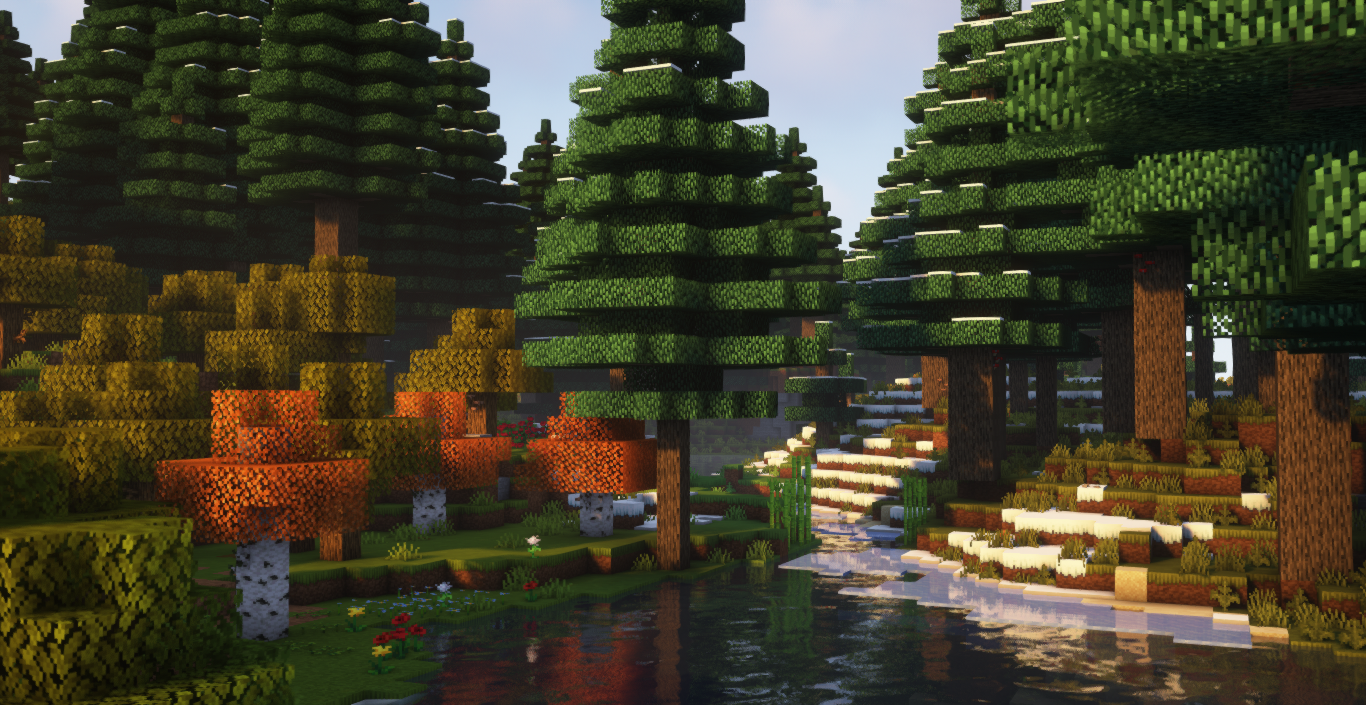
🍀 5 Brand New Dimensions & 100+ New Biomes in the Overworld 🍀 RPG Stats Progression [Press the "K" key] 🍀 Tons of New Bosses & Mini Bosses & 100+ New Mobs 🍀 200+ Dungeons & Structures to Conquer 🍀 Customizable Backpacks by Completing Challenges 🍀 Collect 12 New Eyes to Enter the Remastered End Dimension! 🍀 Magic Mods such as Forbidden Arcanus, Malum & More! 🍀 Overhauled GUI & Custom Textures 🍀 Journey Map [Press 'M' to Open] 🍀 Built a Bustling Fantasy Kingdom with Minecolonies! 🍀 250+ Mods
Fantasy Realm nasıl kurulur
With Millida Launcher
Install Millida Launcher
The launcher is free: download it at millida.net/launcher and sign in with any nickname.
Click “Install” on this page
The launcher opens and installs the modpack for Minecraft 1.18.2 on Forge automatically.
Launch the game
A profile with it appears in the launcher: click “Play”.
Manually
Download the modpack archive
In the version list above, pick the file Fantasy Realm v3.zip (45 MB).
Import it into a launcher
A launcher that supports modpacks (Millida Launcher, Prism) takes the archive via “Add modpack”, then “From file”. No need to unpack it yourself.
Allocate memory
Modpacks need more memory than the plain game: set 4–6 GB in the profile settings.
On a server
Use the “To server” button
On Millida Hosting, the button at the top of the page uploads the file to your server and restarts it for you.
Invite friends: they install the same modpack
To join the server, every player needs the same modpack version.
Minecraft 1.18.2 runs on Java 17: with a different Java version the game may close right after launch.
Sürümler
Bağımlılıklarla
| Minecraft | Yükleyici | Dosya | Tarih | İşlemler |
|---|---|---|---|---|
| 1.18.2 | Forge | Fantasy Realm v345.3 MB 1 | ||
| 1.18.2 | Forge | Fantasy Realm v1.544 MB | ||
| 1.18.2 | — | Fantasy Realm 1.18.2 v144.4 MB |
SSS
Which Minecraft versions does Fantasy Realm work on?
Only Minecraft 1.18.2: there are no files for other versions.
Is Fantasy Realm for Forge or Fabric?
Only for Forge: 1.18.2.
Which Java does Fantasy Realm need?
Minecraft 1.18.2 runs on Java 17. If the game closes right after launch, the usual cause is the wrong Java version in the profile settings.
Where can I download Fantasy Realm safely?
On this page: the file Fantasy Realm v3.zip (45 MB) is stored on Millida’s server, with no link shorteners. SHA-1 checksum: 47f1d7e525f4457b144d344e6389f25d5f484123.
Yorumlar
Fantasy Realm için ilk puanı sen ver


