

Minecraft 1.7.10 için Ender Twilight Mod paketi
45 mod içeren hafif paket. AE2, EnderIO, EnderZoo, Hardcore Ender Expansion, Twilight Forest ve daha fazlası
Ender Twilight mod paketi hakkında
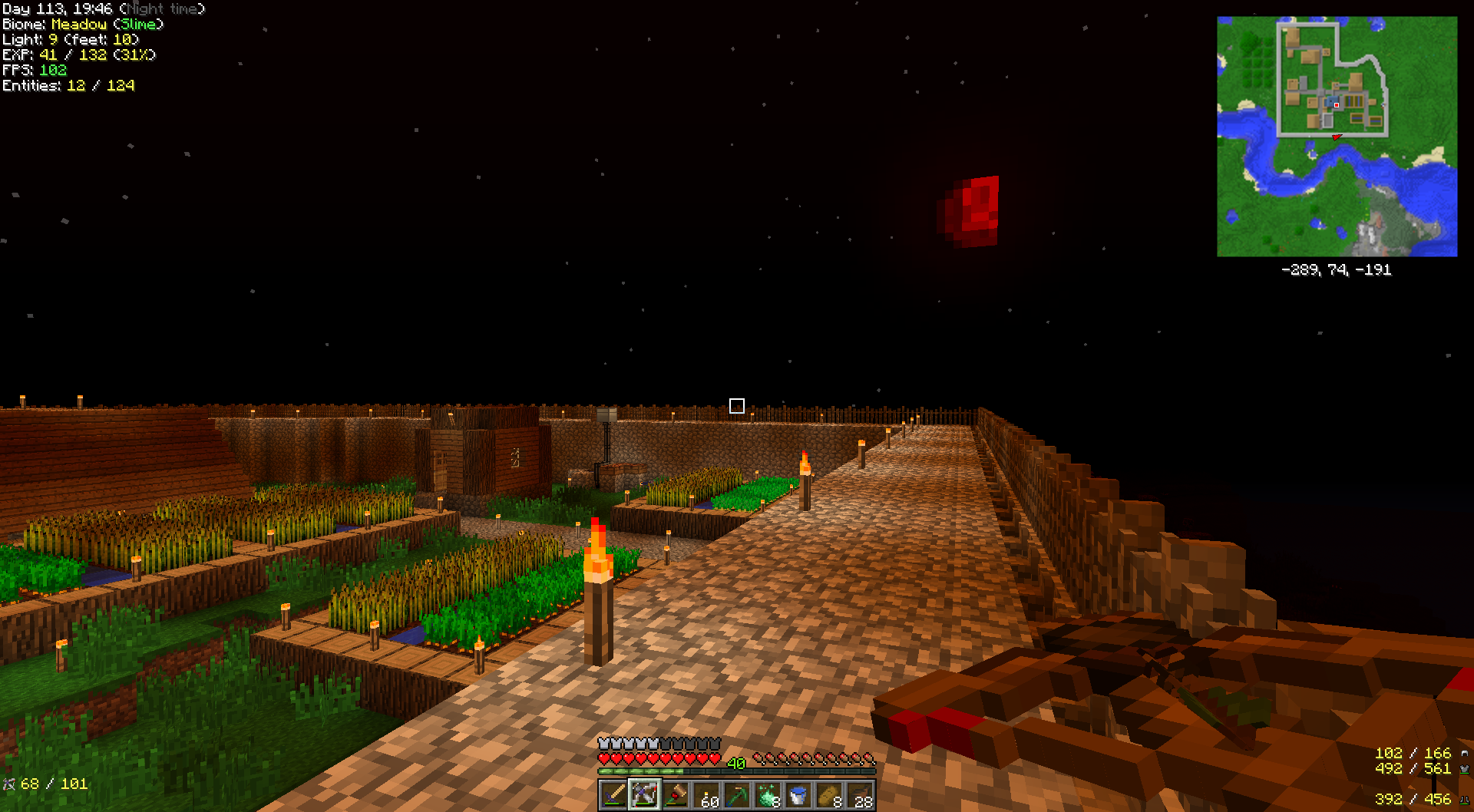
New to mods pack meant to be light yet give the player a lot more than Vanilla Minecraft. 4 Ender mods gives you some tech, more mobs and easier storage. AE2 is all tech but NO Big Reactors or Draconian Evolution so powering system will be slightly challenging. Magical crops gives OP armor and flight but will have to be worked for. Carpenters Blocks and Chisel 2 give megabuilder lots of options. Archemedes Ships I just added because I hate Vanilla Minecraft boats, Oh ya you can also make airships with it. As for other dimentions Extra Utilites adds Deep Dark and Twight Forest is just cool! Random Things for Blood Moon and Fast Leaves Decay plus more. Hardcore Ender Expansion to make the end a place to explore and tougher to match Magical Crops Armor.Also added Roguelike Dungeons for more overworld challenges and VeinMiner for those who like it. Don't like VeinMiner don't use it.
Added NotEnoughResources and Mouse Tweaks, edited Veinminer config to not use list of blocks; now all blocks veinmined with appropriate tool or hand, updated Forge and other mods to latest versions.
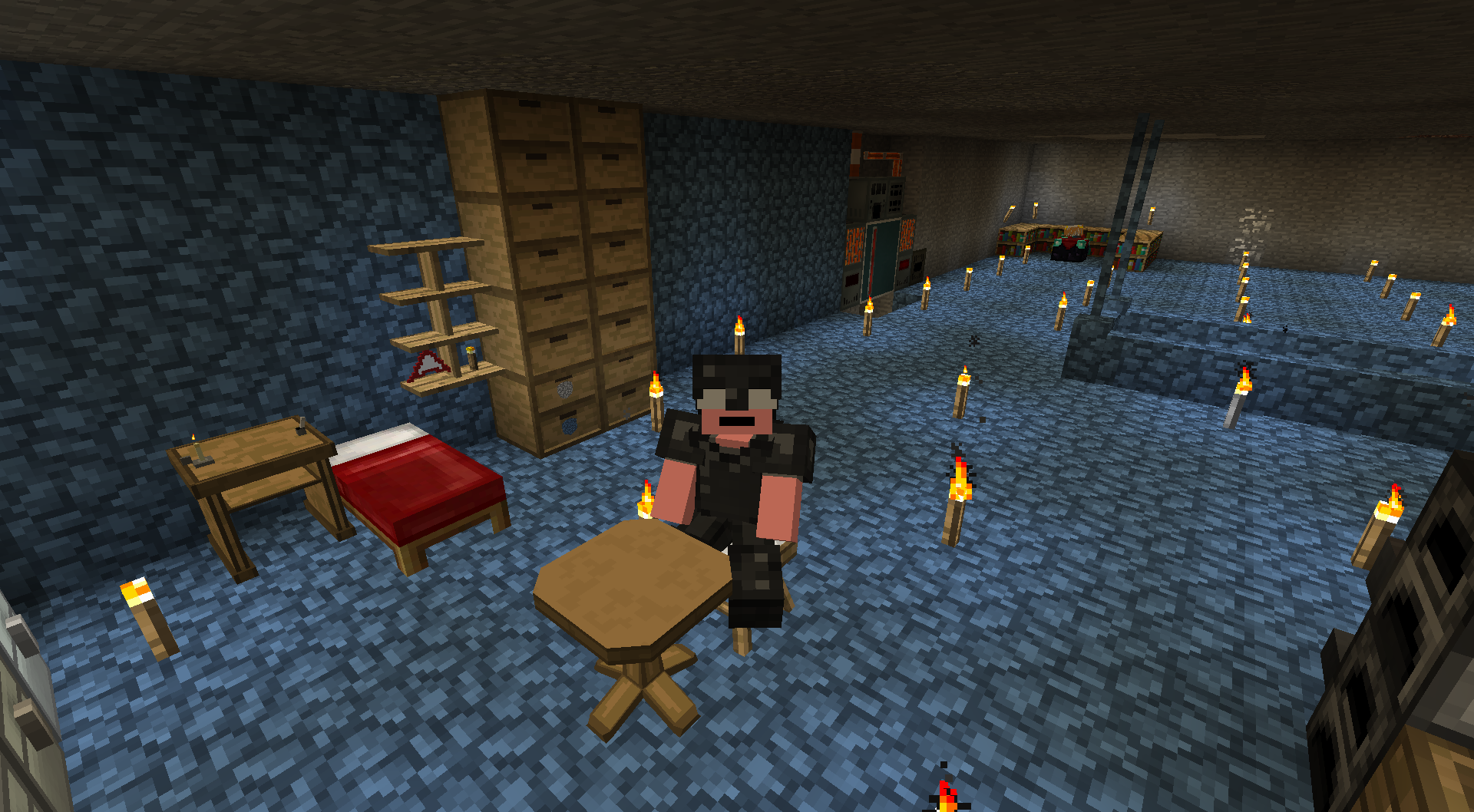
1/21/16 Have an idea,added Headcrumbs into pack. Fans of Ender Twilight, want to be a random zombie in the pack? Email your in game Minecraft name to AddMeToEnderTwilight@gmail.com. You need to have a custom skin associated with your account(otherwise you just show up as a Steve skin) Updates will be every 2 weeks (or so), I will check skins before adding on namemc.com . For now Headcrumbs is loaded with stock names the mod comes with, the more of your names I get the less those remain.
All in a light pack with 45 running mods(some just utility mods). Some mod configs tweaked very little so all mods are mostly as mod devs intended them.
Follow me on Twitter @J0eB Player.me rothnarge and I lurk alot on Twitch.tv rothnarge
If you like this pack please think of donating to the mod developers, without them modded minecraft would not be.
I've had very good results installing these 2 extra mods. They speed things up considerably for my pc, results may vary on your pc. Just download the latest 1.7.10 .jar file and place them in the /mods folder of the install.
OptiFine is a Minecraft optimization mod.
It allows Minecraft to run faster and look better with full support for HD textures and many configuration options.
The official OptiFine description is on the Minecraft Forums.
This pack is intended to use Fastcraft, by Player. Fastcraft enhances Minecraft with increased performance. Bug reports being made directly to Mod Authors should state Fastcraft is enabled. Pack does not require Fastcraft but player can install by downloading at http://forum.industrial-craft.net/index.php?page=Thread&threadID=10820
Instructions for adding extra mods into pack
BEFORE ATTEMPTING THIS BACKUP YOUR SAVES
In Curse Voice, right click on installed modpack icon then select Open Folder. Copy saves folder to a different folder or drive.
To add mod copy downloaded .jar mod file into mods folder. Some mods may not work, 3 above I've tested; they work for me. If you add a different mod and something goes wrong just delete that .jar file from the mods folder and the pack should work again.
Pack includes:
- Random Things (by lumien231)
- ChickenChunks (by chicken_bones)
- Waila (by ProfMobius)
- Jabba (by ProfMobius)
- Magical Crops (by Mark719)
- ttCore (by tterrag1098)
- iChunUtil (by iChun)
- Iguanas Tinker Tweaks (by bonusboni)
- BiblioCraft: BiblioWoods ExtraBiomesXL Edition (by JDSinclair)
- Reliquary (by x3n0ph0b3)
- MobiusCore (by ProfMobius)
- Hats (by iChun)
- Iron Chests (by progwml6)
- Archimedes' Ships (by Balkondeur)
- Inventory Tweaks (by Kobata)
- bspkrsCore (by bspkrs)
- LunatriusCore (by Lunatrius)
- The Twilight Forest (by Benimatic)
- Applied Energistics 2 (by AlgorithmX2)
- Ender IO (by CrazyPants_MC)
- Ender Zoo (by CrazyPants_MC)
- Carpenter's Blocks (by Syntaxial)
- BiblioCraft (by JDSinclair)
- Chisel 2 (by TheCricket26)
- CodeChickenCore (by chicken_bones)
- Ender Storage (by chicken_bones)
- Extra Utilities (by RWTema)
- InGame Info XML (by Lunatrius)
- JourneyMap (by techbrew)
- Mantle (by mDiyo)
- NotEnoughItems (by chicken_bones)
- Tinkers Construct (by mDiyo)
- Wawla - What Are We Looking At (by darkh4x)
- NotEnoughResources (by Way2muchnoise)
- Mouse Tweaks (by YaLTeR97)
- Headcrumbs (by ganymedes01)
- Chance Cubes (by turkey2349)
- ExtrabiomesXL (by Annysia)
- Hardcore Ender Expansion (by chylex)
- OpenBlocks (by OpenMods)
- OpenModsLib (by OpenMods)
- Roguelike Dungeons (by Greymerk)
- Storage Drawers (by jaquadro)
- VeinMiner (by Portablejim)
Ender Twilight nasıl kurulur
With Millida Launcher
Install Millida Launcher
The launcher is free: download it at millida.net/launcher and sign in with any nickname.
Click “Install” on this page
The launcher opens and installs the modpack for Minecraft 1.7.10 automatically.
Launch the game
A profile with it appears in the launcher: click “Play”.
Manually
Download the modpack archive
In the version list above, pick the file Ender Twilight-0.3.1.zip (939 KB).
Import it into a launcher
A launcher that supports modpacks (Millida Launcher, Prism) takes the archive via “Add modpack”, then “From file”. No need to unpack it yourself.
Allocate memory
Modpacks need more memory than the plain game: set 4–6 GB in the profile settings.
On a server
Use the “To server” button
On Millida Hosting, the button at the top of the page uploads the file to your server and restarts it for you.
Invite friends: they install the same modpack
To join the server, every player needs the same modpack version.
Minecraft 1.7.10 runs on Java 8: with a different Java version the game may close right after launch.
Sürümler
Bağımlılıklarla
| Minecraft | Yükleyici | Dosya | Tarih | İşlemler |
|---|---|---|---|---|
| 1.7.10 | — | Ender Twilight 0.3.1939 KB | ||
| 1.7.10 | — | Ender Twilight 0.1.5812 KB |
SSS
Which Minecraft versions does Ender Twilight work on?
Only Minecraft 1.7.10: there are no files for other versions.
Which Java does Ender Twilight need?
Minecraft 1.7.10 runs on Java 8. If the game closes right after launch, the usual cause is the wrong Java version in the profile settings.
Where can I download Ender Twilight safely?
On this page: the file Ender Twilight-0.3.1.zip (939 KB) is stored on Millida’s server, with no link shorteners. SHA-1 checksum: a9ee65c07d878918c5de969652202b3a52324019.
Yorumlar
Ender Twilight için ilk puanı sen ver


