
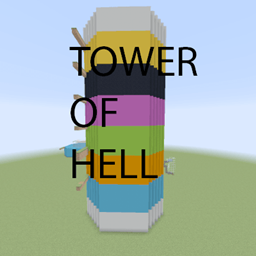
Minecraft 1.16.5 için Tower Of Hell Harita
işte çok zor bir zıplama haritası
Tower Of Hell haritası hakkında
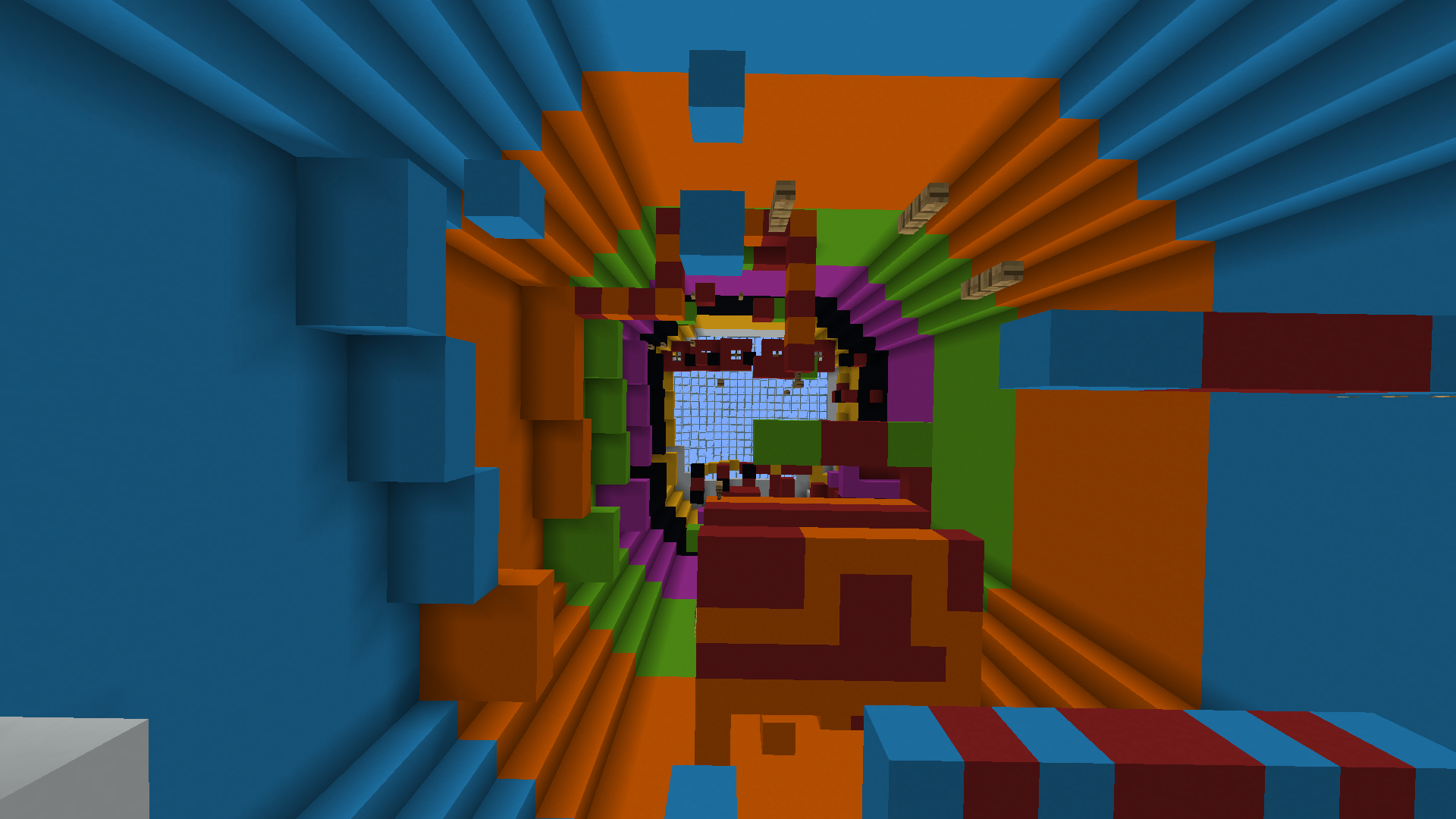
The map is inspired by the tower of hell game on roblox.The map is endless because you can reset the tower and there is a successful tower counter.
Video of map: https://www.youtube.com/watch?v=ftKvyv4O2JU
Tower Of Hell nasıl kurulur
With Millida Launcher
Install Millida Launcher
The launcher is free: download it at millida.net/launcher and sign in with any nickname.
Click “Install” on this page
The launcher opens and installs the map for Minecraft 1.16.5 automatically.
Launch the game
A profile with it appears in the launcher: click “Play”.
Manually
Download the map archive
Pick the file Tower of Hellv2.zip (2.3 MB).
Unpack it into the saves folder
The world folder (with level.dat inside) must sit directly in .minecraft/saves.
Open the world
“Singleplayer”: the map will be in your world list.
On a server
Replace the world folder
Stop the server and put the map folder in place of world (or set its name in level-name).
Use the “To server” button
On Millida Hosting, the button at the top of the page uploads the file to your server and restarts it for you.
Sürümler
Bağımlılıklarla
| Minecraft | Yükleyici | Dosya | Tarih | İşlemler |
|---|---|---|---|---|
| 1.16.5 | — | Tower Of Hellv22.3 MB |
SSS
Which Minecraft versions does Tower Of Hell work on?
Only Minecraft 1.16.5: there are no files for other versions.
Where can I download Tower Of Hell safely?
On this page: the file Tower of Hellv2.zip (2.3 MB) is stored on Millida’s server, with no link shorteners. SHA-1 checksum: ca114ca1951350ebff81670c1f5668bcc5a490a1.
Yorumlar
Tower Of Hell için ilk puanı sen ver



