
Minecraft 1.21.11 için FIND THE BUTTON 2 Harita
TÜM DÜĞMELERİ BULABİLİR MİSİN? 🤔
FIND THE BUTTON 2 haritası hakkında
~ DESCRIPTION ~
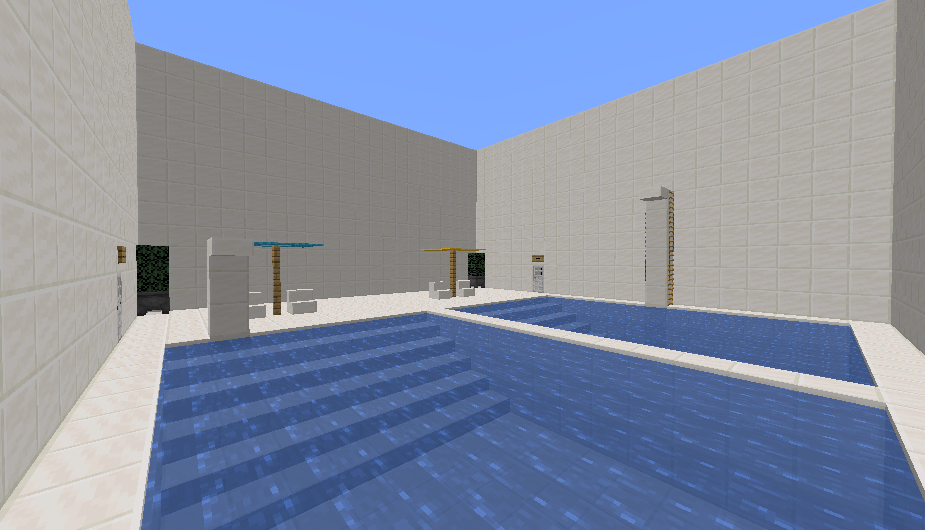
‘FIND THE BUTTON’ is a map, as the name suggests, where you can find buttons spread across 10 maps. This is the continuation of the first one and has more interesting scenarios. I hope you enjoy it 😀
~ OTHER MAPS ~
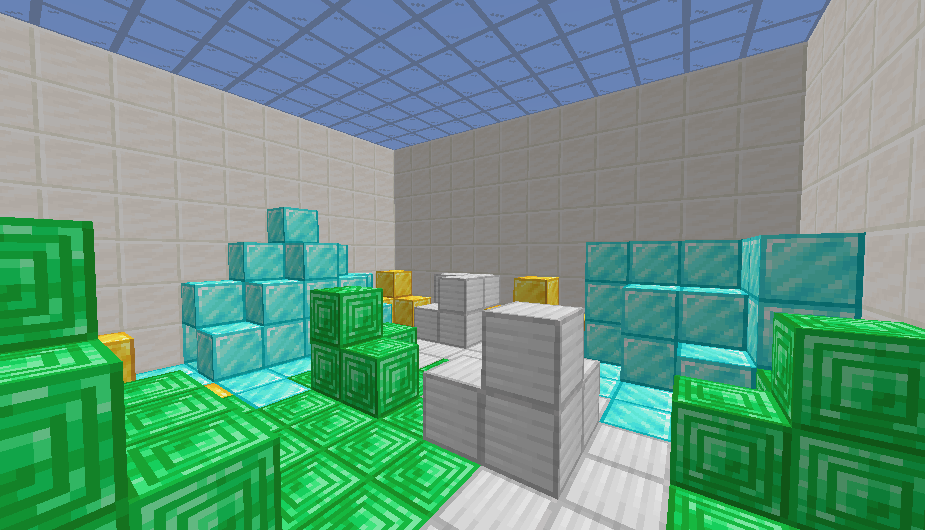
FIND THE BUTTON
CHALLENGE ROOM
BARRIER
~ FOLLOW ME ~
FIND THE BUTTON 2 nasıl kurulur
With Millida Launcher
Install Millida Launcher
The launcher is free: download it at millida.net/launcher and sign in with any nickname.
Click “Install” on this page
The launcher opens and installs the map for Minecraft 1.21.11 automatically.
Launch the game
A profile with it appears in the launcher: click “Play”.
Manually
Download the map archive
Pick the file FIND THE BUTTON 2.zip (3.2 MB).
Unpack it into the saves folder
The world folder (with level.dat inside) must sit directly in .minecraft/saves.
Open the world
“Singleplayer”: the map will be in your world list.
On a server
Replace the world folder
Stop the server and put the map folder in place of world (or set its name in level-name).
Use the “To server” button
On Millida Hosting, the button at the top of the page uploads the file to your server and restarts it for you.
Sürümler
Bağımlılıklarla
| Minecraft | Yükleyici | Dosya | Tarih | İşlemler |
|---|---|---|---|---|
| 1.21.11 | — | FIND THE BUTTON 2 v1.43.2 MB 1 |
Yorumlar
FIND THE BUTTON 2 için ilk puanı sen ver



