
Minecraft 1.11 için Canyon Jumps Harita
Canyon Jumps, daha önce hiç görmediğiniz birçok şey içeren benzersiz bir parkur haritasıdır
Canyon Jumps haritası hakkında
Canyon Jumps is a jump'n'run map with an in-built scoreboard system. The first player to finish a challenge gets the points for that challenge - the amount of points varies per challenge. The player with the most points in the end wins the competition.
The map consists of 43 challenges and 5 extra challenges which are not necessary to complete the map. The challenges have many different degrees of difficulty which change often, it doesn't get harder continuously. After each challenge, there is an easy to use checkpoint.
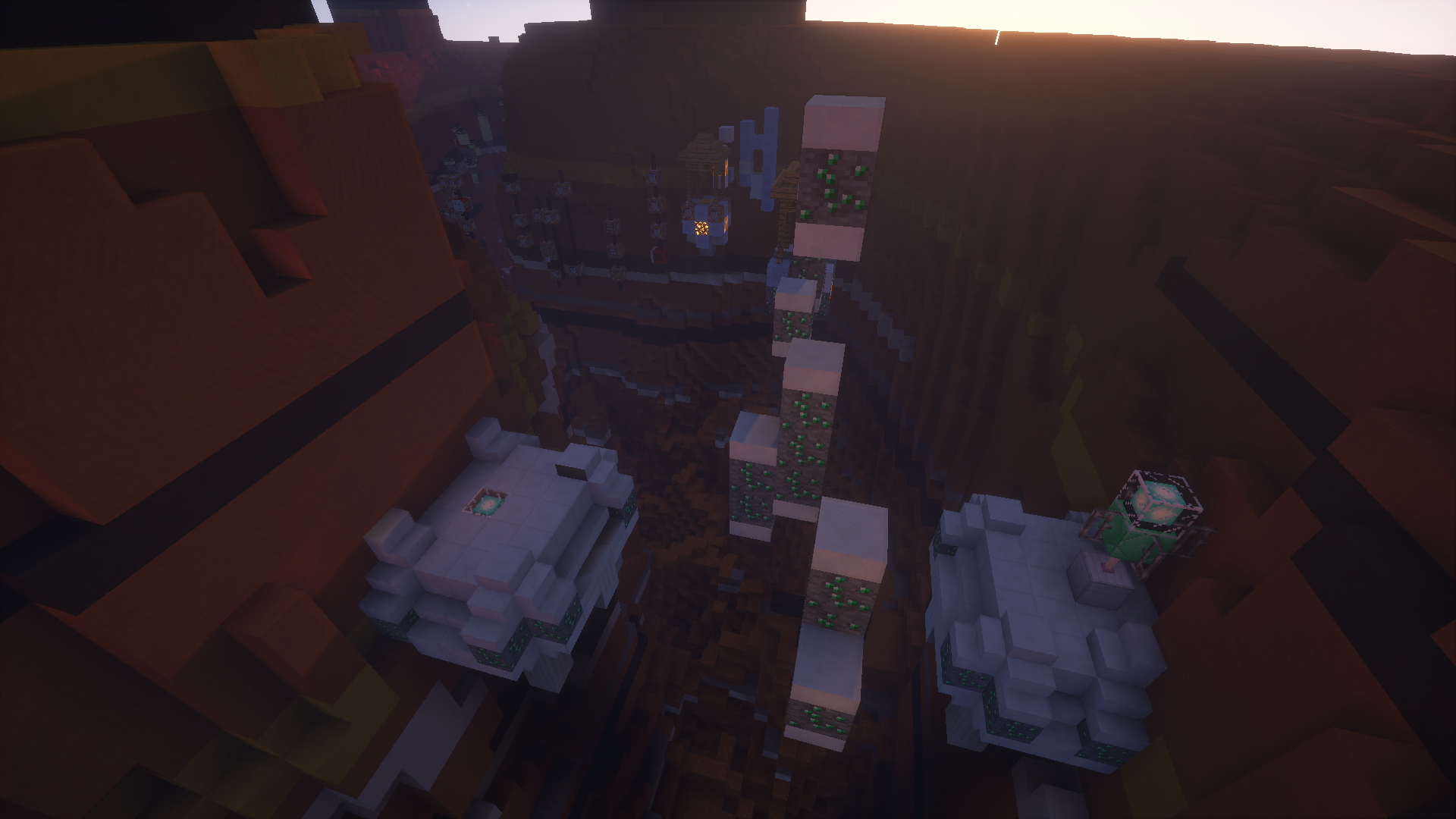
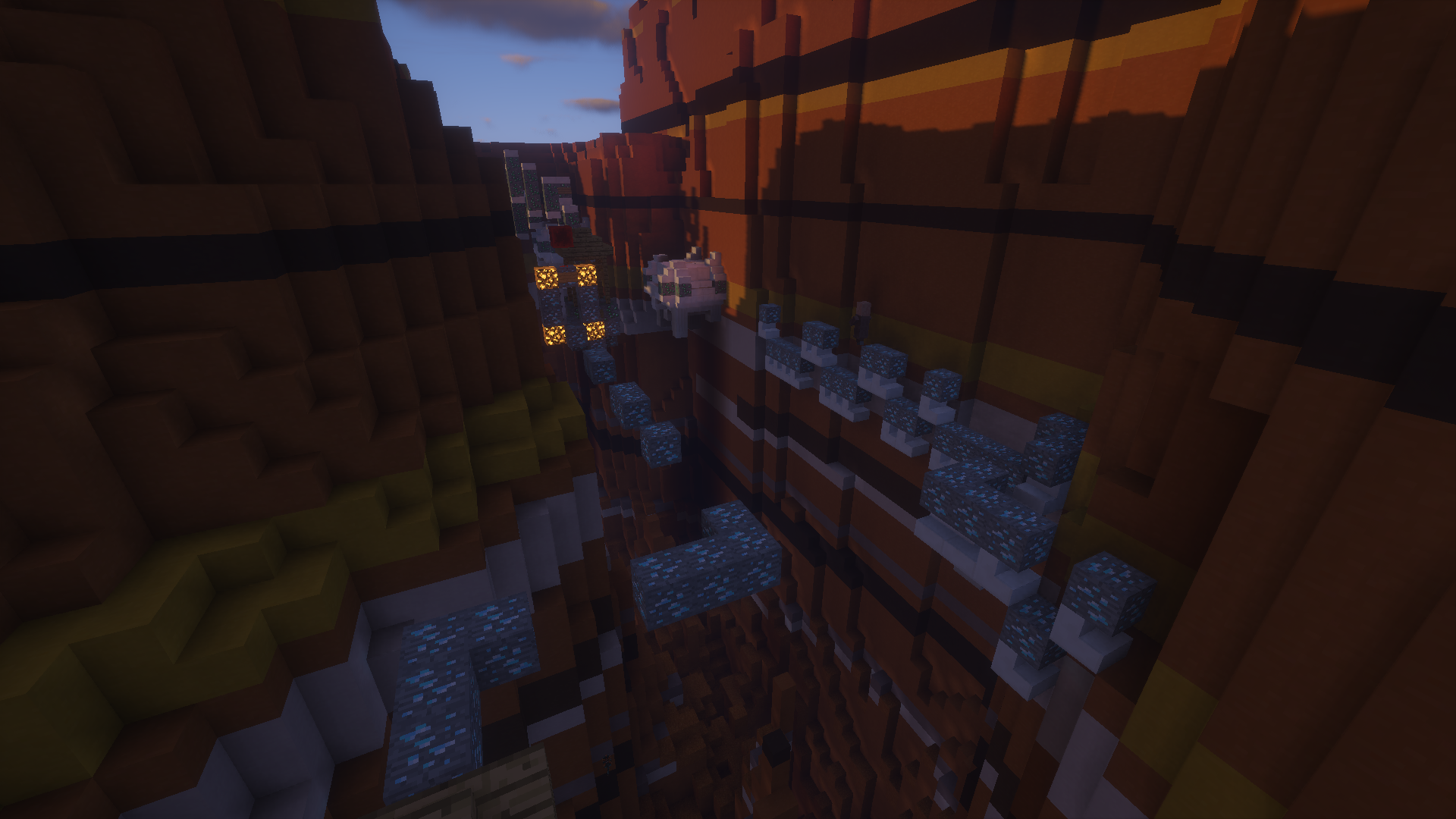
The parkour has - as the name suggests - the look of a canyon. We attached great importance to the design, but of course we did not neglect the gameplay. ;)
There is no minimum or maximum amount of players, you can play with as many friends as you want or even alone. :)
You can get more information, e.g. about the checkpoint system, the different points for the challenges, ..., in an information book which you can get at the start of the map.
Features:
43 epic challenges
5 extra challenges which are optional
Unique levels with things you have never seen before (esp. in the last challenges)
Automatic scoreboard system
Easy and fast checkpoint system
Singleplayer or multiplayer
Please note:
Make sure to play on Minecraft version 1.10 or higher!
Enable command blocks!
Canyon Jumps nasıl kurulur
With Millida Launcher
Install Millida Launcher
The launcher is free: download it at millida.net/launcher and sign in with any nickname.
Click “Install” on this page
The launcher opens and installs the map for Minecraft 1.9–1.11 automatically.
Launch the game
A profile with it appears in the launcher: click “Play”.
Manually
Download the map archive
Pick the file Canyon-Jumps v1.6.zip (12 MB).
Unpack it into the saves folder
The world folder (with level.dat inside) must sit directly in .minecraft/saves.
Open the world
“Singleplayer”: the map will be in your world list.
On a server
Replace the world folder
Stop the server and put the map folder in place of world (or set its name in level-name).
Or use the “To hosting” button
On Millida Hosting, the button at the top of the page uploads the file to your server and restarts it for you.
Sürümler
Bağımlılıklarla
| Minecraft | Yükleyici | Dosya | Tarih | İşlemler |
|---|---|---|---|---|
| 1.9.1 | — | Canyon-Jumps v1.612.2 MB |
SSS
Which Minecraft versions does Canyon Jumps work on?
There are files for 1.9–1.11, 9 versions in total. The newest is 1.11.
Where can I download Canyon Jumps safely?
On this page: the file Canyon-Jumps v1.6.zip (12 MB) is stored on Millida’s server, with no link shorteners. SHA-1 checksum: ae866c406a5196348a64ecb53be9ce8341ade015.
Yorumlar
Canyon Jumps için ilk puanı sen ver



