

Minecraft 26.20 için Backrooms Back on Track Harita
Boyutunuzdan tamamen kayıp düşmüş bir şirket çalışanı olarak, bu özel Bedrock korku deneyiminde sonsuz backrooms'larda ilerlemeli ve eve dönüş yolunu bulmalısınız.
Backrooms Back on Track haritası hakkında
You were just doing your job. As an active employee of the corporation, you knew the risks of working around the portal architecture-but you never expected to misstep. One second you're on the clock, and the next, you slip straight through the solid foundation of reality. You didn't just fall through a floor; you fell entirely out of your home dimension and straight into The Complex.
Now stranded inside an infinite network of anomalous, shifting levels, you must find the exits and try to escape. But could you actually?..
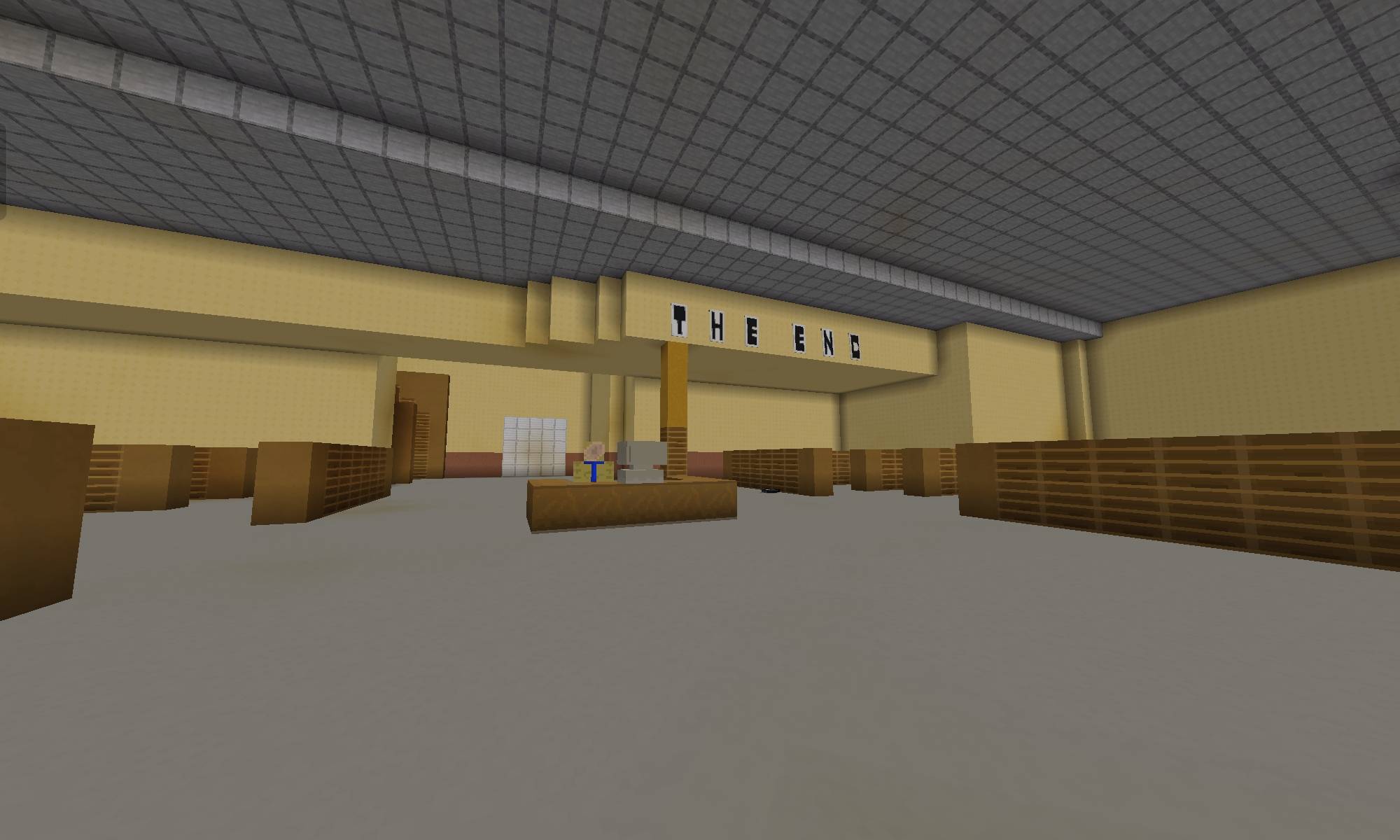
This world apparently contains 5 levels of the backrooms.
⚠️ Project Status: This project is in active development. Minor rendering or behavior bugs will be patched in upcoming version updates! Thank you for playing and supporting the map. ~FlarepointEntertainment
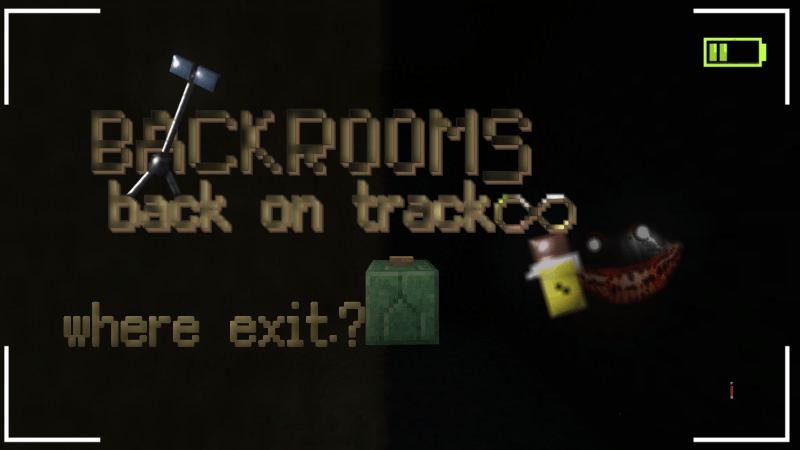
Backrooms Back on Track nasıl kurulur
With Millida Launcher
Install Millida Launcher
The launcher is free: download it at millida.net/launcher and sign in with any nickname.
Click “Install” on this page
The launcher opens and installs the map for Minecraft 26.20 automatically.
Launch the game
A profile with it appears in the launcher: click “Play”.
Manually
Download the map archive
Pick the file Backrooms back on track fpe V3.mcworld (12 MB).
Unpack it into the saves folder
The world folder (with level.dat inside) must sit directly in .minecraft/saves.
Open the world
“Singleplayer”: the map will be in your world list.
On a server
Replace the world folder
Stop the server and put the map folder in place of world (or set its name in level-name).
Use the “To server” button
On Millida Hosting, the button at the top of the page uploads the file to your server and restarts it for you.
Sürümler
Bağımlılıklarla
| Minecraft | Yükleyici | Dosya | Tarih | İşlemler |
|---|---|---|---|---|
| 26.20 | — | Backrooms back on track fpe V3.mcworld12 MB |
SSS
Which Minecraft versions does Backrooms Back on Track work on?
Only Minecraft 26.20: there are no files for other versions.
Where can I download Backrooms Back on Track safely?
On this page: the file Backrooms back on track fpe V3.mcworld (12 MB) is stored on Millida’s server, with no link shorteners. SHA-1 checksum: 8fae62193979c01c71bc20528aa40b9ea1389af1.
Yorumlar
Backrooms Back on Track için ilk puanı sen ver



