

Minecraft 1.21.1, 1.19.2 için The Expansion Veri paketi
Minecraft'ta Uzayı Keşfedin! Artık Uzay Giysileriyle!
- indirme
- 1 indirme
- görüntülenme
- 32 görüntülenme
- Güncellendi
- Güncellendi 26.01.2026
- 1.19.2 — 1.21.11
 Veri paketi
- İstemci ve sunucu
The Expansion veri paketi hakkında
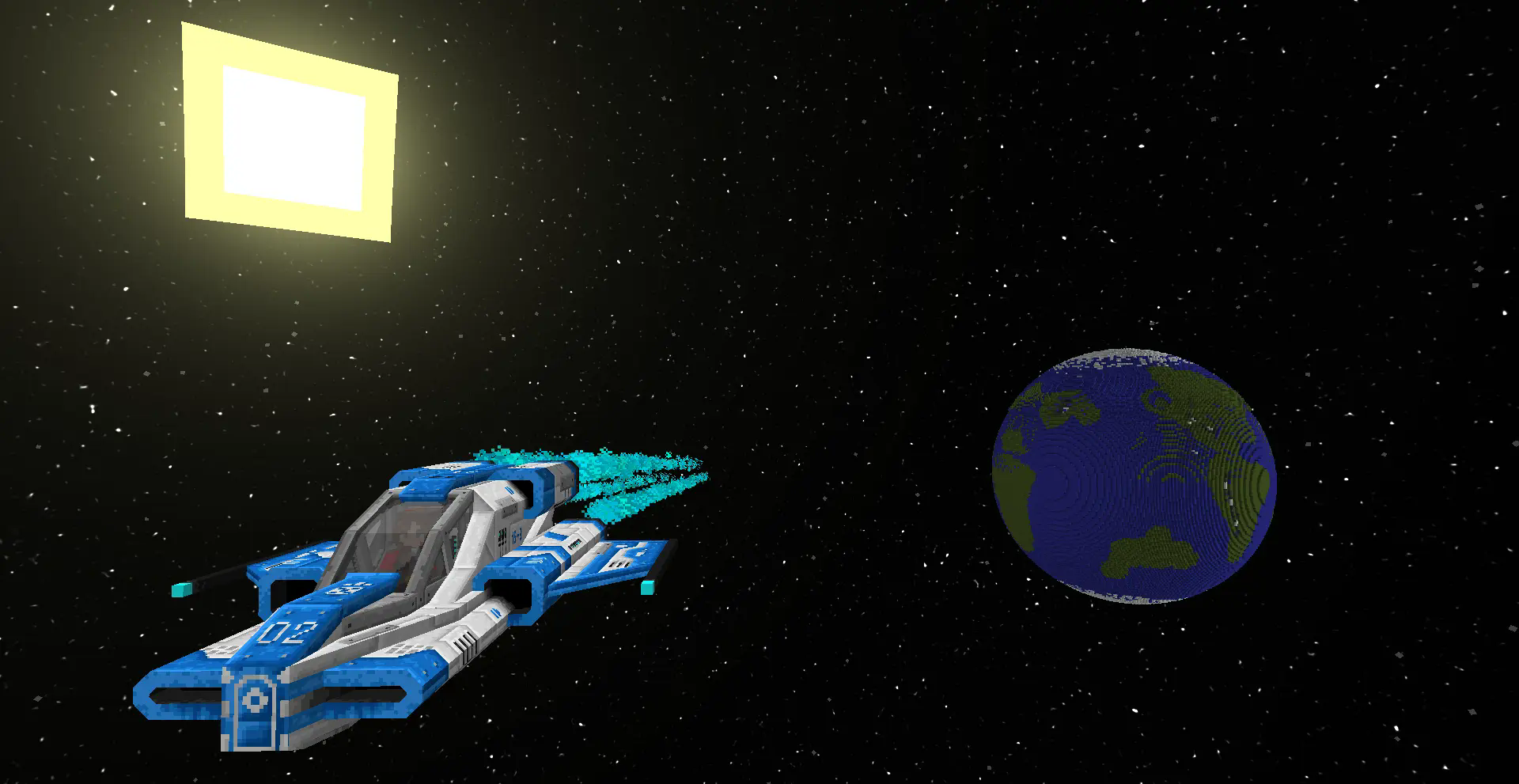
Humanity has always dreamed of traversing the universe in search of unknown planets and moons. And now, this is to some extent possible in vanilla Minecraft!
The Expansion adds 7 space-related dimensions, more than 10 structures to find there, 3 vehicles, a lot of custom items, tools, weapons, machines...
... and a whole load of other features!

Getting started
- Look at The Moon at night with a spyglass while holding a book and quill in your offhand.

Other Information
- The datapack is multiplayer compatible.
- The datapack doesn't work on Minecraft Realms because it utilizes the 'experimental' custom dimension features.
- Do not remove The Expansion from your server once installed. Removing it will break your server.
- Please report any bugs you may find to my discord server.
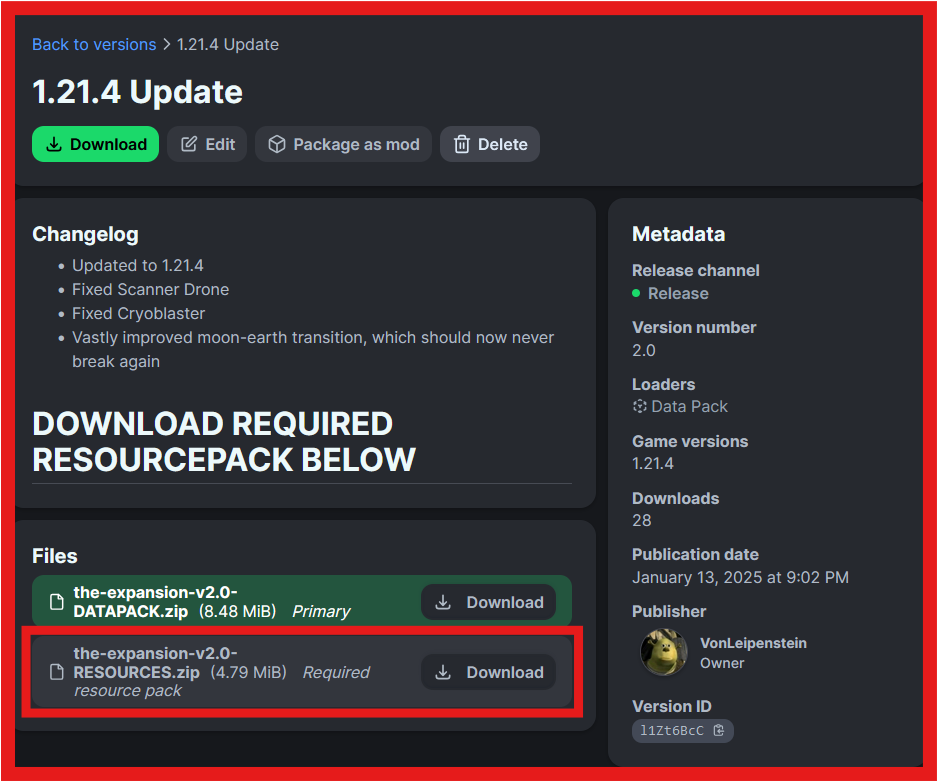
Also download the REQUIRED RESOURCEPACK!
[ ](https://discord.gg/3evKFsHE4P) [ ](https://ko-fi.com/vonleipenstein)
The Expansion nasıl kurulur
With Millida Launcher
Install Millida Launcher
The launcher is free: download it at millida.net/launcher and sign in with any nickname.
Click “Install” on this page
The launcher opens and installs the data pack for Minecraft 1.19.2–1.21.11 automatically.
Launch the game
A profile with it appears in the launcher: click “Play”.
Manually
Download the archive
Pick the file the-expansion-v2.4-DATAPACK.zip (8.5 MB) for your game version.
New world: “Data Packs”
When creating a world, click “Data Packs”, drag the archive into the window, then move it to “Selected”.
Existing world: the datapacks folder
Put the archive into saves/<world>/datapacks and type /reload in game.
On a server
Archive goes into the server world’s datapacks
The world/datapacks folder on the server; players do not need to install anything.
Reload the data
Type /reload in the server console or restart the server.
Use the “To server” button
On Millida Hosting, the button at the top of the page uploads the file to your server and restarts it for you.
Sürümler
Bağımlılıklarla
| Minecraft | Yükleyici | Dosya | Tarih | İşlemler |
|---|---|---|---|---|
| 1.21.11 | Veri paketi | 1.21.118.5 MB 1 | ||
| 1.21 | Veri paketi | 1.216.8 MB | ||
| 1.19.2 | Veri paketi | 1.19.24.2 MB |
SSS
Which Minecraft versions does The Expansion work on?
There are files for 1.21.11, 1.21.1, 1.21, 1.19.3, 1.19.2. The newest is 1.21.11.
Does The Expansion work on a server?
Yes: the data pack goes into the datapacks folder of the server world, and players do not need to install anything.
Where can I download The Expansion safely?
On this page: the file the-expansion-v2.4-DATAPACK.zip (8.5 MB) is stored on Millida’s server, with no link shorteners. SHA-1 checksum: b75386673d453b627edbaf881055af003db1b5c3.
Yorumlar
The Expansion için ilk puanı sen ver


