

 వెనిల్లా గేమ్
Woods Perfected రిసోర్స్ ప్యాక్ గురించి
WOODS PERFECTED
Welcome to Version 5 of Woods Perfected, the largest and most ambitious update yet. After 4 years of revamping and rethinking minecraft woods, I think I have finally earned the title of this pack. If your familiar with V4 or a older, then strap in. Not one plank has been left unturned for version 5.0.

[Some textures require Optifine or Optifine alternatives]

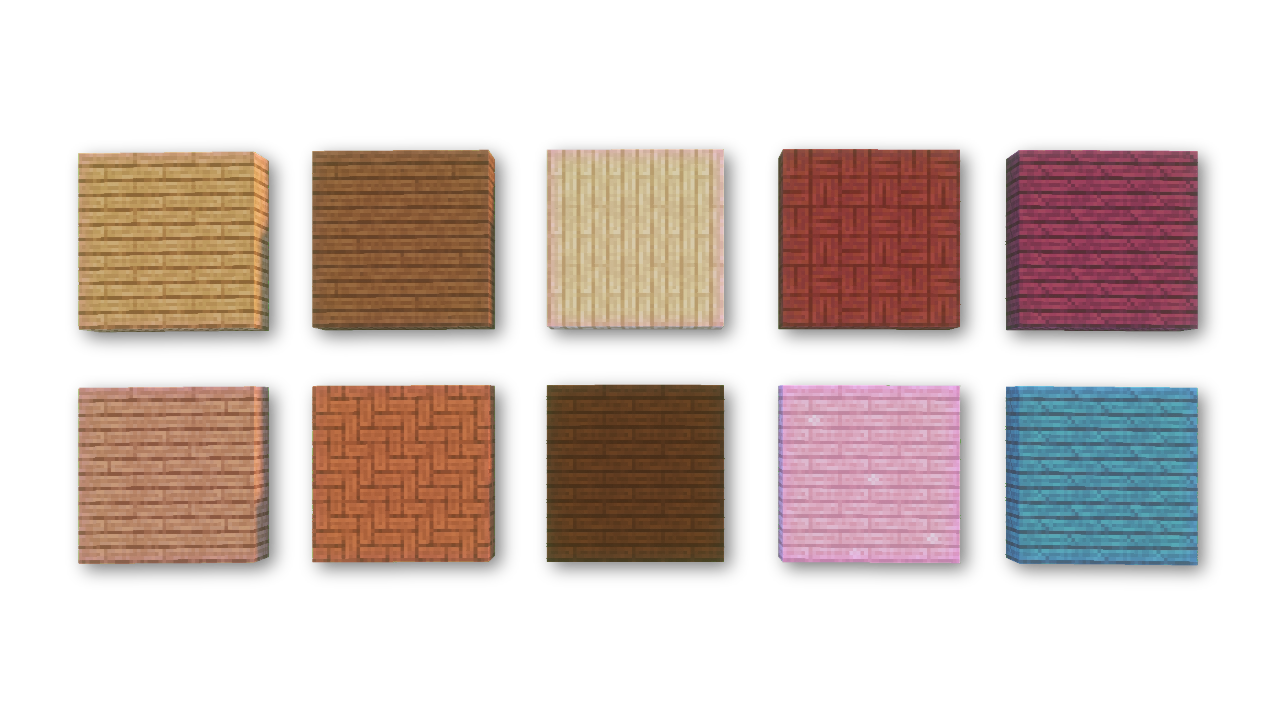
Planks have both been recolored and all have new, unique patterns. Woods like spruce, jungle and cherry utilize variated textures while others such a mangrove have an all new shape to stand apart from the rest.

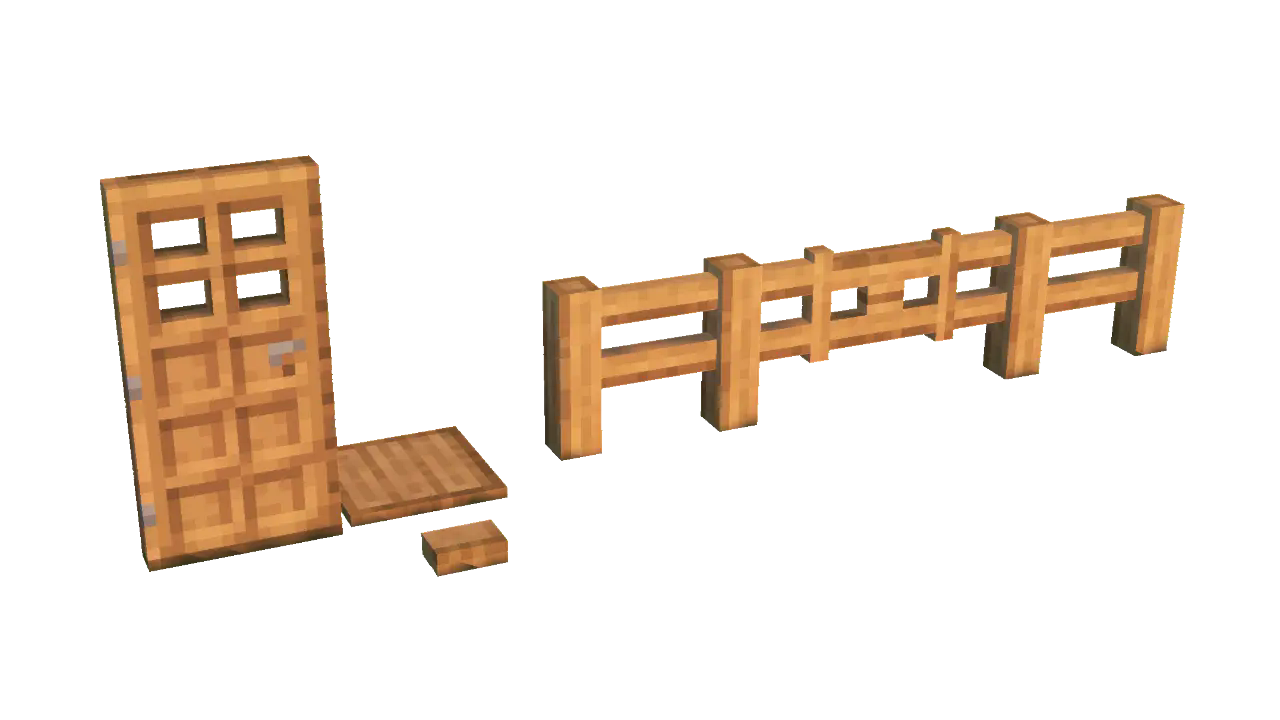
All buttons, pressure plates, fences and doors have received a revamping. Each block now has a unique texture that better fits their shape and size. Doors have received a subtle 3d revamp.

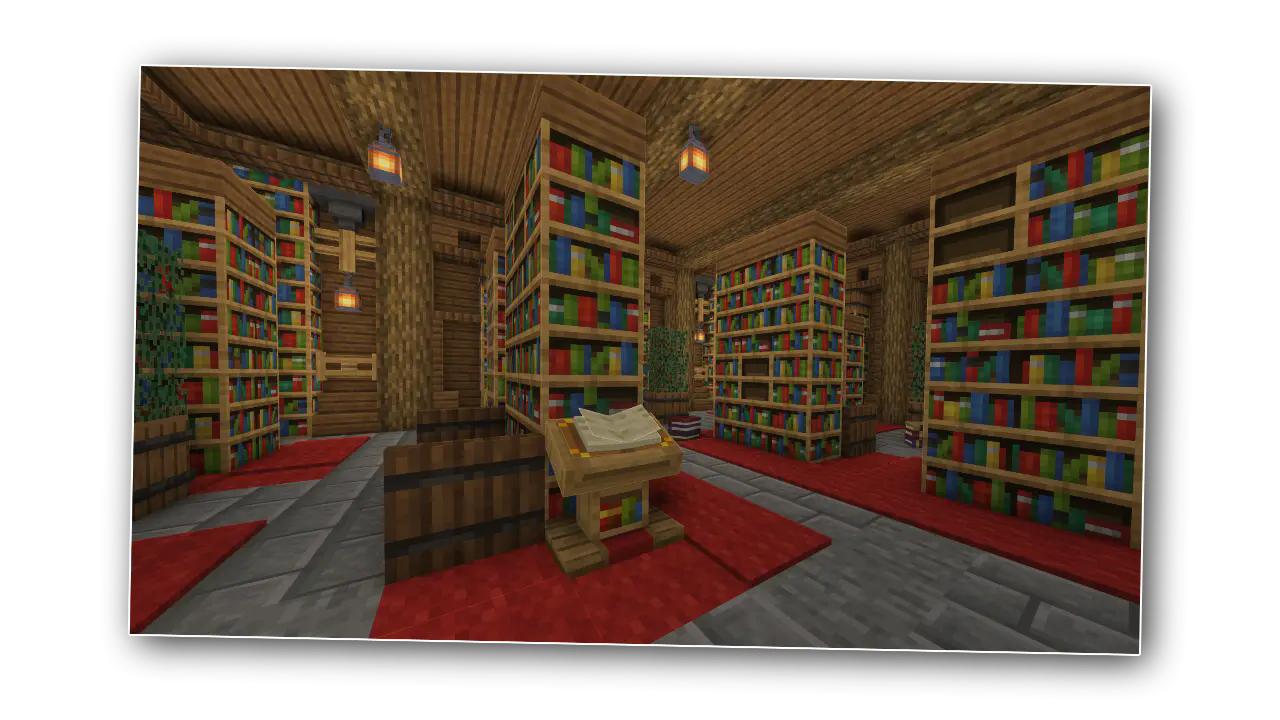
I’m really happy with these bookshelves, they're just really pretty (: Not to mention how long it took to make them variated AND connected while improving on the vanilla vibe
Download the pack for all that and more, and most importantly, enjoy!

Woods Perfected ఎలా ఇన్స్టాల్ చేయాలి
With Millida Launcher
Install Millida Launcher
The launcher is free: download it at millida.net/launcher and sign in with any nickname.
Click “Install” on this page
The launcher opens and installs the resource pack for Minecraft 1.21–1.21.4 automatically.
Launch the game
A profile with it appears in the launcher: click “Play”.
Manually
Download the archive
Pick the file Woods §aPerfected.zip (1.4 MB) for your game version. No need to unpack it.
Put it in the resourcepacks folder
The easiest way: “Options”, then “Resource Packs”, then “Open Pack Folder”, and drag the archive there.
Enable the pack
In the same window, move the pack to the right-hand “Selected” column and click “Done”.
వెర్షన్లు
డిపెండెన్సీలతో
| Minecraft | లోడర్ | ఫైల్ | తేదీ | చర్యలు |
|---|---|---|---|---|
| 1.21.4 | — | 1.21.41.4 MB |
FAQ
Which Minecraft versions does Woods Perfected work on?
There are files for 1.21.4, 1.21.3, 1.21.2, 1.21.1, 1.21. The newest is 1.21.4.
Does Woods Perfected need mods?
No, the resource pack works in the plain game without loaders: put it into the resourcepacks folder and enable it in the options.
Where can I download Woods Perfected safely?
On this page: the file Woods §aPerfected.zip (1.4 MB) is stored on Millida’s server, with no link shorteners. SHA-1 checksum: 13ed58d0669ffd9a65d8c9db3f047c0b4b280d38.
సమీక్షలు
Woods Perfectedకు మొదటి రేటింగ్ ఇవ్వండి


