
Minecraft 1.21, 26.50 కోసం Velmora Visuals రిసోర్స్ ప్యాక్
Velmora Visuals అనేది Minecraft Bedrock కోసం ఒక Vibrant Visuals షేడర్ ప్యాక్, ఇది ఆర్కిటిక్ అరోరా ఆకాశాలు, సినిమాటిక్ సూర్యాస్తమయాలు, యానిమేటెడ్ ఆకులు మరియు ACES ఫిల్మ్-గ్రేడ్ కలర్ గ్రేడింగ్తో మీ ప్రపంచాన్ని మారుస్తుంది — అన్ని పరికరాల కోసం ఆప్టిమైజ్ చేయబడింది.
Velmora Visuals is a Vibrant Visuals shader pack built for Minecraft Bedrock's new rendering pipeline. It delivers a stunning Arctic Aurora atmosphere, dramatic crimson-to-violet sunsets, ice-blue moonlit nights, volumetric biome fog, animated living foliage, and ACES film-grade color grading - all crafted to be both breathtaking and performance-conscious across a wide range of devices.

🌌 Arctic Aurora Sky & Atmosphere - Custom sky/atmosphere with polar blues, coral sunsets, and a drifting glow-aurora particle effect at night.
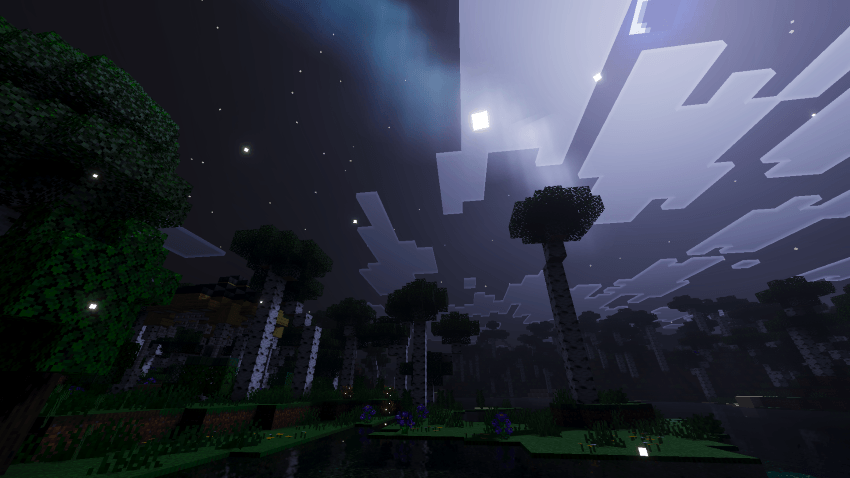
🌿 Reimagined Visual Style • Signature Arctic Aurora identity with a cool, cinematic colour palette • Balanced between photorealistic depth and vanilla-friendly clarity • Immersive animated foliage - grasses, ferns, vines, and crops breathe with smooth flipbook motion • Elegant fog transitions and raytraced-style water with deep blue underwater tinting
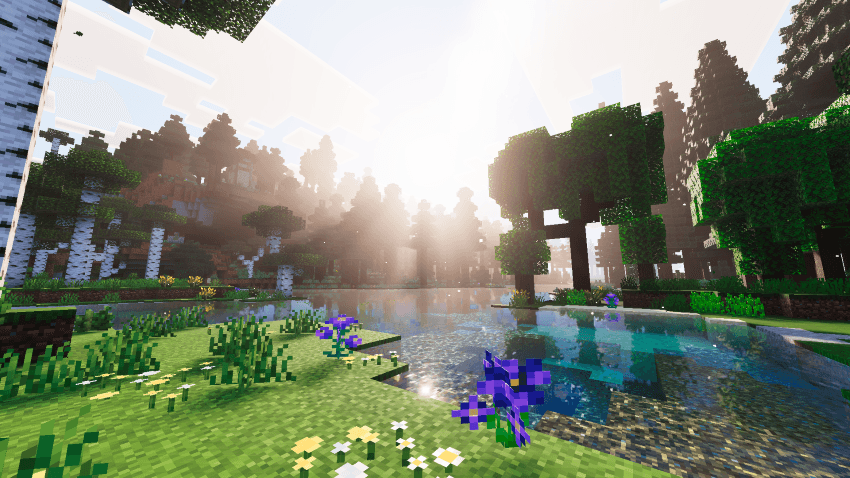
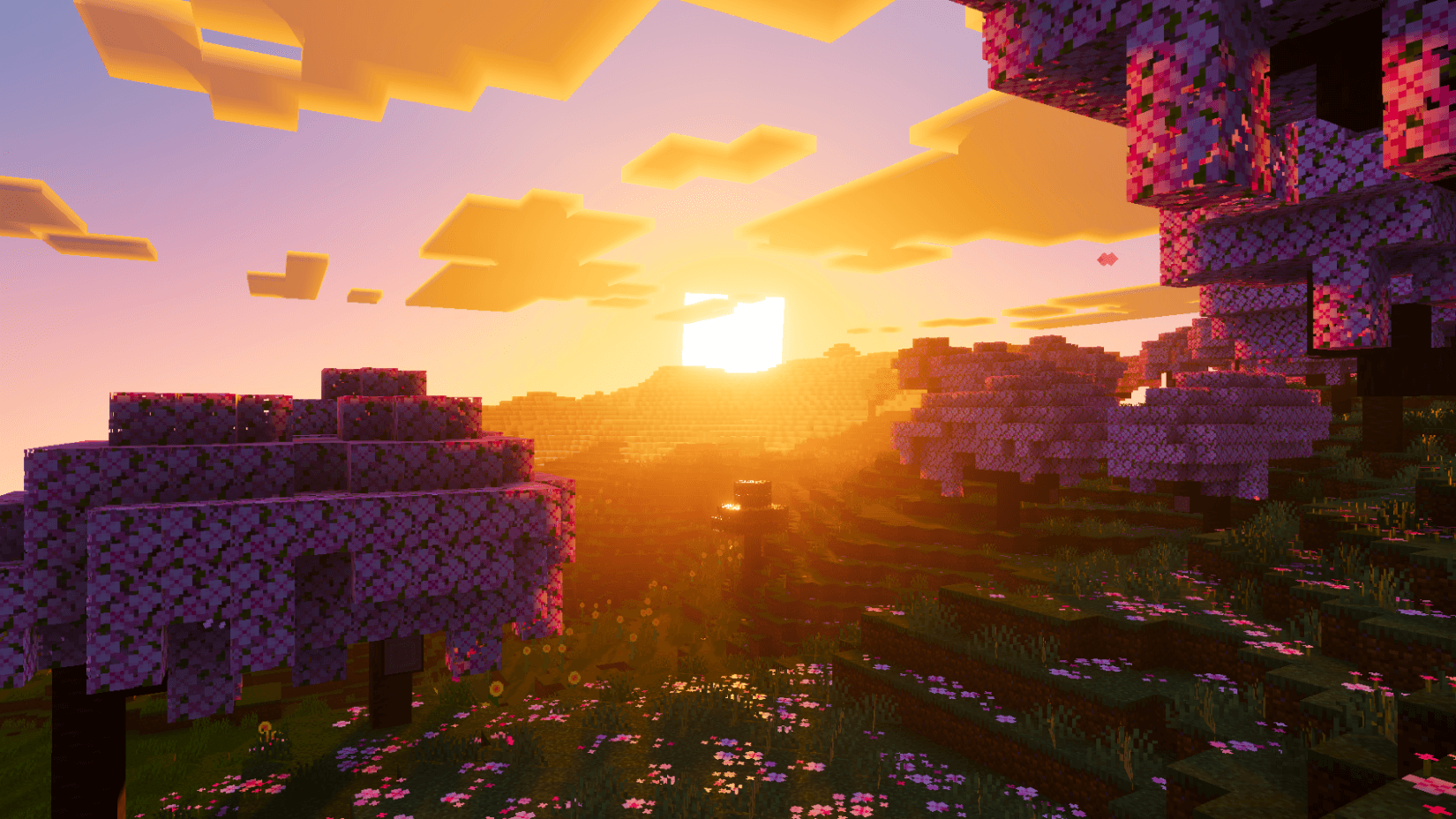
🌤️ Advanced Atmospherics • Custom biome-based atmosphere settings for 60+ biomes including deserts, jungles, oceans, swamps, pale gardens, and more • Smooth sky colour transitions across 15+ keyframes throughout the full day-night cycle • Warm amber-to-crimson sunrises with dramatic horizon blending and layered Mie scattering • Deep midnight blue nights with a vivid zenith and soft moonlit ambience • Fiery orange-to-magenta sunsets with wide horizon bloom
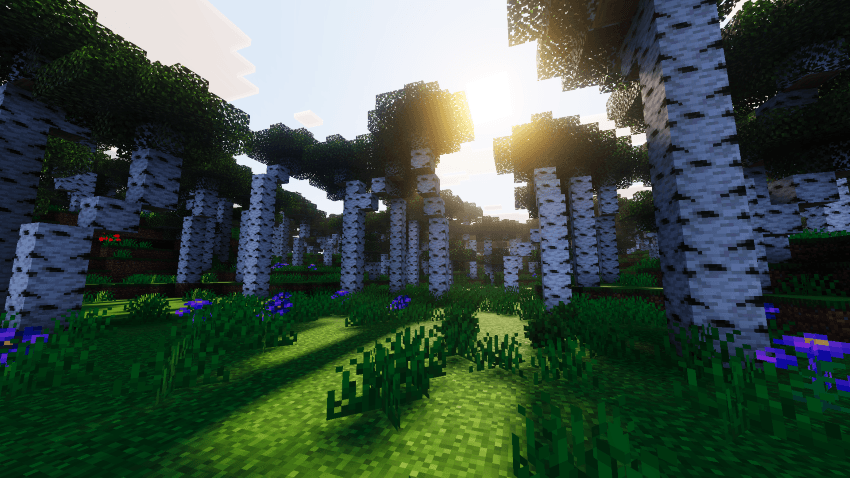
☀️ Lighting & Sun Rays • Volumetric sun rays with high-intensity Mie glow at golden hour • Precise sun illuminance ramp - bright warm midday dropping sharply at dusk to near-zero night • Cool-tinted moonlight casting soft ambient light across the landscape
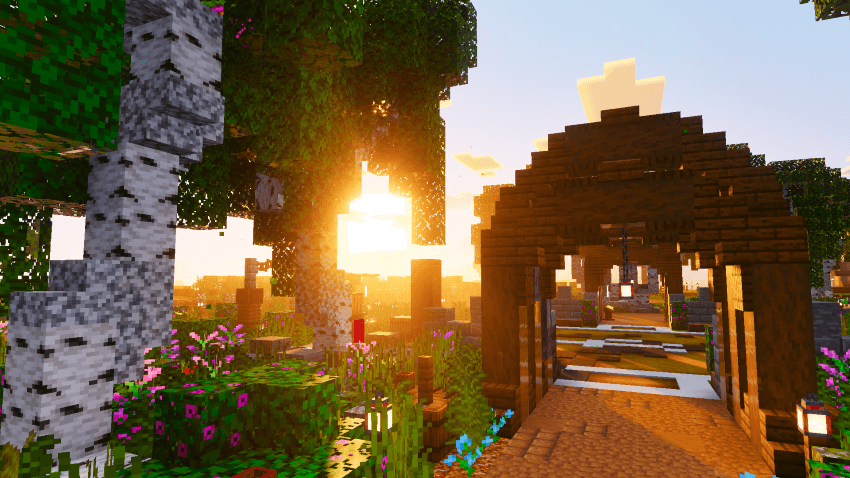
🎨 Color Grading & Fog • ACES tone mapping with boosted contrast, elevated saturation, and warm highlights • White balance tuned at 6400K for a naturally vivid, sun-kissed look • Biome-aware volumetric fog with unique haze per environment - purple roofed forests, blue-grey snow, amber deserts • Custom Henyey-Greenstein scattering for natural, physically accurate light diffusion
📥 Installation
- Download the .mcpack file
- Open to import into Minecraft
- Enable Velmora Visuals in Global Resources
- Turn on Vibrant Visuals in Video Settings
Velmora Visuals ఎలా ఇన్స్టాల్ చేయాలి
With Millida Launcher
Install Millida Launcher
The launcher is free: download it at millida.net/launcher and sign in with any nickname.
Click “Install” on this page
The launcher opens and installs the resource pack for Minecraft 1.21–26.50 automatically.
Launch the game
A profile with it appears in the launcher: click “Play”.
Manually
Download the archive
Pick the file Velmora Visuals v1.9.mcpack (2.1 MB) for your game version. No need to unpack it.
Put it in the resourcepacks folder
The easiest way: “Options”, then “Resource Packs”, then “Open Pack Folder”, and drag the archive there.
Enable the pack
In the same window, move the pack to the right-hand “Selected” column and click “Done”.
వెర్షన్లు
డిపెండెన్సీలతో
| Minecraft | లోడర్ | ఫైల్ | తేదీ | చర్యలు |
|---|---|---|---|---|
| 1.21.50 | — | Velmora Visuals v1.9.mcpack2.1 MB |
FAQ
Which Minecraft versions does Velmora Visuals work on?
There are files for 1.21–26.50, 22 versions in total. The newest is 26.50.
Where can I download Velmora Visuals safely?
On this page: the file Velmora Visuals v1.9.mcpack (2.1 MB) is stored on Millida’s server, with no link shorteners. SHA-1 checksum: 7e1b8ff8663e2d01e699524b751d88587464ad8e.
సమీక్షలు
Velmora Visualsకు మొదటి రేటింగ్ ఇవ్వండి



