

This resource pack needs to be activated on the global resources!.
Advanced Features (can be considered as cheats):
- Auto Armor
- Auto Totem
- Chest Stealer
- Bulk Item Move/Drop
- Instant Trade and more!
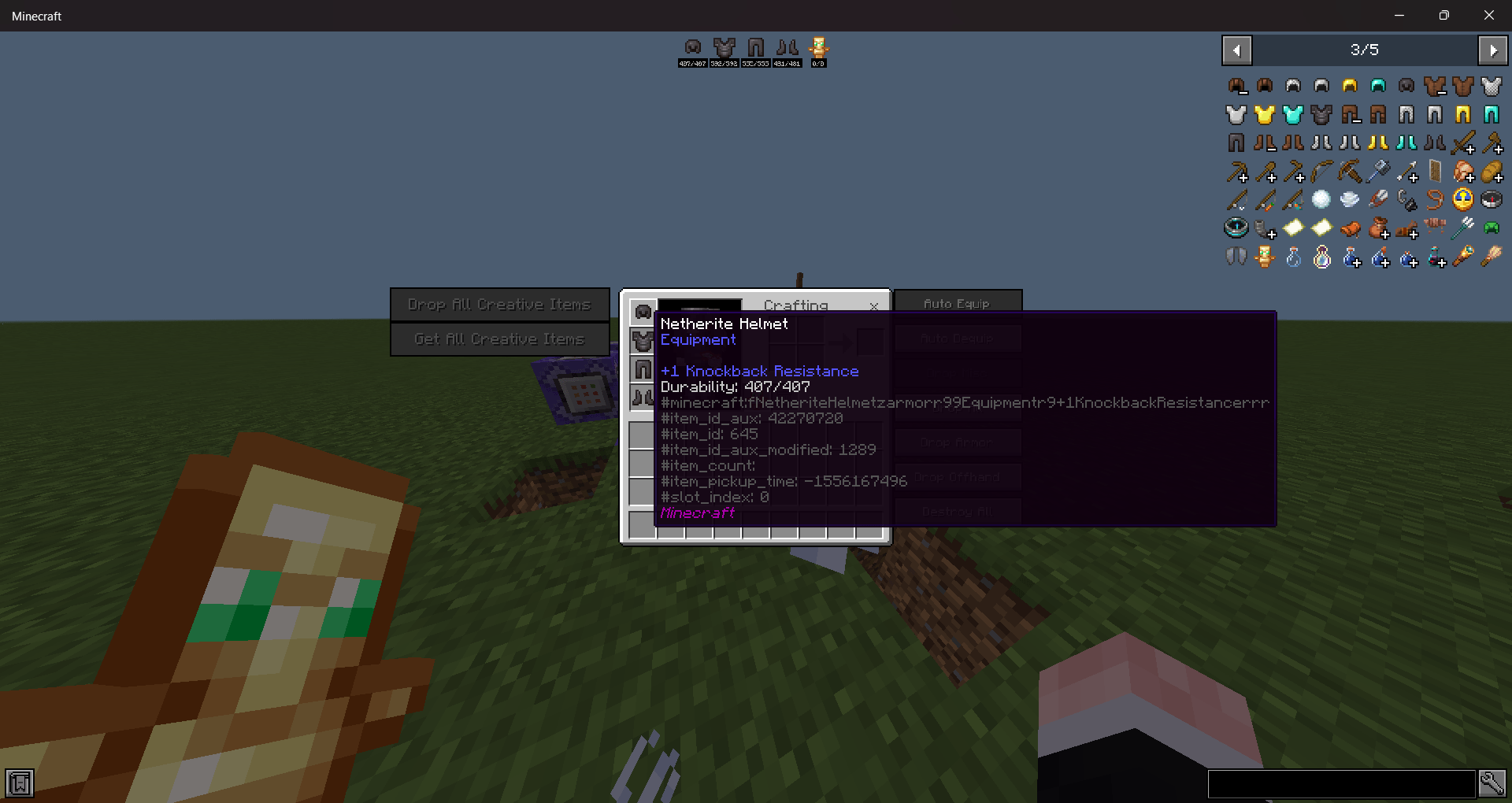
Requires the custom language to be enabled!
Showcase video: https://www.youtube.com/watch?v=5kVmkxmEhNU
Inventory Screen:
Old Options Screen:
Java Item Name:
Java Bottom Chat:
Quick Item GIver:
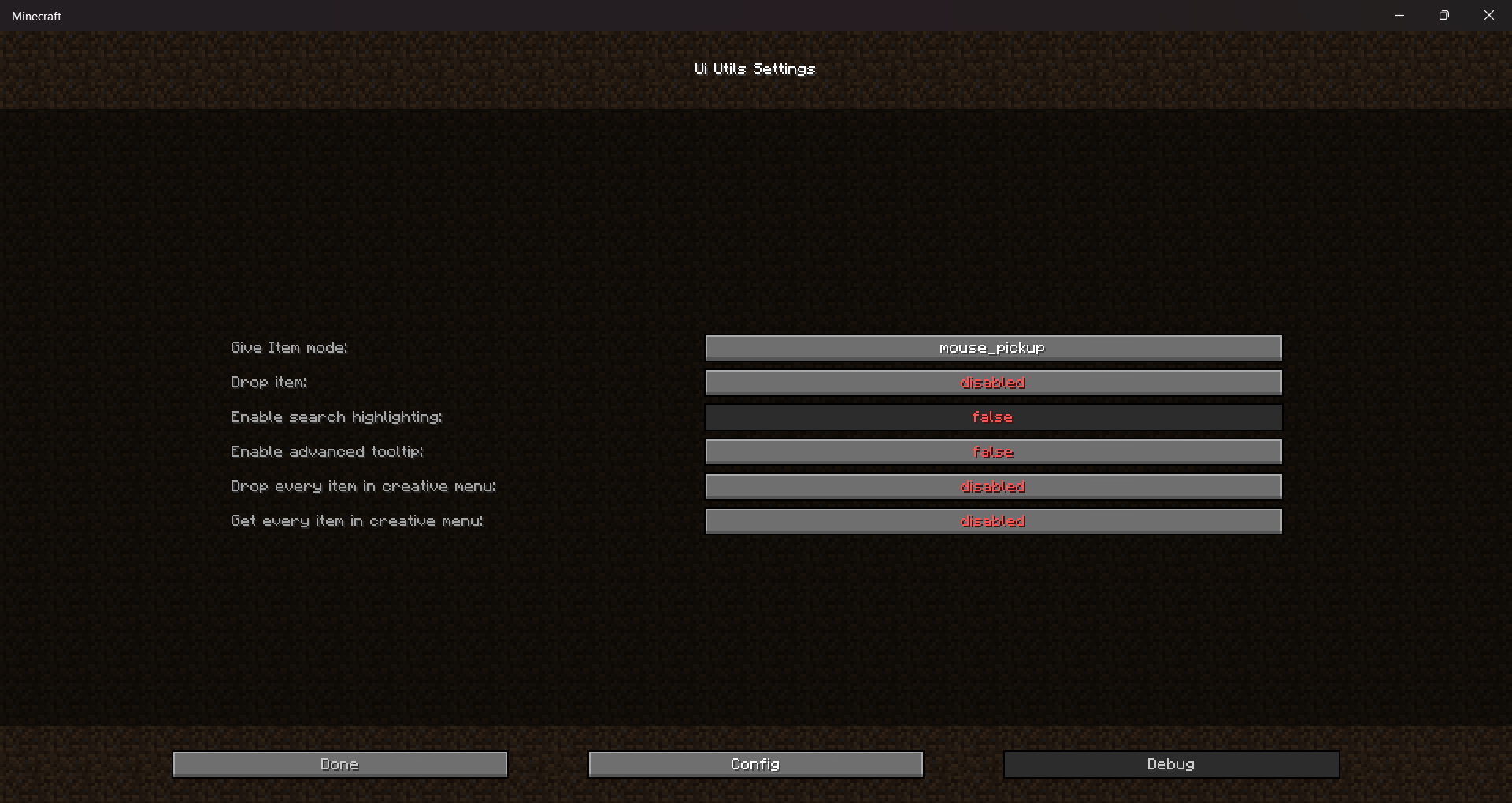
Config File path: './com.mojang/resource_packs/UiUtils/_ui_config.uiutils' and open it as JSON or TXT
Ui Utils [JEI] ఎలా ఇన్స్టాల్ చేయాలి
Install Millida Launcher
The launcher is free: download it at millida.net/launcher and sign in with any nickname.
Click “Install” on this page
The launcher opens and installs the resource pack for Minecraft 1.21–1.21.70 automatically.
Launch the game
A profile with it appears in the launcher: click “Play”.
వెర్షన్లు
డిపెండెన్సీలతో
| Minecraft | లోడర్ | ఫైల్ | తేదీ | చర్యలు |
|---|---|---|---|---|
| 1.21.70 | — | UI_Utils_v0.5.mcpack8.7 MB | ||
| 1.21.30 | — | UiUtils_v0.4.2_beta.mcpack1 MB |
FAQ
Which Minecraft versions does Ui Utils [JEI] work on?
There are files for 1.21–1.21.70, 8 versions in total. The newest is 1.21.70.
How do I download Ui Utils [JEI]?
With Millida Launcher: it installs Ui Utils [JEI] into a modpack by itself, for the right game version and loader. The launcher is free.
సమీక్షలు
Ui Utils [JEI]కు మొదటి రేటింగ్ ఇవ్వండి


