
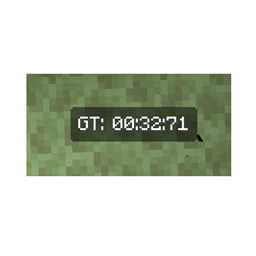
Minecraft 1.21, 1.21.100 కోసం Timer hud రిసోర్స్ ప్యాక్
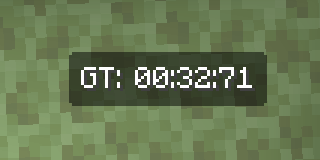
స్క్రీన్ పైన ఒక టైమర్ను ప్రదర్శించండి! స్పీడ్రన్నింగ్లో కూడా ఉపయోగించవచ్చు :p
Timer hud రిసోర్స్ ప్యాక్ గురించి
TIMER HUD TEXTURE PACK
The timer only resets when joining/leaving a world or server. It does not reset when changing dimensions!
RECOMMENDED TO ACTIVATE ON GLOBAL RESOURCES
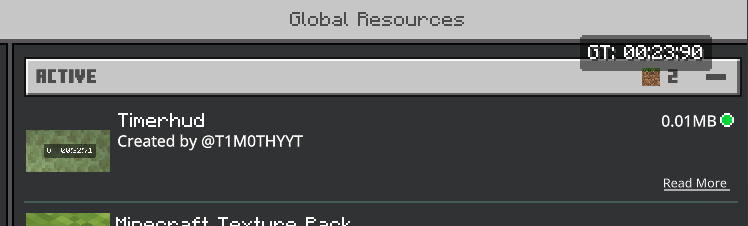
Ingame preview:
Timer hud ఎలా ఇన్స్టాల్ చేయాలి
Install Millida Launcher
The launcher is free: download it at millida.net/launcher and sign in with any nickname.
Click “Install” on this page
The launcher opens and installs the resource pack for Minecraft 1.18–1.21.100 automatically.
Launch the game
A profile with it appears in the launcher: click “Play”.
వెర్షన్లు
డిపెండెన్సీలతో
| Minecraft | లోడర్ | ఫైల్ | తేదీ | చర్యలు |
|---|---|---|---|---|
| 1.20.40 | — | Timer Hud.mcpack17.4 KB |
FAQ
Which Minecraft versions does Timer hud work on?
There are files for 1.18–1.21.100, 18 versions in total. The newest is 1.21.100.
How do I download Timer hud?
With Millida Launcher: it installs Timer hud into a modpack by itself, for the right game version and loader. The launcher is free.
సమీక్షలు
Timer hudకు మొదటి రేటింగ్ ఇవ్వండి



