

Minecraft 1.20.1, 1.21.1 కోసం TDmon రిసోర్స్ ప్యాక్
DiEn రూపొందించిన Cobblemon డేటాప్యాక్.
- డౌన్లోడ్లు
- 1 డౌన్లోడ్లు
- వ్యూలు
- 60 వ్యూలు
- అప్డేట్ చేయబడింది
- అప్డేట్ చేయబడింది 04.07.2025
- 1.20.1 — 1.21.1
 Fabric
 Forge
Forge NeoForge
 Quilt
Quilt డేటా ప్యాక్
- క్లయింట్ మరియు సర్వర్
TDmon
I don't really know what I should write down here, so I just listed what this pack got so far:
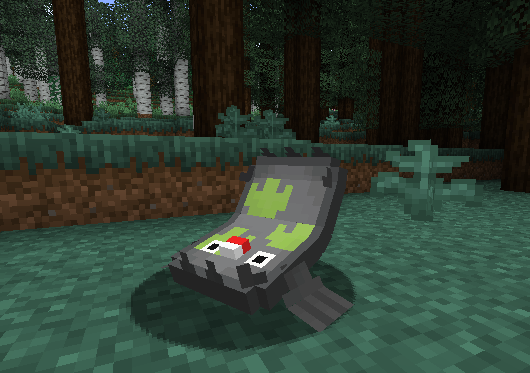
Stunfisk & Galarian Stunfisk
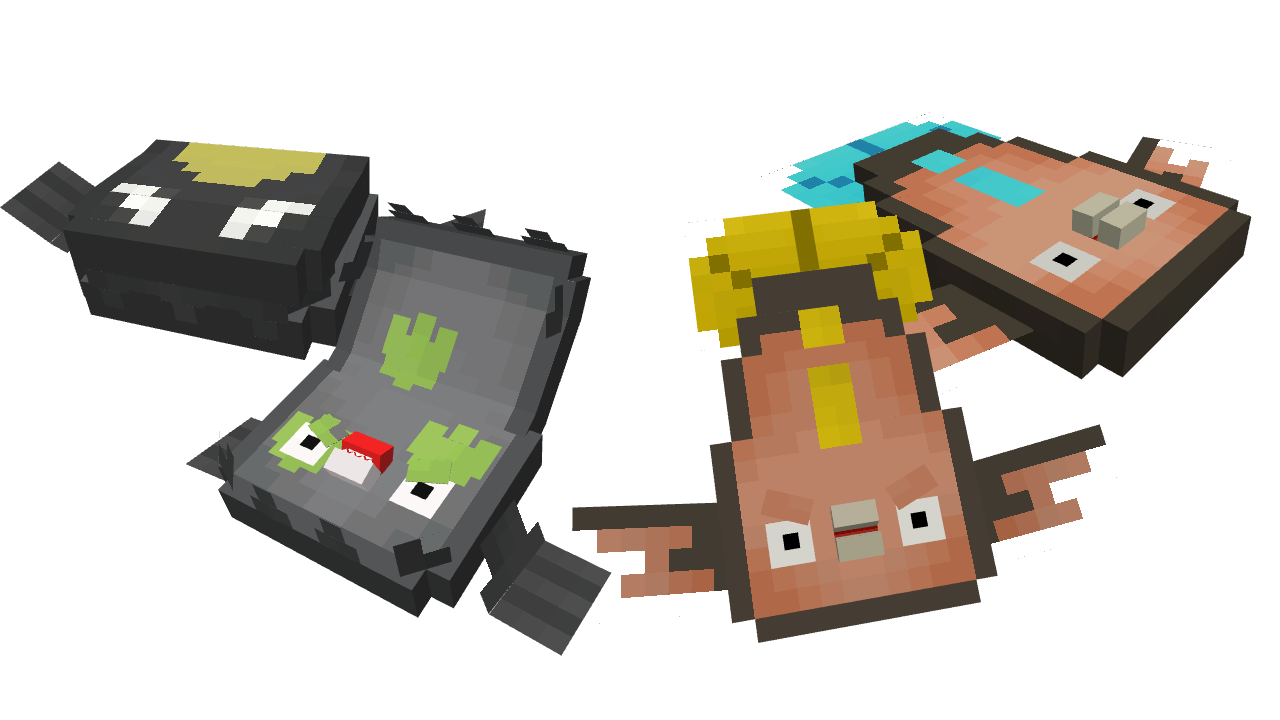
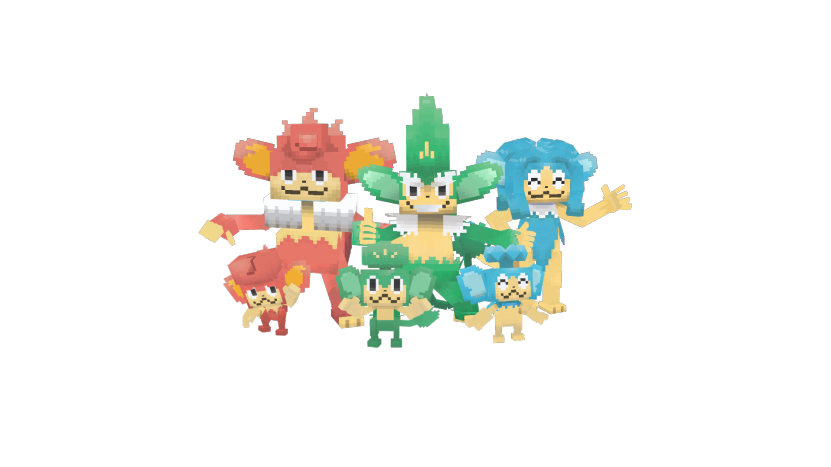
Elemental Monkeys
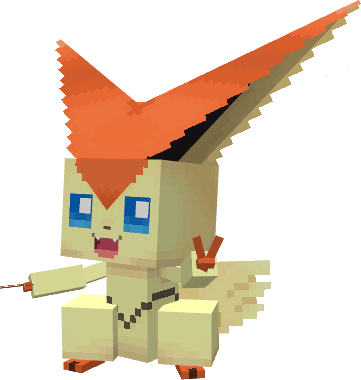
Victini
Tympole Line
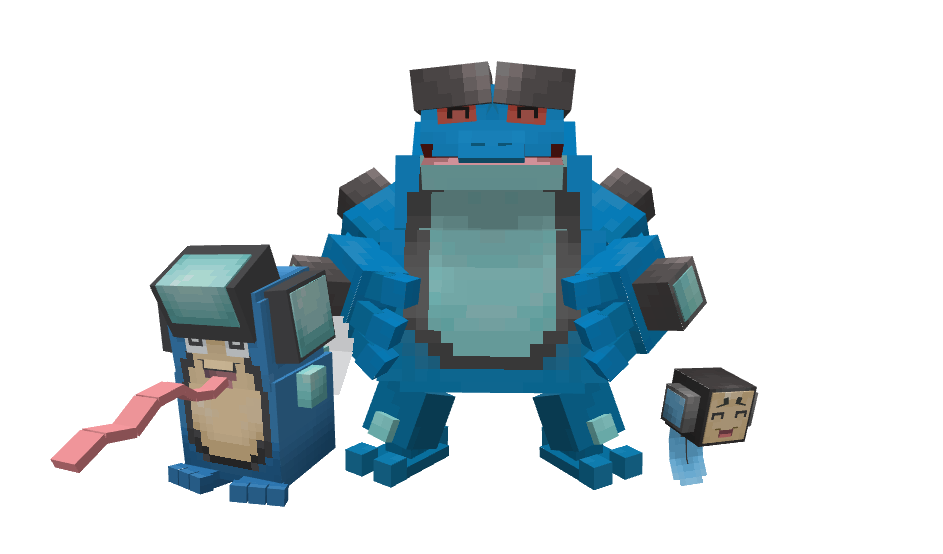
Gastly Line
Models, Animations and Textures made by Gesteyy, Ported and Modified by DiEn
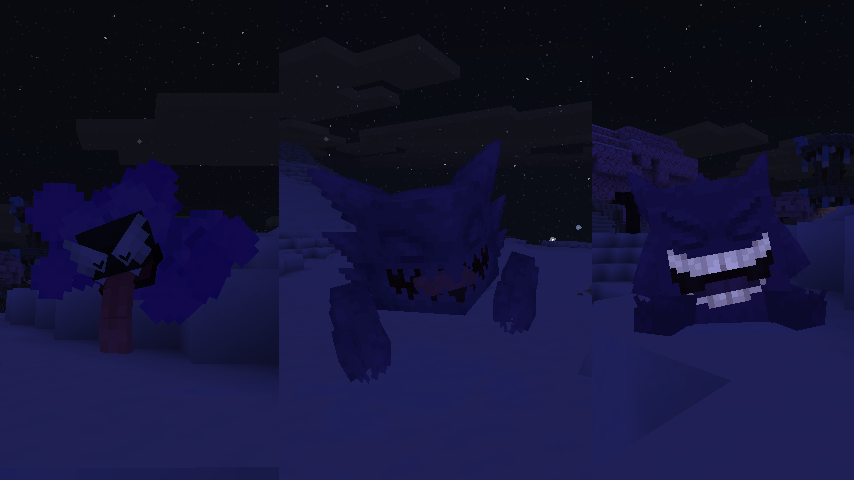
I'm trying my best with the models, textures and animations for these guys, really hope you enjoy it!

Spawn Info
Stunfisk & Galarian Stunfisk
Stunfisk is uncommonly found in Swamp, while Galarian Stunfisk is in the Taiga forest.
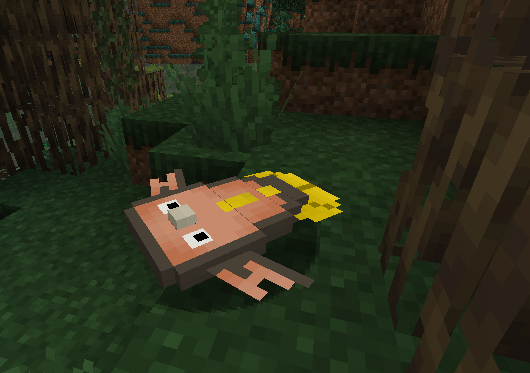
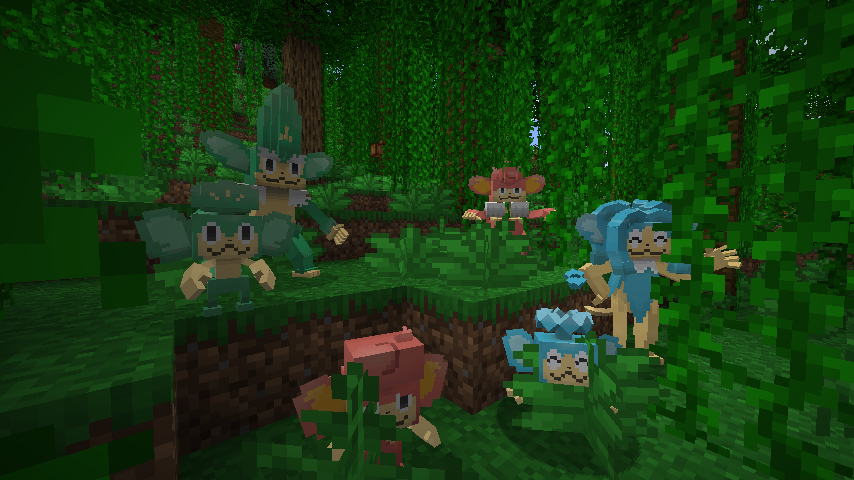
The elemental Monkeys
All the monkeys can be rarely found in the Jungle, obviously.
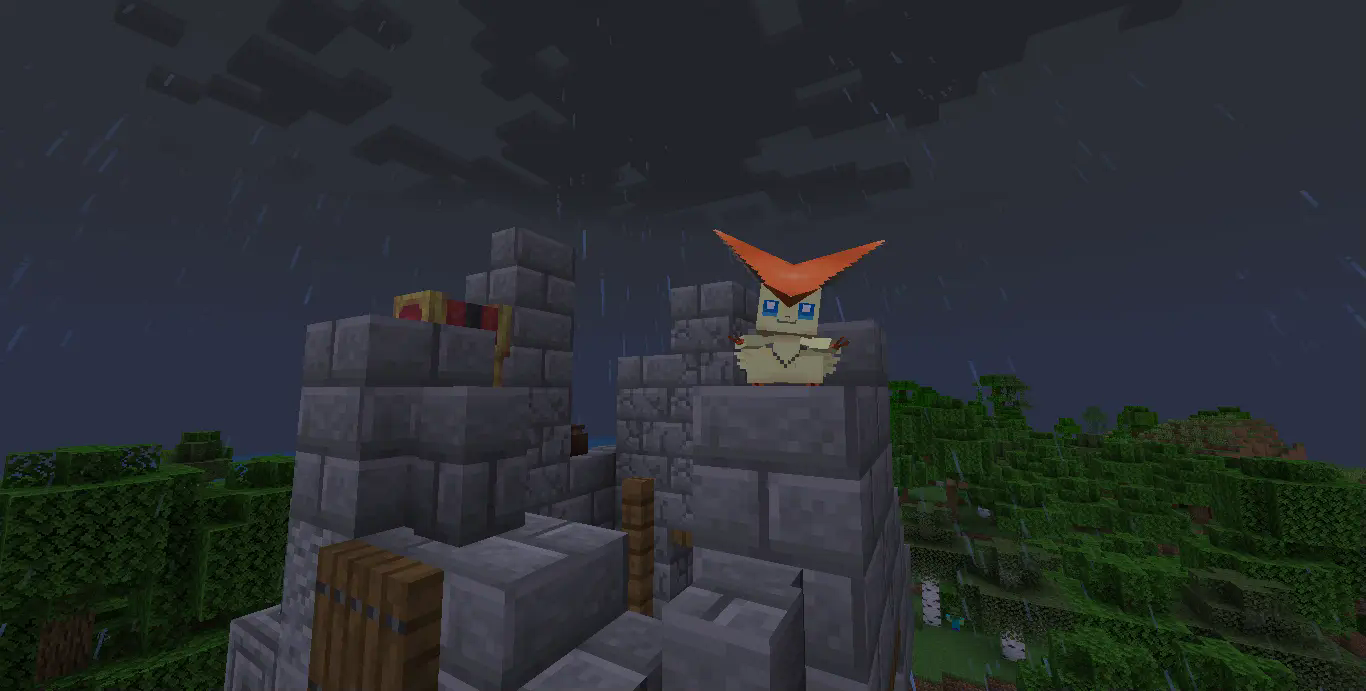
The Victory Victini
Be sure to check the Castle Ruin, rumor said if you lucky enough, a Victini migh come to visit.
Installation
After downloading the Datapack, be sure to put it in your "resources" folder and "datapack" folder within your world. or you can use Global Packs by JTK222 to load the datapack automatically.
Check out the hosting here!

TDmon ఎలా ఇన్స్టాల్ చేయాలి
With Millida Launcher
Install Millida Launcher
The launcher is free: download it at millida.net/launcher and sign in with any nickname.
Click “Install” on this page
The launcher opens and installs the resource pack for Minecraft 1.20.1–1.21.1 on Fabric, Forge, NeoForge or Quilt automatically, together with its dependencies: Cobblemon.
Launch the game
A profile with it appears in the launcher: click “Play”.
Manually
Download the archive
Pick the file tdmon-1.3.1a-gastly.jar (1.1 MB) for your game version. No need to unpack it.
Put it in the resourcepacks folder
The easiest way: “Options”, then “Resource Packs”, then “Open Pack Folder”, and drag the archive there.
Enable the pack
In the same window, move the pack to the right-hand “Selected” column and click “Done”. Some textures need Fabric, Forge, NeoForge, Quilt or Дата-пак.
వెర్షన్లు
డిపెండెన్సీలతో
| Minecraft | లోడర్ | ఫైల్ | తేదీ | చర్యలు |
|---|---|---|---|---|
| 1.21.1 | Fabric, Forge, NeoForge, Quilt | 1.21.11.1 MB 1 | ||
| 1.21.1 | డేటా ప్యాక్ | 1.21.1448 KB | ||
| 1.21.1 | Fabric, Forge, NeoForge, Quilt | 1.21.1902 KB | ||
| 1.21.1 | డేటా ప్యాక్ | 1.21.1302 KB | ||
| 1.21.1 | డేటా ప్యాక్ | 1.21.1302 KB | ||
| 1.21.1 | డేటా ప్యాక్ | 1.21.1304 KB | ||
| 1.21.1 | డేటా ప్యాక్ | 1.21.1276 KB | ||
| 1.21.1 | డేటా ప్యాక్ | 1.21.1207 KB |
ఇది రన్ అవ్వడానికి కావాల్సినవి
- Cobblemonఅవసరం
- Dependencyఐచ్ఛికం
సమీక్షలు
TDmonకు మొదటి రేటింగ్ ఇవ్వండి



