
Smoothcraft - Vanilla రిసోర్స్ ప్యాక్ గురించి
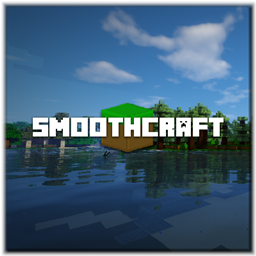
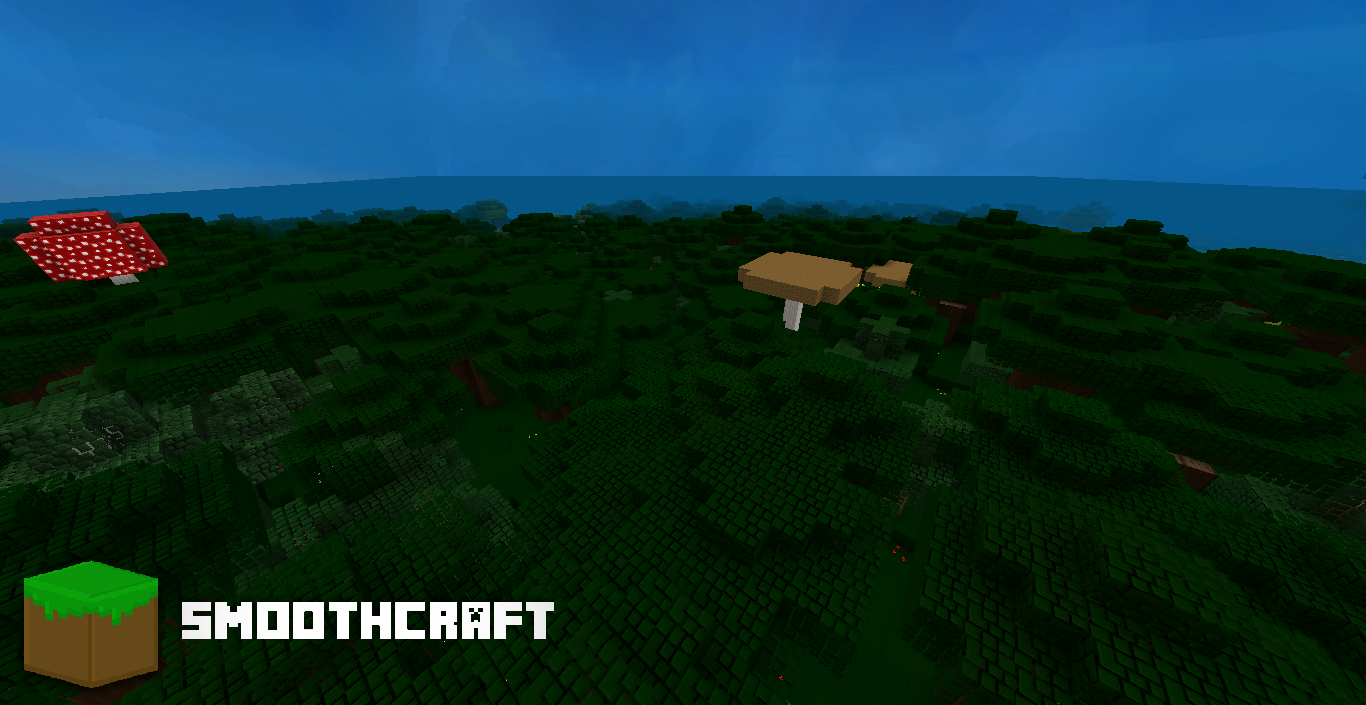
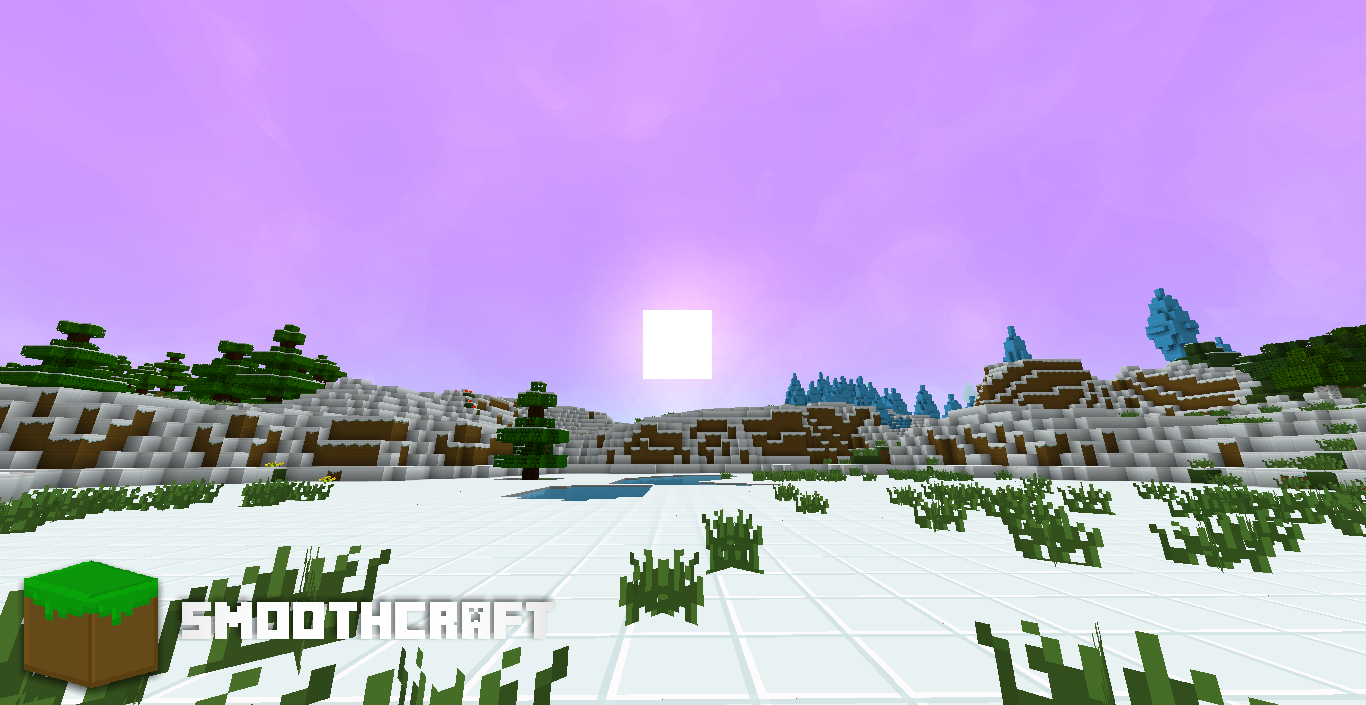
Smoothcraft is a resource pack that brings the minecraft world to a whole new level. By adding simple boarders to block, mobs, and items, and all the other things that can be textured. It truly brings minecraft alive with it's perfectly saturated shades and perfections in contrast. This resource pack does have some advantages and it's disadvantages. One advantage being it can run perfectly on any computer, slow or fast. One disadvantage, it currently only has a 16x16 resolution.
There is also a form in which you have the ability to submit a review on this resource pack. You can also include your email in that form to receive person emails from the owner of Smoothcraft, my self, MasterMind_DC. On all the latest updates before it will get updated anywhere else!
Survey Form:
http://goo.gl/forms/JaGT5ndqzi
Bug Tracker:
https://goo.gl/8uYmaj
DOWNLOADS
Want to download? Choose the level of intensity of Smoothcraft!
Smoothcraft Lite: http://bit.ly/2otXLcT Smoothcraft Lite; No Optifine Feature: http://bit.ly/2n4IGhy
Smoothcraft Standard: http://bit.ly/2n4yLZw Smoothcraft Standard; No Optifine Features: http://bit.ly/2oC06iK
Smoothcraft High: http://bit.ly/2nBA3r0 Smoothcraft High; No Optifine Features: http://bit.ly/2nPtWAu
Want to use an older version of Smoothcraft? https://www.mediafire.com/folder/nyns8wm0kwhem/Smoothcraft_Downloads
Can I use Smoothcraft in a video? Yes, but you have to please give credit to me and a link to the post you found Smoothcraft on.
Can I edit Smoothcraft and redistribute? If you email mcsmoothcraft@gmail.com and ask for permission then I will gladly let you, otherwise no.
──────────── (c) Smoothcraft ────────────
Be sure to follow @DC_MasterMind
Smoothcraft - Vanilla ఎలా ఇన్స్టాల్ చేయాలి
With Millida Launcher
Install Millida Launcher
The launcher is free: download it at millida.net/launcher and sign in with any nickname.
Click “Install” on this page
The launcher opens and installs the resource pack for Minecraft 1.9–1.12 automatically.
Launch the game
A profile with it appears in the launcher: click “Play”.
Manually
Download the archive
Pick the file §9Smoothcraft §6v.1.12.0 §f- §7MC §2v.1.12.zip (41 MB) for your game version. No need to unpack it.
Put it in the resourcepacks folder
The easiest way: “Options”, then “Resource Packs”, then “Open Pack Folder”, and drag the archive there.
Enable the pack
In the same window, move the pack to the right-hand “Selected” column and click “Done”.
వెర్షన్లు
డిపెండెన్సీలతో
| Minecraft | లోడర్ | ఫైల్ | తేదీ | చర్యలు |
|---|---|---|---|---|
| 1.9.1 | — | Smoothcraft 1.1241.1 MB |
FAQ
Which Minecraft versions does Smoothcraft - Vanilla work on?
There are files for 1.9–1.12, 12 versions in total. The newest is 1.12.
Where can I download Smoothcraft - Vanilla safely?
On this page: the file §9Smoothcraft §6v.1.12.0 §f- §7MC §2v.1.12.zip (41 MB) is stored on Millida’s server, with no link shorteners. SHA-1 checksum: d037ef171115116857221bd25ff67f72bca38676.
సమీక్షలు
Smoothcraft - Vanillaకు మొదటి రేటింగ్ ఇవ్వండి


