

Minecraft 1.20.1, 1.21.1 కోసం Simple Hotbar రిసోర్స్ ప్యాక్
హాట్బార్, హార్ట్లు మరియు ఆర్మర్ ఐకాన్లను మార్చే రిసోర్స్ ప్యాక్
- డౌన్లోడ్లు
- 26 డౌన్లోడ్లు
- వ్యూలు
- 167 వ్యూలు
- అప్డేట్ చేయబడింది
- అప్డేట్ చేయబడింది 04.09.2026
- 1.8 — 26.2
 వెనిల్లా గేమ్
- క్లయింట్
Simple Hotbar
This pack will change the look of your hotbar, heart and armor icons, and will make connection icon change color with different ping.

Previews
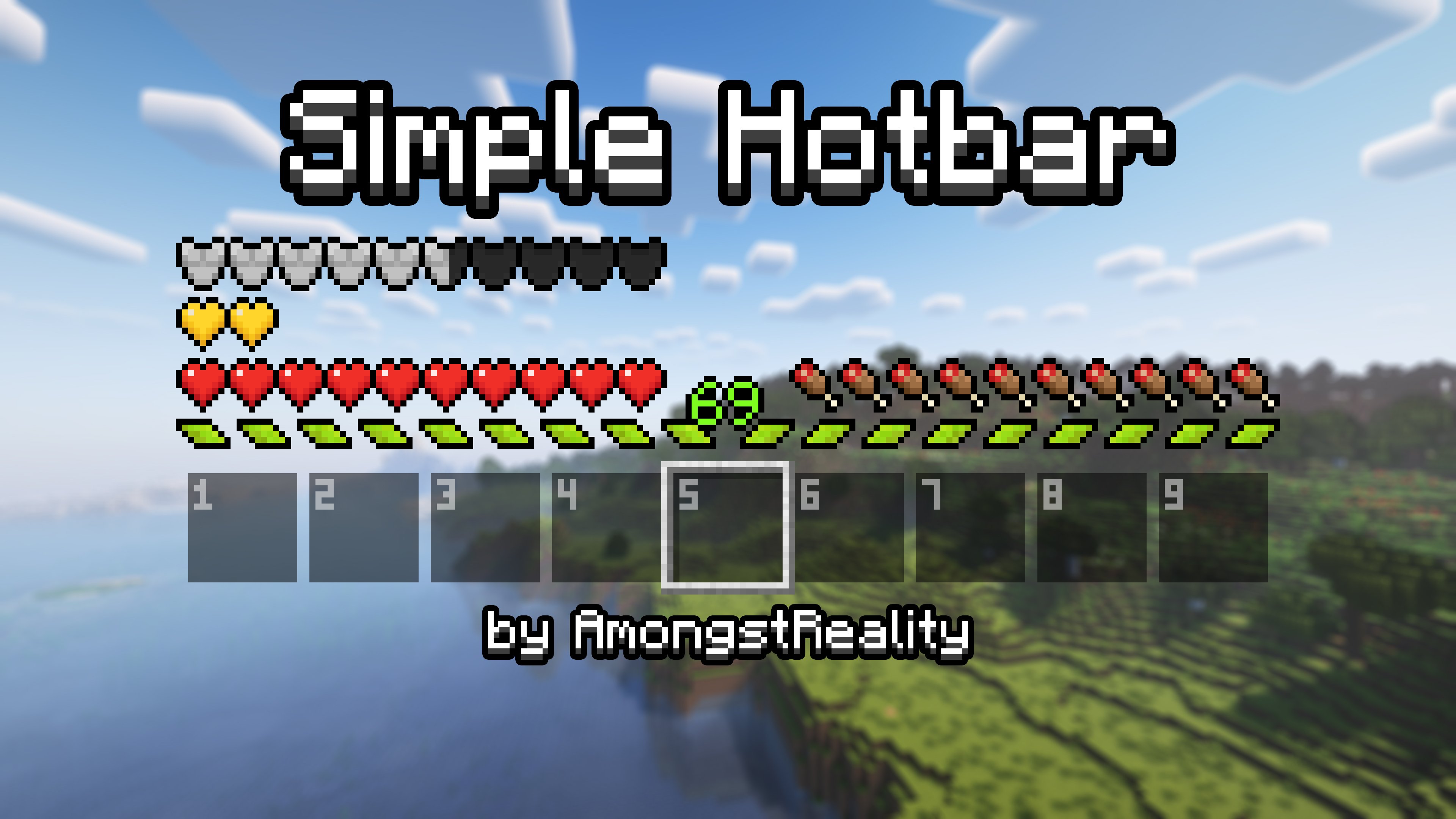
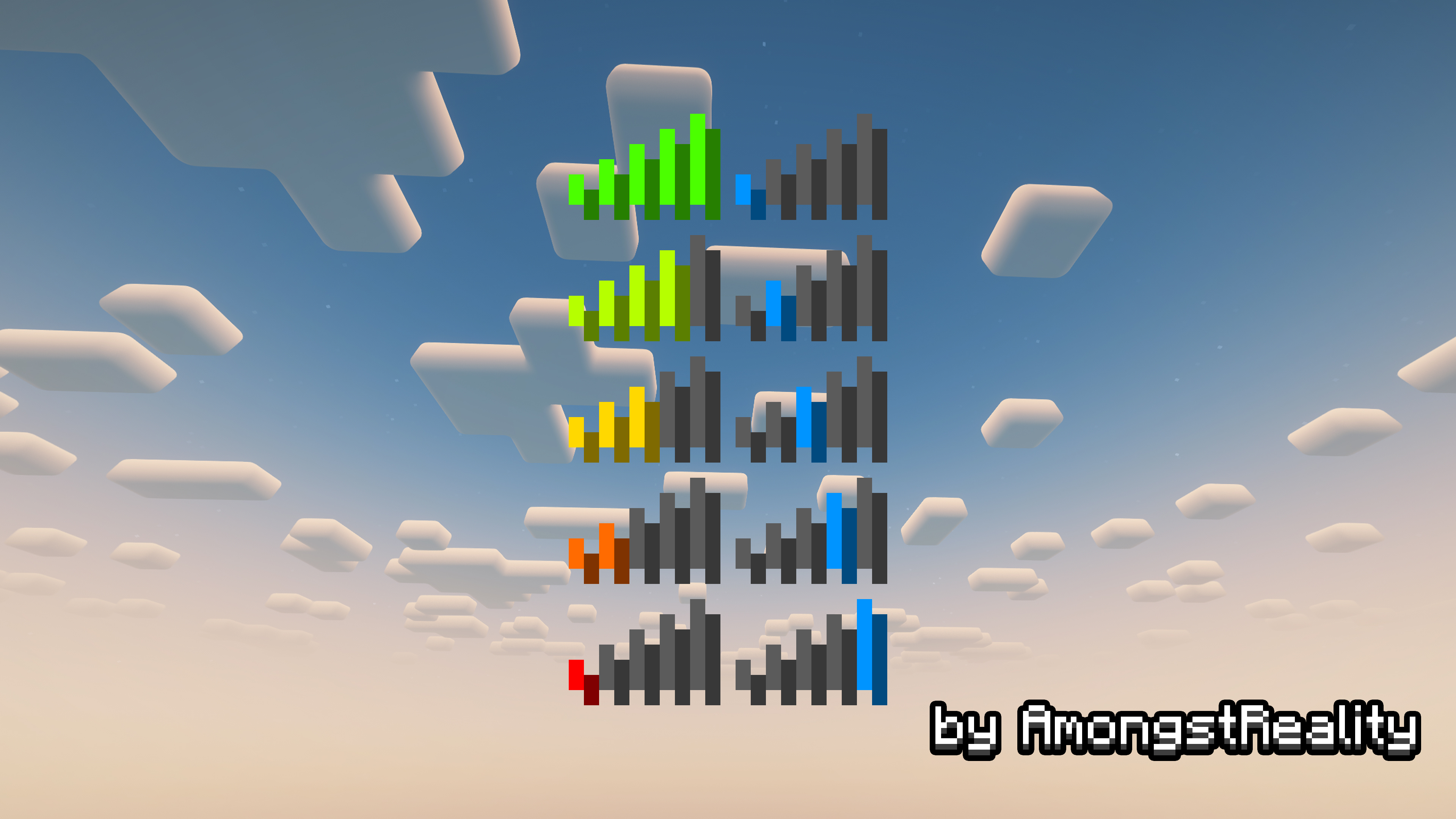
Simple Hotbar ఎలా ఇన్స్టాల్ చేయాలి
With Millida Launcher
Install Millida Launcher
The launcher is free: download it at millida.net/launcher and sign in with any nickname.
Click “Install” on this page
The launcher opens and installs the resource pack for Minecraft 1.8–26.2 automatically.
Launch the game
A profile with it appears in the launcher: click “Play”.
Manually
Download the archive
Pick the file Simple Hotbar 1.20.2-1.21.x.zip (227 KB) for your game version. No need to unpack it.
Put it in the resourcepacks folder
The easiest way: “Options”, then “Resource Packs”, then “Open Pack Folder”, and drag the archive there.
Enable the pack
In the same window, move the pack to the right-hand “Selected” column and click “Done”.
వెర్షన్లు
డిపెండెన్సీలతో
| Minecraft | లోడర్ | ఫైల్ | తేదీ | చర్యలు |
|---|---|---|---|---|
| 26.1 | — | 26.1227 KB 16 | ||
| 1.21.11 | — | 1.21.11227 KB 1 | ||
| 26.2 | — | 26.2227 KB | — | |
| 1.18.2 | — | 1.18.2224 KB 7 | — | |
| 1.16.5 | — | 1.16.5224 KB | — | |
| 1.12.2 | — | 1.12.2224 KB | — |
సమీక్షలు
Simple Hotbarకు మొదటి రేటింగ్ ఇవ్వండి



