
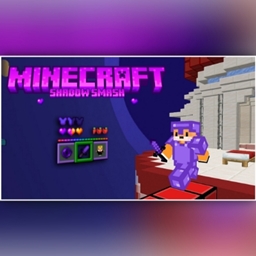
Minecraft 1.21, 1.21.50 కోసం Shadow Smash రిసోర్స్ ప్యాక్
Shadow Smash కు స్వాగతం: ఒక అద్భుత PvP టెక్స్చర్ ప్యాక్! దాని ఆకర్షణీయమైన ఊదా థీమ్ మరియు నునుపైన డిజైన్తో, ఇది మీ గేమ్ప్లేను మెరుగుపరుస్తుంది మరియు యుద్ధంలో మీకు ఆధిక్యాన్ని ఇస్తుంది. స్టైల్తో ఆధిపత్యం చెలాయించాలనుకునే PvP అభిమానులకు పరిపూర్ణం!
Shadow Smash రిసోర్స్ ప్యాక్ గురించి
Shadow Smash - Redefine Your Minecraft PvP Experience
Shadow Smash, a Minecraft PvP texture pack designed to enhance your gameplay with a sleek purple theme and cutting-edge features. From intense battles to seamless crafting, this pack delivers everything you need to dominate your opponents in style. With its striking visuals and performance-focused design, Shadow Smash transforms every moment into an unforgettable adventure.
🌟 Features:
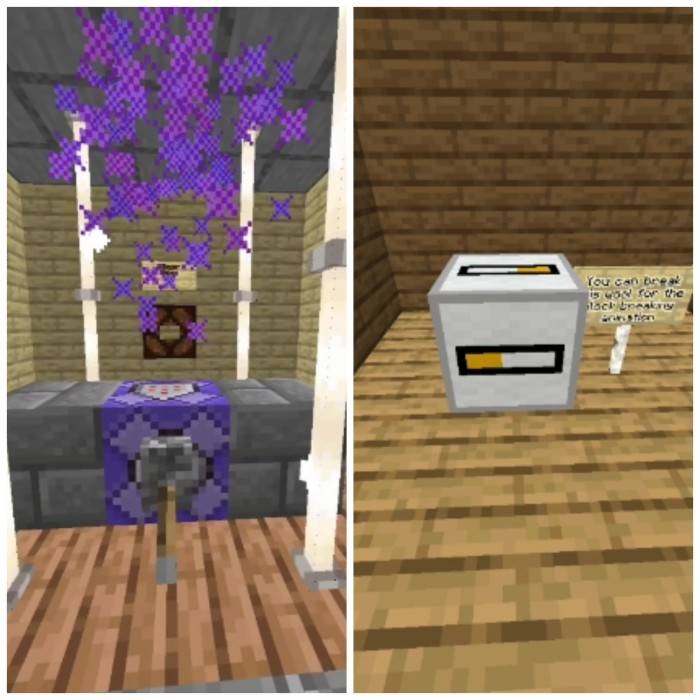
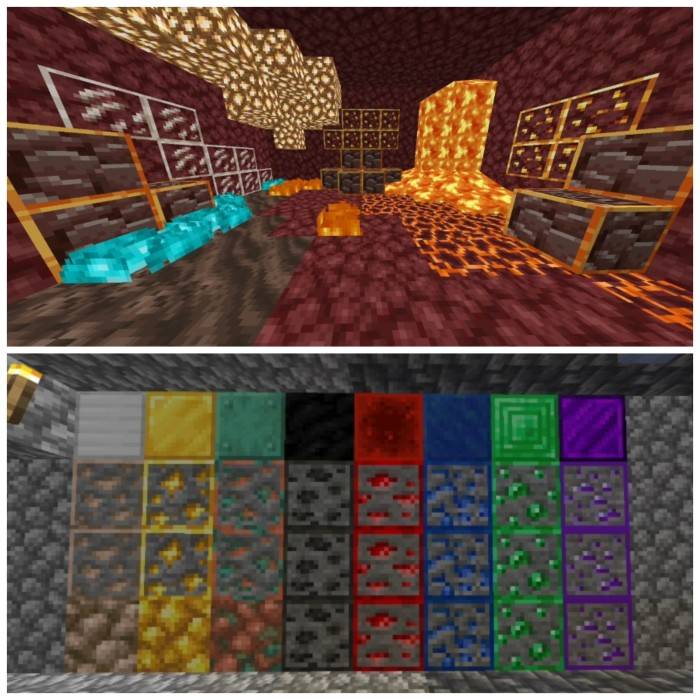
• Custom sky 🌌 • Quick crafting ⚒️ • Quick chat 💬 • Quick settings ⚙️ (cam perspective,FOV, render distance etc) • Trade preview • Hit particles ✨ • Block breaking animations • Outlined ores • Invisible item frames • Dragon wings elytra • Crown 👑 model instead of golden helmet • Animated totem! • And more!
Unleash your potential and elevate your game with Shadow Smash today!
Do People Actually read this?
My YouTube Channel :-
Keshew13 Youtube Channel
Credits:-
Zorocraft for totem animation :-
Zorrocraft Youtube Channel
Bedrock tweaks:- Bedrock tweaks
Shadow Smash ఎలా ఇన్స్టాల్ చేయాలి
With Millida Launcher
Install Millida Launcher
The launcher is free: download it at millida.net/launcher and sign in with any nickname.
Click “Install” on this page
The launcher opens and installs the resource pack for Minecraft 1.19–1.21.50 automatically.
Launch the game
A profile with it appears in the launcher: click “Play”.
Manually
Download the archive
Pick the file Shadow_Smash.mcpack (5.4 MB) for your game version. No need to unpack it.
Put it in the resourcepacks folder
The easiest way: “Options”, then “Resource Packs”, then “Open Pack Folder”, and drag the archive there.
Enable the pack
In the same window, move the pack to the right-hand “Selected” column and click “Done”.
వెర్షన్లు
డిపెండెన్సీలతో
| Minecraft | లోడర్ | ఫైల్ | తేదీ | చర్యలు |
|---|---|---|---|---|
| 1.21.30 | — | Shadow_Smash.mcpack5.4 MB 1 |
FAQ
Which Minecraft versions does Shadow Smash work on?
There are files for 1.19–1.21.50, 7 versions in total. The newest is 1.21.50.
Where can I download Shadow Smash safely?
On this page: the file Shadow_Smash.mcpack (5.4 MB) is stored on Millida’s server, with no link shorteners. SHA-1 checksum: 151a3dbbd5d538f4c819383b75ad33a951214643.
సమీక్షలు
Shadow Smashకు మొదటి రేటింగ్ ఇవ్వండి



