
ReWave is a texture pack designed to bring a completely new atmosphere to Minecraft without losing the essence of the original game. Every detail matters: particles, textures, and visual elements have been carefully modified to create a unique and immersive experience
Make your world more vibrant, creative, and stylish with ReWave!

Highlights:



Top 20 features:
Player:
Walking:

Running:

Sneaking:

On fire:

Sleeping:

Flying:

Climbing:

Idle:

Bob:

Holding lanterns and torches:


Particles:
Rain particles:

Shooting Stars:

Northern Lights:

Glowing particles in ores:

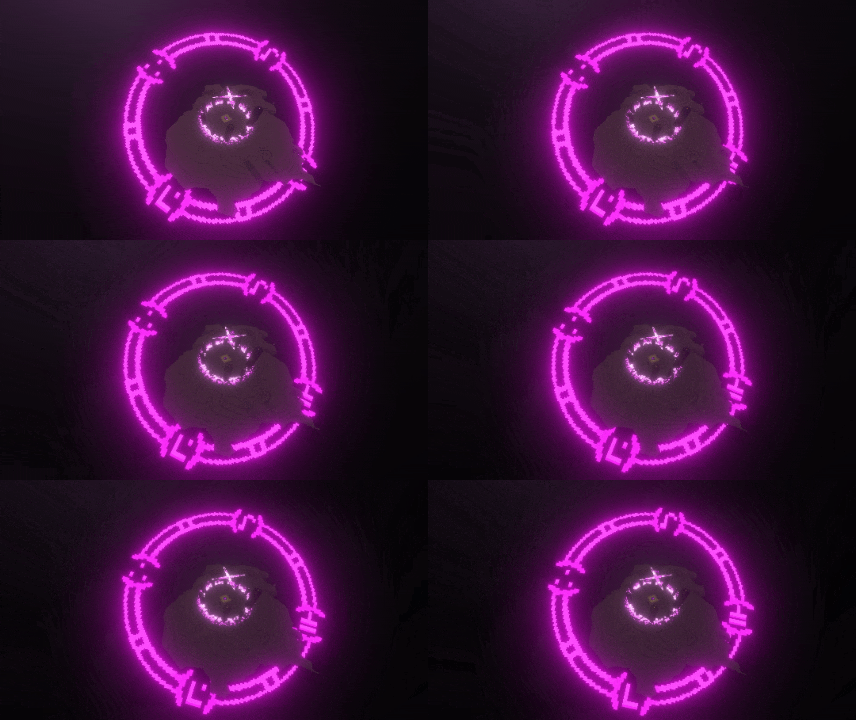
Beacon effects:

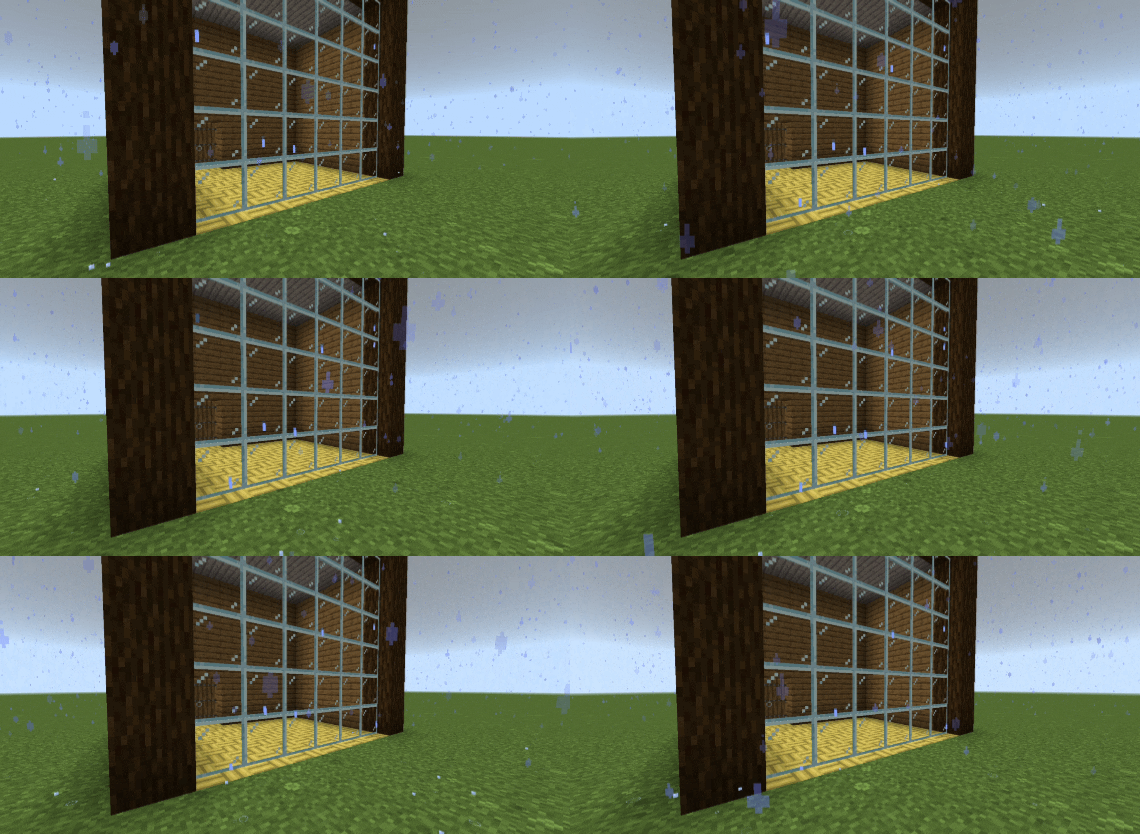
Water droplets on glass:
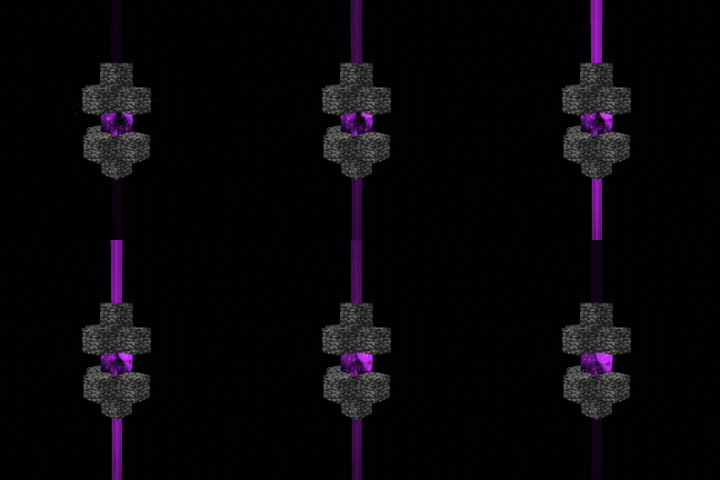
End Gateway particles:
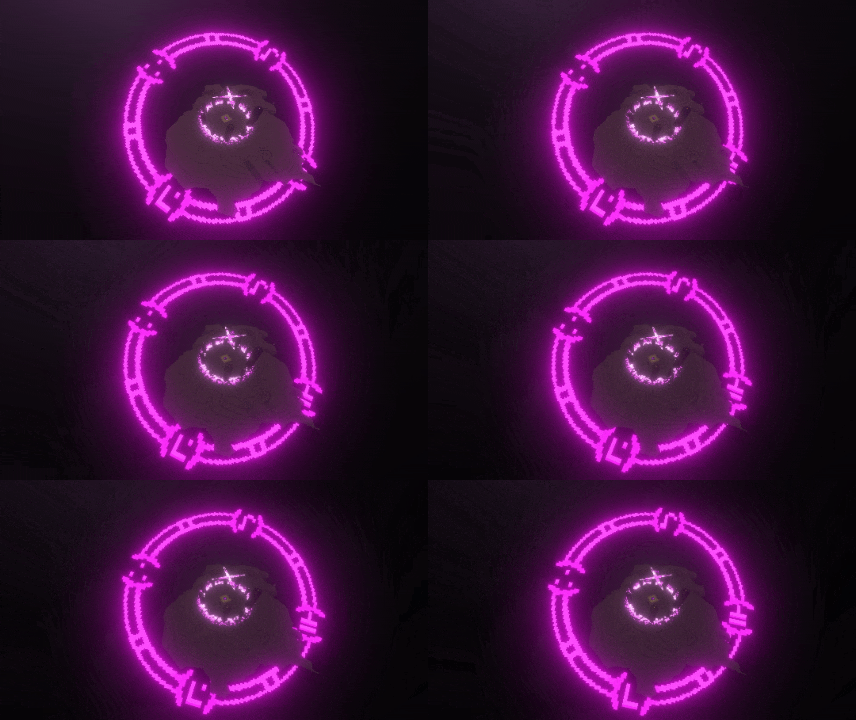
Island at the end with a dragon egg.:
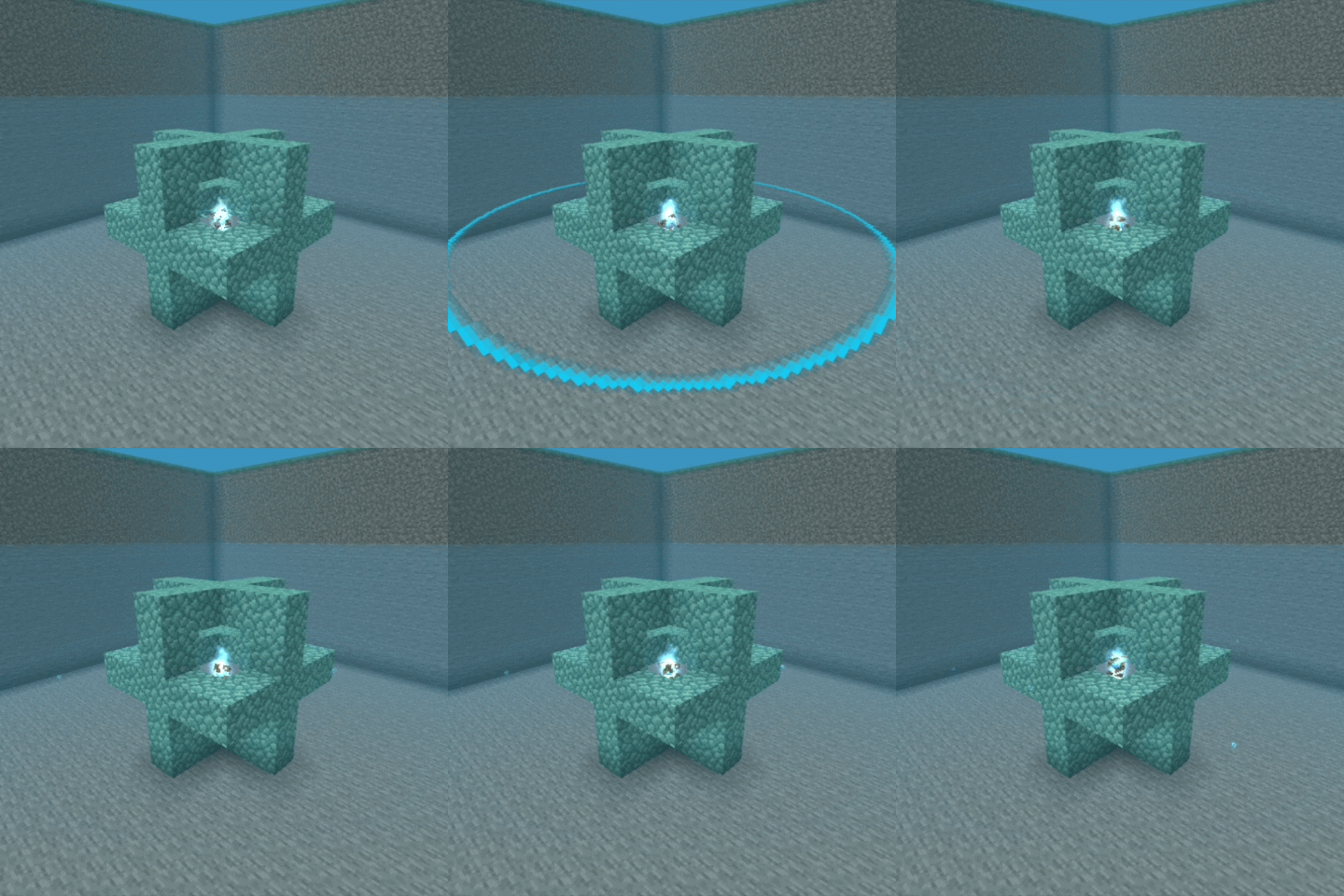
Conduit particles:
Mobs:
Allay
Glow squid:
Pig
Creaking:


Breeze
End crystal:
Xp orb:
Warden:


Unid:
Maça 3D:

Trident:

Totem 3D da Imortalidade:

Blocos:
Fogs:
Snowed biomes

Desert:

Swamp:

Mangrove:

Deep Dark:

Pale Garden:

The End:

Cherry Grove:

Florest:


Join the Discord server for more news!
Discord here
You are not permitted to publish this texture pack on another website or claim it as your own! This texture belongs to Jh0nzxx and was only published on MCPEDL and CURSE FORGE
ReWave ఎలా ఇన్స్టాల్ చేయాలి
With Millida Launcher
Install Millida Launcher
The launcher is free: download it at millida.net/launcher and sign in with any nickname.
Click “Install” on this page
The launcher opens and installs the resource pack for Minecraft 26.50 automatically.
Launch the game
A profile with it appears in the launcher: click “Play”.
Manually
Download the archive
Pick the file ReWave 1.55.mcpack (3.2 MB) for your game version. No need to unpack it.
Put it in the resourcepacks folder
The easiest way: “Options”, then “Resource Packs”, then “Open Pack Folder”, and drag the archive there.
Enable the pack
In the same window, move the pack to the right-hand “Selected” column and click “Done”.
వెర్షన్లు
డిపెండెన్సీలతో
| Minecraft | లోడర్ | ఫైల్ | తేదీ | చర్యలు |
|---|---|---|---|---|
| 26.50 | — | ReWave 1.55.mcpack3.2 MB |
FAQ
Which Minecraft versions does ReWave work on?
Only Minecraft 26.50: there are no files for other versions.
Where can I download ReWave safely?
On this page: the file ReWave 1.55.mcpack (3.2 MB) is stored on Millida’s server, with no link shorteners. SHA-1 checksum: af95e458139a57406ee34a44c0bc96eddcbf4898.
సమీక్షలు
ReWaveకు మొదటి రేటింగ్ ఇవ్వండి


