
Minecraft 1.20.1, 1.21.1 కోసం Realistic Mobs రిసోర్స్ ప్యాక్
వనిల్లా మాబ్ల కోసం కొత్త టెక్స్చర్లను కనుగొనండి!
Realistic Mobs రిసోర్స్ ప్యాక్ గురించి
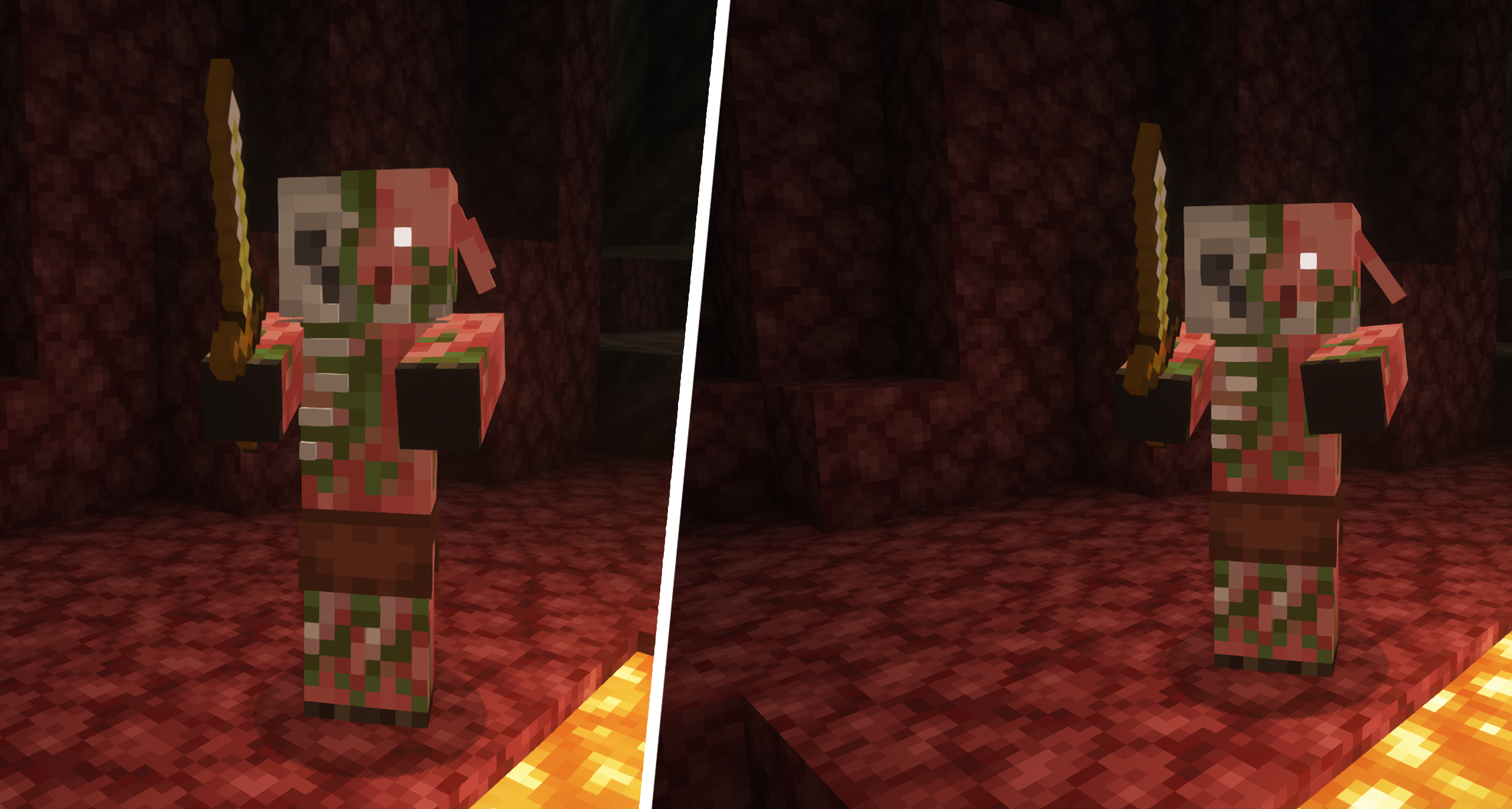
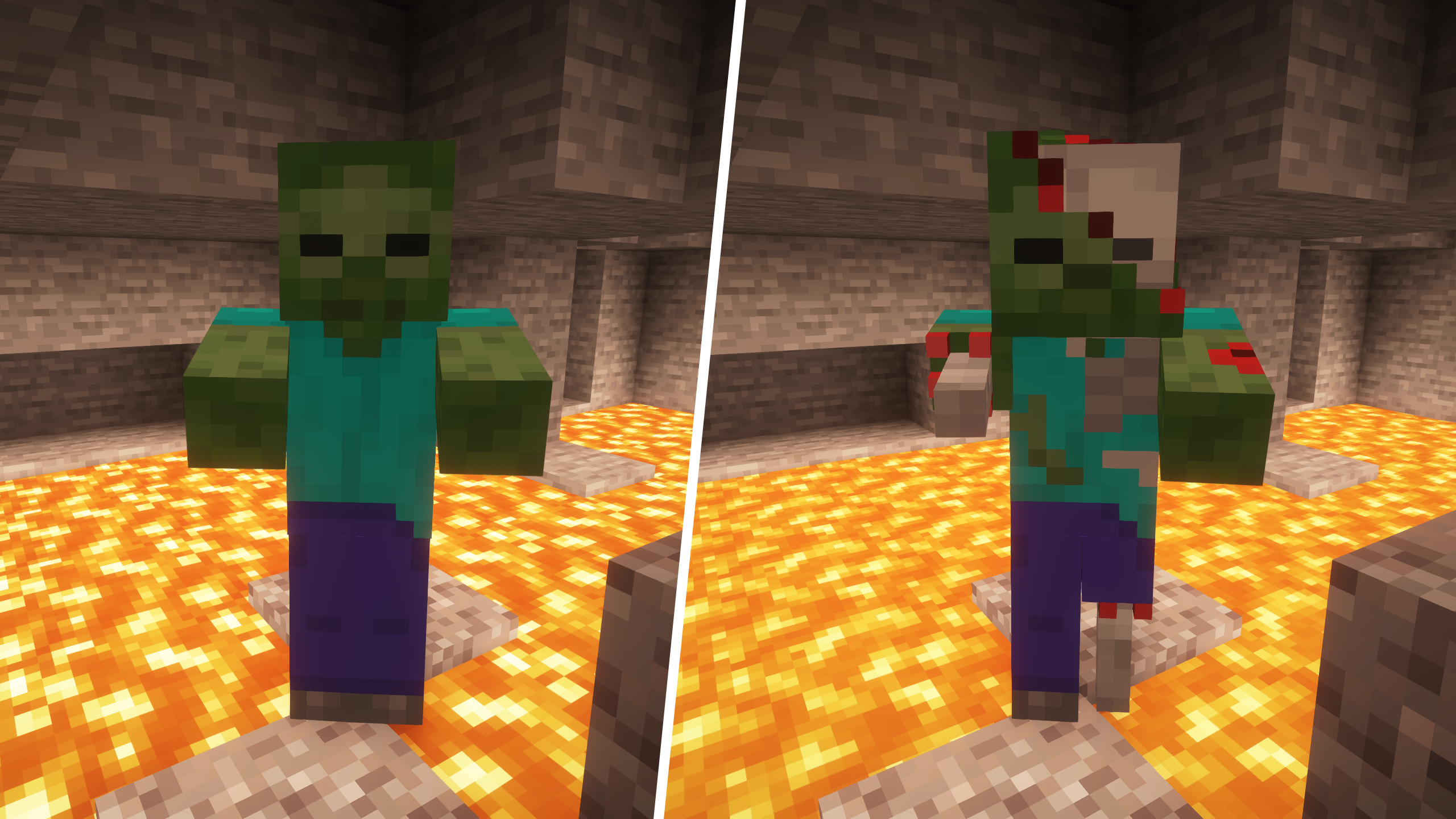
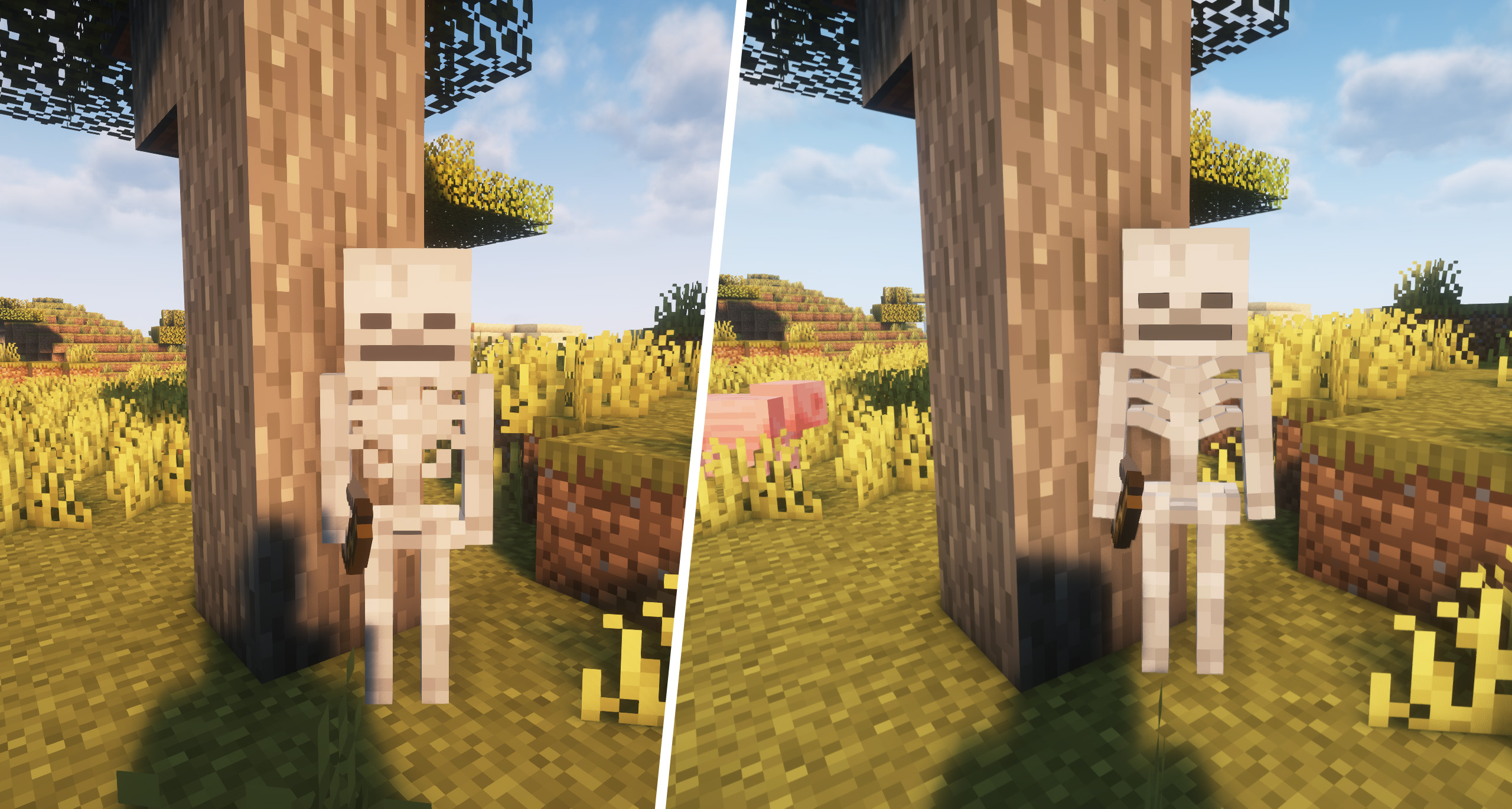
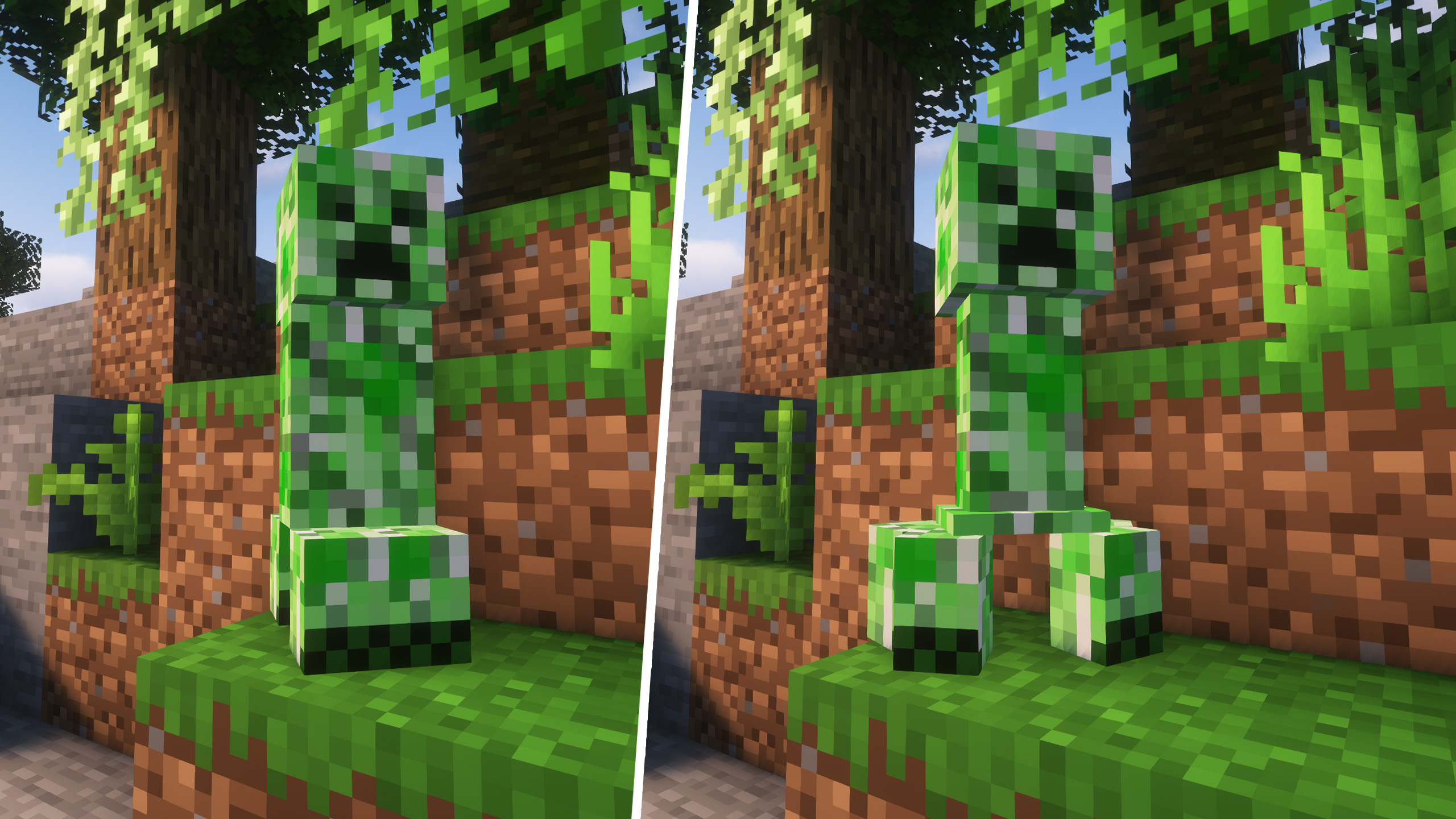
This resourcepack changes the appearance of many of Minecraft's vanilla mobs! Specifically, for now it changes the appearance of the following mobs (although there are many more textures on the way):
- Zombie
- Skeleton
- Creeper
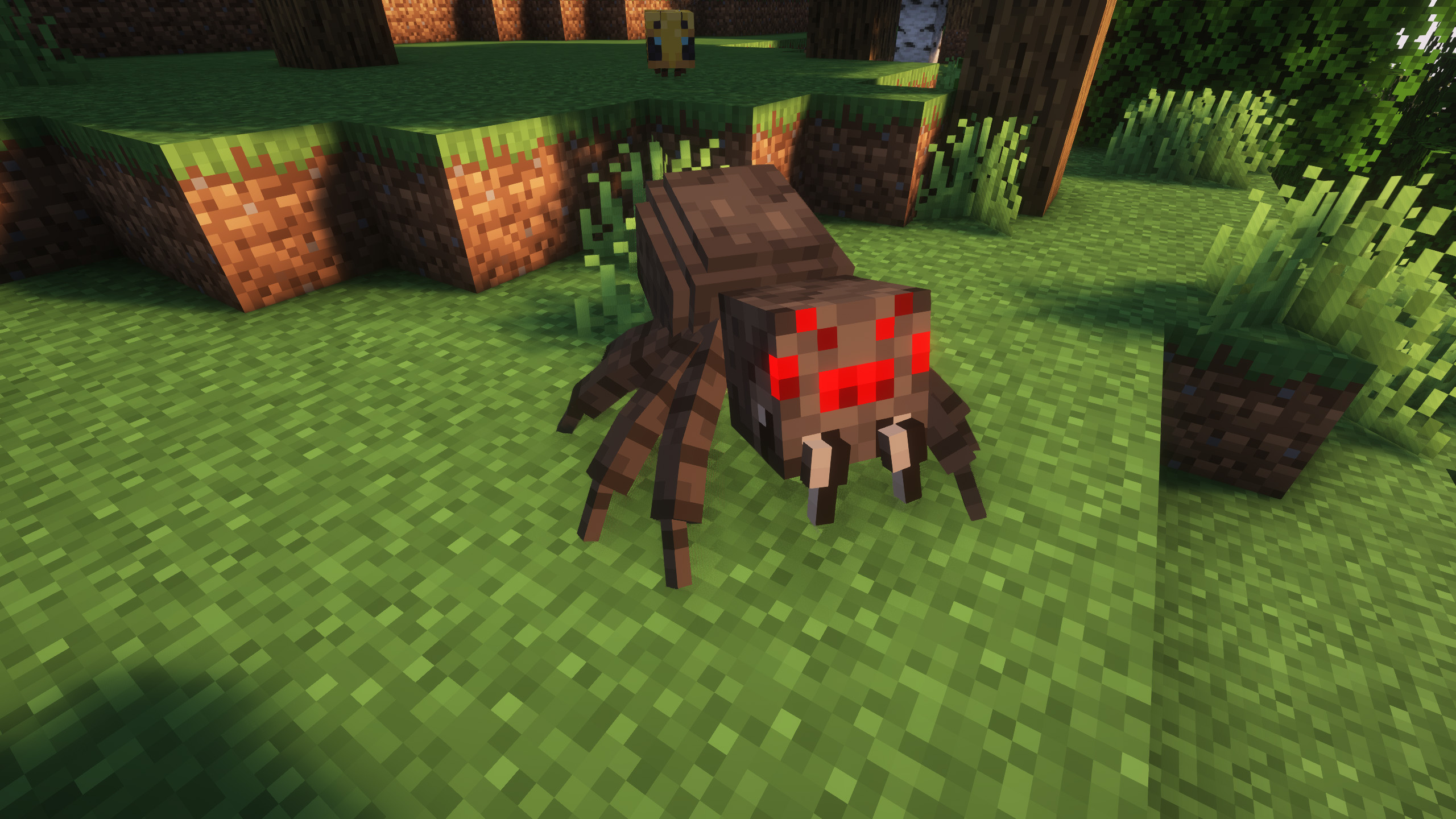
- Spider
- Zombified Piglin
- Cave Spider
- Husk
- Hoglin
- Blaze
- Guardian
- Wither Skeleton
- Zombie Horse
Requires EMF or ETF (also works with OptiFine).
The designer of the textures and models is AviArt.
Do you need a server to play with your friends?
If you are looking for a server to play any mod or modpack with your friends, Bisect Hosting is your solution! They have the best quality-price Minecraft servers, and if you click on this link you will get a 25% discount, using the code "Lupin".
This resourcepack changes the look of some of the community's most beloved vanilla mobs, and of course now, they will look more realistic and fun! But don't worry, they'll still do it in a vanilla-friendly way, while still being somewhat similar to the default textures.
Does it work on servers?
Sure! It works perfectly! Remember that the best way to play with mods and friends is with BisectHosting, and by clicking on this link you can get a 25% discount.
Can this resourcepack be used in modpacks?
Of course! As long as it is published only on Modrinth or CurseForge. Uploading it to any other platform would be violating our rights and is not allowed at all.
However, we are really grateful if you consider adding it to your Modrinth or CurseForge modpack. If you need any small changes or have any questions, contact us!

Realistic Mobs ఎలా ఇన్స్టాల్ చేయాలి
With Millida Launcher
Install Millida Launcher
The launcher is free: download it at millida.net/launcher and sign in with any nickname.
Click “Install” on this page
The launcher opens and installs the resource pack for Minecraft 1.16–26.3 automatically.
Launch the game
A profile with it appears in the launcher: click “Play”.
Manually
Download the archive
Pick the file Realistic Mobs - 7.0.zip (483 KB) for your game version. No need to unpack it.
Put it in the resourcepacks folder
The easiest way: “Options”, then “Resource Packs”, then “Open Pack Folder”, and drag the archive there.
Enable the pack
In the same window, move the pack to the right-hand “Selected” column and click “Done”.
వెర్షన్లు
డిపెండెన్సీలతో
| Minecraft | లోడర్ | ఫైల్ | తేదీ | చర్యలు |
|---|---|---|---|---|
| 1.16.3 | — | Realistic Mobs - 7.0483 KB 132 |
FAQ
Where can I download Realistic Mobs safely?
On this page: the file Realistic Mobs - 7.0.zip (483 KB) is stored on Millida’s server, with no link shorteners. SHA-1 checksum: 70ae56859861ca97b2597e4f7ea62806adcaa272.
సమీక్షలు
Realistic Mobsకు మొదటి రేటింగ్ ఇవ్వండి



