

Minecraft 1.21, 26.40 కోసం Pure Optimizer | Best Optimizer రిసోర్స్ ప్యాక్
MCPE లో PVP కోసం ఉత్తమ ఆప్టిమైజర్ / fps బూస్టర్. ఇది MCPE లో గరిష్ట పనితీరును ఇస్తుంది. మరేవీ దీన్ని ఓడించలేవు, ఎందుకంటే ఆప్టిమైజర్ Mcpe 1.21+ కోసం గరిష్ట పనితీరును తెస్తుంది. PvP కోసం ఉత్తమం మరియు ఉత్తమ ఆప్టిమైజర్, sodium, lithium, optifine కంటే మెరుగైనది.
Pure Optimizer | Best Optimizer రిసోర్స్ ప్యాక్ గురించి

Say goodbye to lag and hello to smooth gameplay! This ultimate optimization pack is crafted to deliver maximum performance in Minecraft Pocket Edition (MCPE) and Bedrock Edition (BE).
Features:
- Best forbMCPE PvP
- Reduces device heating
- Lowers RAM usage
- Improves chunk loading speed
- Works on all devices and low-end phones
PURPOSE: PVP + FPS
For Highest Fps Use Our Fps booster
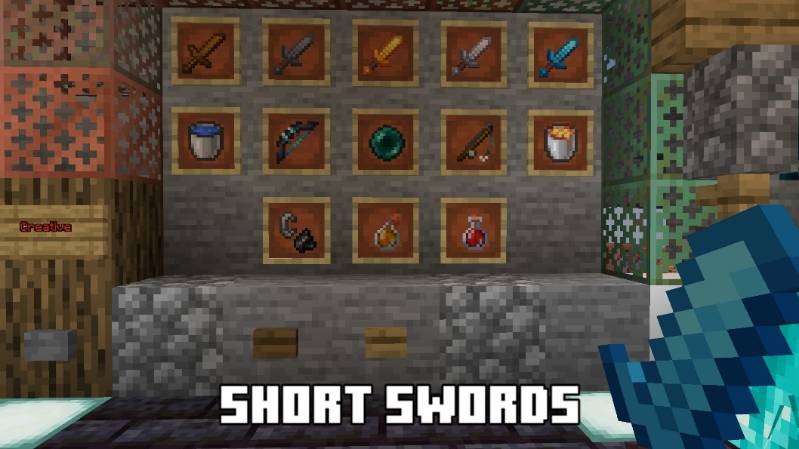
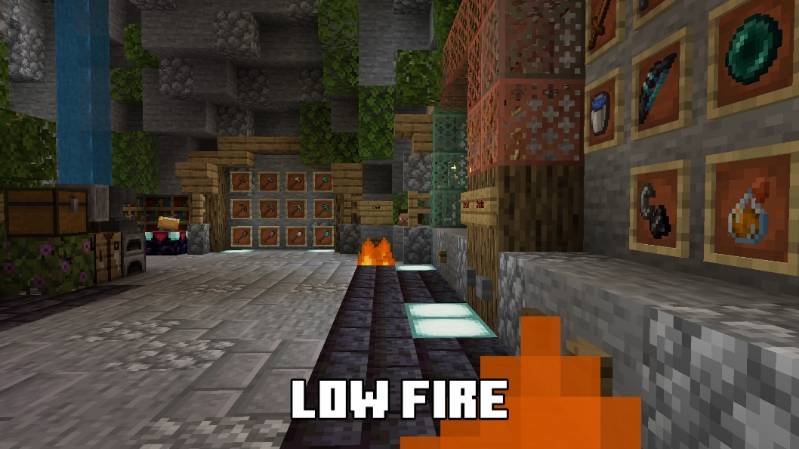
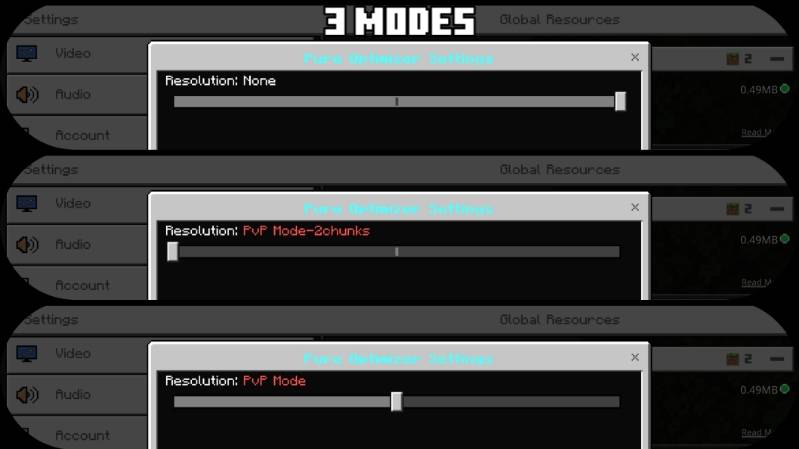
Features
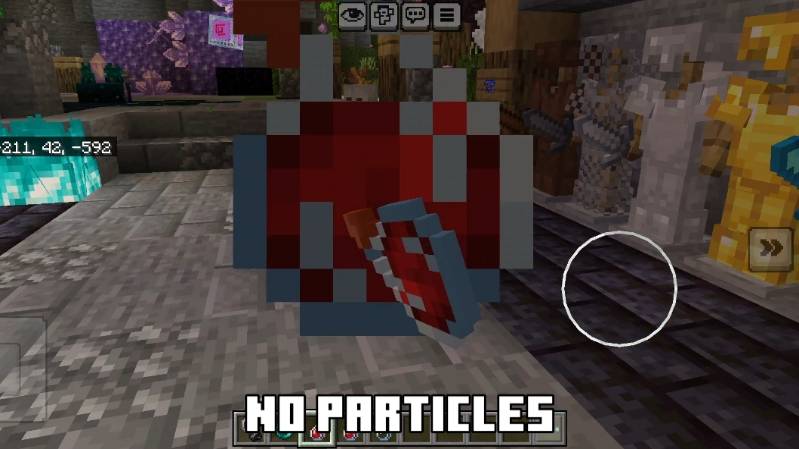

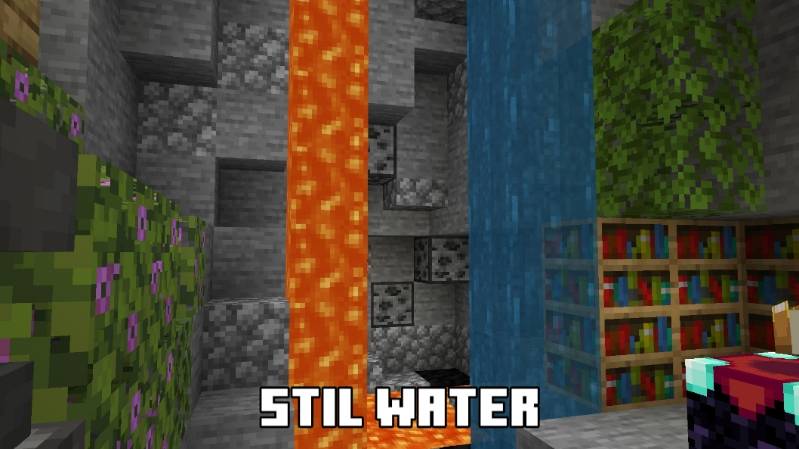


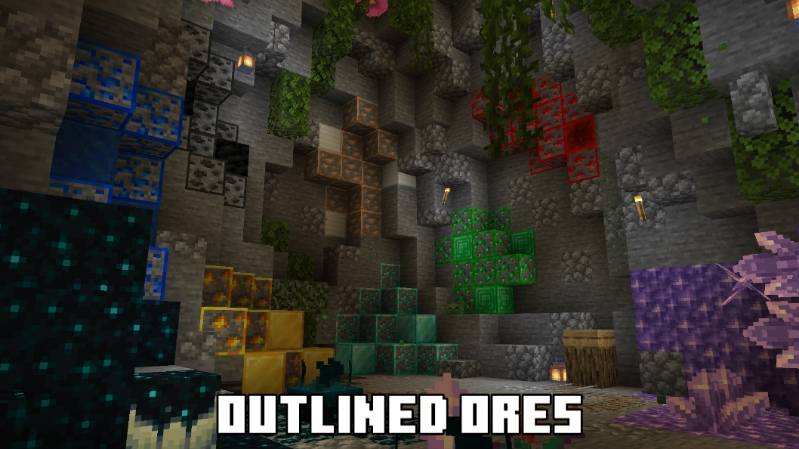
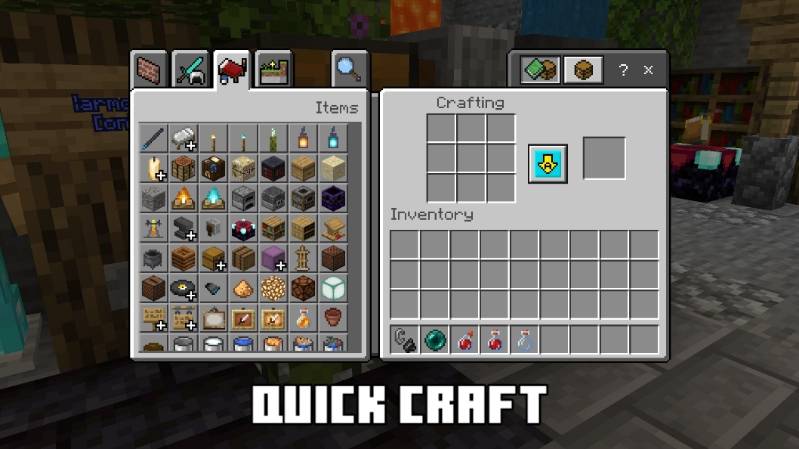

Socials:
Join our discord

Support On Kofi:

You Are Allowed To:
- Showcase my work in videos/streams if you give proper credit (e.g., link to the official download).
- Edit file for personal use only
You Are Not Allowed To:
- Distribute through monetized links (AdFly, Linkvertise, etc.).
- Edit and re-share my projects
If You Give Low Rating ,You Should Comment the Reason
Pure Optimizer | Best Optimizer ఎలా ఇన్స్టాల్ చేయాలి
With Millida Launcher
Install Millida Launcher
The launcher is free: download it at millida.net/launcher and sign in with any nickname.
Click “Install” on this page
The launcher opens and installs the resource pack for Minecraft 1.21–26.40 automatically.
Launch the game
A profile with it appears in the launcher: click “Play”.
Manually
Download the archive
Pick the file Pure Optimizer 2.7.mcpack (480 KB) for your game version. No need to unpack it.
Put it in the resourcepacks folder
The easiest way: “Options”, then “Resource Packs”, then “Open Pack Folder”, and drag the archive there.
Enable the pack
In the same window, move the pack to the right-hand “Selected” column and click “Done”.
వెర్షన్లు
డిపెండెన్సీలతో
| Minecraft | లోడర్ | ఫైల్ | తేదీ | చర్యలు |
|---|---|---|---|---|
| 1.21.30 | — | Pure Optimizer 2.7.mcpack480 KB 13 |
FAQ
Which Minecraft versions does Pure Optimizer | Best Optimizer work on?
There are files for 1.21–26.40, 46 versions in total. The newest is 26.40.
Where can I download Pure Optimizer | Best Optimizer safely?
On this page: the file Pure Optimizer 2.7.mcpack (480 KB) is stored on Millida’s server, with no link shorteners. SHA-1 checksum: 8834c30806cc09f8d67d4b58cf32beb87155a898.
సమీక్షలు
Pure Optimizer | Best Optimizerకు మొదటి రేటింగ్ ఇవ్వండి



