
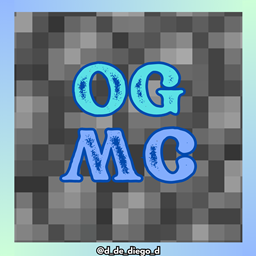
Minecraft 1.20.1, 1.21 కోసం OLD MCRAFT రిసోర్స్ ప్యాక్
అసలైన MC టెక్స్చర్లు, ఖనిజాలు, నెదర్ మరియు మరెన్నో
OLD MCRAFT రిసోర్స్ ప్యాక్ గురించి

OG MINECRAFT
ENGLISH
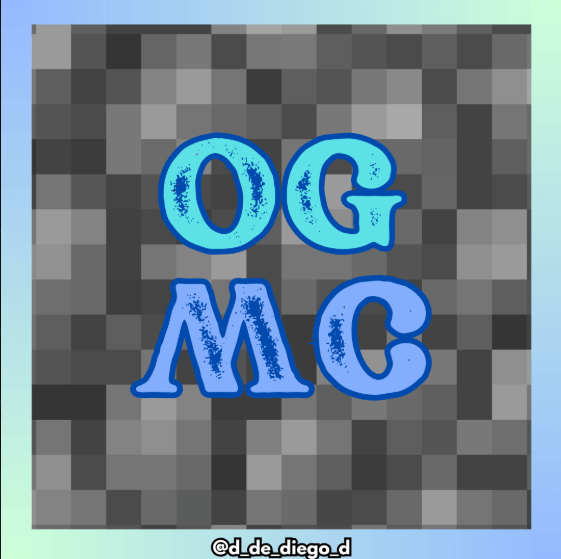
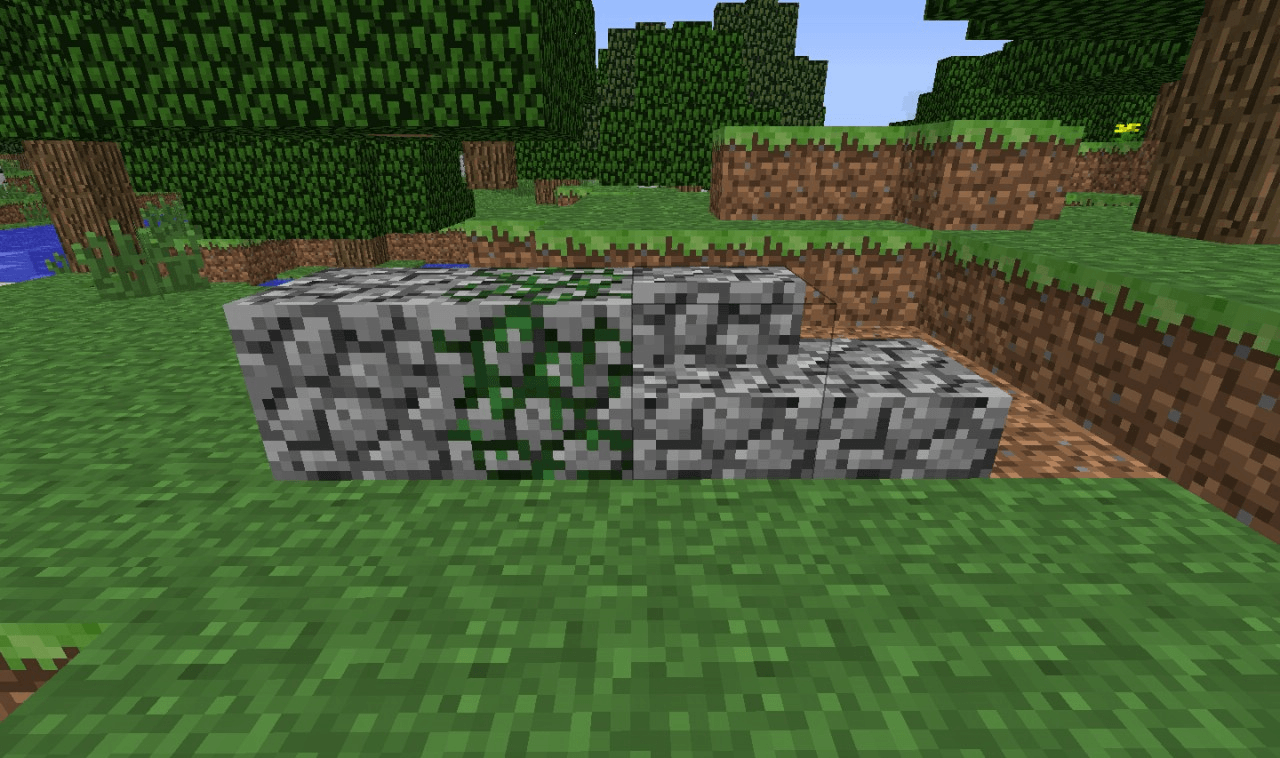
Do you miss the classic look of Minecraft? With OLD MCRAFT you can relive those good old days! This texture pack brings back the original textures of the game: the ancient rock, the classic minerals and that nostalgic touch that we loved so much. Perfect for veterans who want a dose of nostalgia or for those who want to discover what the cubic world looked like in its earliest versions. Rediscover Minecraft with its original essence!
Contains:
- Minerals OG
- Cobblestone OG
- Nether OG
- And more
By @d_de_diego_d
ESPAÑOL
¿Extrañas el aspecto clásico de Minecraft? ¡Con OLD MCRAFT podrás revivir esos viejos tiempos! Este texture pack trae de vuelta las texturas originales del juego: la roca antigua, los minerales clásicos y ese toque nostálgico que tanto nos gustaba. Perfecto para los veteranos que quieren una dosis de nostalgia o para quienes desean descubrir cómo se veía el mundo cúbico en sus primeras versiones. ¡Redescubre Minecraft con su esencia original!
Contiene:
- Minerales OG
- Cobblestone OG
- Nether OG
- Y mas
By @d_de_diego_d
❤️ Support Me ❤️




⭐ Our Projects⭐




(c) TRIDEX 2025 - All Rights Reserved
OLD MCRAFT ఎలా ఇన్స్టాల్ చేయాలి
With Millida Launcher
Install Millida Launcher
The launcher is free: download it at millida.net/launcher and sign in with any nickname.
Click “Install” on this page
The launcher opens and installs the resource pack for Minecraft 0.16–1.21.82 automatically.
Launch the game
A profile with it appears in the launcher: click “Play”.
Manually
Download the archive
Pick the file OG MINECRAFT.mcpack (2.0 MB) for your game version. No need to unpack it.
Put it in the resourcepacks folder
The easiest way: “Options”, then “Resource Packs”, then “Open Pack Folder”, and drag the archive there.
Enable the pack
In the same window, move the pack to the right-hand “Selected” column and click “Done”.
వెర్షన్లు
డిపెండెన్సీలతో
| Minecraft | లోడర్ | ఫైల్ | తేదీ | చర్యలు |
|---|---|---|---|---|
| 1.20.40 | — | OG MINECRAFT.mcpack2 MB |
FAQ
Which Minecraft versions does OLD MCRAFT work on?
There are files for 0.16–1.21.82, 76 versions in total. The newest is 1.21.82.
Where can I download OLD MCRAFT safely?
On this page: the file OG MINECRAFT.mcpack (2.0 MB) is stored on Millida’s server, with no link shorteners. SHA-1 checksum: 2755005f32185839f7b4c3d8fa2d72c4d6e0ce2e.
సమీక్షలు
OLD MCRAFTకు మొదటి రేటింగ్ ఇవ్వండి



