
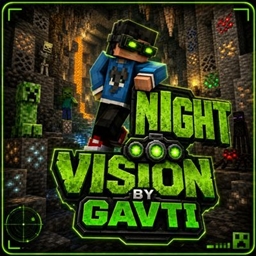
Minecraft 26.30 కోసం NightVision రిసోర్స్ ప్యాక్
Dark caves ho ya deep oceans — ye Night Vision Pack har jagah crystal clear visibility deta hai. No darkness, no confusion, sirf smooth aur bright Minecraft experience!
🌙✨ Ultimate Night Vision Pack ✨🌙
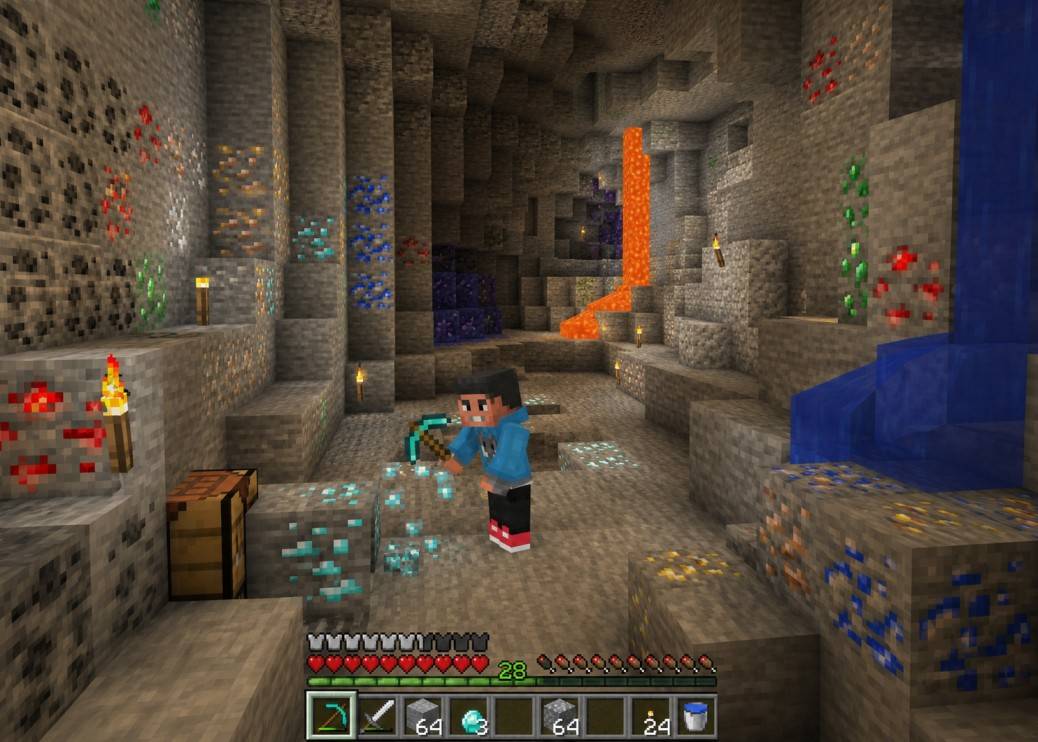
Dark caves, scary mines aur deep oceans ab bilkul clear! 🔦💎 Ye Night Vision Pack aapke Minecraft experience ko next level brightness deta hai - without annoying darkness 😎
✅ Crystal Clear Visibility ✅ Smooth & Clean Look ✅ Better Mining Experience ⛏️ ✅ Perfect for Survival & Exploration 🌍
⚠️ Disclaimer: Pack preview images AI se enhanced/edit ki gayi hain for better presentation purposes 🤖🖼️
💠 Premium Quality Pack crafted with passion by Gavti 👑
NightVision ఎలా ఇన్స్టాల్ చేయాలి
With Millida Launcher
Install Millida Launcher
The launcher is free: download it at millida.net/launcher and sign in with any nickname.
Click “Install” on this page
The launcher opens and installs the resource pack for Minecraft 26.13–26.30 automatically.
Launch the game
A profile with it appears in the launcher: click “Play”.
Manually
Download the archive
Pick the file Night_Vision.mcpack (263 KB) for your game version. No need to unpack it.
Put it in the resourcepacks folder
The easiest way: “Options”, then “Resource Packs”, then “Open Pack Folder”, and drag the archive there.
Enable the pack
In the same window, move the pack to the right-hand “Selected” column and click “Done”.
వెర్షన్లు
డిపెండెన్సీలతో
| Minecraft | లోడర్ | ఫైల్ | తేదీ | చర్యలు |
|---|---|---|---|---|
| 26.20 | — | Night_Vision.mcpack263 KB 4 |
FAQ
Which Minecraft versions does NightVision work on?
There are files for 26.30, 26.20, 26.13. The newest is 26.30.
Where can I download NightVision safely?
On this page: the file Night_Vision.mcpack (263 KB) is stored on Millida’s server, with no link shorteners. SHA-1 checksum: 1104d099cd1d2fbb046589977a0b2c72088706bc.
సమీక్షలు
NightVisionకు మొదటి రేటింగ్ ఇవ్వండి



