
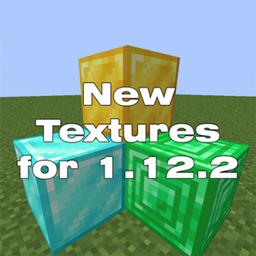
Minecraft 1.12.2, 1.13.2 కోసం New Textures
పాత వెర్షన్ల కోసం కొత్త టెక్స్చర్లు. v1.0.5.3 బ్లూ ఫ్లేర్ పార్టికల్స్ 1.13 ను సరిచేసింది, వర్క్బెంచ్ ఇంటర్ఫేస్ 1.7.10 ను సరిచేసింది, ఫాంట్ ప్యాక్ లోపల NewTextures-1.0.5.3.zip లో ఉంది, అవసరమైతే, మీరు దానిని అక్కడ నుండి పొందవచ్చు.
New Textures రిసోర్స్ ప్యాక్ గురించి
Resource pack added new textures, for older versions (1.13.2, 1.12.2, 1.11.2, 1.10.2, 1.9.4, 1.8.9, 1.7.10)
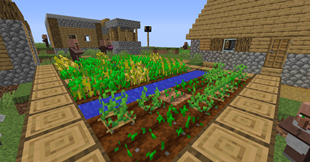
New update
1.0.5.3
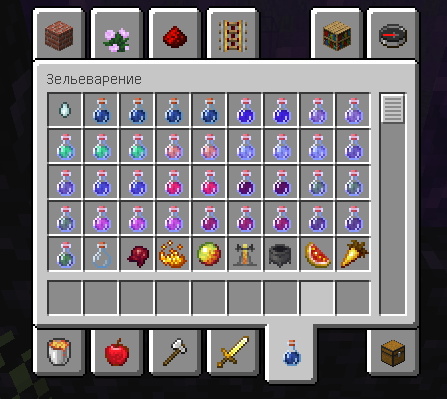
fixed blue flare particles 1.13 fixed the workbench interface 1.7.10
the font is inside the pack NewTextures-1.0.5.3.zip if necessary, you can get it from there
Added new textures for the following mods
- betterwithmods
- bigreactors
- biomesoplenty
- densemetals
- draconicevolution
- mysticalworld
- primal
- thermalfoundation
so far, only
blocks: ores, blocks of dirt, logs, planks, doors, obsidian, leaves.
items: boats, buckets, jars(from the biomes o plenty mod) and some other items.
1.0.5
New Textures for Ores
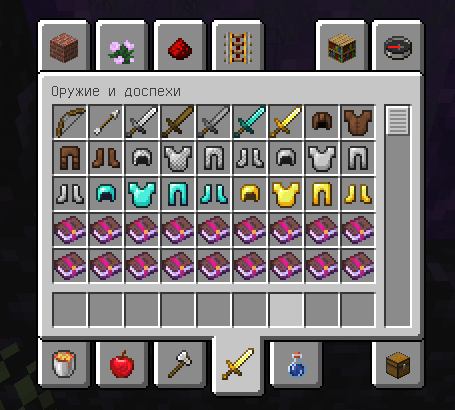
New Textures ఎలా ఇన్స్టాల్ చేయాలి
With Millida Launcher
Install Millida Launcher
The launcher is free: download it at millida.net/launcher and sign in with any nickname.
Click “Install” on this page
The launcher opens and installs the resource pack for Minecraft 1.7.3–1.13.2 automatically.
Launch the game
A profile with it appears in the launcher: click “Play”.
Manually
Download the archive
Pick the file NewTexturesfor1.12.2_1.0.4.3.zip (3.7 MB) for your game version. No need to unpack it.
Put it in the resourcepacks folder
The easiest way: “Options”, then “Resource Packs”, then “Open Pack Folder”, and drag the archive there.
Enable the pack
In the same window, move the pack to the right-hand “Selected” column and click “Done”.
వెర్షన్లు
డిపెండెన్సీలతో
| Minecraft | లోడర్ | ఫైల్ | తేదీ | చర్యలు |
|---|---|---|---|---|
| 1.9.4 | — | NewTextures-1.0.5.3.zip9.1 MB 13 | ||
| 1.12.2 | — | NewTexturesfor1.12.2_1.0.4.3.zip3.7 MB |
FAQ
Which Minecraft versions does New Textures work on?
There are files for 1.7.3–1.13.2, 7 versions in total. The newest is 1.13.2.
How do I download New Textures?
With Millida Launcher: it installs New Textures into a modpack by itself, for the right game version and loader. The launcher is free.
సమీక్షలు
New Texturesకు మొదటి రేటింగ్ ఇవ్వండి



