
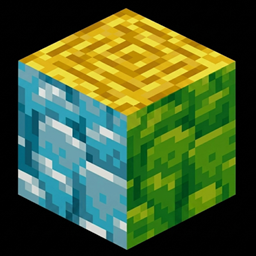
Minecraft 1.21, 26.30 కోసం Multi-Colored Debris రిసోర్స్ ప్యాక్
మీ సౌకర్యం ప్రకారం చాలా రంగుల శిథిలాలు
Multi-Colored Debris
Note : If you guys are interested in this, should I launch it in more colors? Please let me know in the comments!

Tired of squinting in the dark caves of the Nether trying to spot those rare blocks? Colourful Debris is a simple yet incredibly useful Minecraft Bedrock resource pack (.mcpack) designed to give Ancient Debris a vibrant, high-visibility makeover!
Whether you want to make netherite mining easier or just want to add some custom colors to your blocks, this pack has you covered.
Features:
- Subpack Support: Change the color theme directly inside the game settings using the subpacks slider!
- High Visibility: Makes finding Ancient Debris much quicker during heavy mining sessions in the Nether.
- Complete Textures: Modifies both the side and top textures of the block for a seamless look.
Available Colors (Subpacks):
This pack includes 5 different color options that you can choose from:
- Blue
- Green
- Red
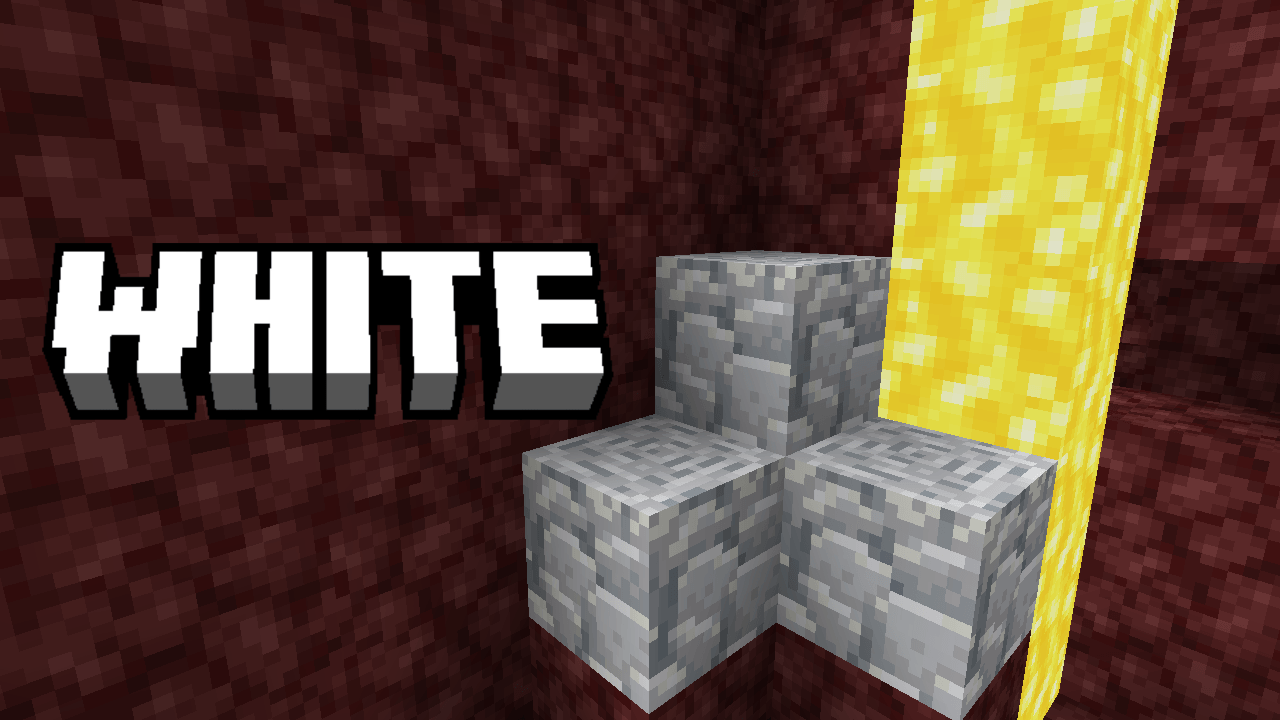
- White
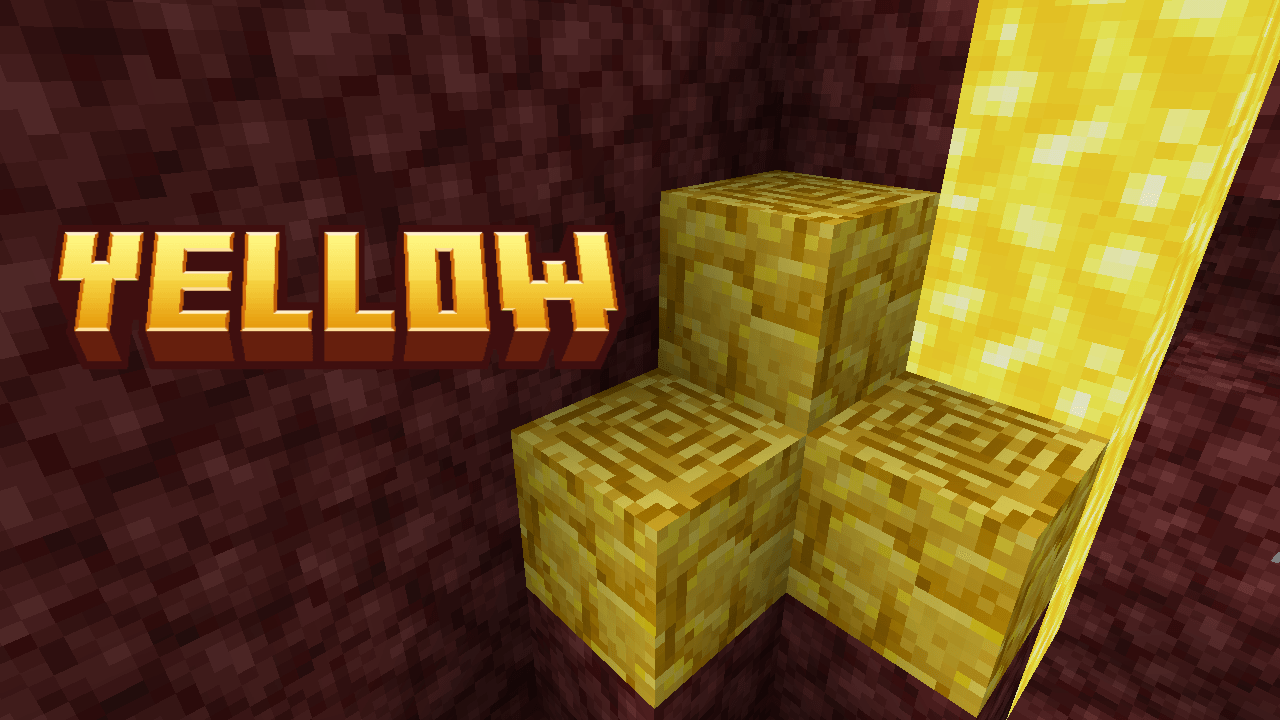
- Yellow
How to Use:
- Download the .mcpack file.
- Double-click or open the file to automatically import it into Minecraft Bedrock Edition.
- Go to Settings > Global Resources > My Packs and activate Colourful Debris.
- Click the Gear Icon (Settings) on the pack to slide and select your favorite color variant!
Note: This resource pack is built specifically for Bedrock Edition platforms (Windows, Android, iOS, Xbox, PlayStation, and Switch).
Multi-Colored Debris ఎలా ఇన్స్టాల్ చేయాలి
With Millida Launcher
Install Millida Launcher
The launcher is free: download it at millida.net/launcher and sign in with any nickname.
Click “Install” on this page
The launcher opens and installs the resource pack for Minecraft 1.21–26.30 automatically.
Launch the game
A profile with it appears in the launcher: click “Play”.
Manually
Download the archive
Pick the file Multi-Colored Debris v1.3.mcpack (297 KB) for your game version. No need to unpack it.
Put it in the resourcepacks folder
The easiest way: “Options”, then “Resource Packs”, then “Open Pack Folder”, and drag the archive there.
Enable the pack
In the same window, move the pack to the right-hand “Selected” column and click “Done”.
వెర్షన్లు
డిపెండెన్సీలతో
| Minecraft | లోడర్ | ఫైల్ | తేదీ | చర్యలు |
|---|---|---|---|---|
| 1.21.30 | — | Multi-Colored Debris v1.3.mcpack297 KB 1 |
సమీక్షలు
Multi-Colored Debrisకు మొదటి రేటింగ్ ఇవ్వండి



