

MetalTxus' Uncertainty రిసోర్స్ ప్యాక్ గురించి
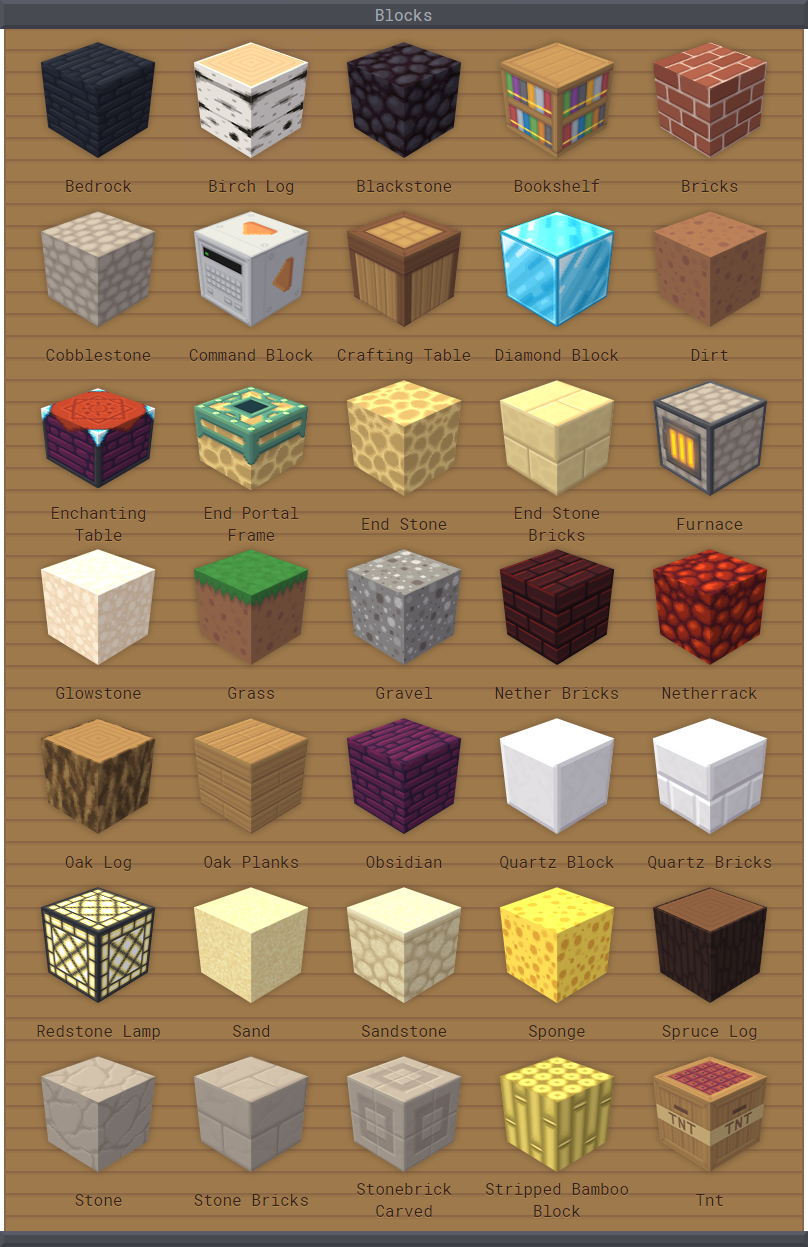
MetalTxus' Uncertainty is a minimalist resource pack for those who dislike complex and overwhelming ones, designed to be beautiful yet simple. Any computer should be able to handle it at full speed and let the player enjoy its beauty. I hope you like it as much as I enjoyed developing it ;)
I add stuff progressively and only release new builds when "enough" features cumulate, usually when most or all features for the current version are finished. You can, however, download the latest development build in between releases to get early access to these features.
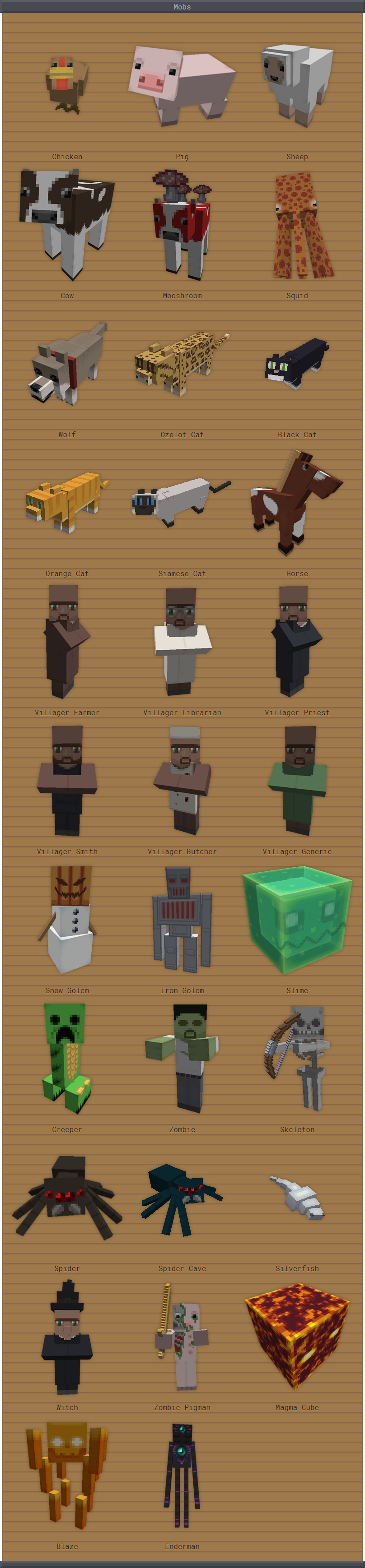
Feedback would be highly appreciated and any kind of suggestion is welcomed. If there is something looking kind of weird or some texture you would like changed you can tell me. If your feedback sounds reasonable, I'll be glad to implement it.
Links: MinecraftForum | PlanetMinecraft | Bitbucket
If you feel grateful enough, feel free to
License: CC BY-NC-ND 4.0.
MetalTxus' Uncertainty ఎలా ఇన్స్టాల్ చేయాలి
With Millida Launcher
Install Millida Launcher
The launcher is free: download it at millida.net/launcher and sign in with any nickname.
Click “Install” on this page
The launcher opens and installs the resource pack for Minecraft 1.21 automatically.
Launch the game
A profile with it appears in the launcher: click “Play”.
Manually
Download the archive
Pick the file MetalTxus' Uncertainty v1.12.2.zip (2.7 MB) for your game version. No need to unpack it.
Put it in the resourcepacks folder
The easiest way: “Options”, then “Resource Packs”, then “Open Pack Folder”, and drag the archive there.
Enable the pack
In the same window, move the pack to the right-hand “Selected” column and click “Done”.
వెర్షన్లు
డిపెండెన్సీలతో
| Minecraft | లోడర్ | ఫైల్ | తేదీ | చర్యలు |
|---|---|---|---|---|
| 1.21 | — | [1.21] MetalTxus' Uncertainty v1.12.22.7 MB |
FAQ
Which Minecraft versions does MetalTxus' Uncertainty work on?
Only Minecraft 1.21: there are no files for other versions.
Where can I download MetalTxus' Uncertainty safely?
On this page: the file MetalTxus' Uncertainty v1.12.2.zip (2.7 MB) is stored on Millida’s server, with no link shorteners. SHA-1 checksum: c5362a5d3df5870dee4fb16be14c39d265aba4c1.
సమీక్షలు
MetalTxus' Uncertaintyకు మొదటి రేటింగ్ ఇవ్వండి


