
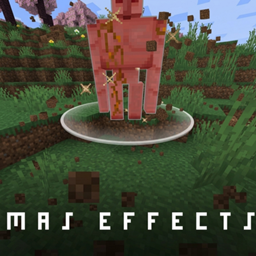
Minecraft 26.10 కోసం Mas effects రిసోర్స్ ప్యాక్
Minecraft PVPను దృశ్యపరంగా మెరుగుపరచడంపై దృష్టి సారించిన మోడ్! Mace షాక్వేవ్, కస్టమ్ టోటెమ్ కణాలు మరియు మరిన్ని!
Mas effects రిసోర్స్ ప్యాక్ గురించి
● Mas Effects [Bedrock Remake]
Mas Effects is a Bedrock Edition remake of the original Java mod, designed to enhance your gameplay with visually appealing particles and immersive effects.
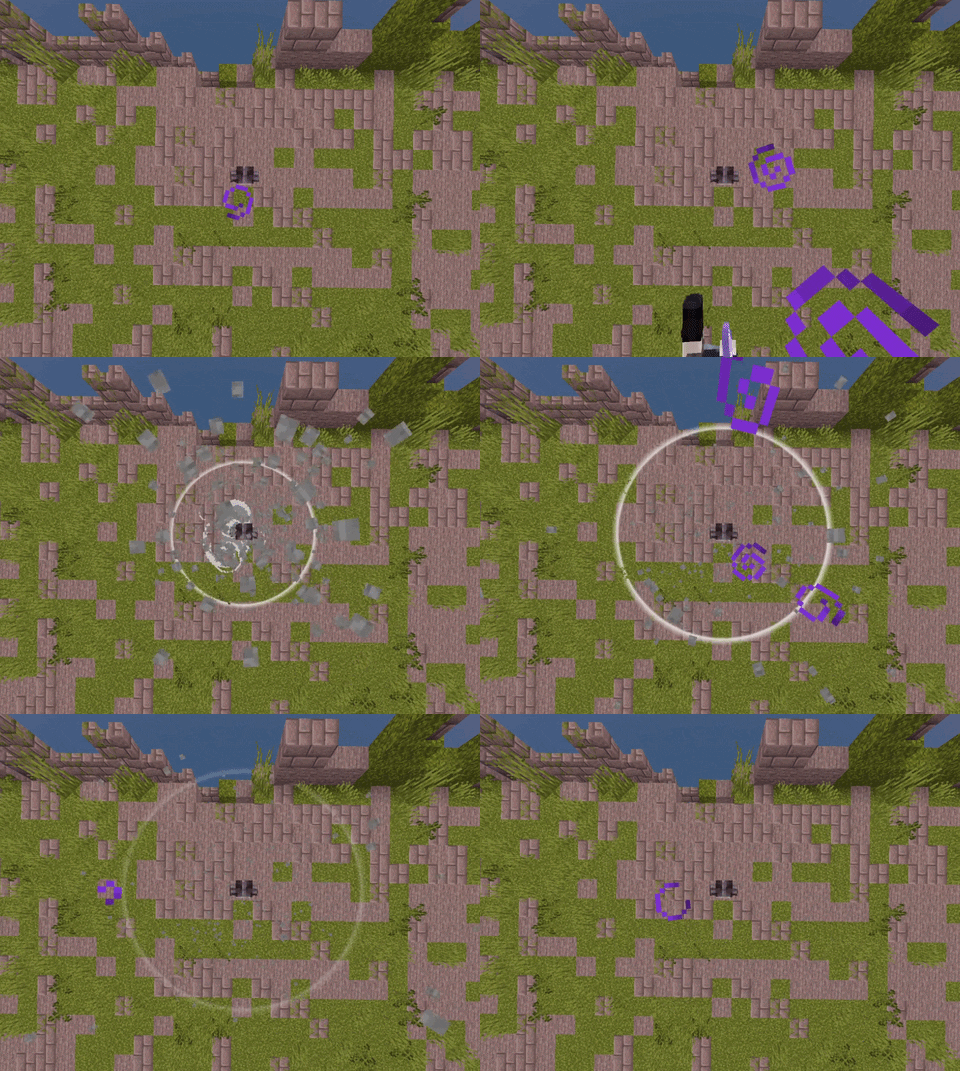
◇ Features
Hitbox Indicator
Displays a dynamic hitbox that turns red when a player enters range, helping improve combat awareness.
Mace Soundwave Effect
Adds a powerful ground impact soundwave when a mace hits, giving attacks more weight and visual feedback.
Critical Particles
Enhances critical hits with a shockwave effect and clean white sparkles around the target’s head.
Death Particles
Introduces unique skull particles along with a stylized and slightly goofy death animation.
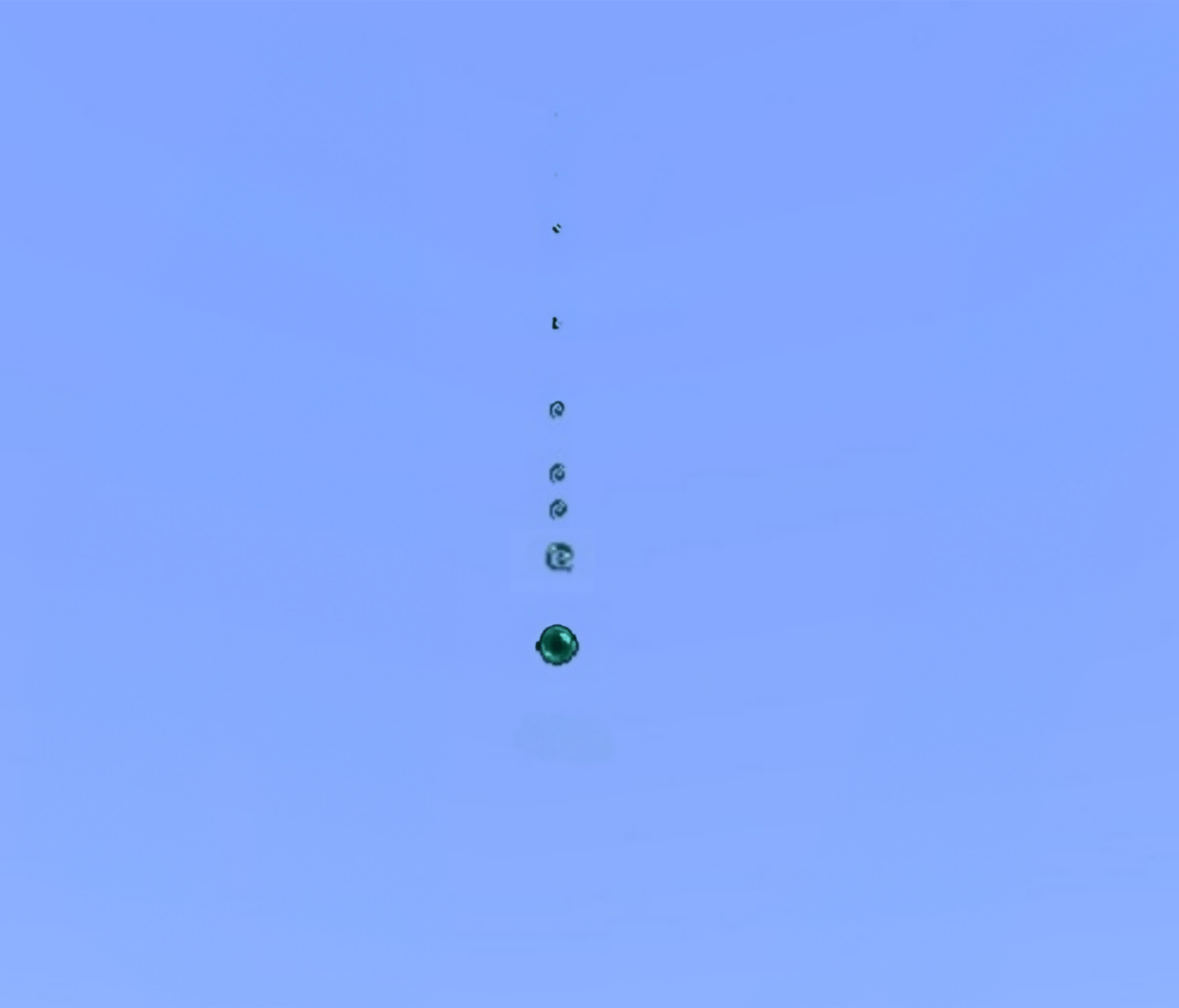
Ender Pearl Trail
Ender pearls now leave behind smooth particle trails during flight.
Totem Particles
Totems emit star-like particles upon activation, making clutch moments feel more impactful.
☆ Credits
Mace Shockwave by @IzvekhHaruVN
Huge thanks for the original implementation.
If you are only looking for the mace soundwave effect, you can download it here : "Mace mas effects"
HOPE YOU WILL ENJOY THIS :3
Mas effects ఎలా ఇన్స్టాల్ చేయాలి
With Millida Launcher
Install Millida Launcher
The launcher is free: download it at millida.net/launcher and sign in with any nickname.
Click “Install” on this page
The launcher opens and installs the resource pack for Minecraft 26.0–26.10 automatically.
Launch the game
A profile with it appears in the launcher: click “Play”.
Manually
Download the archive
Pick the file MasEffects_v1.mcpack (1.3 MB) for your game version. No need to unpack it.
Put it in the resourcepacks folder
The easiest way: “Options”, then “Resource Packs”, then “Open Pack Folder”, and drag the archive there.
Enable the pack
In the same window, move the pack to the right-hand “Selected” column and click “Done”.
వెర్షన్లు
డిపెండెన్సీలతో
| Minecraft | లోడర్ | ఫైల్ | తేదీ | చర్యలు |
|---|---|---|---|---|
| 26.0.02 | — | MasEffects_v1.mcpack1.3 MB 7 |
FAQ
Which Minecraft versions does Mas effects work on?
There are files for 26.10, 26.3, 26.0.02, 26.0. The newest is 26.10.
Where can I download Mas effects safely?
On this page: the file MasEffects_v1.mcpack (1.3 MB) is stored on Millida’s server, with no link shorteners. SHA-1 checksum: 9320d53ccc4d5da5f65841ee3ed2af29c7021f86.
సమీక్షలు
Mas effectsకు మొదటి రేటింగ్ ఇవ్వండి



