

Invisible Controls Pack
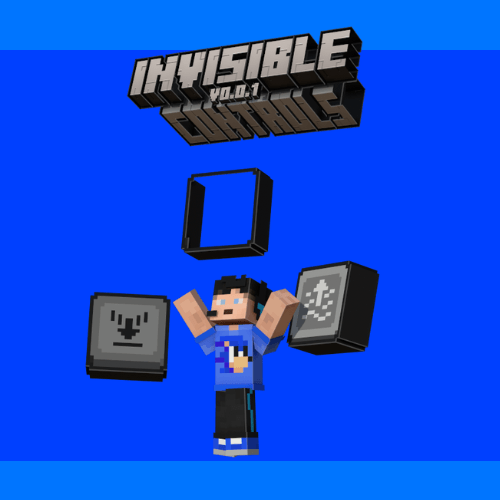
The Invisible Controls Pack is a texture pack that hides those very ugly touch controls from Minecraft Bedrock Edition for mobile, the old Minecraft Pocket Edition, making it more beautiful and pleasant, as well as making it resemble the desktop Minecraft Bedrock Edition and perhaps even the well-known Minecraft Java Edition.
This texture pack was designed for you, the player, who likes to record your gameplay to share with friends, or even record videos for digital platforms, like YouTube or TikTok, for example... Since these on-screen buttons discourage users from watching your videos, both because of discomfort and because the buttons get in the way of viewing the screen, And also because when you watch a recognized YouTube, for example, it usually won't have buttons on the screen; That is, this texture pack can very well increase, perhaps even exponentially, your views!

If you want to support my work, click on the link below, at no financial cost, and help me continue producing free addons for the community:
Download with Support (Linkvertise)
The content is the same - the supported link just goes to a page with a light ad. Thanks for helping!

Invisible Controls Pack ఎలా ఇన్స్టాల్ చేయాలి
With Millida Launcher
Install Millida Launcher
The launcher is free: download it at millida.net/launcher and sign in with any nickname.
Click “Install” on this page
The launcher opens and installs the resource pack for Minecraft 1.21.80–1.21.82 automatically.
Launch the game
A profile with it appears in the launcher: click “Play”.
Manually
Download the archive
Pick the file InvisibleControlsPack.mcpack (188 KB) for your game version. No need to unpack it.
Put it in the resourcepacks folder
The easiest way: “Options”, then “Resource Packs”, then “Open Pack Folder”, and drag the archive there.
Enable the pack
In the same window, move the pack to the right-hand “Selected” column and click “Done”.
వెర్షన్లు
డిపెండెన్సీలతో
| Minecraft | లోడర్ | ఫైల్ | తేదీ | చర్యలు |
|---|---|---|---|---|
| 1.21.81 | — | InvisibleControlsPack.mcpack188 KB |
సమీక్షలు
Invisible Controls Packకు మొదటి రేటింగ్ ఇవ్వండి


