
Minecraft 1.20.1, 1.16.5 కోసం GUI Retextures Compatibility
GUIR కోసం అదనపు మోడ్ మద్దతును అందిస్తుంది.
GUI Retextures Compatibility రిసోర్స్ ప్యాక్ గురించి
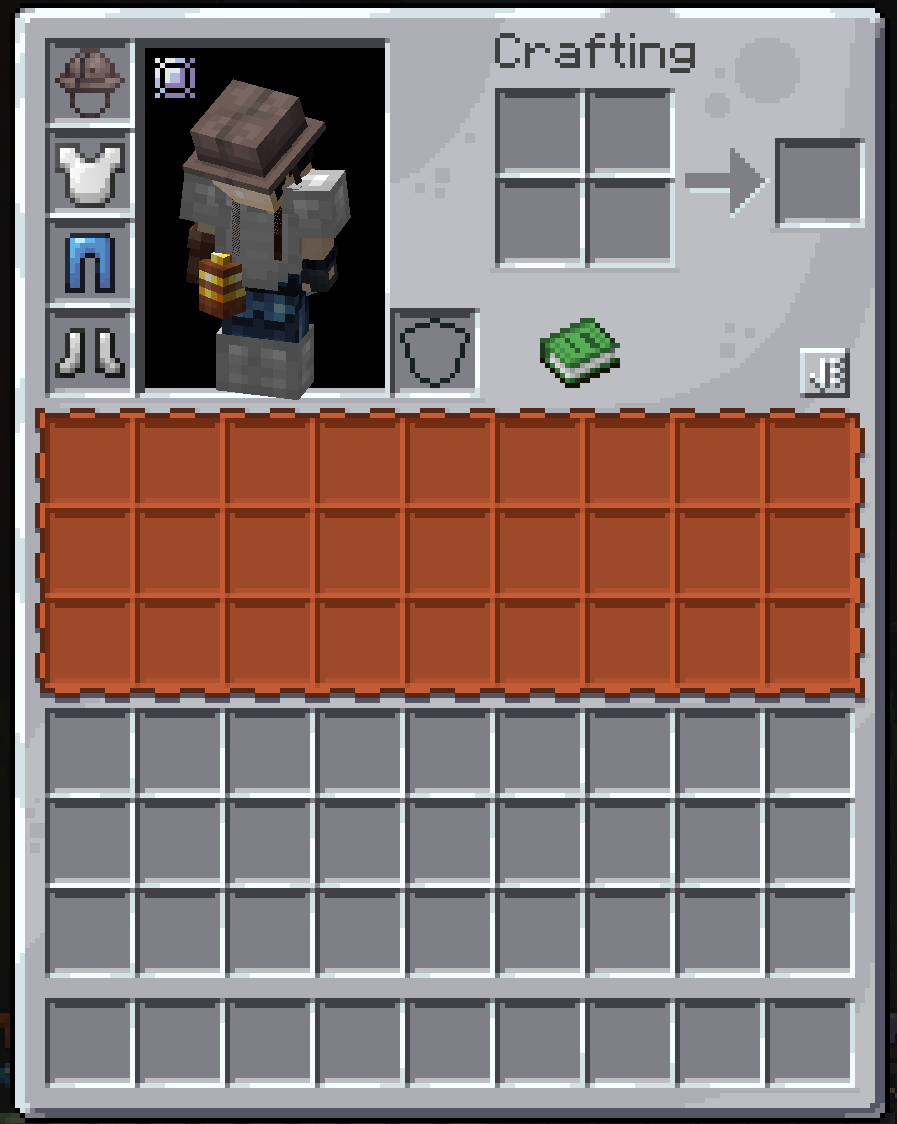
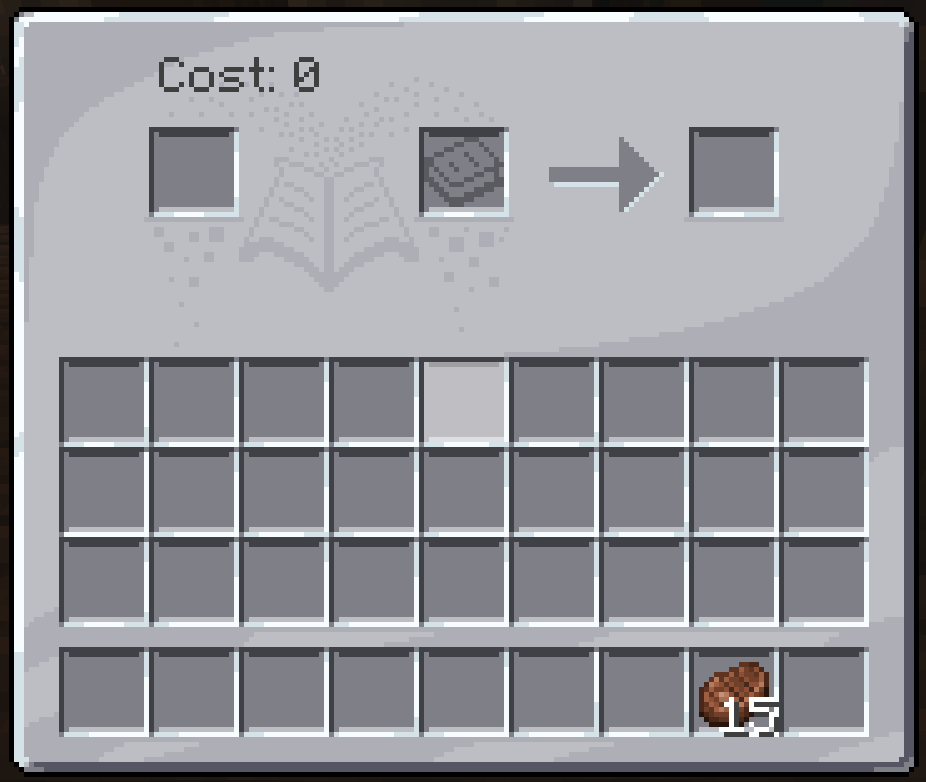
This is a resource pack that aims to add more mod compatibility for the brilliant GUI Retextures pack by the talented flatjim_.
Please support the original creator:
Here is a link to flatjim_'s original pack.
Here are the currently supported mods:
- Apotheosis
- AppleSkin (My own interpretation)
- Create
- Curios
- Disenchanter
- Enigmatic Legacy
- Environmental
- Farmer's Delight
- Health Overlay
- Infernal Expansion
- Basic support for JEI
- Quark
- Supplementaries
- ToroHealth Damage Indicators
- Toughness Bar
- Tinker's Construct
- Tom's Simple Storage
- Neat
- Unusual Prehistory
- Iron Chests
- Feathers
- Enlightend
- Iron's Spellbooks
- The Thermal Series
- ThirstWasTaken
- ColdSweat
If there are any mods for Forge that you want to see supported, post it in the comments! I'll take a look and see what I can do. Most of the mod compatibility is aimed towards Forge mods, the others being on both Forge and Fabric. I personally don't use Fabric mods, so don't expect Fabric mods to get much support from this pack (sorry about that, but the original pack by flatjim_ is more Fabric based, so I'd look at their pack first if you're looking for Fabric support).
Also, you can absolutely use this in your modpacks, no need to even ask! But I do recommend also including flatjim_'s pack as well for even more UI coverage.
If you like this pack, please take a moment to visit my project page to see what else I've done. You might find something else you like!
GUI Retextures Compatibility ఎలా ఇన్స్టాల్ చేయాలి
With Millida Launcher
Install Millida Launcher
The launcher is free: download it at millida.net/launcher and sign in with any nickname.
Click “Install” on this page
The launcher opens and installs the resource pack for Minecraft 1.16–1.20.1 automatically.
Launch the game
A profile with it appears in the launcher: click “Play”.
Manually
Download the archive
Pick the file RetexturedGuiCompat v1.1 (1.18).zip (219 KB) for your game version. No need to unpack it.
Put it in the resourcepacks folder
The easiest way: “Options”, then “Resource Packs”, then “Open Pack Folder”, and drag the archive there.
Enable the pack
In the same window, move the pack to the right-hand “Selected” column and click “Done”.
వెర్షన్లు
డిపెండెన్సీలతో
| Minecraft | లోడర్ | ఫైల్ | తేదీ | చర్యలు |
|---|---|---|---|---|
| 1.17.1 | — | GUIRC 1.7 (1.20)965 KB 1 | ||
| 1.18.1 | — | 1.18 Update219 KB |
FAQ
Which Minecraft versions does GUI Retextures Compatibility work on?
There are files for 1.16–1.20.1, 18 versions in total. The newest is 1.20.1.
How do I download GUI Retextures Compatibility?
With Millida Launcher: it installs GUI Retextures Compatibility into a modpack by itself, for the right game version and loader. The launcher is free.
సమీక్షలు
GUI Retextures Compatibilityకు మొదటి రేటింగ్ ఇవ్వండి


