

Minecraft 1.21.122 కోసం Glowing Visuals Pro రిసోర్స్ ప్యాక్
Glowing Visuals Pro అనేది బ్లాక్లు, వస్తువులు మరియు మాబ్ల కోసం బలమైన మరియు ప్రకాశవంతమైన గ్లో ప్రభావాలతో కూడిన అప్గ్రేడ్ చేసిన ప్యాక్. ఇది చీకటి ప్రాంతాలలో కనిపించే సామర్థ్యాన్ని పెంచుతుంది, మీ ప్రపంచాన్ని మరింత ప్రకాశవంతంగా చేస్తుంది మరియు మెరుగైన గేమ్ప్లే అనుభవం కోసం పనితీరును సున్నితంగా ఉంచుతుంది.
Glowing Visuals Pro రిసోర్స్ ప్యాక్ గురించి

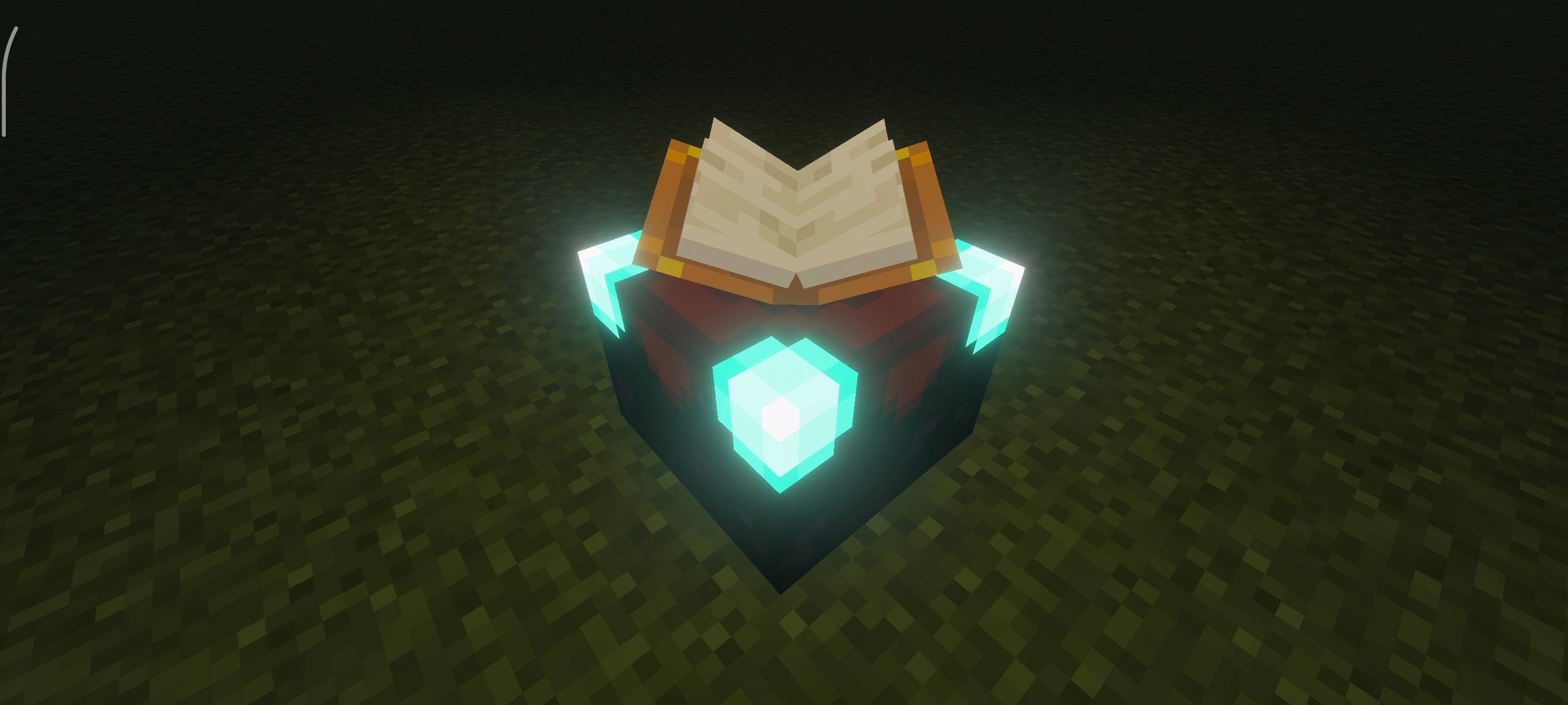
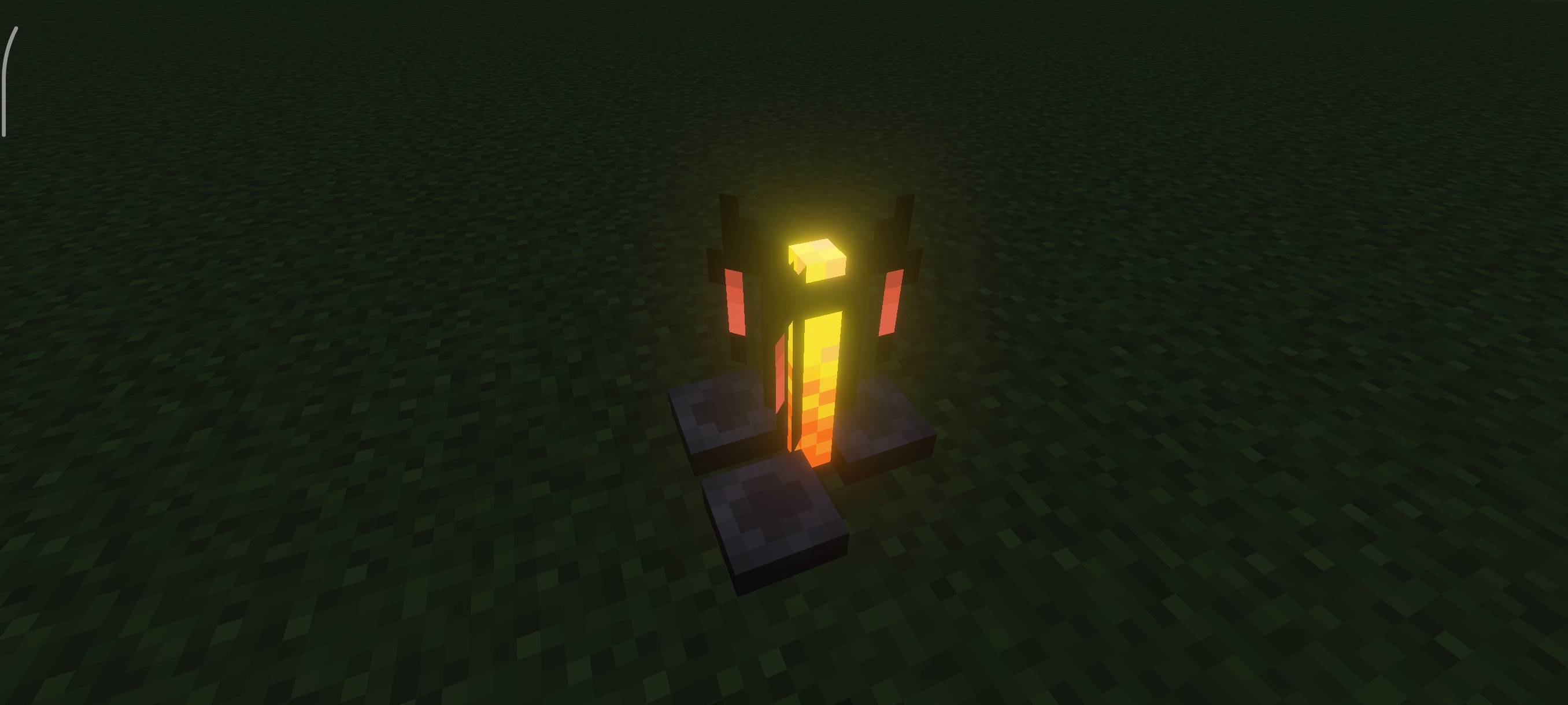
Glowing Visuals Pro is an advanced version of the original Glowing Visuals pack. It adds a stronger and more vibrant glow to blocks, items, and mobs, making them stand out clearly even in deep darkness. The pack makes your world look bright, colorful, and more detailed.
Benefits: This pack gives your game a brighter and more beautiful look, while also helping you easily spot things in caves, night, or dark areas.
Subpacks:
- Mobs Glow ON - All mobs, blocks, and items will glow brightly.
- Mobs Glow OFF - Only blocks and items glow; mobs stay normal.
Important: Make sure Vibrant Visuals are enabled in your game settings. Without this, glowing effects will not work properly.
Glowing Visuals Pro ఎలా ఇన్స్టాల్ చేయాలి
With Millida Launcher
Install Millida Launcher
The launcher is free: download it at millida.net/launcher and sign in with any nickname.
Click “Install” on this page
The launcher opens and installs the resource pack for Minecraft 1.21.122 automatically.
Launch the game
A profile with it appears in the launcher: click “Play”.
Manually
Download the archive
Pick the file Glowing_Visuals_Pro.mcpack (3.3 MB) for your game version. No need to unpack it.
Put it in the resourcepacks folder
The easiest way: “Options”, then “Resource Packs”, then “Open Pack Folder”, and drag the archive there.
Enable the pack
In the same window, move the pack to the right-hand “Selected” column and click “Done”.
వెర్షన్లు
డిపెండెన్సీలతో
| Minecraft | లోడర్ | ఫైల్ | తేదీ | చర్యలు |
|---|---|---|---|---|
| 1.21.122 | — | Glowing_Visuals_Pro.mcpack ( latest )3.3 MB |
FAQ
Which Minecraft versions does Glowing Visuals Pro work on?
Only Minecraft 1.21.122: there are no files for other versions.
Where can I download Glowing Visuals Pro safely?
On this page: the file Glowing_Visuals_Pro.mcpack (3.3 MB) is stored on Millida’s server, with no link shorteners. SHA-1 checksum: c39b12693c03a2c06f26f7bf3d381a2c78ddda5a.
సమీక్షలు
Glowing Visuals Proకు మొదటి రేటింగ్ ఇవ్వండి



