
Minecraft 26.50 కోసం G-Flow Xray రిసోర్స్ ప్యాక్
G-Flow Xray – Minecraft Bedrock విజువల్ ప్యాక్. దాచిన రాయి, ఔట్లైన్లతో కనిపించే ఖనిజాలు. వేగంగా తవ్వండి, అచీవ్మెంట్లు సురక్షితం.
G-Flow Xray రిసోర్స్ ప్యాక్ గురించి
🌐 Website: Gameflowplayz
💎 Support: Buy me a Diamond
💬 Discord: Join Server
G-Flow Xray
A lightweight visual pack for Minecraft Bedrock that makes ores easier to spot
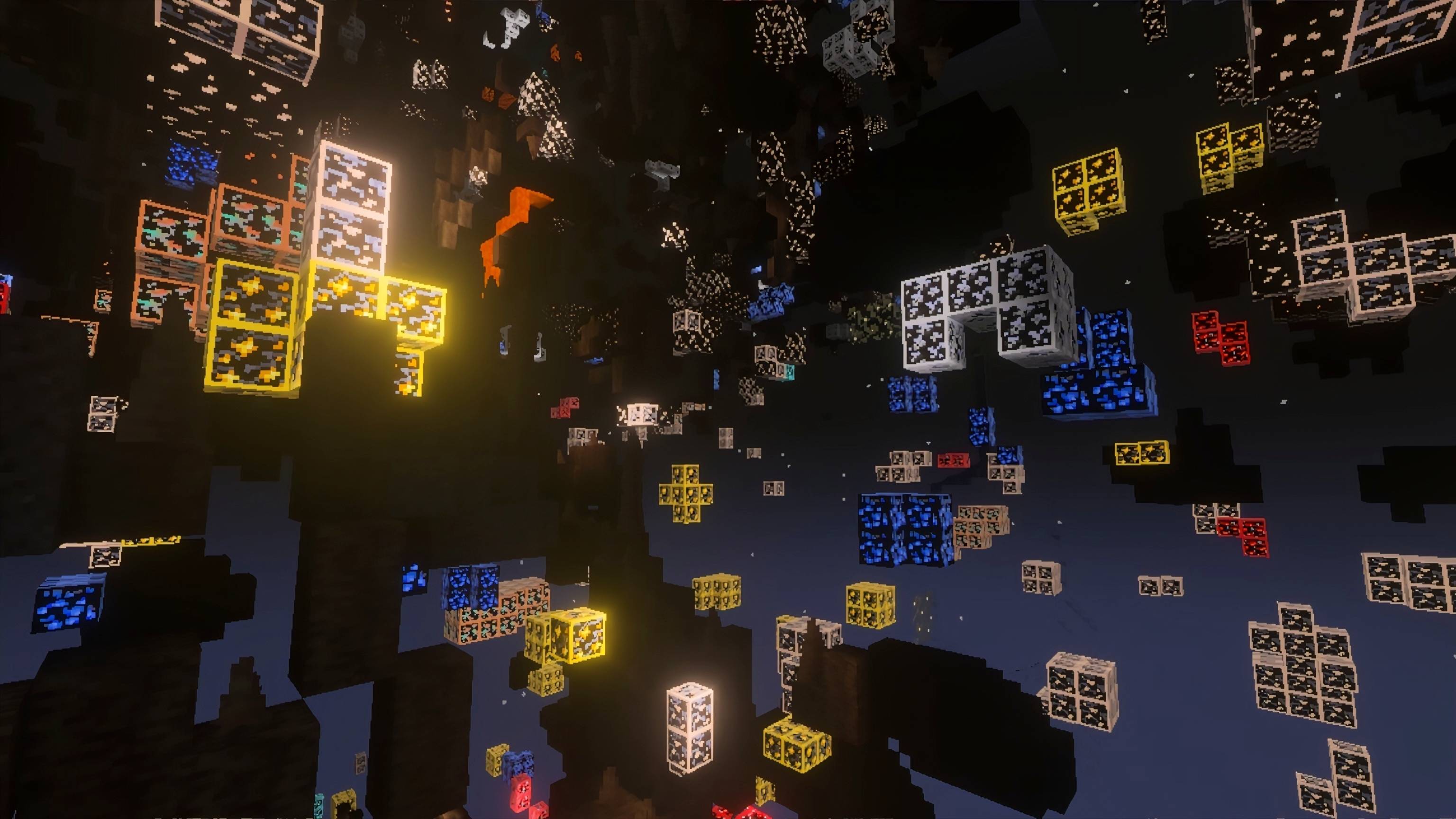
G-Flow Xray hides common stone-type blocks while keeping ores fully visible. Designed for miners who want to save time without breaking achievements or changing gameplay mechanics.
Features
Stone, deepslate, tuff, netherrack, blackstone, basalt, soul sand, soul soil, end stone rendered invisible
Gravel left vanilla
Surface blocks left vanilla
📲 Select which ores to highlight
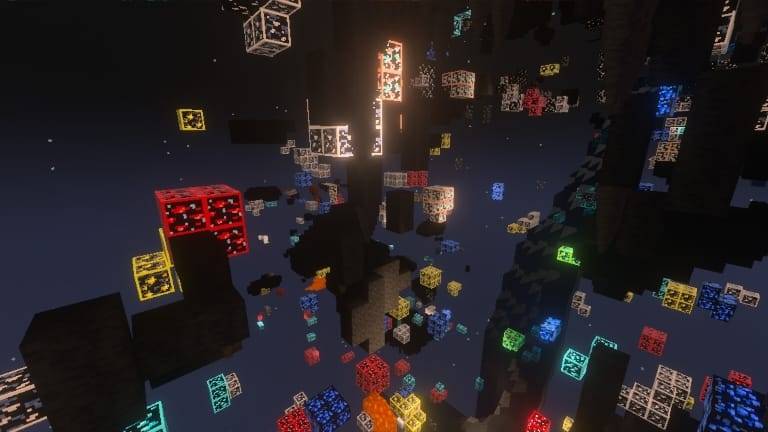
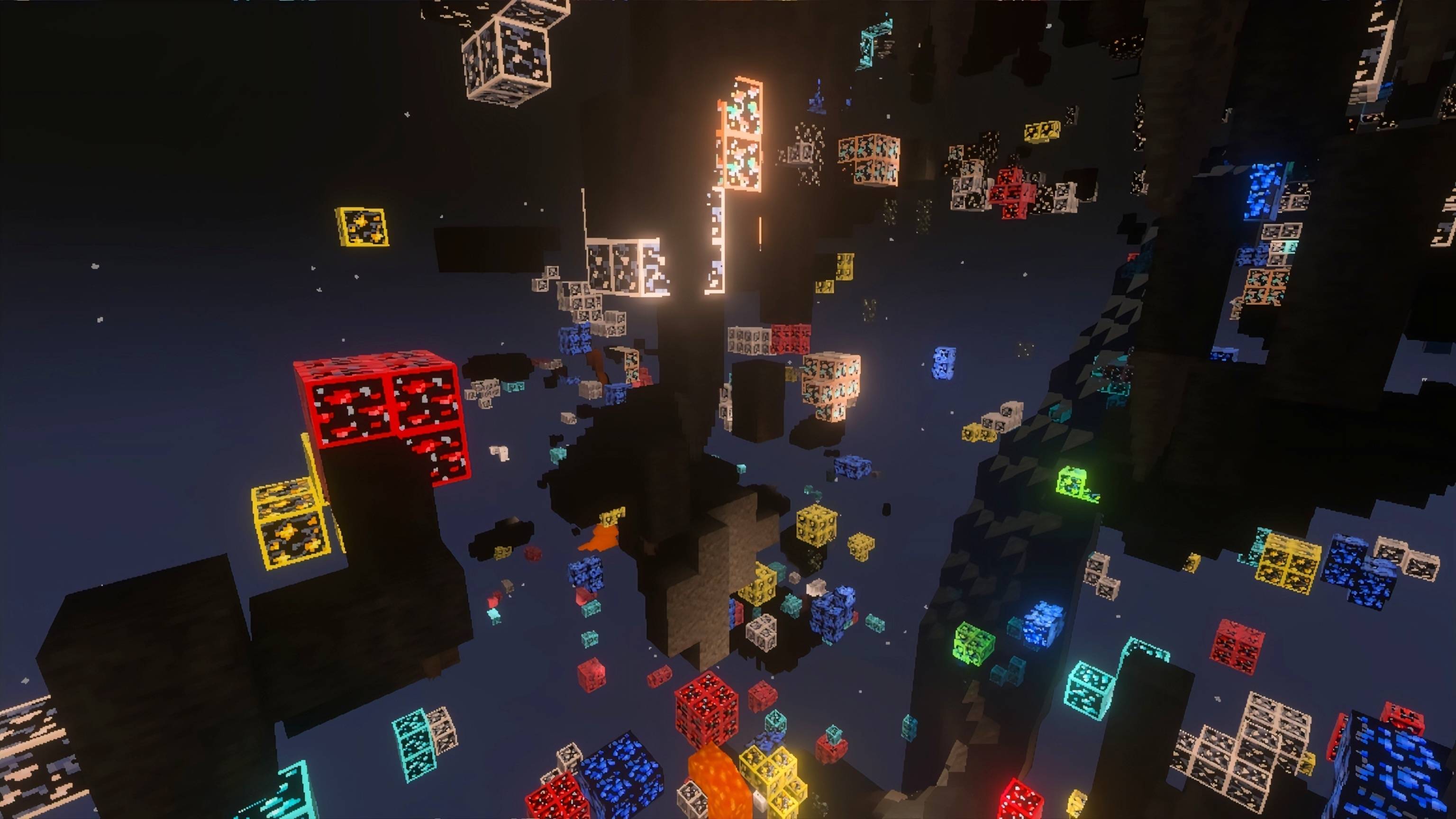
⛏️ 8 normal ores with thin natural-color outlines
⛏️ 8 deepslate ore variants with matching outlines
💎 PBR support for all 16 ore textures (emissive glow under Vibrant Visuals)
💎 Fullbright ambient override for VV mode
🌟 Glowing ores
Compatibility
Minecraft Bedrock Edition
Best experienced with Vibrant Visuals
Works with Fancy/Simple Graphics (recommended settings apply)
Lightweight and mobile-friendly
Pure resource pack - achievements stay intact
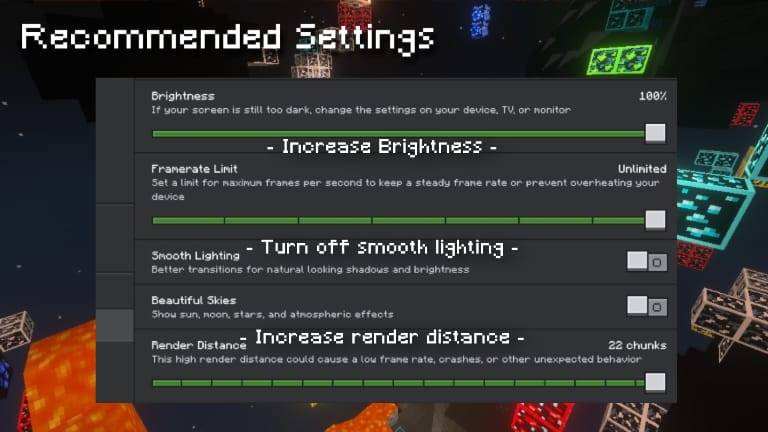
Recommended Settings - Fancy/Simple Graphics
Brightness: 100%
Increase Render Distance
Turn off Smooth Lighting
Use a torch or Night Vision for full visibility underground
Recommended Settings - Vibrant Visuals
Increase Render Distance
⚔️ PvP Player?
Check out G-Flow PvP - a visual pack tuned for cleaner combat and reduced screen clutter.
🎨 Match Your Interface
Pair with G-Flow Dark UI for a complete dark-themed interface across all menus and HUD elements.
Created by GameFlowPlayz
Feedback, suggestions and bug reports are always welcome as G-Flow Xray continues to evolve.
Download now and mine smarter. 🔥🗿
G-Flow Xray ఎలా ఇన్స్టాల్ చేయాలి
With Millida Launcher
Install Millida Launcher
The launcher is free: download it at millida.net/launcher and sign in with any nickname.
Click “Install” on this page
The launcher opens and installs the resource pack for Minecraft 1.21.121–26.50 automatically.
Launch the game
A profile with it appears in the launcher: click “Play”.
Manually
Download the archive
Pick the file G-Flow Xray 1.2.0.mcpack (691 KB) for your game version. No need to unpack it.
Put it in the resourcepacks folder
The easiest way: “Options”, then “Resource Packs”, then “Open Pack Folder”, and drag the archive there.
Enable the pack
In the same window, move the pack to the right-hand “Selected” column and click “Done”.
వెర్షన్లు
డిపెండెన్సీలతో
| Minecraft | లోడర్ | ఫైల్ | తేదీ | చర్యలు |
|---|---|---|---|---|
| 1.21.122 | — | G-Flow Xray 1.2691 KB 120 |
సమీక్షలు
G-Flow Xrayకు మొదటి రేటింగ్ ఇవ్వండి


