
New Versions
I've moved accounts, and Consistency will now be modular.
- Consistency: Vanilla items
- Inconsistency: Vanilla items without texture pack compatibility
- Consistency-Forge: Modded items
- Inconsistency-Forge: Modded items without texture pack compatibility
Consistency
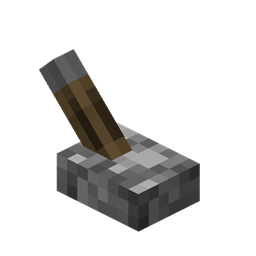
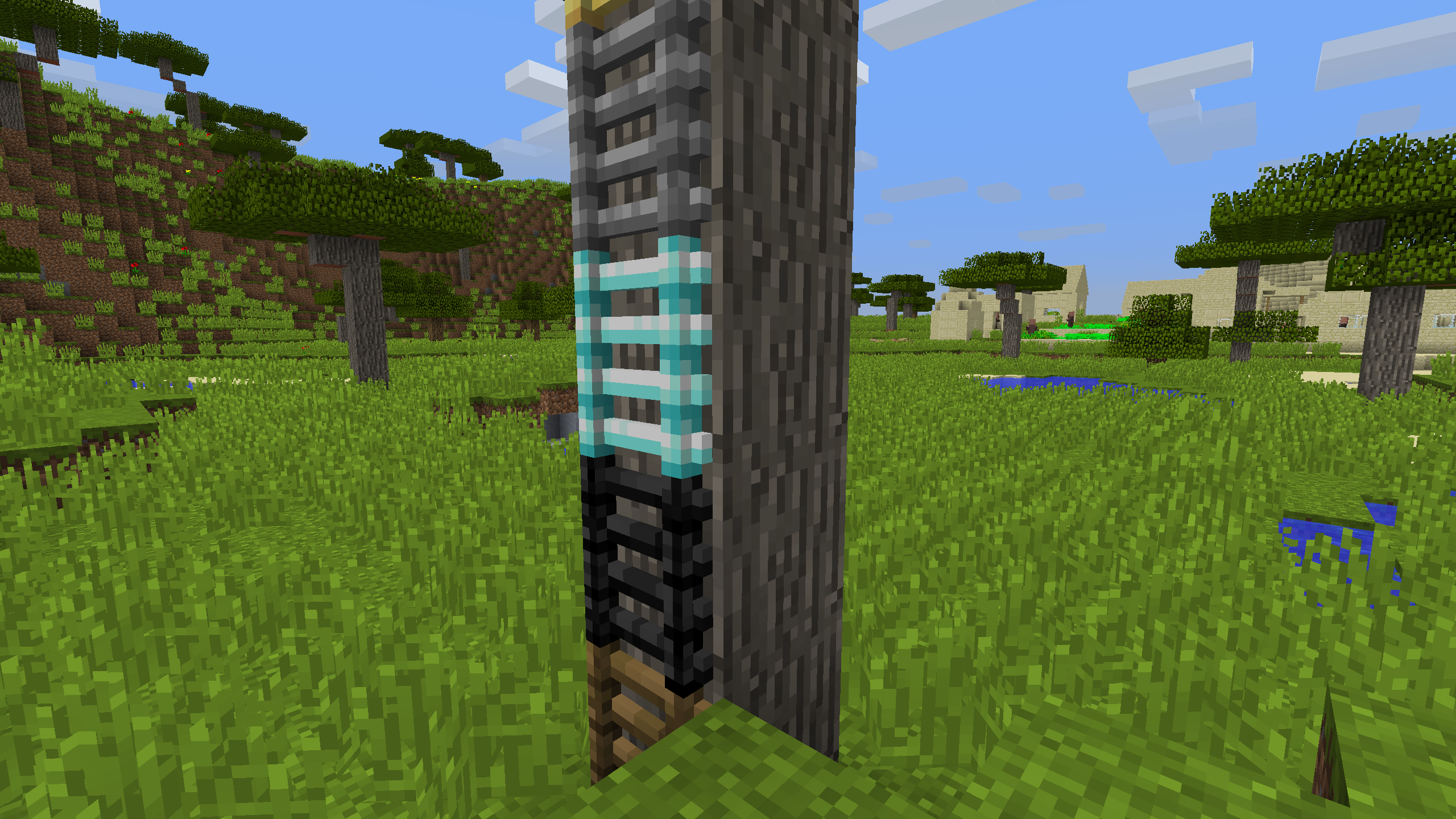
Consistency changes the item models for blocks like hoppers and doors to render as they do when placed. Because this uses no textures, it maintains compatibility with most resource packs.
Inconsistent
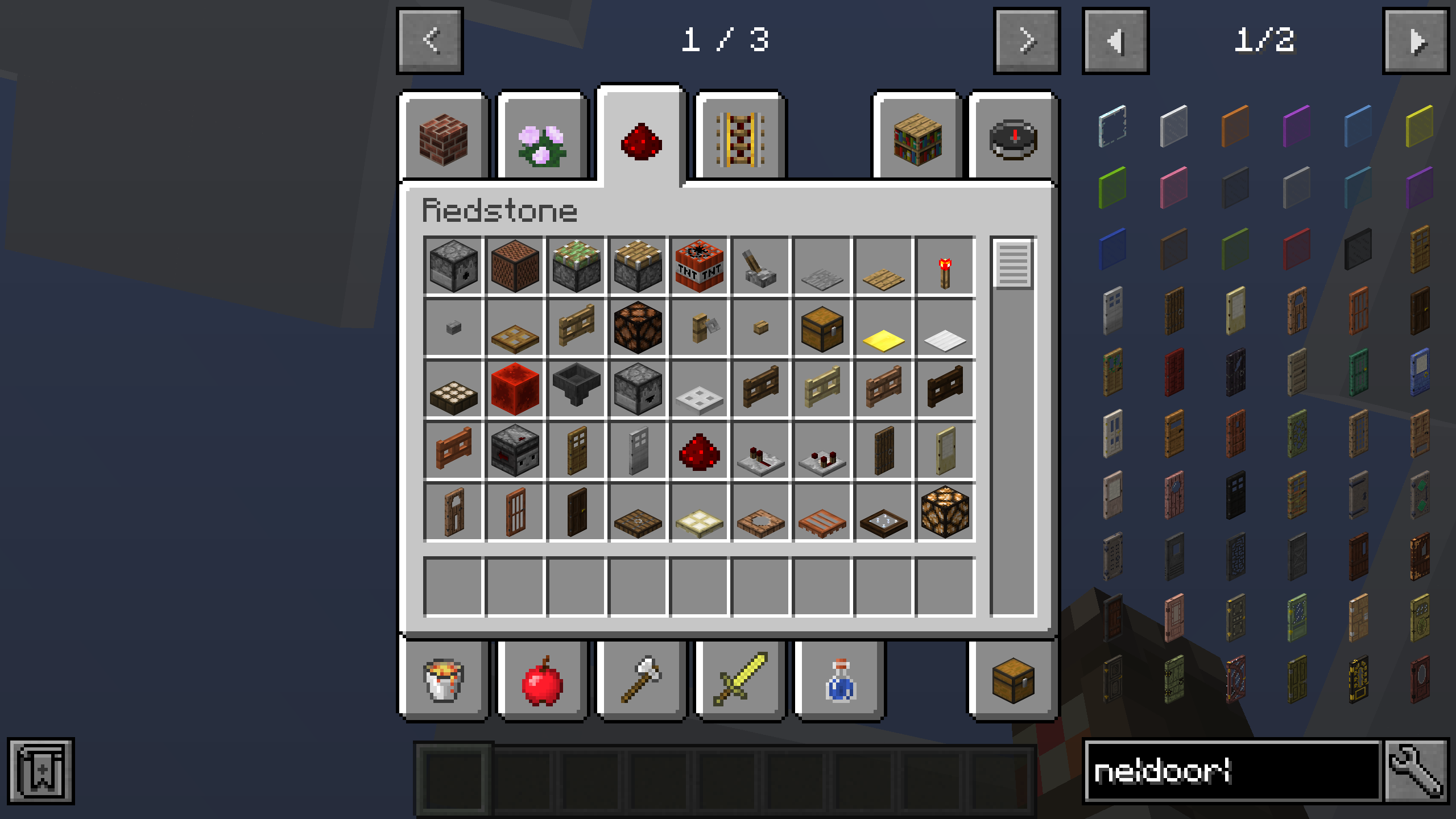
For those wanting compatibility for additional items like minecarts, signs, and paintings, you can also install Inconsistent. Note that these require extra textures, and thus are designed to only work well with the default look of Minecraft. Included items are tinted blue below.
Mod Support (1.12)
- Advanced Mortars
- Biomes O' Plenty
- Bone Torch
- Charm
- Chest Hoppers
- Chisel
- Ender IO
- Engineer's Doors
- Farming for Blockheads
- Flopper
- Forestry
- Harvestcraft
- Immersive Engineering
- Inspirations
- Integrated Dynamics
- More Cauldrons
- Natura
- Project: Vibrant Journeys
- Quark
- Realistic Torches
- Rustic
- Speedy Ladders
- Tech Reborn
- Tinkers' Construct
- Torcherino
- Torchmaster
- Traverse
- Twilight Forest
- Waystones
- Wearable Backpacks
Installation
Drop the resource pack into the resource packs folder. If you have also downloaded Inconsistent, make sure it is above Consistency in the "Selected Resource Packs" menu.
Feedback
Post any comments if you want to see support for a specific mod, or I'm missing something from a currently supported mod.
Modpacks
Feel free to include it!
Consistency (Legacy) ఎలా ఇన్స్టాల్ చేయాలి
With Millida Launcher
Install Millida Launcher
The launcher is free: download it at millida.net/launcher and sign in with any nickname.
Click “Install” on this page
The launcher opens and installs the resource pack for Minecraft 1.12.2 automatically.
Launch the game
A profile with it appears in the launcher: click “Play”.
Manually
Download the archive
Pick the file Consistency-1.6.1.zip (180 KB) for your game version. No need to unpack it.
Put it in the resourcepacks folder
The easiest way: “Options”, then “Resource Packs”, then “Open Pack Folder”, and drag the archive there.
Enable the pack
In the same window, move the pack to the right-hand “Selected” column and click “Done”.
వెర్షన్లు
డిపెండెన్సీలతో
| Minecraft | లోడర్ | ఫైల్ | తేదీ | చర్యలు |
|---|---|---|---|---|
| 1.12.2 | — | Consistency-1.6.1180 KB | ||
| 1.12.2 | — | Inconsistent-1.1.062.1 KB |
సమీక్షలు
Consistency (Legacy)కు మొదటి రేటింగ్ ఇవ్వండి


