
Minecraft 26.30 కోసం Classic Textures
పాత టెక్స్చర్లను ప్రస్తుత ఆటలోకి తిరిగి తీసుకువస్తుంది.
Classic Textures (v1.0)
Step back into the golden era of Bedrock Edition! Classic Textures brings back the iconic visual feel, nostalgia, and classic atmosphere of 2018 Minecraft while maintaining full compatibility with modern Bedrock versions.
Whether you miss the vibrant original block palettes, classic UI elements, or simply want a clean, nostalgic look without altering vanilla gameplay, this pack is designed for you.
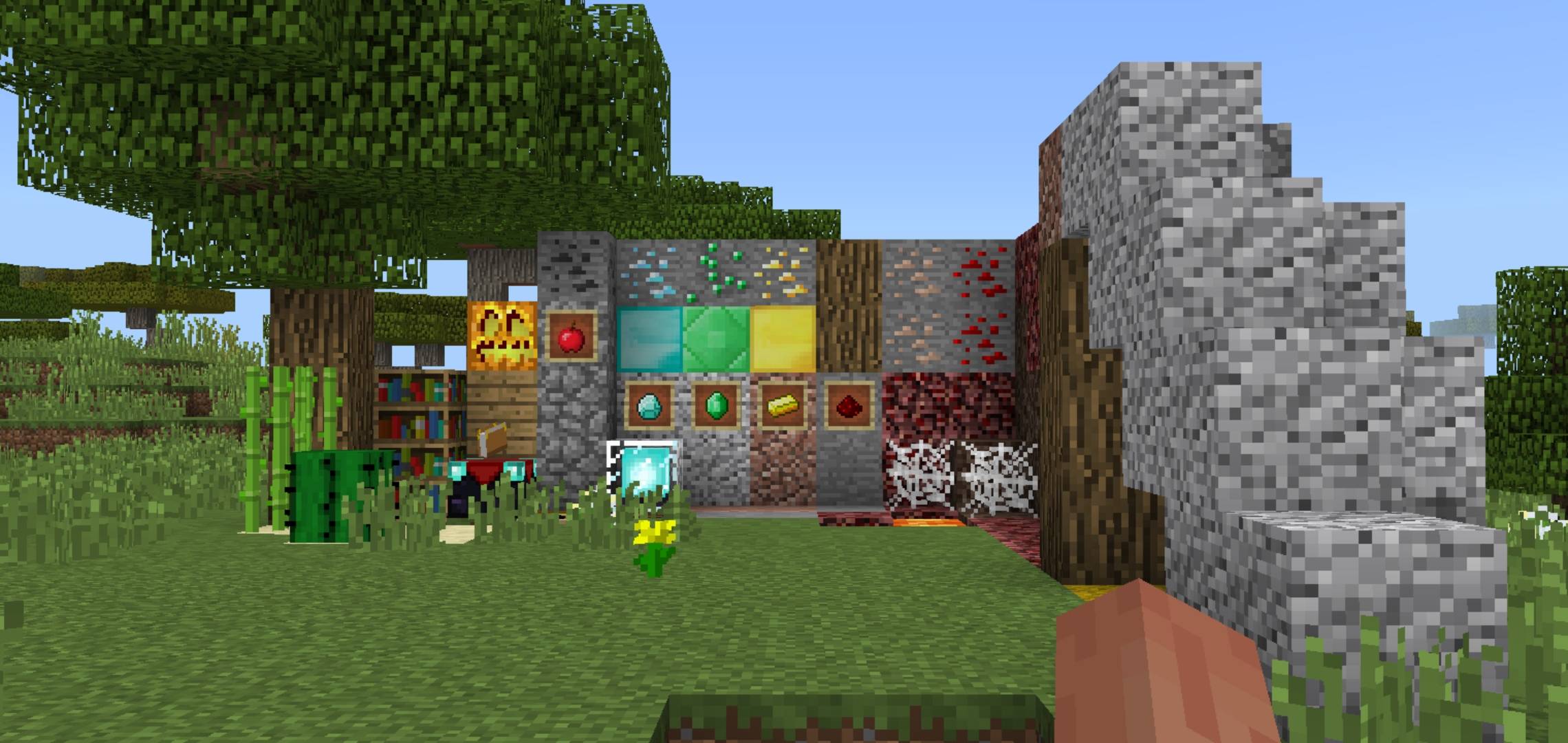
✨ Key Features in Version 1.0
🧱 Retro Block & Item Textures: Restores original 1.8 era textures for classic blocks, ores, and items.
⚔️ Classic UI & HUD: Brings back legacy inventory styling and clean HUD icons.
⚡ Lightweight & Fast: Pure resource pack overhaul with zero impact on game performance or FPS.
🌐 Multiplayer Ready: Works seamlessly on realms, local LAN worlds, and public servers.
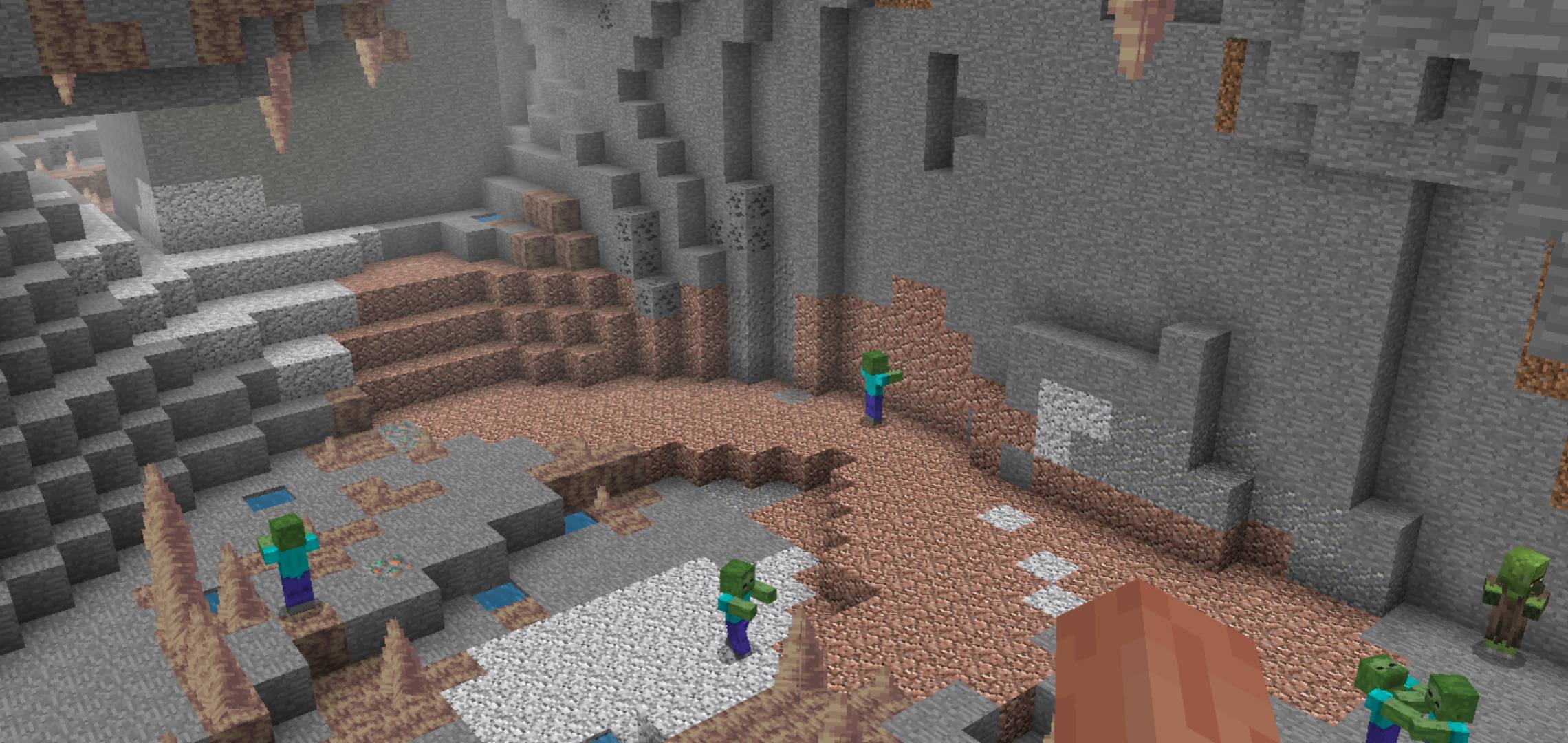
📥 How to Install
Download the .mcpack file.
Tap / double-click the downloaded file to import it directly into Minecraft Bedrock.
Go to Settings $\rightarrow$ Global Resources $\rightarrow$ My Packs.
Activate Classic Textures and move it to the top of your active list!
Created by VendicatorMC. Feedback and suggestions for upcoming updates are always welcome!
Classic Textures ఎలా ఇన్స్టాల్ చేయాలి
With Millida Launcher
Install Millida Launcher
The launcher is free: download it at millida.net/launcher and sign in with any nickname.
Click “Install” on this page
The launcher opens and installs the resource pack for Minecraft 1.21.132–26.30 automatically.
Launch the game
A profile with it appears in the launcher: click “Play”.
Manually
Download the archive
Pick the file Classic Textures v1.mcpack (18 MB) for your game version. No need to unpack it.
Put it in the resourcepacks folder
The easiest way: “Options”, then “Resource Packs”, then “Open Pack Folder”, and drag the archive there.
Enable the pack
In the same window, move the pack to the right-hand “Selected” column and click “Done”.
వెర్షన్లు
డిపెండెన్సీలతో
| Minecraft | లోడర్ | ఫైల్ | తేదీ | చర్యలు |
|---|---|---|---|---|
| 1.21.132 | — | Classic Textures18 MB 2 |
సమీక్షలు
Classic Texturesకు మొదటి రేటింగ్ ఇవ్వండి



