
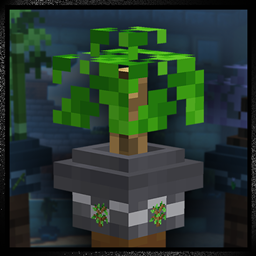
Minecraft 1.19.2 కోసం Bonsai Pots రిసోర్స్ ప్యాక్
కుండీలో ఉన్న అన్ని మొక్కలను చక్కగా కత్తిరించిన బోన్సాయి మొక్కలుగా మారుస్తుంది!
Bonsai Pots రిసోర్స్ ప్యాక్ గురించి
Enjoy every potted plant in FULL 3D!
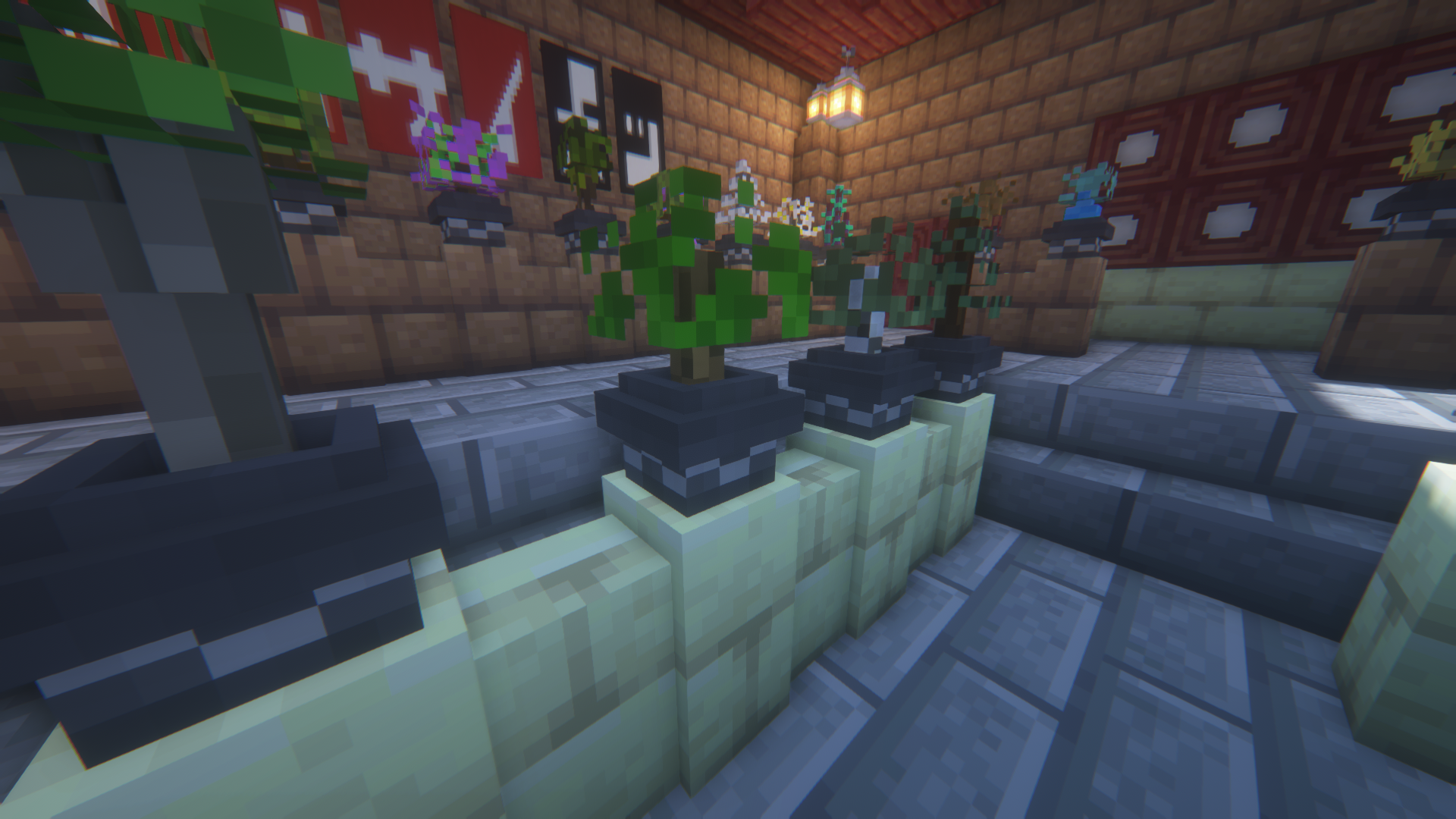
Bonsai Pots is a resource pack that overhauls all potted plants in Minecraft, converting each into a neatly-trimmed 3D Bonsai tree. All saplings represent their respective trees, while flowers were given all-new unique tree designs, ranging from cherry blossoms to willow trees. The pack is fairly lightweight and modular, and I encourage anyone to make their own improvements if they'd like.
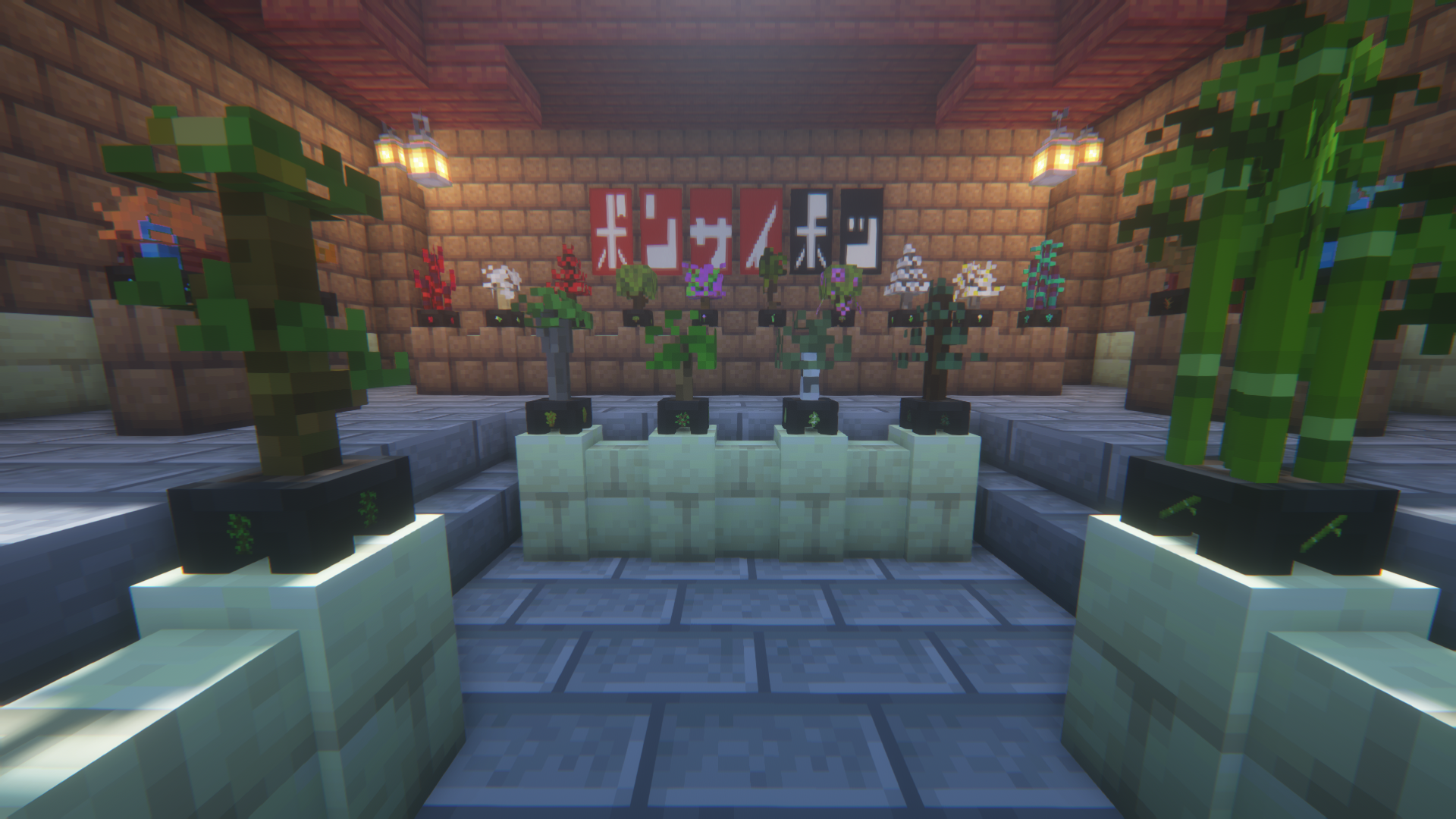
Several screenshots are available for viewing on the images page.
Visit the Images Page!
Bonsai Pots 2.0 is here!
This update completely overhauls the resource pack, whilst remaining true to it's simplicity. This update brings 32 new pot designs, several visual fixes and tweaks, and of course, the long-awaited addition of the Mangrove Bonsai! Full update notes can be found on the files page.
32 New Pots
This update adds 32 new pot designs to the resource pack. Unfortunately due to Minecraft's limitations, only one can be used at a time. You can configure your file at any time by editing the flower_pot.json file, hence the 'Genius Hacker' name. This also means Vanilla Pots is implemented in the base file. The "Black Wave Pot" still acts and works as the default if you don't wish to change it.
Pots added in 2.0: black_wave_pot
white_wave_pot
vanilla_pot
flower_pot_classic
modern_pot
porcelain_pot
colorful_pot
flat_pot
steve_pot
+16 colored terracotta pots
Removal of 'display sprites'
The 16x sprite display image on each pot has been removed in the main versions. A 'with display' version will still be available from the files page.
Modularity for Genius Hackers
The files in the resource pack have been optimally arranged using multipart blockstates. It's easy for anyone who knows their way around Blockbench to make and add their own bonsai, or bonsai pots. You can get creative here!
Enjoy! But not too much.
Bonsai Pots ఎలా ఇన్స్టాల్ చేయాలి
With Millida Launcher
Install Millida Launcher
The launcher is free: download it at millida.net/launcher and sign in with any nickname.
Click “Install” on this page
The launcher opens and installs the resource pack for Minecraft 1.19–1.19.2 automatically.
Launch the game
A profile with it appears in the launcher: click “Play”.
Manually
Download the archive
Pick the file Bonsai_Pots_2.0.zip (395 KB) for your game version. No need to unpack it.
Put it in the resourcepacks folder
The easiest way: “Options”, then “Resource Packs”, then “Open Pack Folder”, and drag the archive there.
Enable the pack
In the same window, move the pack to the right-hand “Selected” column and click “Done”.
వెర్షన్లు
డిపెండెన్సీలతో
| Minecraft | లోడర్ | ఫైల్ | తేదీ | చర్యలు |
|---|---|---|---|---|
| 1.19.2 | — | Bonsai Pots 2.0395 KB | ||
| 1.19.2 | — | Bonsai Pots 2.0 (With Display Sprites)395 KB |
FAQ
Which Minecraft versions does Bonsai Pots work on?
There are files for 1.19.2, 1.19.1, 1.19. The newest is 1.19.2.
Where can I download Bonsai Pots safely?
On this page: the file Bonsai_Pots_2.0.zip (395 KB) is stored on Millida’s server, with no link shorteners. SHA-1 checksum: a44c441d9f910ce0038e48f609206f47e65be98b.
సమీక్షలు
Bonsai Potsకు మొదటి రేటింగ్ ఇవ్వండి



