
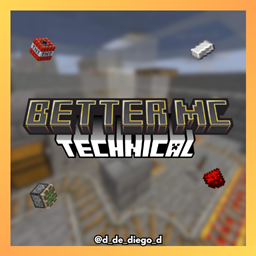
Minecraft 1.20.1, 1.21 కోసం BETTER TECHNICAL రిసోర్స్ ప్యాక్
Better Technical మిమ్మల్ని టెక్నికల్ Minecraftలో మెరుగ్గా చేస్తుంది
BETTER TECHNICAL రిసోర్స్ ప్యాక్ గురించి

BETTER TECHNICAL

ENGLISH
🧠 Better Technical is designed for technical Minecraft enthusiasts. This pack improves visual clarity and reduces noise on farms and mechanisms, helping you build more efficient and quieter systems.
🔧 Key Features:
🔇 95% reduced sound on minecarts, dispensers, droppers, and pistons
🔁 Hoppers, dispensers, droppers, and observers with directional arrows
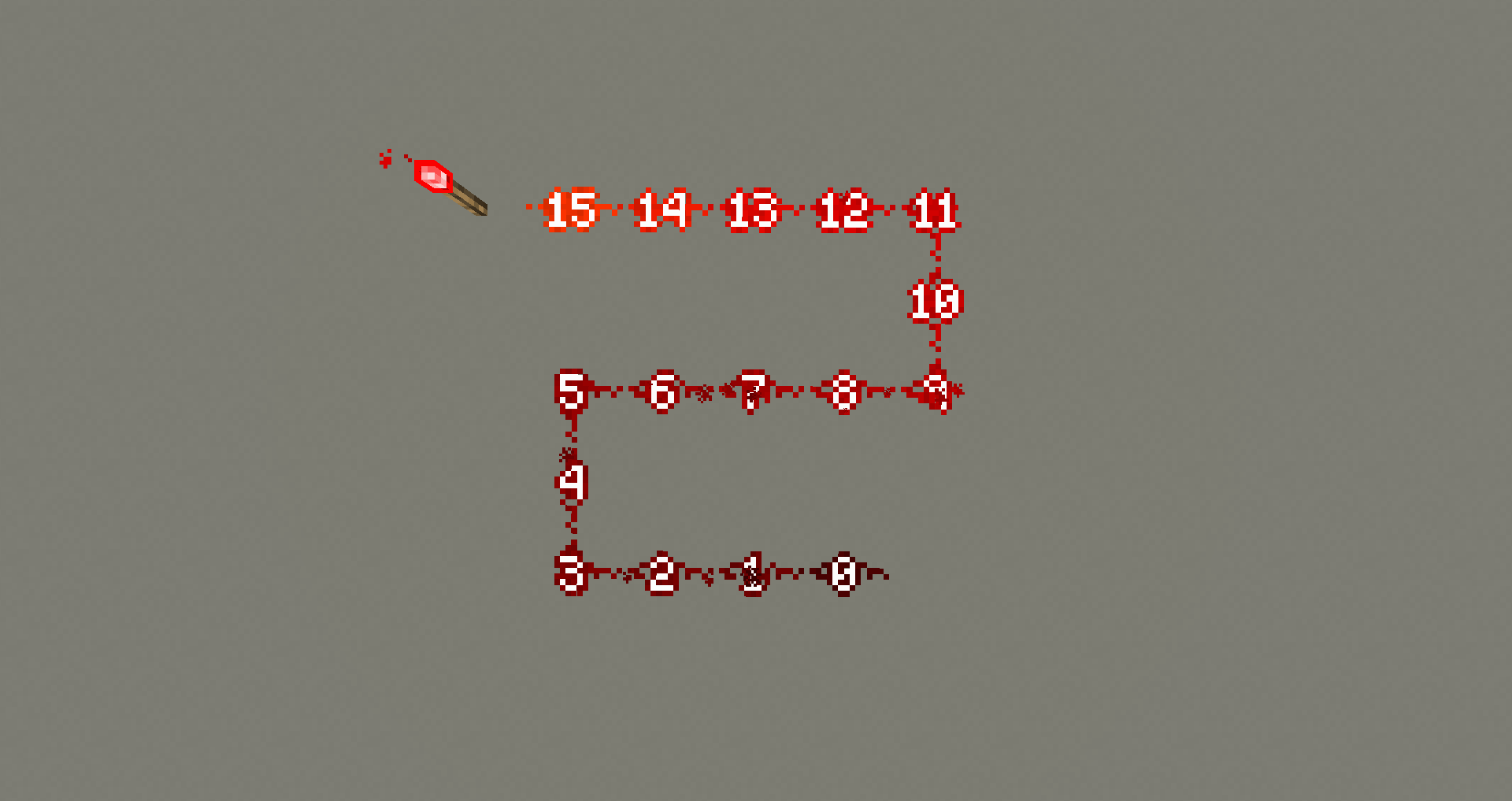
🔢 Redstone displays its power level with visible numbers
🎵 Music block indicates the current note
⚙️ Lever visually shows if it's active
🪣 Compost bin and cauldron indicate their charge level
Perfect for redstone players, automated farms, and technical servers. Optimize your world and master the technical side of Minecraft with Better Technical! ⚡
By @d_de_diego_d
ESPAÑOL
🧠 Better Technical Texture Pack está diseñado para los amantes del Minecraft técnico. Este pack mejora la claridad visual y reduce el ruido de las granjas y mecanismos, ayudándote a construir sistemas más eficientes y silenciosos.
🔧 Características principales:
🔇 Sonido reducido un 95% en vagonetas, dispensadores, droppers y pistones
🔁 Hoppers, dispensadores, droppers y observadores con flechas direccionales
🔢 Redstone muestra su nivel de potencia con números visibles
🎵 Bloque musical indica la nota actual
⚙️ Palanca muestra visualmente si está activa
🪣 Compostador y caldero indican su nivel de carga
Perfecto para jugadores de redstone, granjas automáticas y servidores técnicos. Optimiza tu mundo y domina el lado técnico de Minecraft con Better Technical! ⚡
By @d_de_diego_d
❤️ Support Me ❤️




⭐ Our Projects⭐






(c) TRIDEX 2025 - All Rights Reserved
BETTER TECHNICAL ఎలా ఇన్స్టాల్ చేయాలి
With Millida Launcher
Install Millida Launcher
The launcher is free: download it at millida.net/launcher and sign in with any nickname.
Click “Install” on this page
The launcher opens and installs the resource pack for Minecraft 0.16–1.21.111 automatically.
Launch the game
A profile with it appears in the launcher: click “Play”.
Manually
Download the archive
Pick the file BETTER TECHNICAL.mcpack (440 KB) for your game version. No need to unpack it.
Put it in the resourcepacks folder
The easiest way: “Options”, then “Resource Packs”, then “Open Pack Folder”, and drag the archive there.
Enable the pack
In the same window, move the pack to the right-hand “Selected” column and click “Done”.
వెర్షన్లు
డిపెండెన్సీలతో
| Minecraft | లోడర్ | ఫైల్ | తేదీ | చర్యలు |
|---|---|---|---|---|
| 1.18.2 | — | BETTER TECHNICAL.mcpack440 KB |
FAQ
Which Minecraft versions does BETTER TECHNICAL work on?
There are files for 0.16–1.21.111, 83 versions in total. The newest is 1.21.111.
Where can I download BETTER TECHNICAL safely?
On this page: the file BETTER TECHNICAL.mcpack (440 KB) is stored on Millida’s server, with no link shorteners. SHA-1 checksum: abf409c65628ea585227116f97bcf240ebb2e267.
సమీక్షలు
BETTER TECHNICALకు మొదటి రేటింగ్ ఇవ్వండి



