
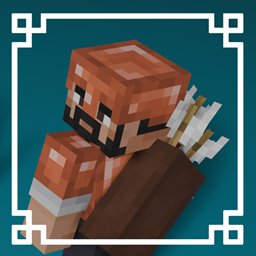
V1.1 COPPER AGE UPDATE!
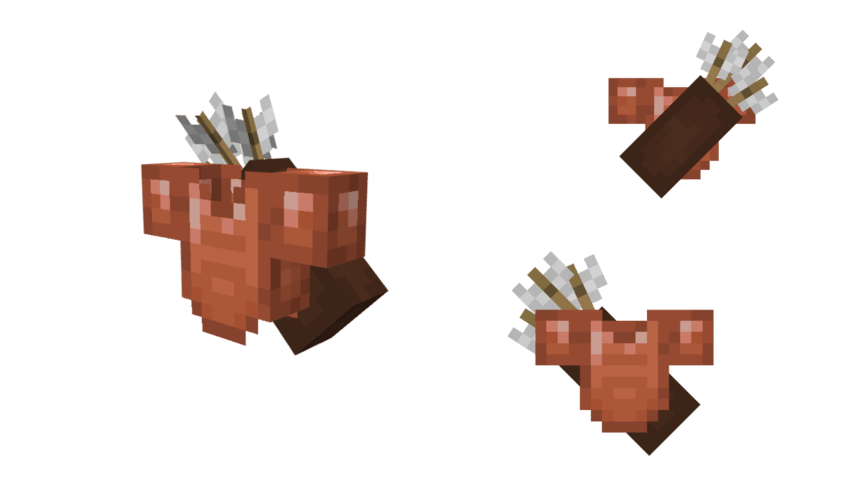
Armor Quivers Texture Pack adds stylish quivers to every armor set in Minecraft - from leather all the way to netherite. It’s a simple visual tweak that gives your character a more adventurous, battle-ready look without changing gameplay. Whether you’re an archer, explorer, or just want your armor to feel a bit more detailed, this pack makes every armor set look cooler and more complete.
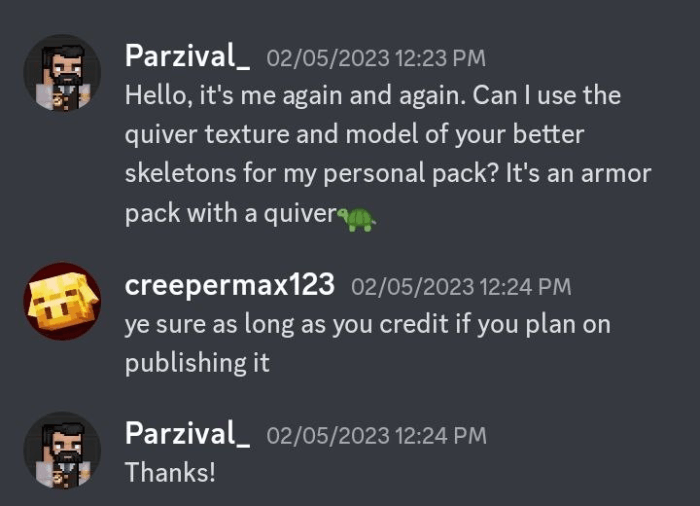
Credits: The Archer Quiver model and texture were assets of the Better Skeletons Texture Pack. Thanks creepermax123 for letting me use the model and texture!
Armor Quivers ఎలా ఇన్స్టాల్ చేయాలి
With Millida Launcher
Install Millida Launcher
The launcher is free: download it at millida.net/launcher and sign in with any nickname.
Click “Install” on this page
The launcher opens and installs the resource pack for Minecraft 1.21.90–1.21.111 automatically.
Launch the game
A profile with it appears in the launcher: click “Play”.
Manually
Download the archive
Pick the file armor_quivers-v1.1.mcpack (611 KB) for your game version. No need to unpack it.
Put it in the resourcepacks folder
The easiest way: “Options”, then “Resource Packs”, then “Open Pack Folder”, and drag the archive there.
Enable the pack
In the same window, move the pack to the right-hand “Selected” column and click “Done”.
వెర్షన్లు
డిపెండెన్సీలతో
| Minecraft | లోడర్ | ఫైల్ | తేదీ | చర్యలు |
|---|---|---|---|---|
| 1.21.90 | — | Armor Quivers v1.1611 KB |
FAQ
Which Minecraft versions does Armor Quivers work on?
There are files for 1.21.90–1.21.111, 7 versions in total. The newest is 1.21.111.
Where can I download Armor Quivers safely?
On this page: the file armor_quivers-v1.1.mcpack (611 KB) is stored on Millida’s server, with no link shorteners. SHA-1 checksum: a3737378a432dc74597a2818188b924bb3ad4ba5.
సమీక్షలు
Armor Quiversకు మొదటి రేటింగ్ ఇవ్వండి


