

Please note that you will have to have a minimum version of 1.21.90 to use this pack.
WARNING: This pack has not been tested on preview, and unintentional behaviour may occur if you play on preview.
Instructions for installation:
- Download the MCPACK file.
- Open the file while Minecraft is running. This will install the pack.
- Apply the pack to your global resources/a world's resource packs.
- Go to video settings, and switch graphics mode to "Vibrant Visuals".
- Enjoy.
Video:
Screenshots:
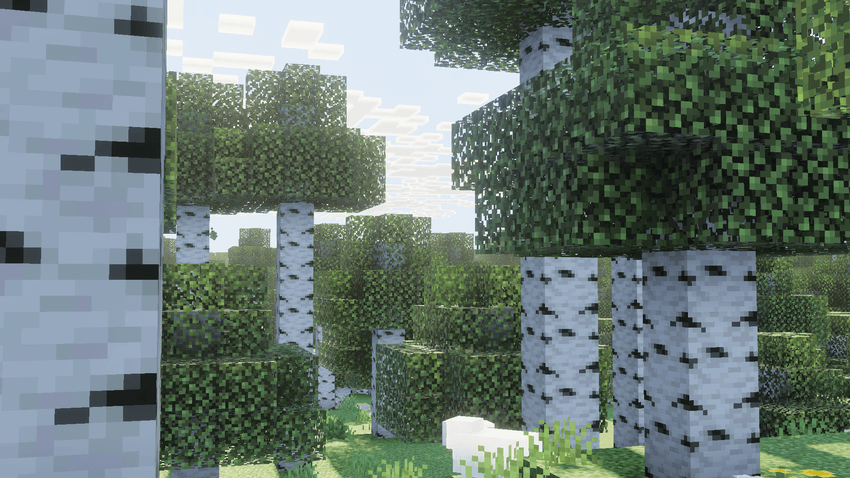
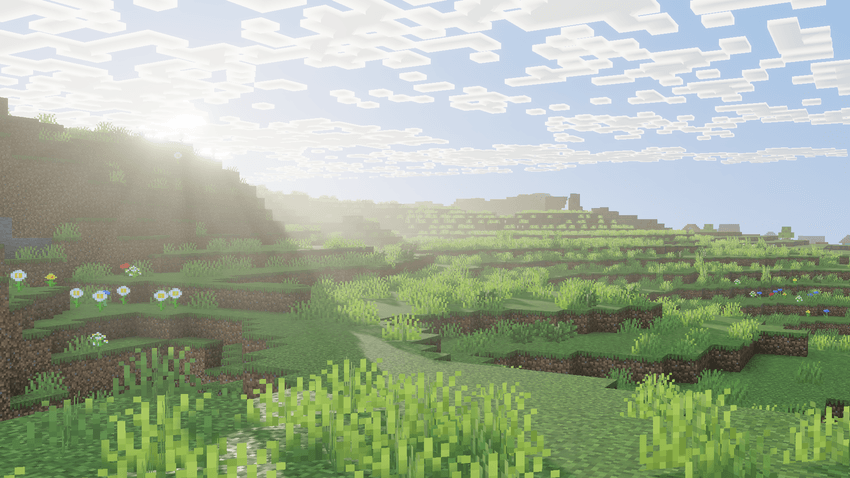

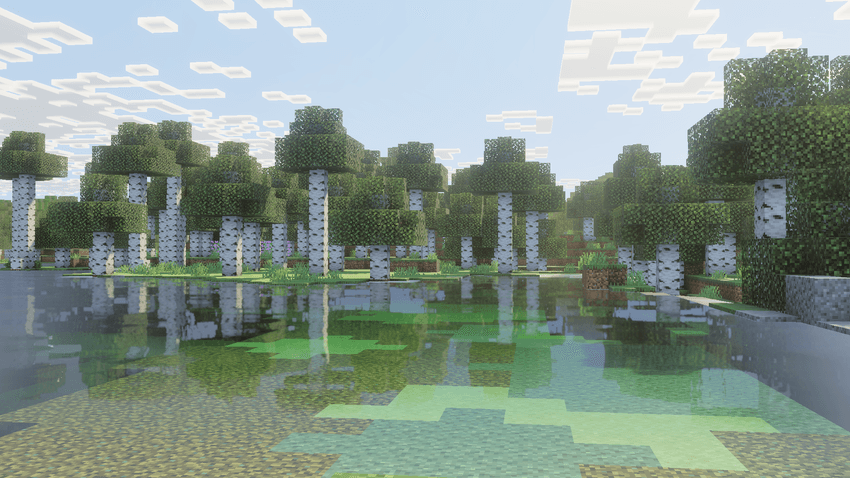
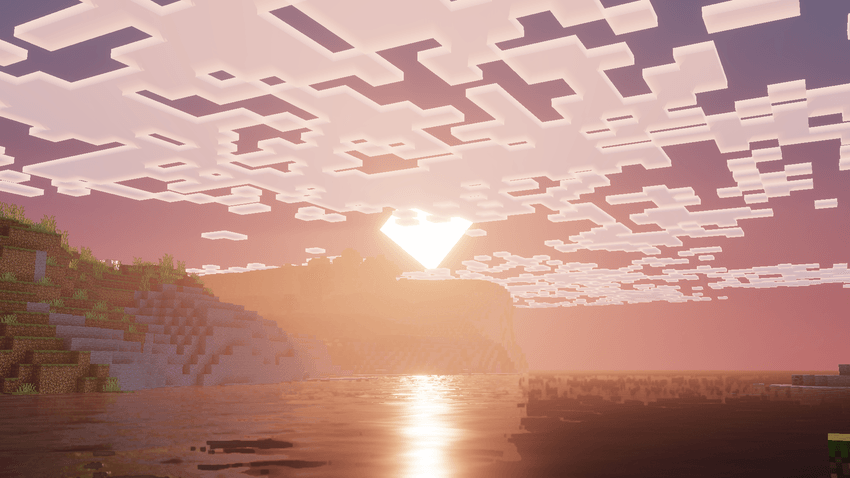
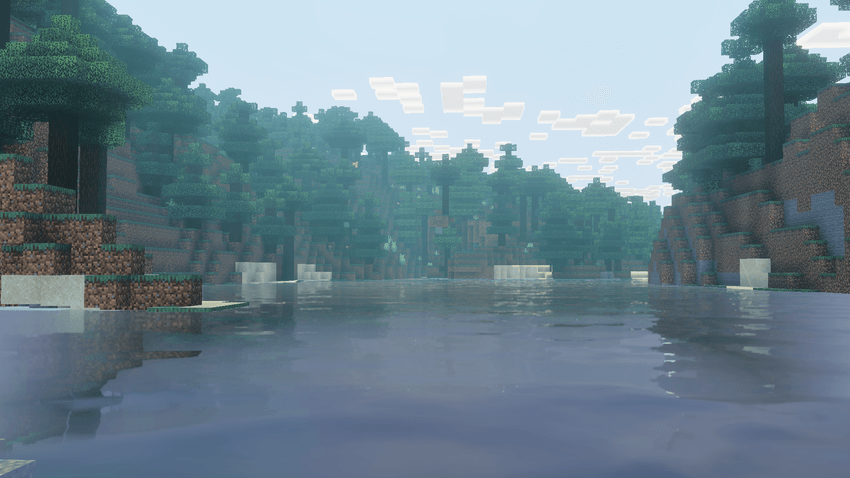
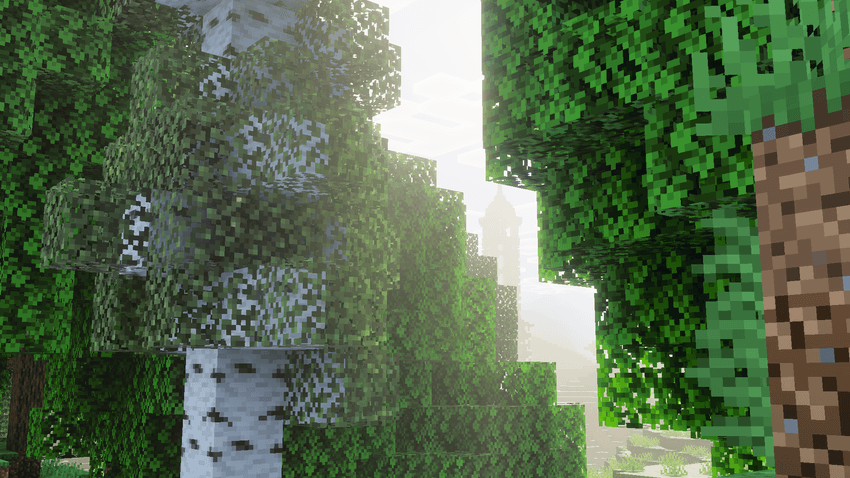
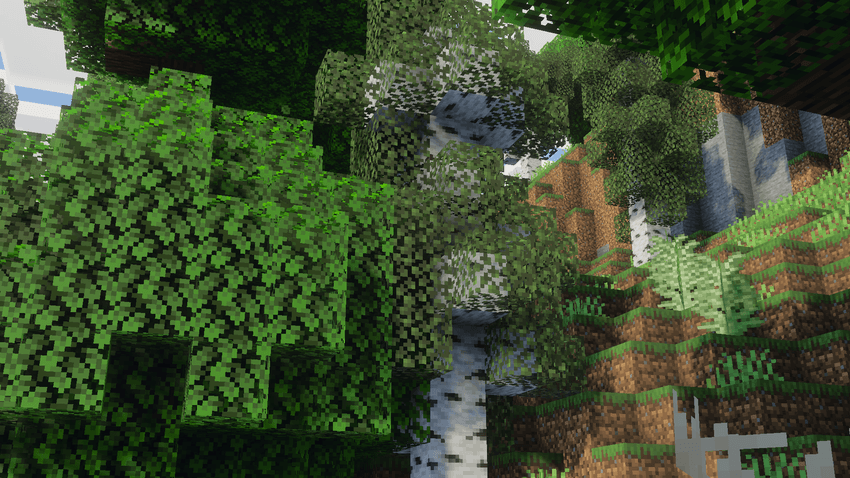
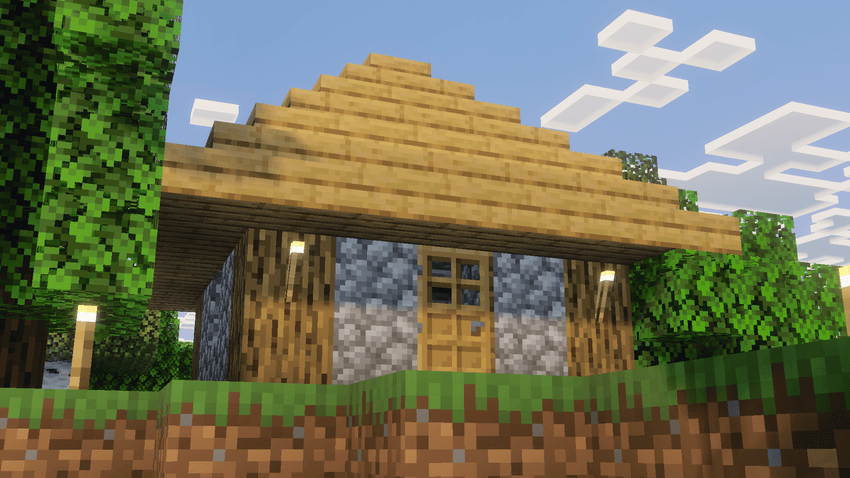
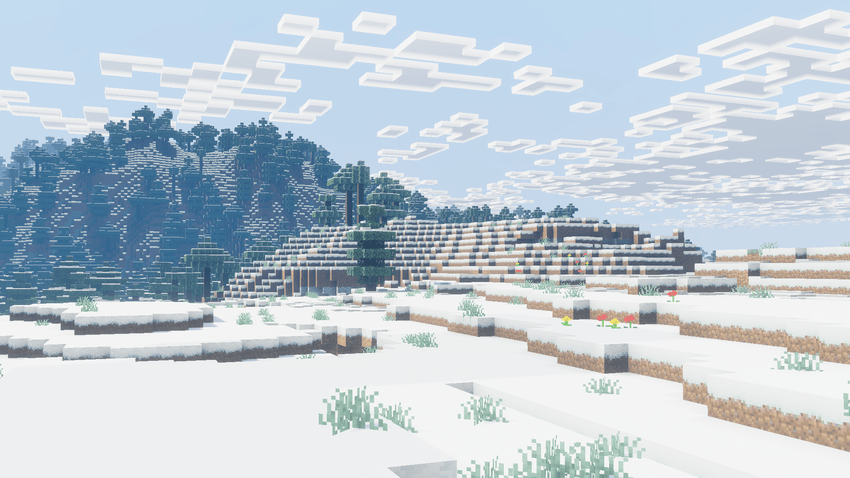
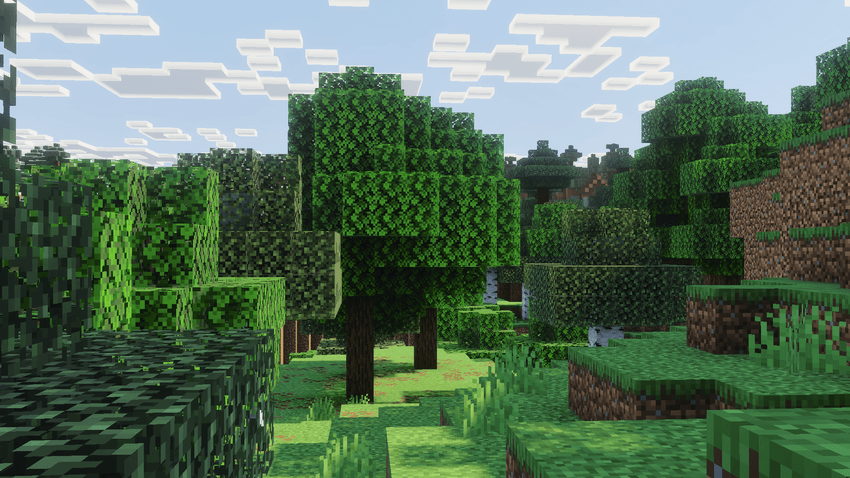
Arcane Deferred (VV/Deferred) ఎలా ఇన్స్టాల్ చేయాలి
With Millida Launcher
Install Millida Launcher
The launcher is free: download it at millida.net/launcher and sign in with any nickname.
Click “Install” on this page
The launcher opens and installs the resource pack for Minecraft 26.0–26.20 automatically.
Launch the game
A profile with it appears in the launcher: click “Play”.
Manually
Download the archive
Pick the file arcane-deferred_v0.2.1.2.mcpack (854 KB) for your game version. No need to unpack it.
Put it in the resourcepacks folder
The easiest way: “Options”, then “Resource Packs”, then “Open Pack Folder”, and drag the archive there.
Enable the pack
In the same window, move the pack to the right-hand “Selected” column and click “Done”.
వెర్షన్లు
డిపెండెన్సీలతో
| Minecraft | లోడర్ | ఫైల్ | తేదీ | చర్యలు |
|---|---|---|---|---|
| 26.0.02 | — | v0.2.1.2 patch854 KB |
FAQ
Which Minecraft versions does Arcane Deferred (VV/Deferred) work on?
There are files for 26.0–26.20, 8 versions in total. The newest is 26.20.
Where can I download Arcane Deferred (VV/Deferred) safely?
On this page: the file arcane-deferred_v0.2.1.2.mcpack (854 KB) is stored on Millida’s server, with no link shorteners. SHA-1 checksum: 313ded48eb1290baf84d5504b206b5820f83825c.
సమీక్షలు
Arcane Deferred (VV/Deferred)కు మొదటి రేటింగ్ ఇవ్వండి


