

Minecraft 1.21.1, 26.2 కోసం VableVanilla షేడర్లు
మెరుగైన లైటింగ్, ఊగే వృక్షసంపద, వాస్తవిక నీరు, మృదువైన నీడలు మరియు మృదువైన పనితీరుతో ఆట యొక్క అసలు రూపాన్ని కాపాడుతూ Minecraftను మెరుగుపరిచే వనిల్లా-ప్రేరేపిత షేడర్.
 Fabric
 OptiFine
🌿 VableVanilla
VeryGoodVanilla is a lightweight shader pack that enhances Minecraft's visuals while preserving the charm of the original Vanilla experience.
Experience beautiful lighting, crystal-clear water, soft natural shadows, vibrant colors, and immersive environmental effects—all while maintaining excellent performance, even on lower-end hardware.
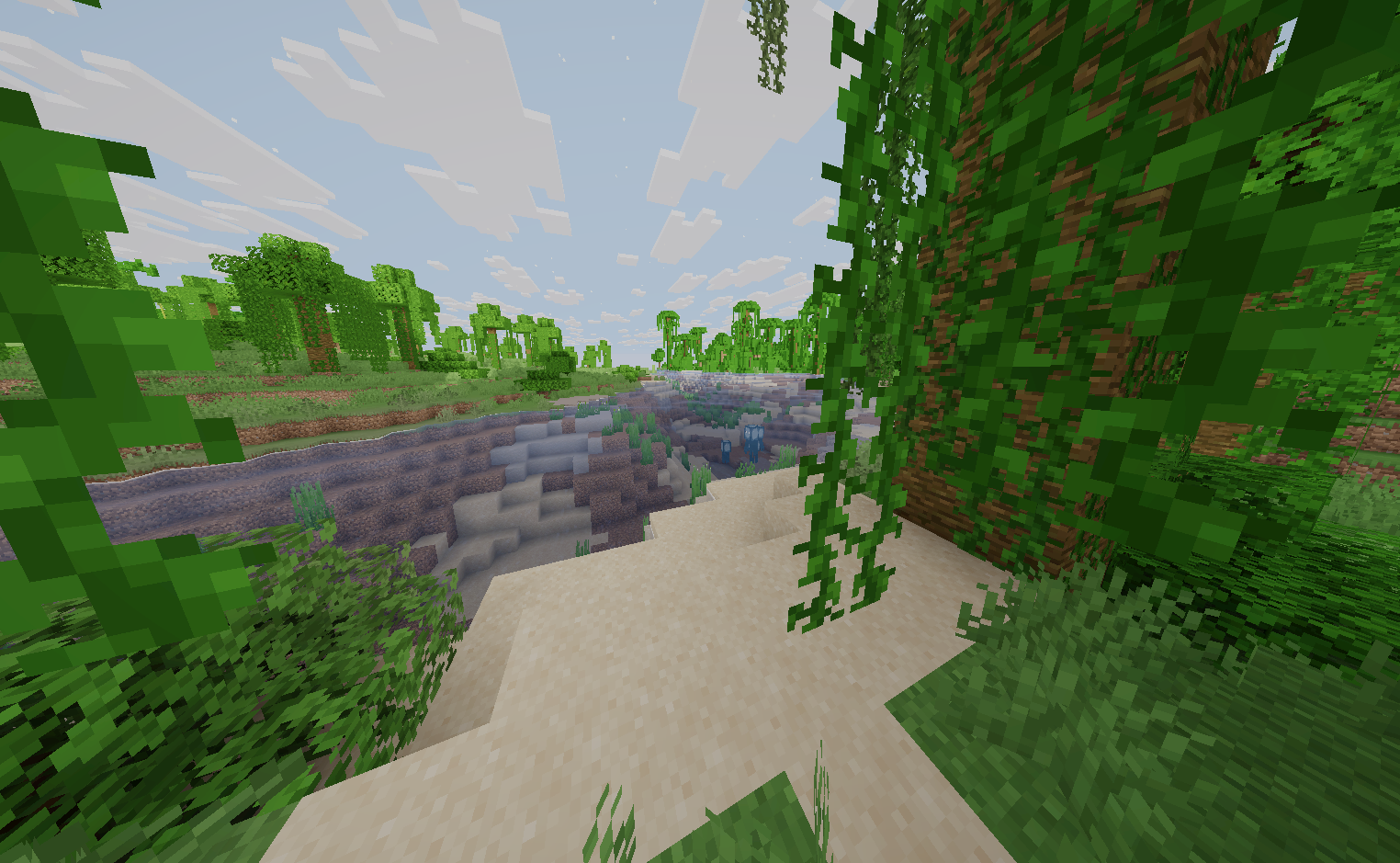
✨ Features
- 🌊 Smooth, realistic water waves
- 🌿 Waving grass, leaves, flowers, and crops
- ☀️ Enhanced vanilla-inspired lighting
- 🌙 Darker, more immersive nights
- 🌤️ Soft and natural-looking shadows
- 🎨 Vibrant, balanced colors that stay true to Minecraft
- ⚡ Lightweight and performance-friendly
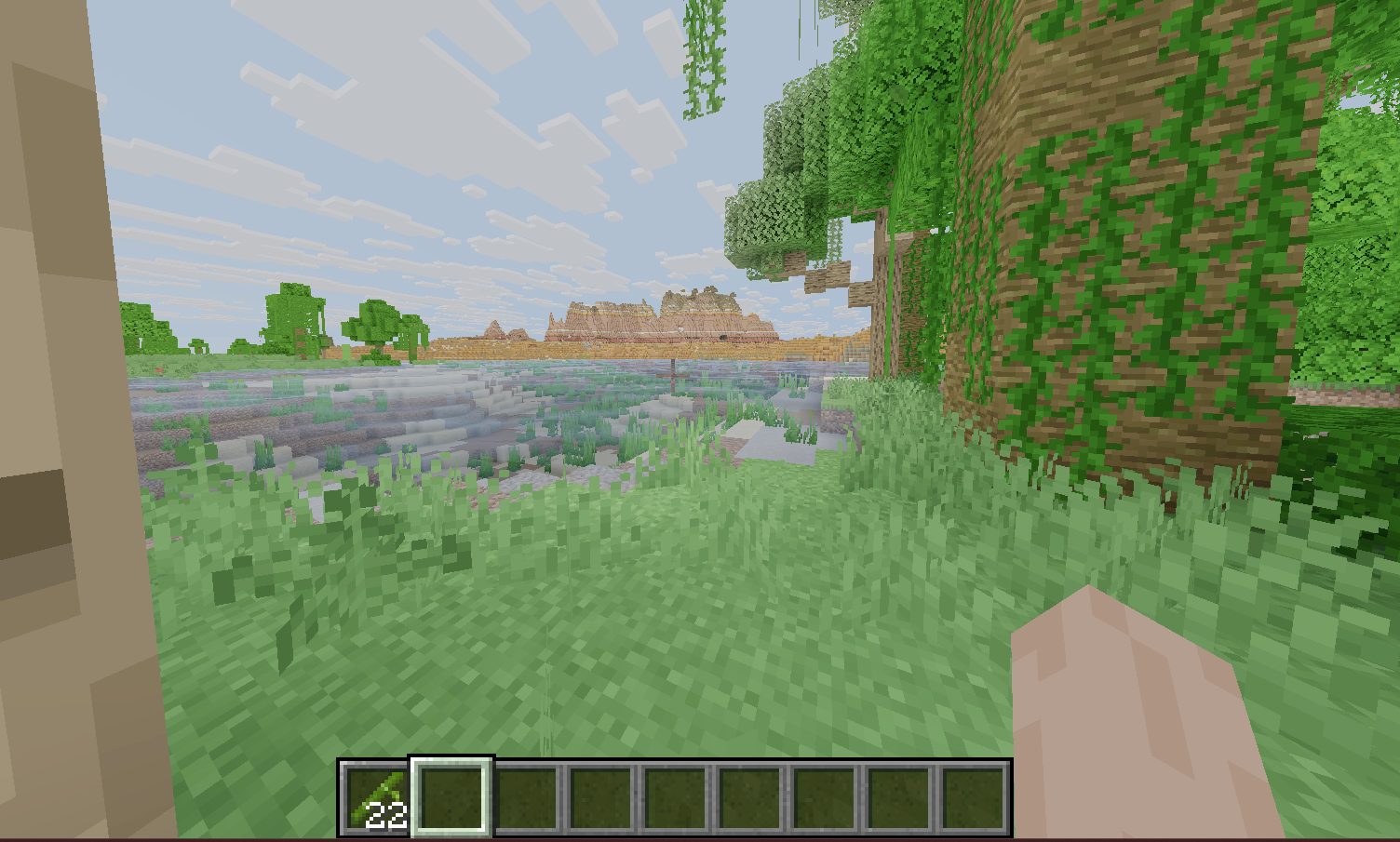
🎮 Compatibility
- ✅ Iris Shaders
- ✅ OptiFine
- ✅ Minecraft: Java Edition

VableVanilla ఎలా ఇన్స్టాల్ చేయాలి
With Millida Launcher
Install Millida Launcher
The launcher is free: download it at millida.net/launcher and sign in with any nickname.
Click “Install” on this page
The launcher opens and installs the shaders for Minecraft 1.21.1–26.2 automatically.
Launch the game
A profile with it appears in the launcher: click “Play”.
Manually
Install Iris or OptiFine
Without a shader mod the game cannot see shaders. Install it for the same Minecraft version.
Download the shader archive
Pick the file VableVanilla.zip (64 KB) and do not unpack it.
Put it in the shaderpacks folder
“Options”, then “Video Settings”, then “Shader Packs”, then “Open Shader Pack Folder”, and drag the archive there.
Select the shaders
In the same window, click the pack name and “Apply”.
వెర్షన్లు
డిపెండెన్సీలతో
| Minecraft | లోడర్ | ఫైల్ | తేదీ | చర్యలు |
|---|---|---|---|---|
| 26.2 | Iris, OptiFine | 26.264.1 KB 1 | ||
| 26.2 | Iris, OptiFine | 26.222.2 KB |
సమీక్షలు
VableVanillaకు మొదటి రేటింగ్ ఇవ్వండి


