

Minecraft 1.20.1, 1.21.1 కోసం Simple Saturation షేడర్లు
గ్రేస్కేల్/సాధారణ/ఓవర్శాచురేటెడ్ మధ్య మారడానికి స్లైడర్తో శీఘ్ర షేడర్.
 Fabric
 OptiFine
About Shader
- This lightweight shaderpack allows you to precisely adjust the overall saturation of your Minecraft world through a simple in-game slider.

Gallery
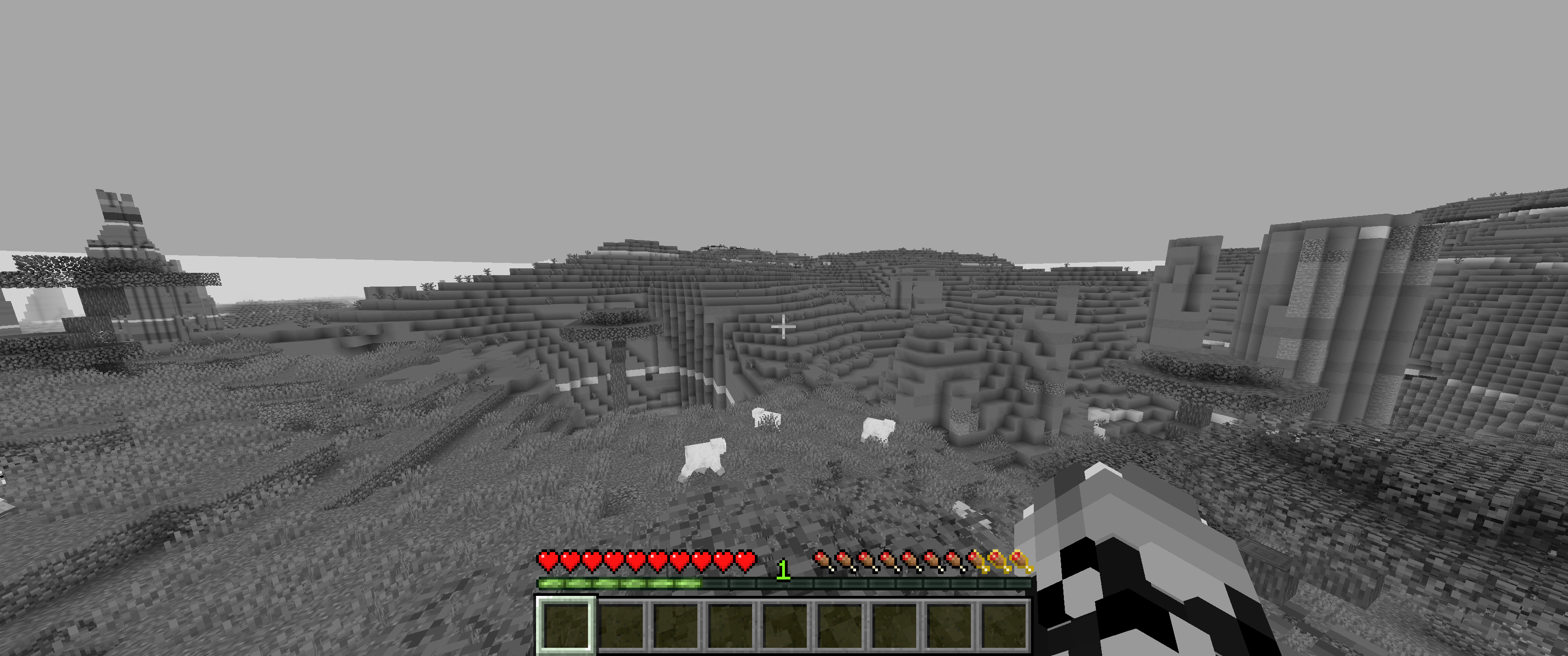
0% Saturation
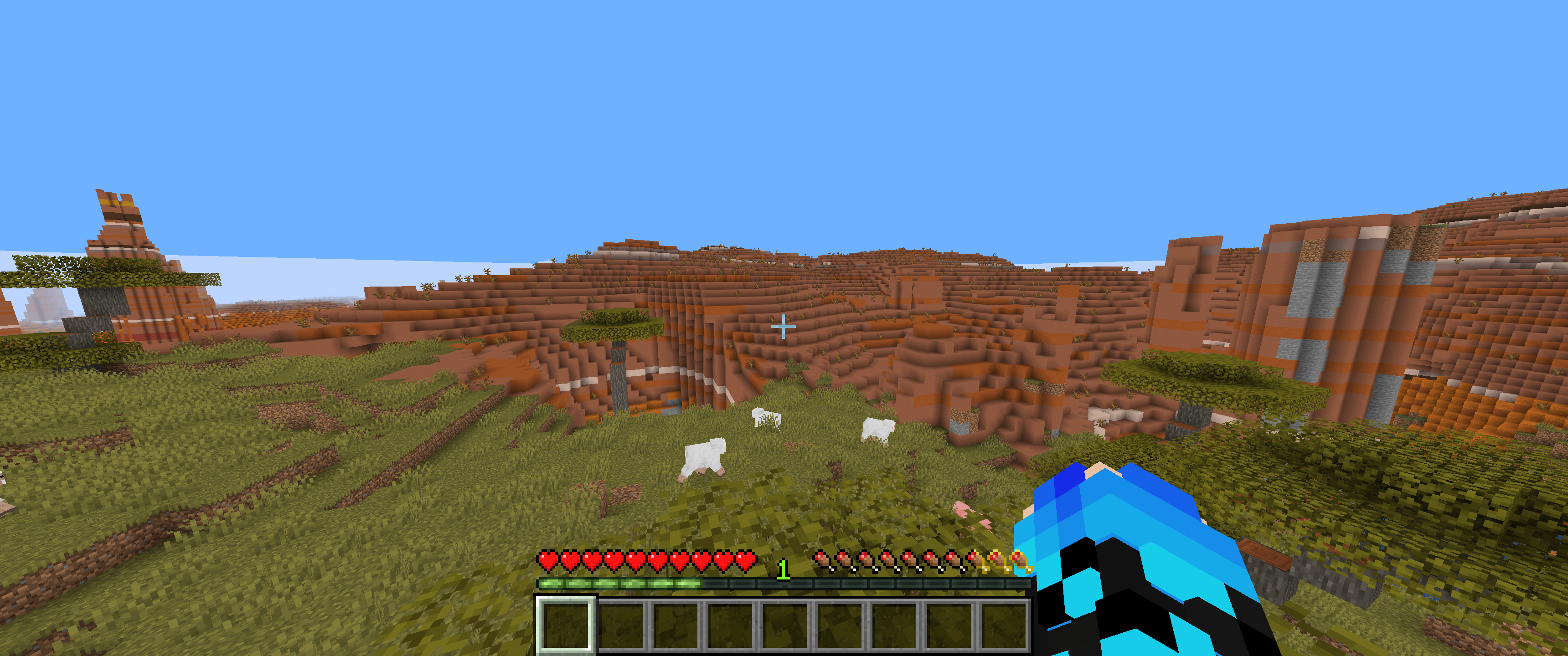
50% Saturation (Normal colors)
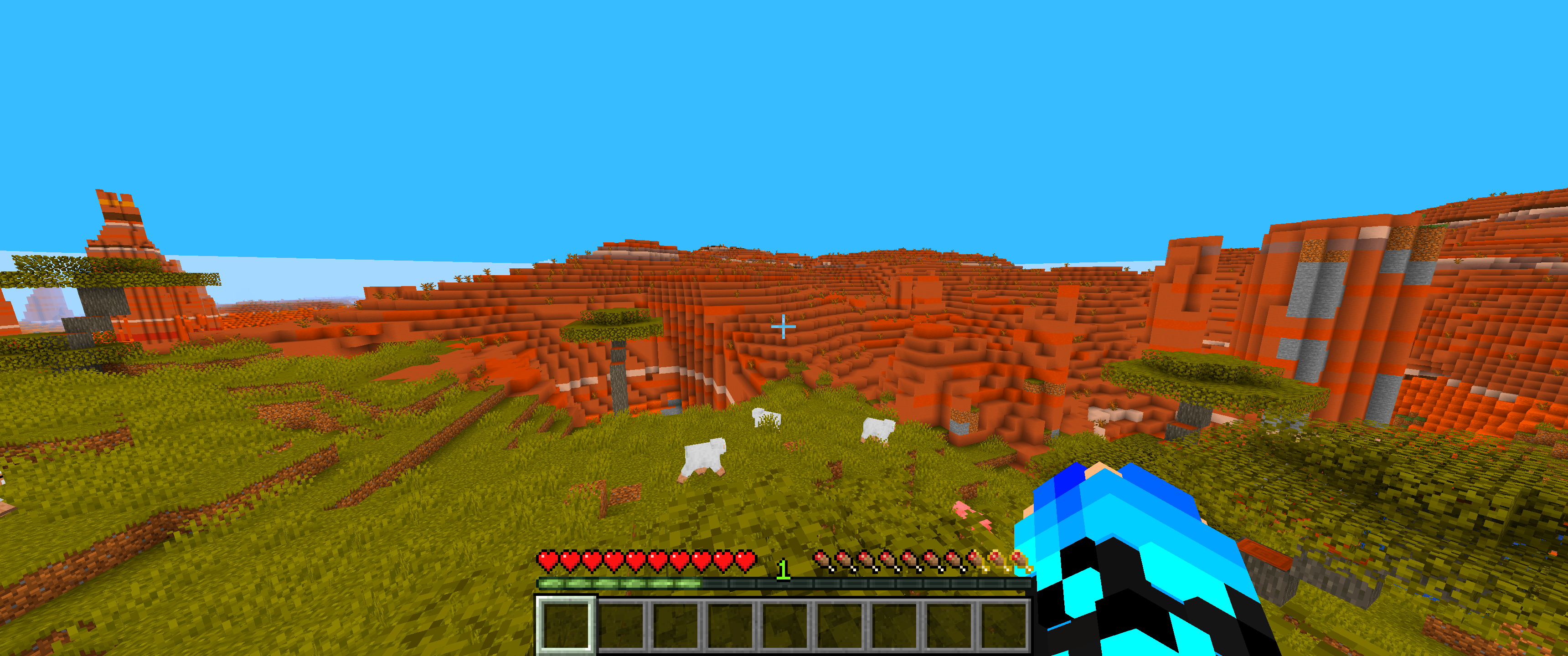
100% Saturation
Slider
Feedback & Support:
Found an issue or have a suggestion? Please report it here: Issue Tracker

Simple Saturation ఎలా ఇన్స్టాల్ చేయాలి
With Millida Launcher
Install Millida Launcher
The launcher is free: download it at millida.net/launcher and sign in with any nickname.
Click “Install” on this page
The launcher opens and installs the shaders for Minecraft 1.12–1.21.10 automatically.
Launch the game
A profile with it appears in the launcher: click “Play”.
Manually
Install Iris or OptiFine
Without a shader mod the game cannot see shaders. Install it for the same Minecraft version.
Download the shader archive
Pick the file SimpleSaturation.zip (6 KB) and do not unpack it.
Put it in the shaderpacks folder
“Options”, then “Video Settings”, then “Shader Packs”, then “Open Shader Pack Folder”, and drag the archive there.
Select the shaders
In the same window, click the pack name and “Apply”.
వెర్షన్లు
డిపెండెన్సీలతో
| Minecraft | లోడర్ | ఫైల్ | తేదీ | చర్యలు |
|---|---|---|---|---|
| 1.17.1 | Iris, OptiFine | 1.17.15.8 KB 2 | ||
| 1.15.2 | Iris, OptiFine | 1.15.22.3 KB 1 | ||
| 1.14.4 | Iris, OptiFine | 1.14.42.3 KB | ||
| 1.21 | Iris, OptiFine | 1.215.8 KB | — | |
| 1.20.1 | Iris, OptiFine | 1.20.15.8 KB | — | |
| 1.19.2 | Iris, OptiFine | 1.19.25.8 KB | — | |
| 1.18.2 | Iris, OptiFine | 1.18.25.8 KB | — | |
| 1.16.5 | Iris, OptiFine | 1.16.55.8 KB | — |
సమీక్షలు
Simple Saturationకు మొదటి రేటింగ్ ఇవ్వండి


