
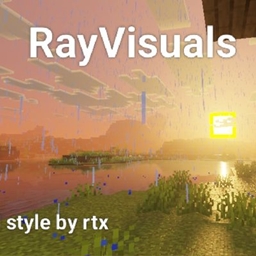
Minecraft కోసం RayVisuals Bedrock Edition షేడర్లు
Pack Vibrant Visual Style RTX
RayVisuals Bedrock Edition షేడర్ల గురించి
Hello Iam Maheza I made Pack With Name Called (RayVisuals)Pack Vibrant Visual Inspired by Ray Tracing Minecraft Bedrock Edition this Pack need Vibrant Visual For active this pack vibes raytracing bedrock id I was interested in making this pack because I really like Ray tracing bedrock so I made it on the Vibrant Visual pack this pack First Release I hope You enjoy this used pack if you want see screenshoot for RayVisuals here:https://drive.google.com/file/d/1l46sq3t683WEL_I4lqFzeMe761w-x--M/view?usp=drivesdk i hope You feel like the A little taste of Ray tracing or made on the Vibrant Visual Version
fitures in this pack
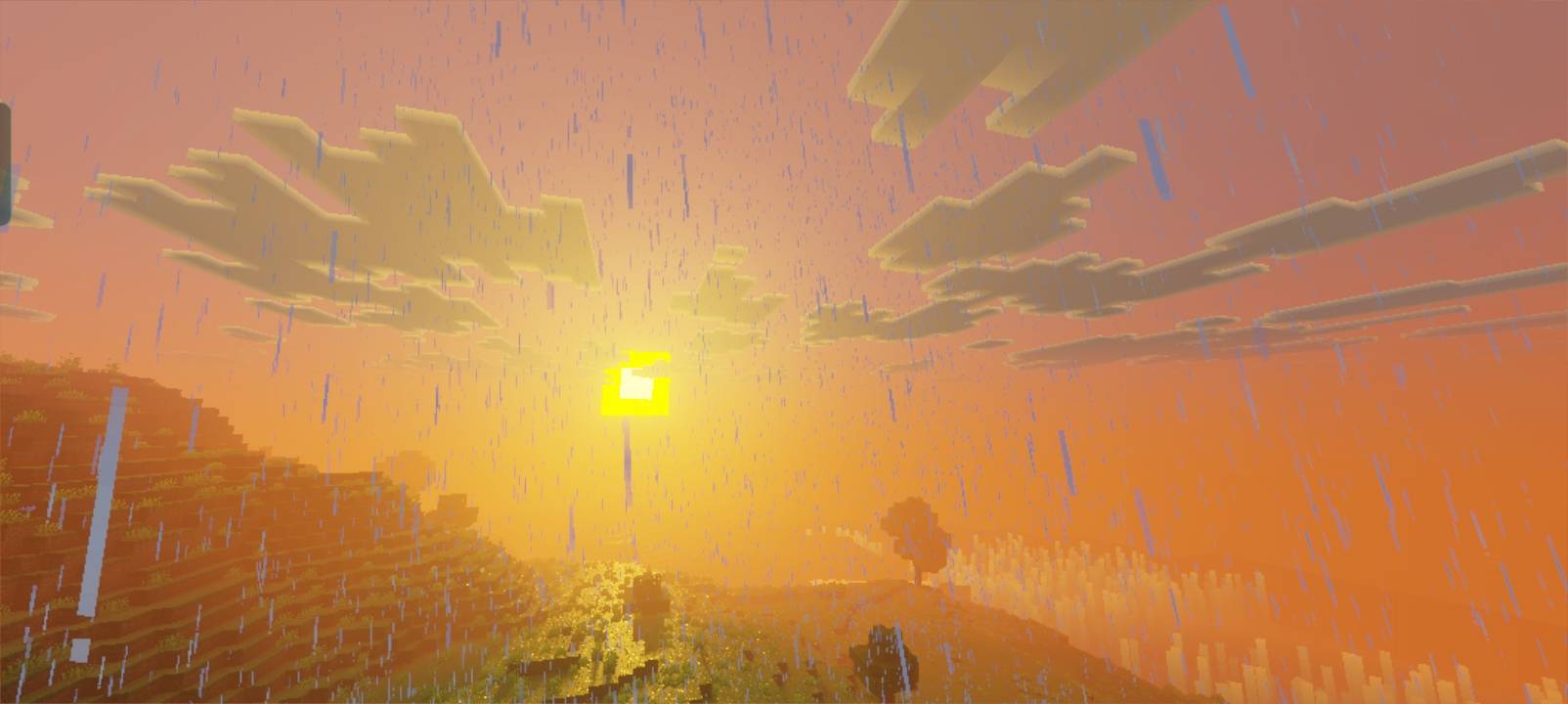
-Pbr(PhysicalyBasedRendering) like:kobs,block and more
-Specular Grass Reflection
-Local_Lighting(Coloured Lighting)
-3Subpacks (DOF Version Must use patch 1.21.80
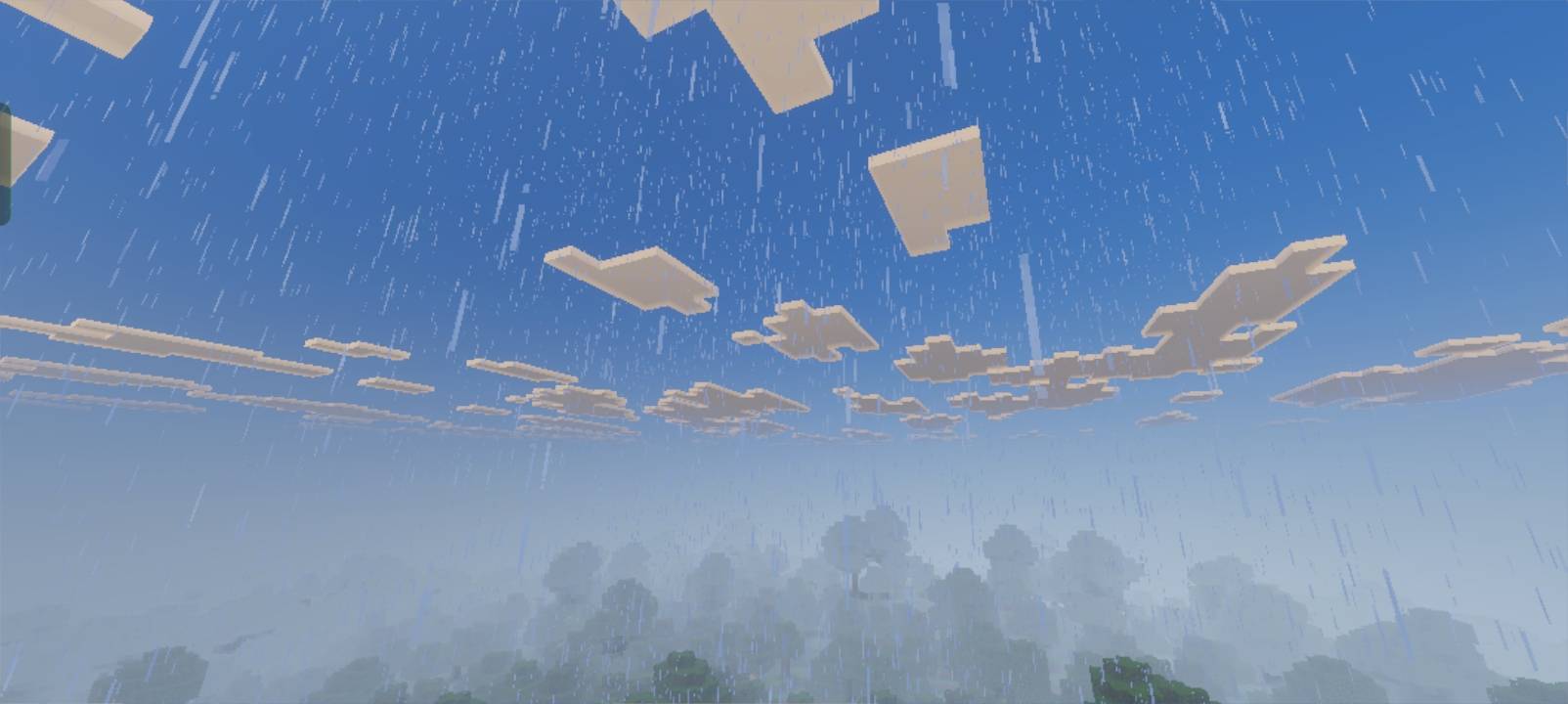
-Encahanced Volumetric Fog
What it takes to function
Active Vibrant Visuals In Your Minecraft
No need experimental needed
RayVisuals Bedrock Edition ఎలా ఇన్స్టాల్ చేయాలి
With Millida Launcher
Install Millida Launcher
The launcher is free: download it at millida.net/launcher and sign in with any nickname.
Click “Install” on this page
The launcher opens and installs the shaders automatically.
Launch the game
A profile with it appears in the launcher: click “Play”.
Manually
Install Iris or OptiFine
Without a shader mod the game cannot see shaders. Install it for the same Minecraft version.
Download the shader archive
Pick the file RayVisualsBeta1.9.zip (3.2 MB) and do not unpack it.
Put it in the shaderpacks folder
“Options”, then “Video Settings”, then “Shader Packs”, then “Open Shader Pack Folder”, and drag the archive there.
Select the shaders
In the same window, click the pack name and “Apply”.
వెర్షన్లు
డిపెండెన్సీలతో
| Minecraft | లోడర్ | ఫైల్ | తేదీ | చర్యలు |
|---|---|---|---|---|
| — | — | RayVisuals3.2 MB 2 |
FAQ
Where can I download RayVisuals Bedrock Edition safely?
On this page: the file RayVisualsBeta1.9.zip (3.2 MB) is stored on Millida’s server, with no link shorteners. SHA-1 checksum: 1dd3bff6fe4981ed81056327bedfc0c9303d1a8a.
సమీక్షలు
RayVisuals Bedrock Editionకు మొదటి రేటింగ్ ఇవ్వండి


