
Minecraft 1.20.1, 1.21.1 కోసం PureCraft Shader
Minecraft కోసం పనితీరు-ఆప్టిమైజ్ చేసిన దృశ్య మెరుగుదల. సూక్ష్మ మెరుగుదలలతో వనిల్లా గేమ్ప్లేను కాపాడుతుంది: సహజ తెల్ల మేఘాలు, అందరికీ మెరుగైన పనితీరుతో స్వచ్ఛమైన వనిల్లా అనుభూతి
PureCraft Shader షేడర్ల గురించి

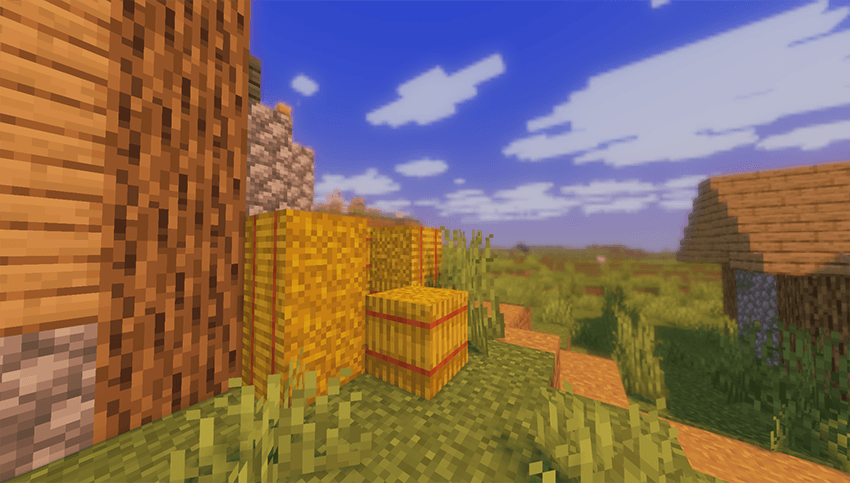
PureCraft is a visual enhancement designed to upgrade the Minecraft experience with a "Refined Vanilla" style. The project focuses on making the game more pleasant to the eye and visually clear without compromising the original identity or the classic feel of the game. It provides a balanced visual experience that combines simplicity with modern beauty.

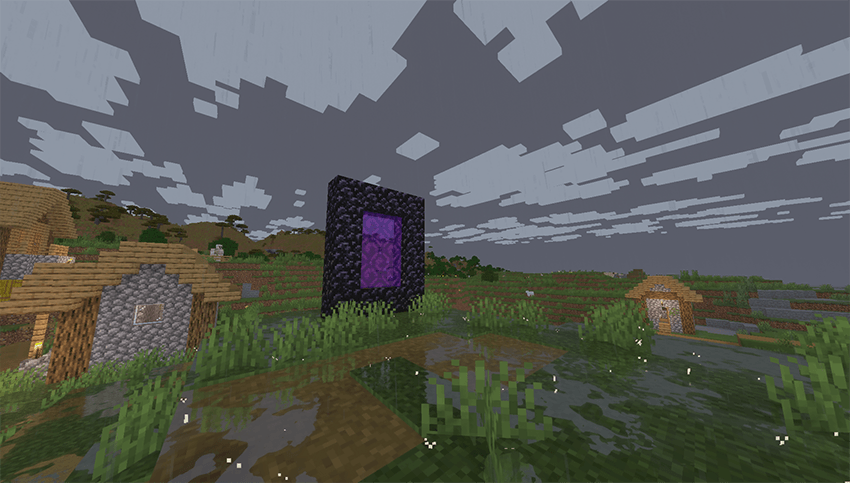
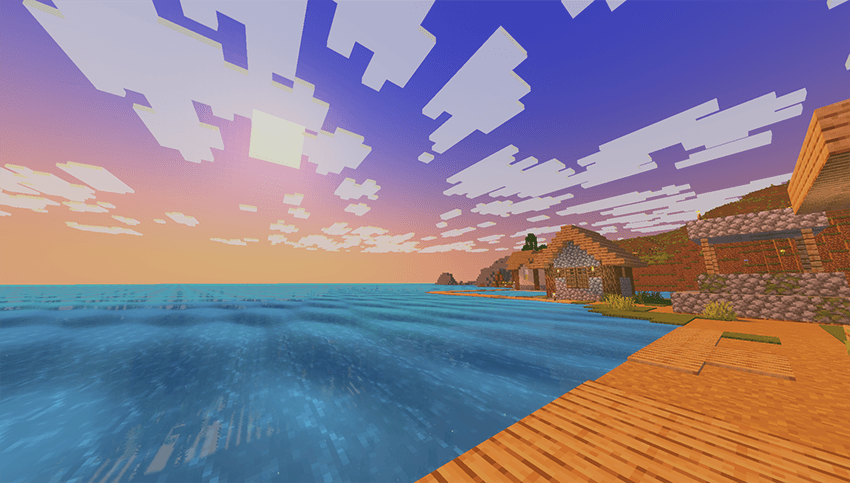
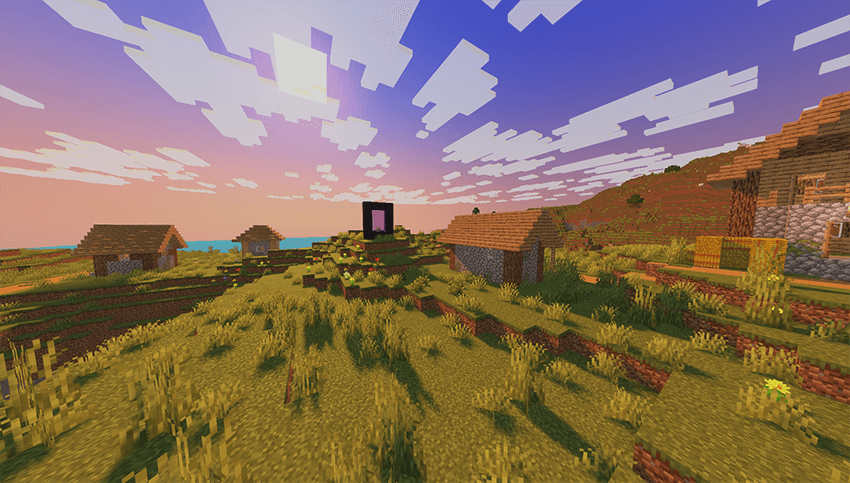
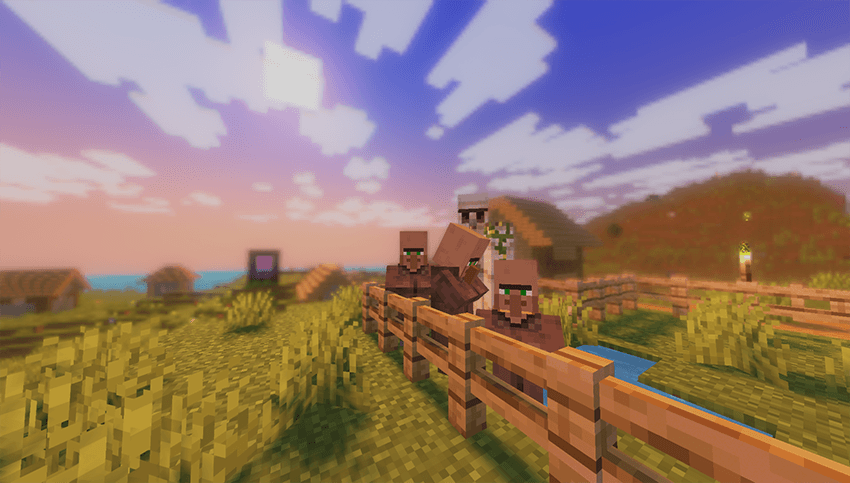
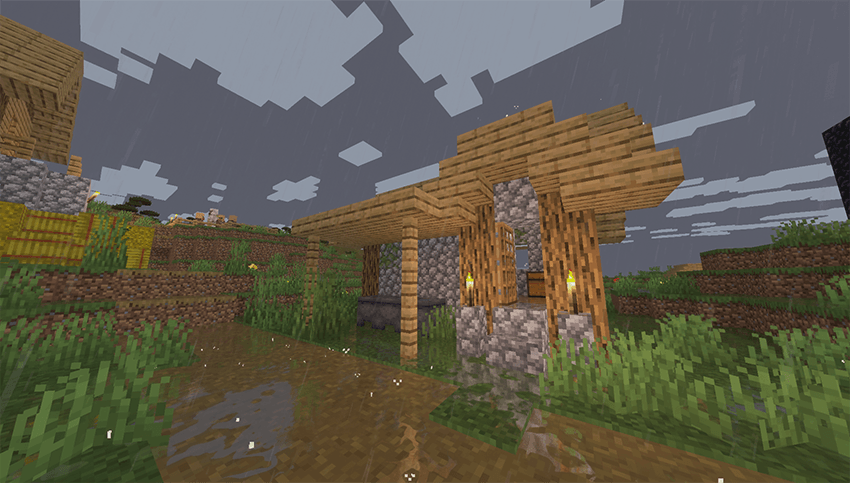
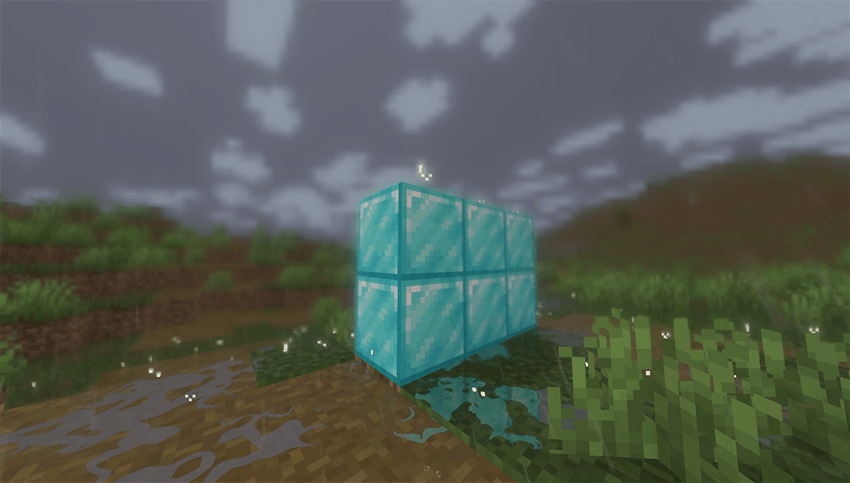
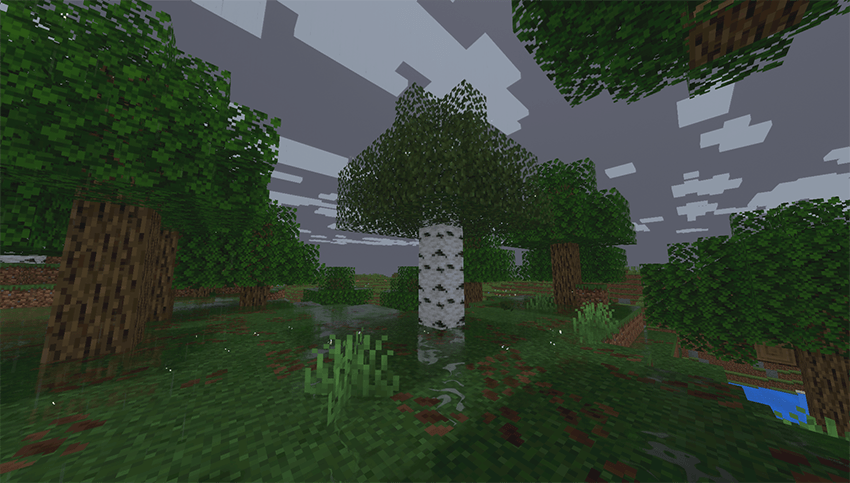
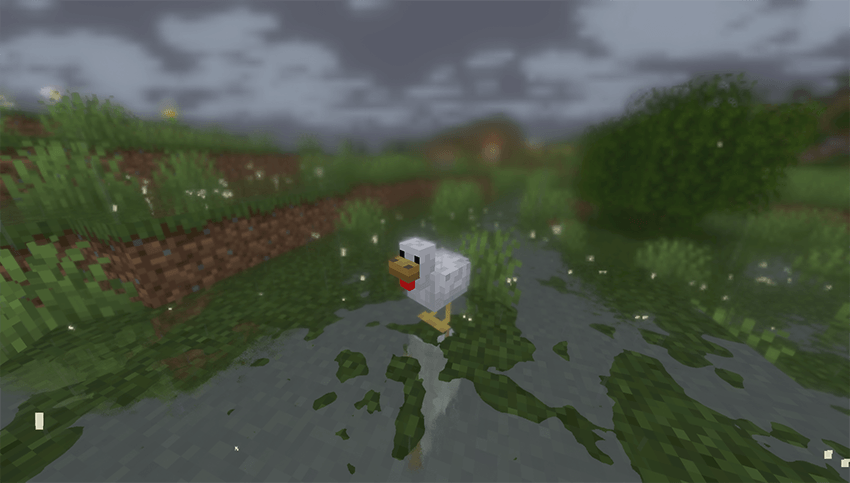
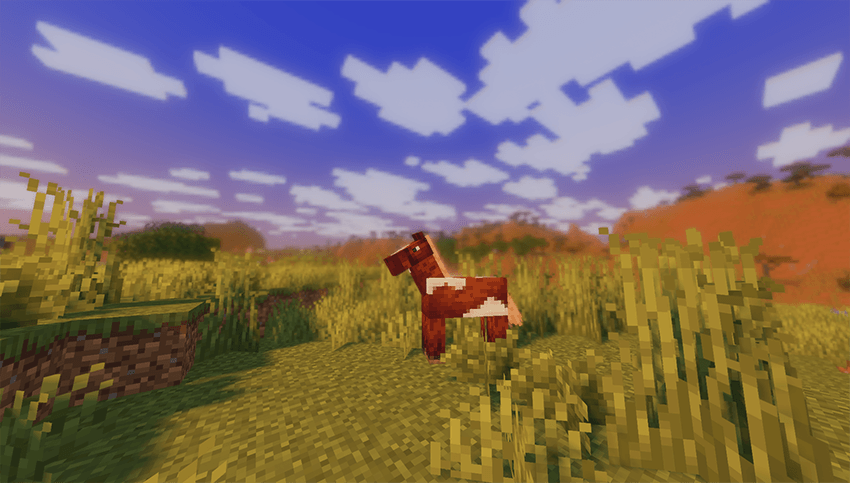
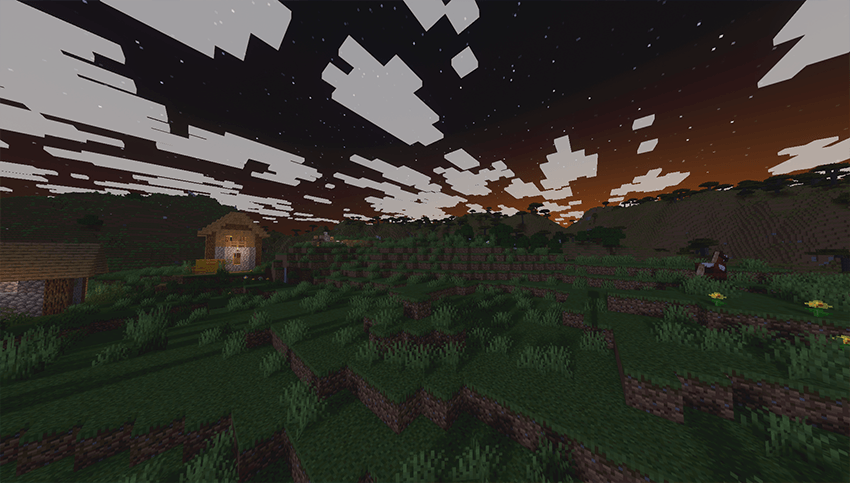
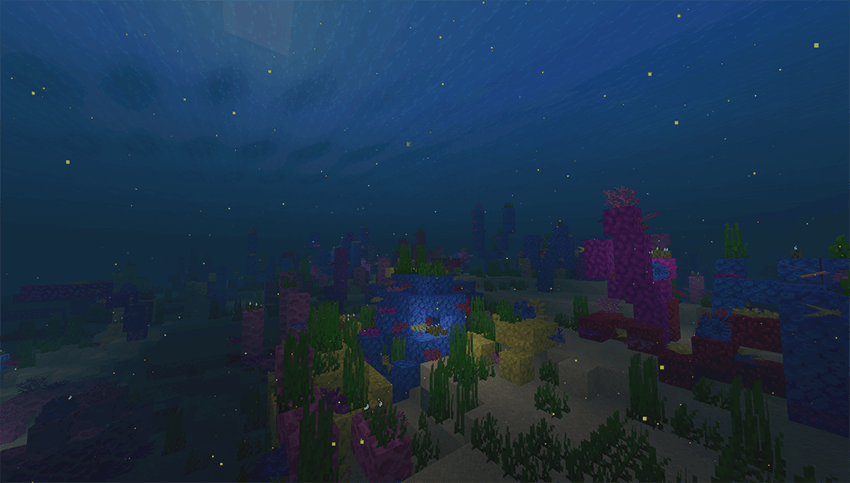

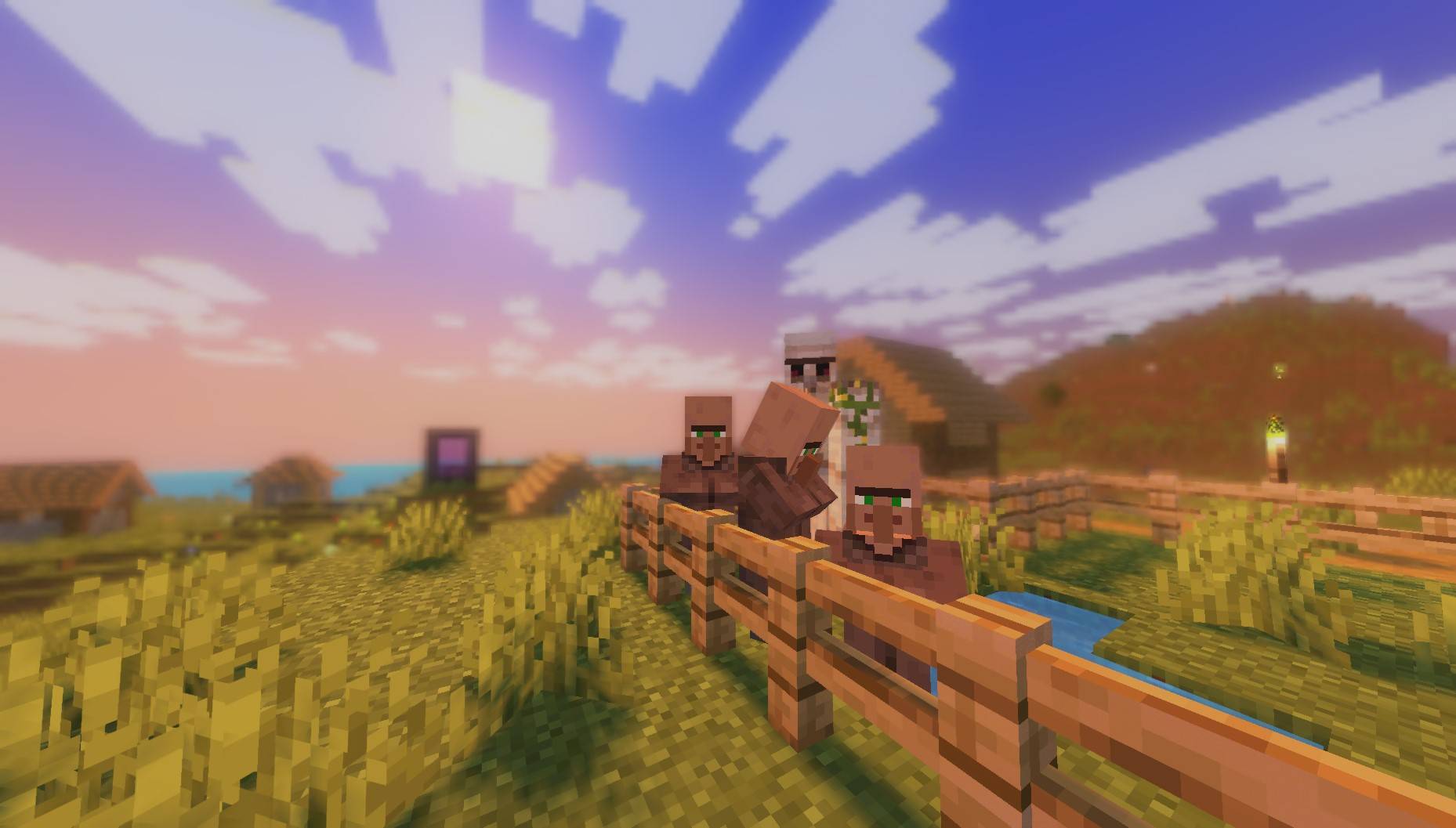
🌤️ Atmospheric Enhancements: Improved visuals for rain, sunrises, and sunsets, providing a more immersive and natural environmental feel.
🔍 Depth of Field: A subtle "focus" effect that activates when looking at objects closely, increasing immersion and attention to detail.
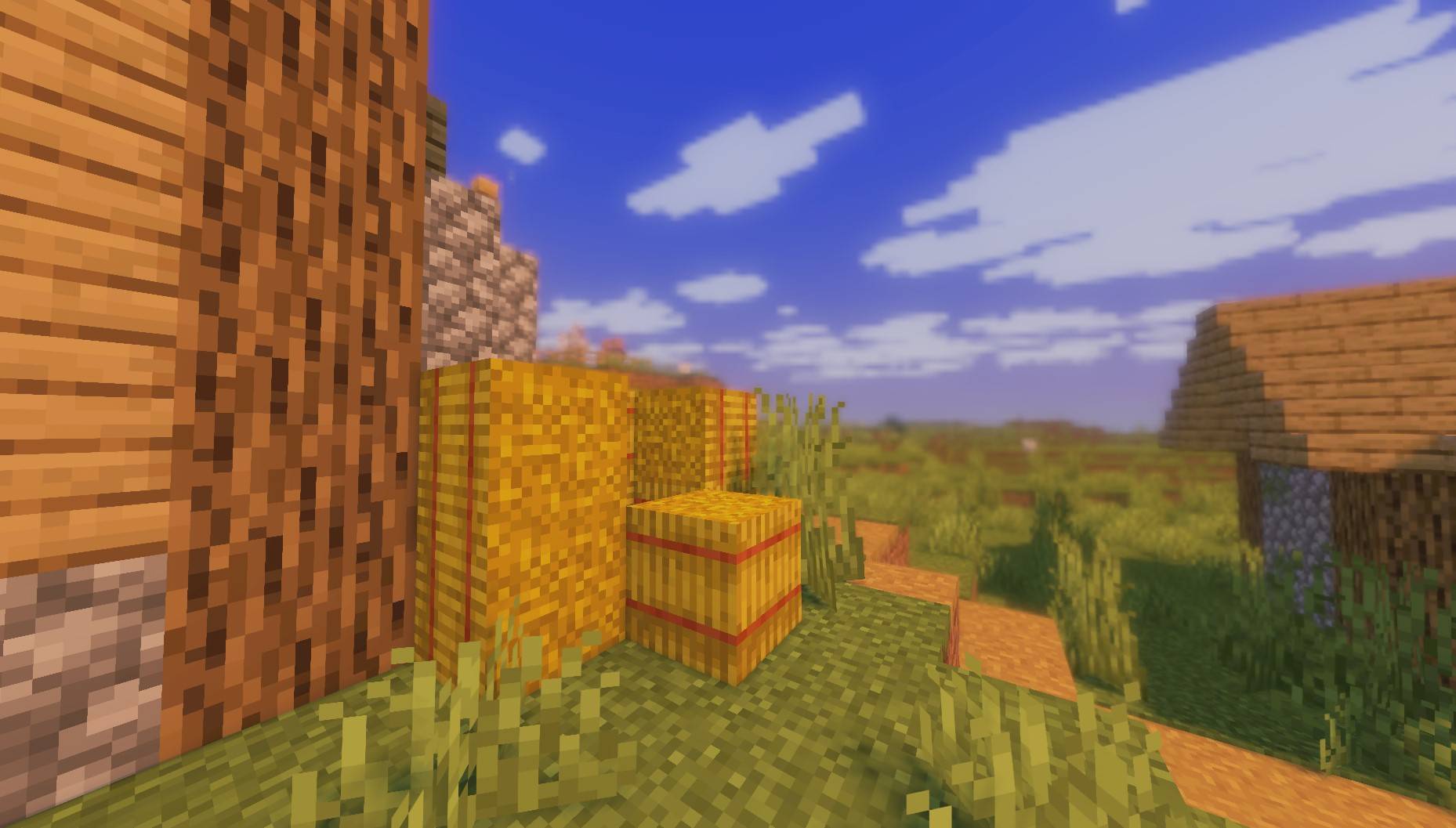
✨ Edge Smoothing: Advanced anti-aliasing techniques to ensure a sharp, clean image free from distracting jagged lines.
📦 Refined Vanilla Experience: Comprehensive improvements aimed at polishing the original look while maintaining high performance and the classic aesthetic.

PureCraft has been extensively tested on a GTX 1050 to ensure stable performance. This shader is lightweight and specifically optimized for low-end hardware. It is expected to run smoothly even on weaker dedicated cards and most modern Integrated Graphics.

License & Credits
Original Developer: EminGT
Original Shader: Complementary Shaders
Modified & Developed by: Haider
This shader is a modified version built upon the Complementary Shaders foundation. It has been customized and refined to offer the unique PureCraft experience while adhering to the original license requirements.
PureCraft Shader ఎలా ఇన్స్టాల్ చేయాలి
With Millida Launcher
Install Millida Launcher
The launcher is free: download it at millida.net/launcher and sign in with any nickname.
Click “Install” on this page
The launcher opens and installs the shaders for Minecraft 1.20–26.3 automatically.
Launch the game
A profile with it appears in the launcher: click “Play”.
Manually
Install Iris or OptiFine
Without a shader mod the game cannot see shaders. Install it for the same Minecraft version.
Download the shader archive
Pick the file PureCraft Shader.zip (12 MB) and do not unpack it.
Put it in the shaderpacks folder
“Options”, then “Video Settings”, then “Shader Packs”, then “Open Shader Pack Folder”, and drag the archive there.
Select the shaders
In the same window, click the pack name and “Apply”.
వెర్షన్లు
డిపెండెన్సీలతో
| Minecraft | లోడర్ | ఫైల్ | తేదీ | చర్యలు |
|---|---|---|---|---|
| 1.21 | — | PureCraft Shader.zip12.2 MB 40 | ||
| 1.21 | — | PureCraft Shader 1.1.zip522 KB |
FAQ
Which Minecraft versions does PureCraft Shader work on?
There are files for 1.20–26.3, 24 versions in total. The newest is 26.3.
Where can I download PureCraft Shader safely?
On this page: the file PureCraft Shader.zip (12 MB) is stored on Millida’s server, with no link shorteners. SHA-1 checksum: 108f9adcef64c2d7fab2ba32027edb9f85a2fbac.
సమీక్షలు
PureCraft Shaderకు మొదటి రేటింగ్ ఇవ్వండి


