

Minecraft 1.20.1, 1.21.1 కోసం Genesis షేడర్లు
Alpha Minecraft లాగానే కనిపించే షేడర్.
- వ్యూలు
- 102 వ్యూలు
- అప్డేట్ చేయబడింది
- అప్డేట్ చేయబడింది 03.09.2026
- 1.20 — 1.21.4
 Fabric
- క్లయింట్
Genesis షేడర్ల గురించి

A very lightweight iris-based shader that tries to emulate the visuals of Minecraft a1.1.2_01 as accurately as possible.
(Made with minecraft versions 1.20 and later in mind.)
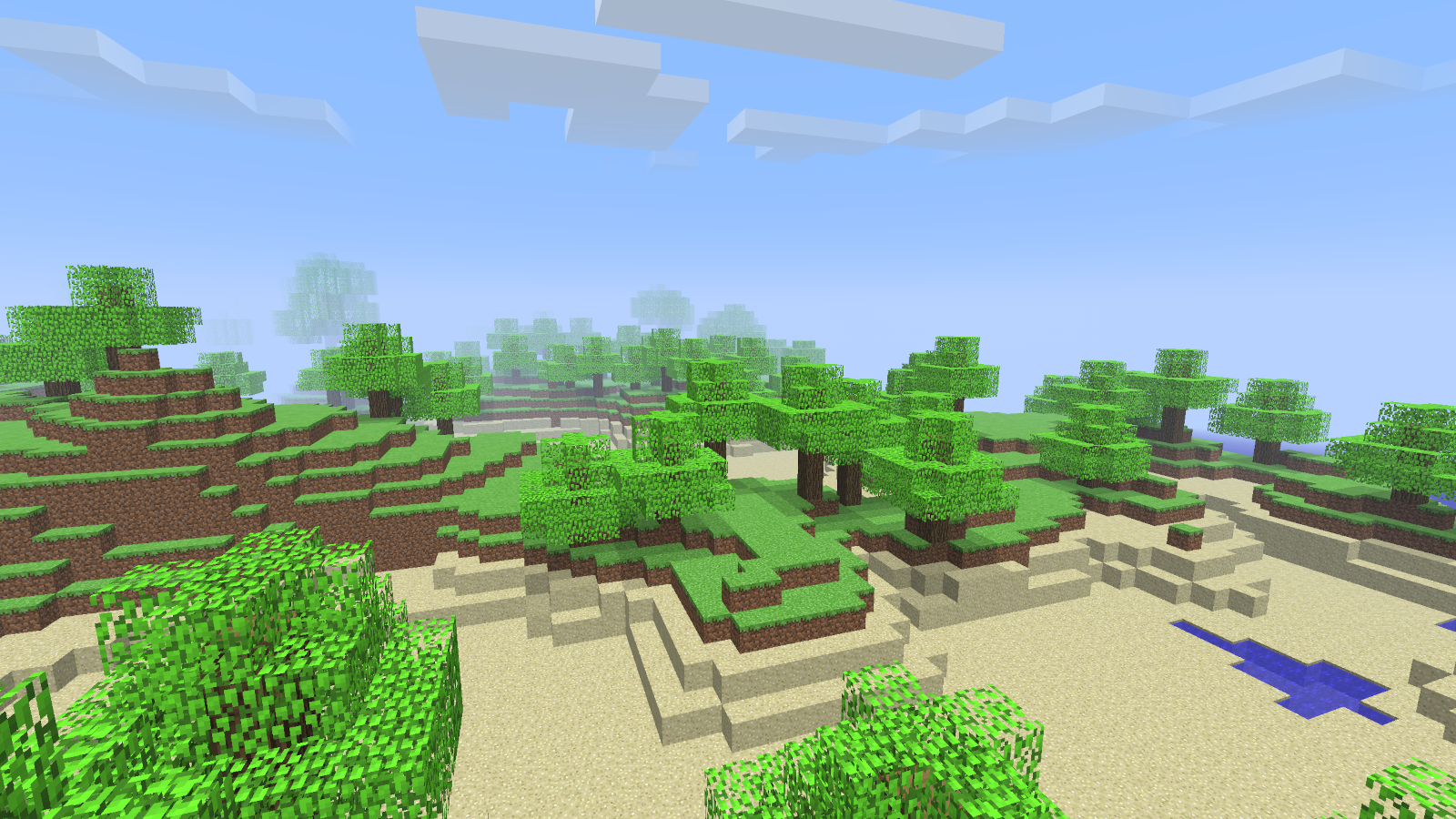
If you steal this as-is I will hunt you down. (I'm looking at you 9minecraft.)

Genesis ఎలా ఇన్స్టాల్ చేయాలి
Install Millida Launcher
The launcher is free: download it at millida.net/launcher and sign in with any nickname.
Click “Install” on this page
The launcher opens and installs the shaders for Minecraft 1.20–1.21.4 automatically, together with its dependencies: Sodium, Iris Shaders.
Launch the game
A profile with it appears in the launcher: click “Play”.
వెర్షన్లు
డిపెండెన్సీలతో
| Minecraft | లోడర్ | ఫైల్ | చర్యలు |
|---|---|---|---|
| 1.21 | Iris | 1.2122.6 KB | |
| 1.20.1 | Iris | 1.20.122.6 KB |
ఇది రన్ అవ్వడానికి కావాల్సినవి
- Sodiumఅవసరం
- Iris Shadersఅవసరం
FAQ
Which Minecraft versions does Genesis work on?
There are files for 1.20–1.21.4, 12 versions in total. The newest is 1.21.4.
What do I need to run Genesis?
Shaders are loaded through Iris: without it the game cannot see them.
What does Genesis need to work?
Required: Sodium, Iris Shaders. Without them the shaders will not start.
How do I download Genesis?
With Millida Launcher: it installs Genesis into a modpack by itself, for the right game version and loader. The launcher is free.
సమీక్షలు
Genesisకు మొదటి రేటింగ్ ఇవ్వండి


