

Minecraft 1.20.1, 26.3 కోసం FESGlow షేడర్లు
PvP కోసం మరియు వీడియో రికార్డింగ్ కోసం అందమైన రీప్లేల కోసం ఒక షేడర్.
 Fabric
 OptiFine
FESGlow
A lightweight Vanilla+ shaderpack built for survival, PvP, and recording videos.
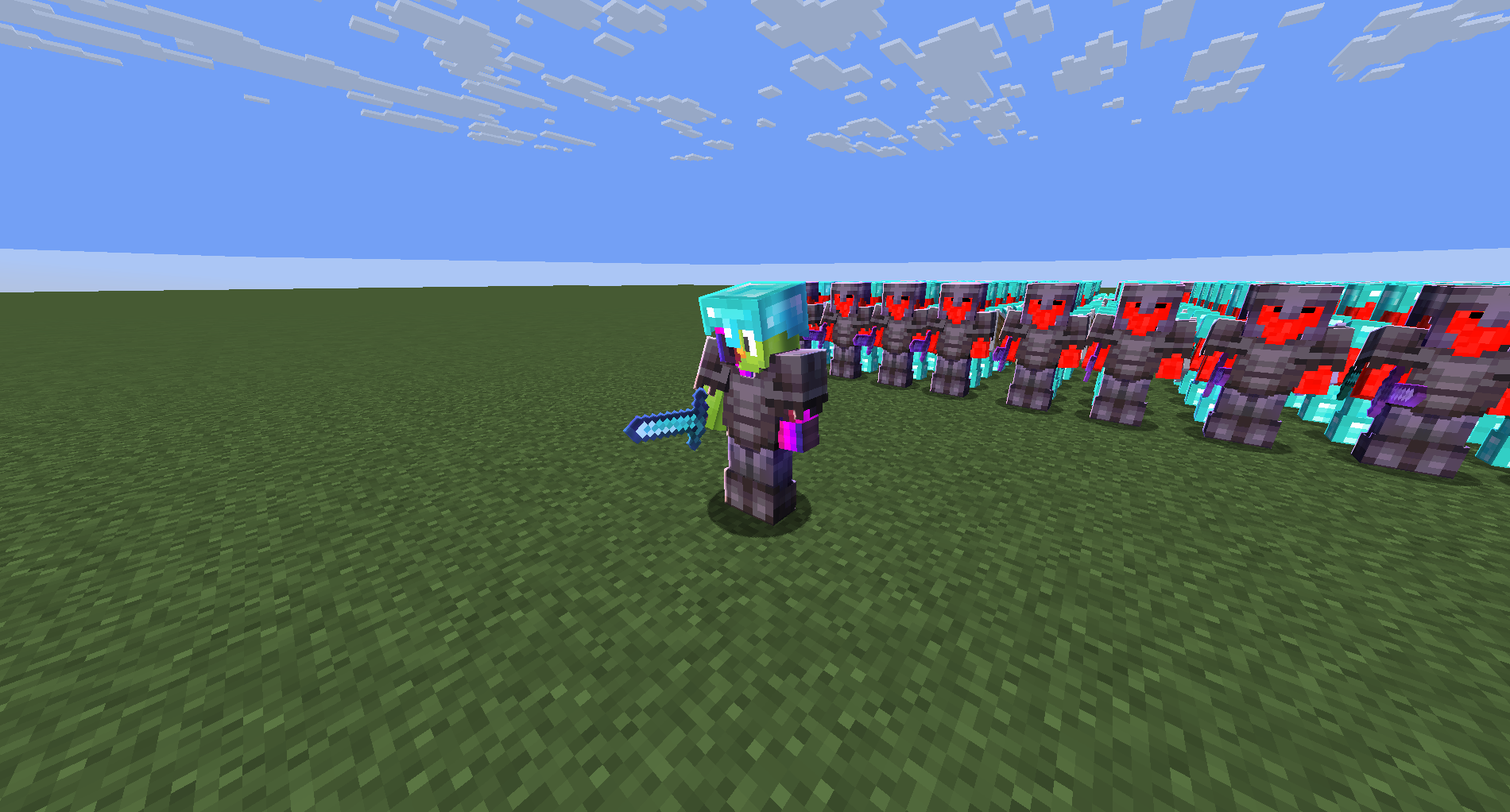
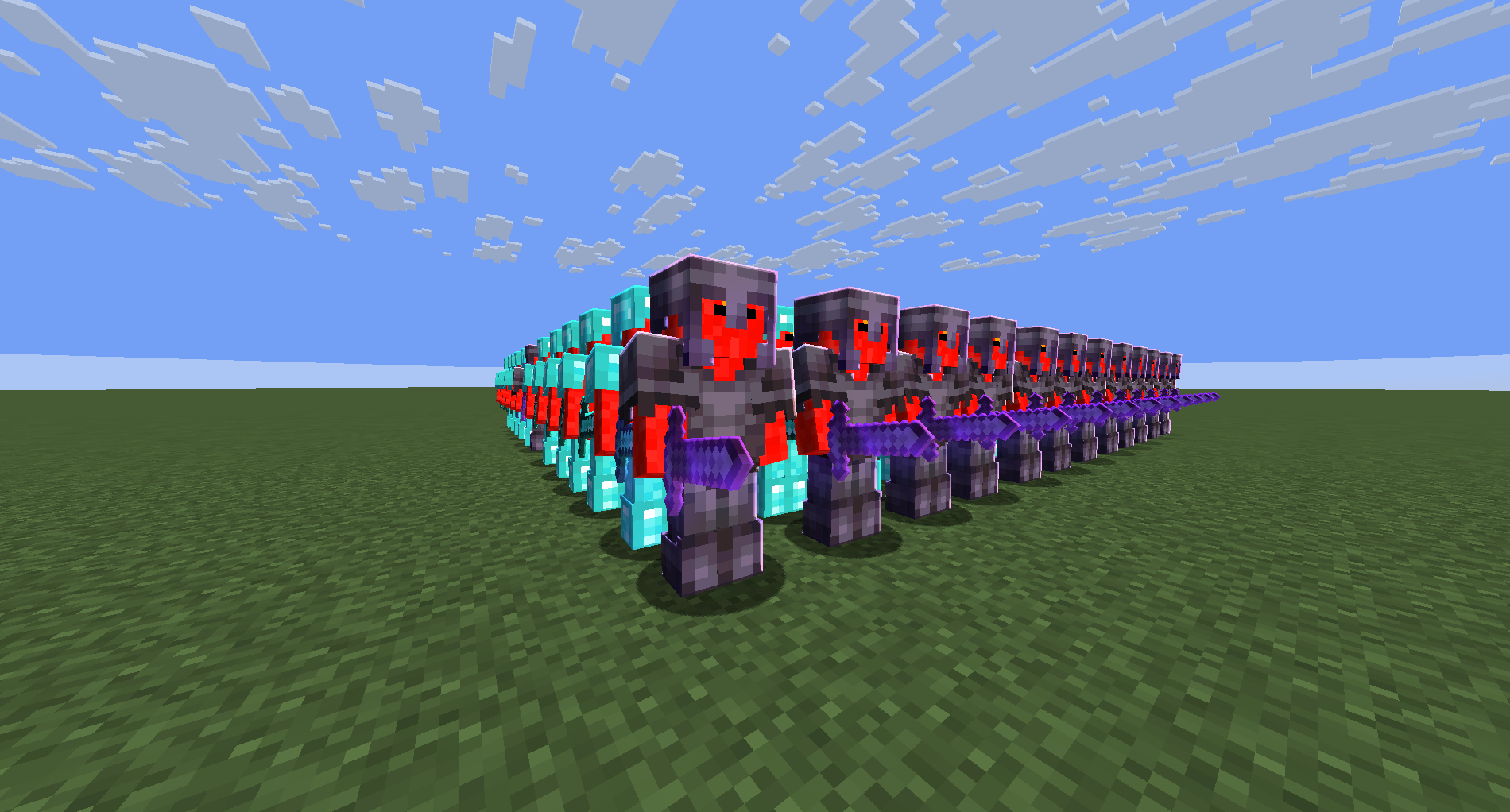
Instead of tanking your framerate with heavy block shadows across the terrain, FESGlow leaves the world completely vanilla and focuses entirely on making players, armor, and mob models look clean and dimensional.

Features
- Directional Entity Lighting: Sun and moon angles cast natural self-shadows on players, armor, and mobs.
- Light Wrapping: Soft terminator transitions keep unlit faces readable instead of crushing them to pure black.
- Silhouette Outline: A clean rim light that adapts to the model's texture color and scales properly with distance.
Compatibility
- Designed for Iris (recommended) and OptiFine on Minecraft 1.21+.
- Fully localized in English and Russian.
Bug reports: https://discord.gg/MRedAfvKab or dm filkond

FESGlow ఎలా ఇన్స్టాల్ చేయాలి
With Millida Launcher
Install Millida Launcher
The launcher is free: download it at millida.net/launcher and sign in with any nickname.
Click “Install” on this page
The launcher opens and installs the shaders for Minecraft 1.20.1–26.3 automatically.
Launch the game
A profile with it appears in the launcher: click “Play”.
Manually
Install Iris or OptiFine
Without a shader mod the game cannot see shaders. Install it for the same Minecraft version.
Download the shader archive
Pick the file FESGlow.zip (18 KB) and do not unpack it.
Put it in the shaderpacks folder
“Options”, then “Video Settings”, then “Shader Packs”, then “Open Shader Pack Folder”, and drag the archive there.
Select the shaders
In the same window, click the pack name and “Apply”.
వెర్షన్లు
డిపెండెన్సీలతో
| Minecraft | లోడర్ | ఫైల్ | తేదీ | చర్యలు |
|---|---|---|---|---|
| 26.3 | Iris, OptiFine | 26.317.8 KB 1 | ||
| 26.2 | Iris, OptiFine | 26.217.8 KB |
సమీక్షలు
FESGlowకు మొదటి రేటింగ్ ఇవ్వండి


