

SimpleCountDown
Version 1.3
(Thanks to N07070 for the logo) SimpleCountDown is a plugin which allows server admins to create a countdown timer. This countdown timer can perform commands aswell at the end. (Follow me on twitter for updates!)
Do you want to make a simple countdown timer for a certain event? Well this plugin will allow you to, and will have a lot of simple commands which make life as a server admin very pleasurable.
How does it work?
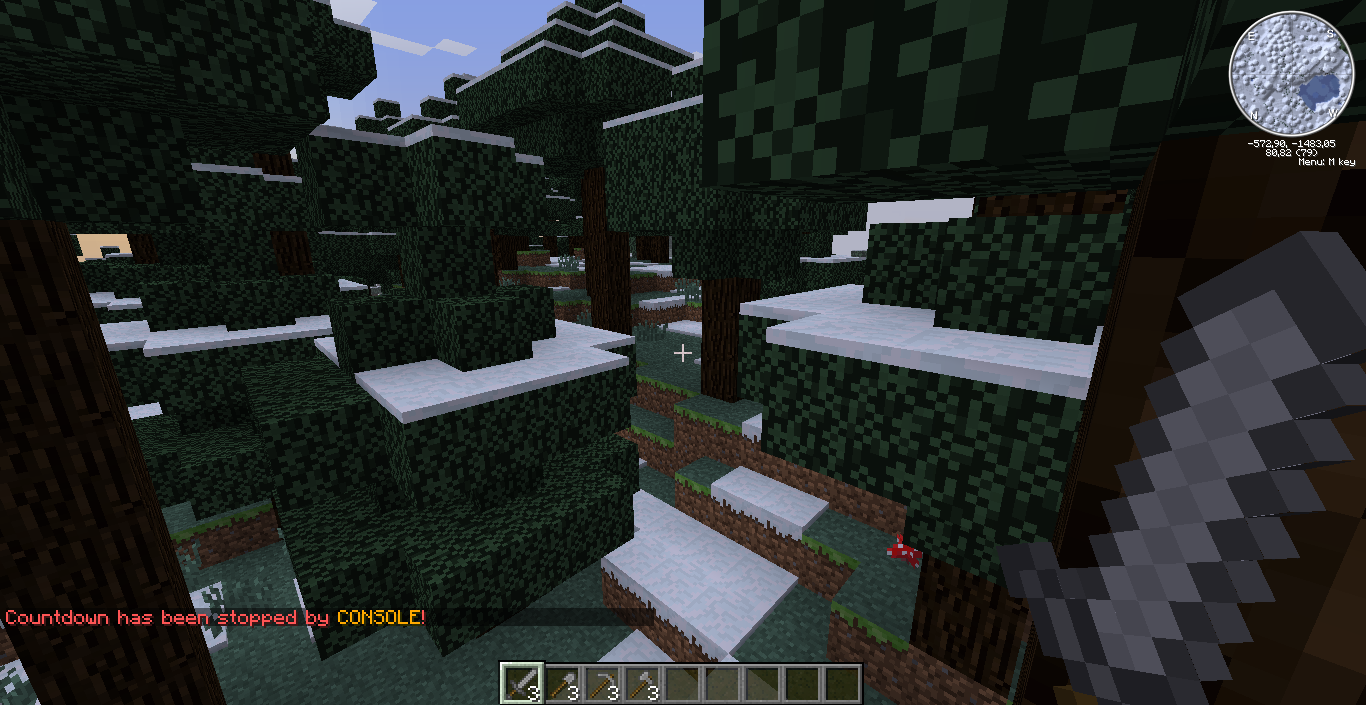
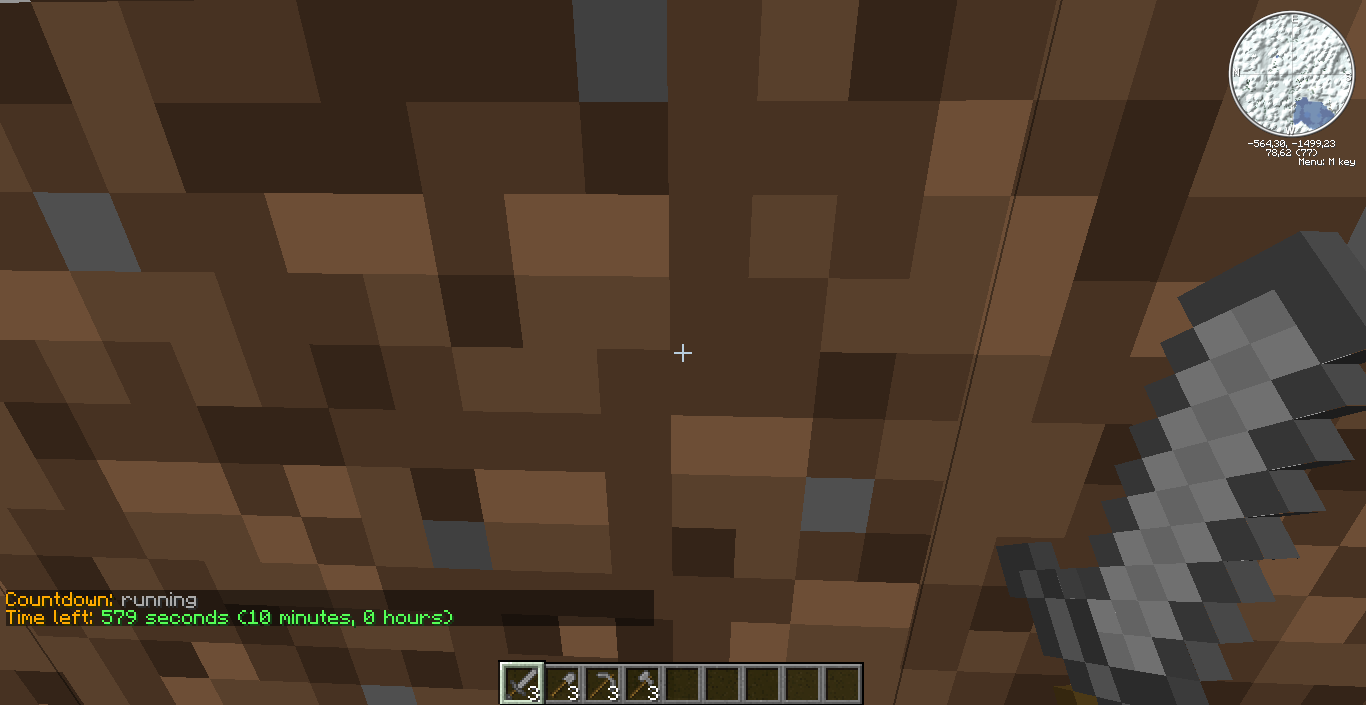
When you want to create a event where you need a countdown timer, you use the /countdown start <time> [commands] command. The time can be specified in seconds, minutes or hours. For example: 10s or 14m or 2h. When you want to pause the timer, because there is something wrong with a event, you use /countdown pause. When you think it's ok to resume, use /countdown resume. If you want to completely stop the countdown timer, just type /countdown stop. Maybe some players want to get information about the time. That's rather easy. They just type /countdown status. This will show them if there is a countdown timer running or if it's paused/stopped. It will also show the time left if the timer is running.
Features
- Very simple but reliable
- Uses colour codes
- Use certain shortkeys ($player$, $duration$)
- Simple commands
- Very straightforward
- Uses permissions (or OP if no permissions plugin is found)
- Highly configurable
Commands
- /simplecountdown Shows basic information about SimpleCountDown.
- /sc Alias to /simplecountdown
- /sc help Shows a list of commands.
- /countdown start <time> [commands] Starts a countdown timer with a certain time and IF specified, it will perform the given commands at the end of the timer. Example: /countdown start 10s will start a timer which will stop after 10 seconds. /countdown start 10m herobrine will stop the timer after 10 minutes and will perform the commands specified in the config with the name 'herobrine'.
- /countdown pause|resume Pauses or resumes the countdown timer.
- /countdown stop Stops the countdown timer completely and will reset the time.
- /countdown status Shows basic information about the countdown timer running. (Status of countdown timer, time left until countdown timer will end)
Permissions
- scd.countdown.start Allows a player to start a countdown
- scd.countdown.stop Allows a player to stop a countdown
- scd.countdown.pause Allows a player to pause a countdown
- scd.countdown.resume Allows a player to resume a countdown
- scd.countdown.status Allows a player to get the status of a countdown
- scd.admin Allows a player to perform the '/simplecountdown' command
Configuration
Click here!
Pictures
Donations
I'm a poor student and I'm developing this plugin in my free-time, if you like my plugin and want to help me, please donate. Donating is the best way to help me out, it goes towards more bug-fixing. Thanks! Donate is in the top right corner. ;)
SimpleCountDown ఎలా ఇన్స్టాల్ చేయాలి
A server on Paper or Spigot
The plugin runs on the server core; players do not need to install anything.
File goes into the plugins folder
Download the file SimpleCountDown.jar (24 KB) and put it into the server’s plugins folder.
Restart the server
On startup the plugin creates its own settings folder in plugins.
Use the “To server” button
On Millida Hosting, the button at the top of the page uploads the file to your server and restarts it for you.
వెర్షన్లు
డిపెండెన్సీలతో
| Minecraft | లోడర్ | ఫైల్ | తేదీ | చర్యలు |
|---|---|---|---|---|
| — | — | SimpleCountDown v1.323.7 KB |
సమీక్షలు
SimpleCountDownకు మొదటి రేటింగ్ ఇవ్వండి


