

Minecraft 1.20.1 కోసం Spelunkery మోడ్
మైనింగ్ పురోగతి పునర్నిర్మాణం మరియు సాధనాలు, ఉపయోగాలు
 Forge
 Fabric
Spelunkery మోడ్ గురించి
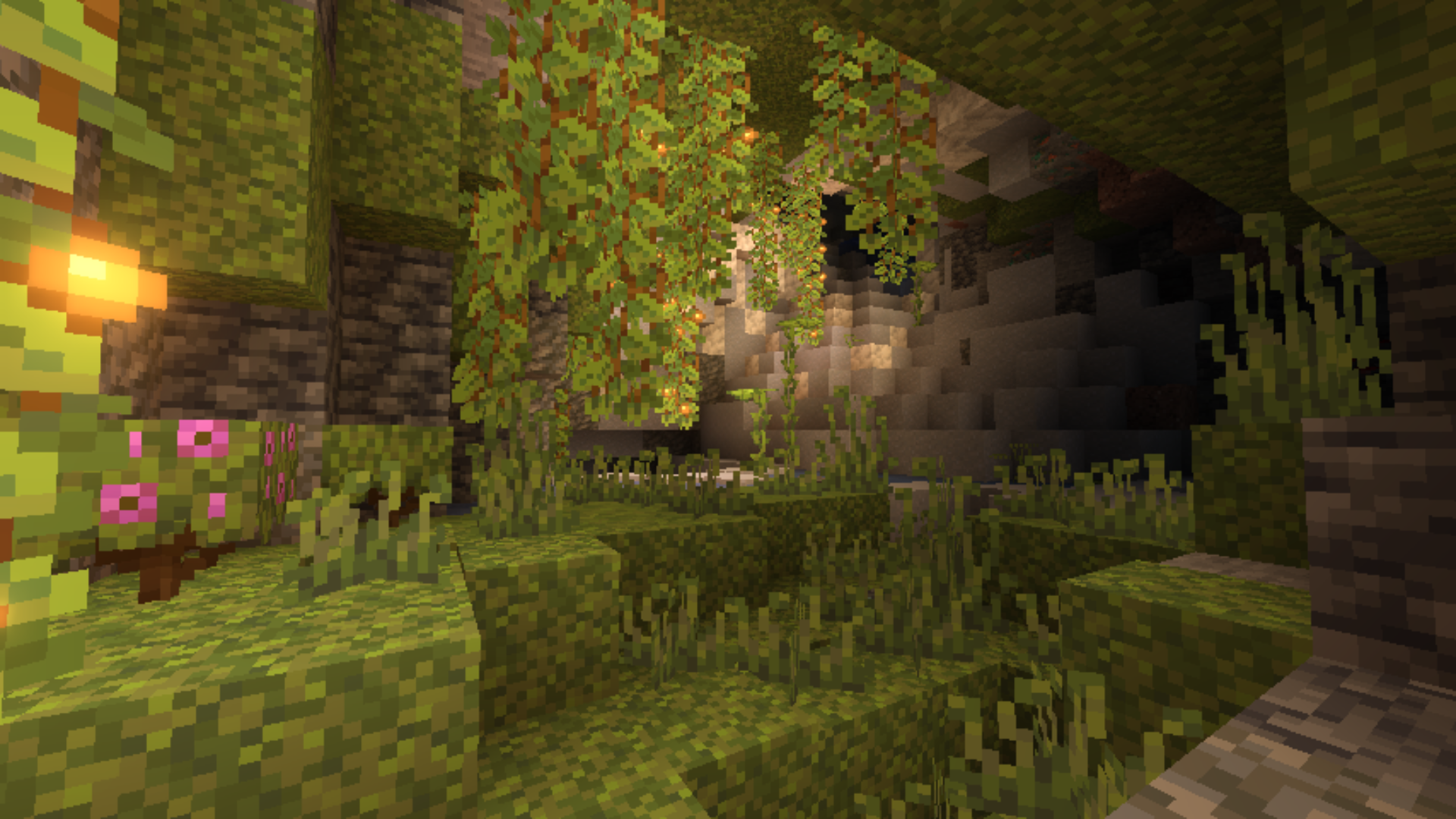
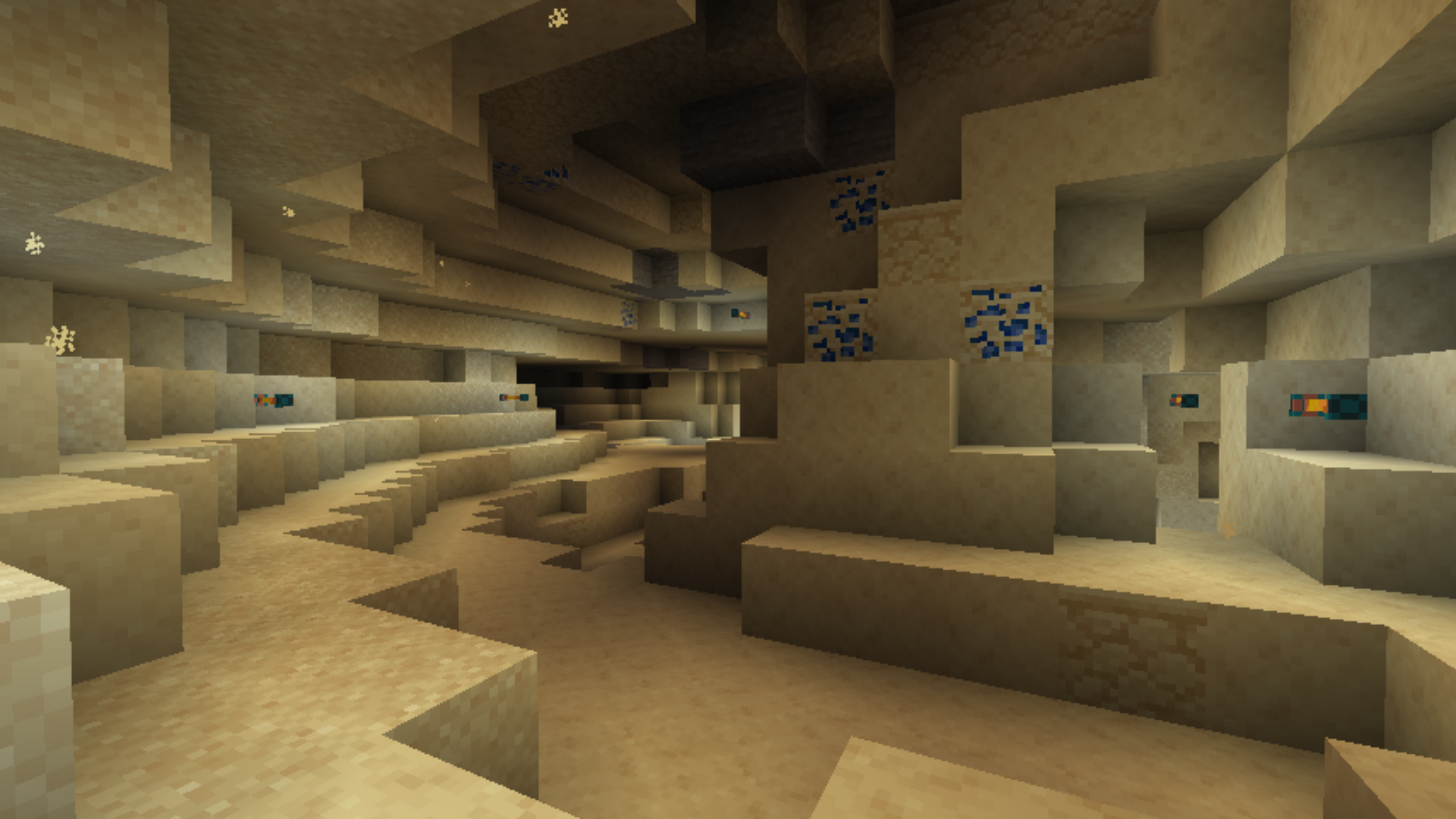
Spelunkery అనేది Minecraftలో వనరుల మైనింగ్ ప్రక్రియను పునర్నిర్మించే మాడ్. ఇది మైనింగ్ సమయంలో కొత్త పురోగతి దశలను ప్రవేశపెడుతుంది, పరిచితమైన పదార్థాల క్రమాన్ని మారుస్తుంది. భూగర్భంలో కొత్త ఆసక్తికర ప్రదేశాలు కనిపిస్తాయి: ప్రత్యేక గుహ నిర్మాణాలు, మారిన ఖనిజ ఉత్పత్తి నమూనాలు, అలాగే వివిధ లోతుల్లో కనిపించే కొత్త బ్లాక్లు మరియు వనరులు. ఇది గుహల్లోకి ప్రతి యాత్రను మరింత వైవిధ్యభరితంగా మరియు స్పష్టంగా చేస్తుంది. ఈ మాడ్ బలపరిచిన పికాక్స్లు మరియు మరింత సమర్థవంతంగా పనిచేసే, భిన్నంగా కనిపించే లాంతర్ల వంటి ఉపయోగకరమైన సాధనాలను కూడా జోడిస్తుంది.
ఇది Fabric మరియు Forge రెండింటిపై పనిచేస్తుంది, రెండు వెర్షన్లు Minecraft 1.20.1తో అనుకూలంగా ఉంటాయి. ఫైల్లు పరస్పరం మార్చుకోగలిగేవి కావు: Fabricకు దాని స్వంత jar అవసరం, Forgeకు మరొకటి అవసరం. ఇన్స్టాలేషన్కు సంబంధిత లోడర్ అవసరం. ఈ మాడ్ క్లయింట్ మరియు సర్వర్ రెండింటిపై పనిచేస్తుంది, రెండు వైపులా ఇది ఉండాలి. దీనికి తప్పనిసరి డిపెండెన్సీలు లేవు, కానీ ప్రపంచ ఉత్పత్తిని లేదా క్రాఫ్టింగ్ వ్యవస్థను మెరుగుపరిచే ఇతర మాడ్లతో కలిపి మాడ్ప్యాక్లలో దీన్ని ఉపయోగించవచ్చు. ఏకరీతి మైనింగ్తో విసిగిపోయి, మరింత లోతైన, నిర్మాణాత్మకమైన గుహ పురోగతిని కోరుకునే వారికి ఇది ఉపయోగకరంగా ఉంటుంది.
తరచుగా అడిగే ప్రశ్నలు
ఏ లోడర్ అవసరం?
ఈ మాడ్ Fabric మరియు Forge రెండింటికీ అందుబాటులో ఉంది, మీ లోడర్కు సరిపోయే వెర్షన్ను ఎంచుకోండి.
ఇది సర్వర్పై ఇన్స్టాల్ చేయాల్సిన అవసరం ఉందా?
అవును, ఈ మాడ్ క్లయింట్ మరియు సర్వర్ రెండింటిపై పనిచేస్తుంది, రెండు వైపులా ఇది ఉండాలి.
ఇది ఏ గేమ్ వెర్షన్కు సరిపోతుంది?
ఇది Minecraft 1.20.1పై మాత్రమే పనిచేస్తుంది, ఇతర బిల్డ్ల కోసం వెర్షన్లు విడుదల చేయలేదు.
Spelunkery ఎలా ఇన్స్టాల్ చేయాలి
With Millida Launcher
Install Millida Launcher
The launcher is free: download it at millida.net/launcher and sign in with any nickname.
Click “Install” on this page
The launcher opens and installs the mod for Minecraft 1.20.1 on Fabric or Forge automatically.
Launch the game
A profile with it appears in the launcher: click “Play”.
Manually
Install Fabric or Forge
The loader must match the game version of the mod file, for example Minecraft 1.20.1. After installing it, a separate profile appears in your launcher.
Download the file for your version
In the version list above, pick the file spelunkery-1.20.1-0.3.16-forge.jar (2.6 MB) for your game version and loader.
Put it in the mods folder
The folder is inside .minecraft (Windows: %appdata%\.minecraft\mods). If it does not exist, create it.
Launch the loader profile
Open “Mods” in the main menu: Spelunkery should be in the list.
Minecraft 1.20.1 runs on Java 17: with a different Java version the game may close right after launch.
వెర్షన్లు
డిపెండెన్సీలతో
| Minecraft | లోడర్ | ఫైల్ | తేదీ | చర్యలు |
|---|---|---|---|---|
| 1.20.1 | Forge | spelunkery-1.20.1-0.3.16-forge.jar2.6 MB 1 | ||
| 1.20.1 | Fabric | spelunkery-1.20.1-0.3.16-fabric.jar2.6 MB 2 |
FAQ
Which Minecraft versions does Spelunkery work on?
Only Minecraft 1.20.1: there are no files for other versions.
Is Spelunkery for Forge or Fabric?
There are files for Fabric: 1.20.1 and for Forge: 1.20.1. There are no files for NeoForge: a mod for another loader will not start.
Does Spelunkery need other mods?
The author lists no required dependencies: the Fabric or Forge loader is enough.
Which Java does Spelunkery need?
Minecraft 1.20.1 runs on Java 17. If the game closes right after launch, the usual cause is the wrong Java version in the profile settings.
Where can I download Spelunkery safely?
On this page: the file spelunkery-1.20.1-0.3.16-forge.jar (2.6 MB) is stored on Millida’s server, with no link shorteners. SHA-1 checksum: d6de614c207775d0522e53d88dea75226e34955b.
సమీక్షలు
Spelunkeryకు మొదటి రేటింగ్ ఇవ్వండి


