

Minecraft 26.2 కోసం ScreenFX మోడ్
ఓవర్లేలు మరియు స్క్రీన్ ఎఫెక్ట్లను మార్చడానికి క్లయింట్-సైడ్, రిసోర్స్ ప్యాక్ అనుకూల, జీవన నాణ్యత ఫాబ్రిక్ మాడ్
 Fabric
 Quilt
QuiltScreenFX
Customise your overlays and screen effects
Fully client-side & resource pack compatible
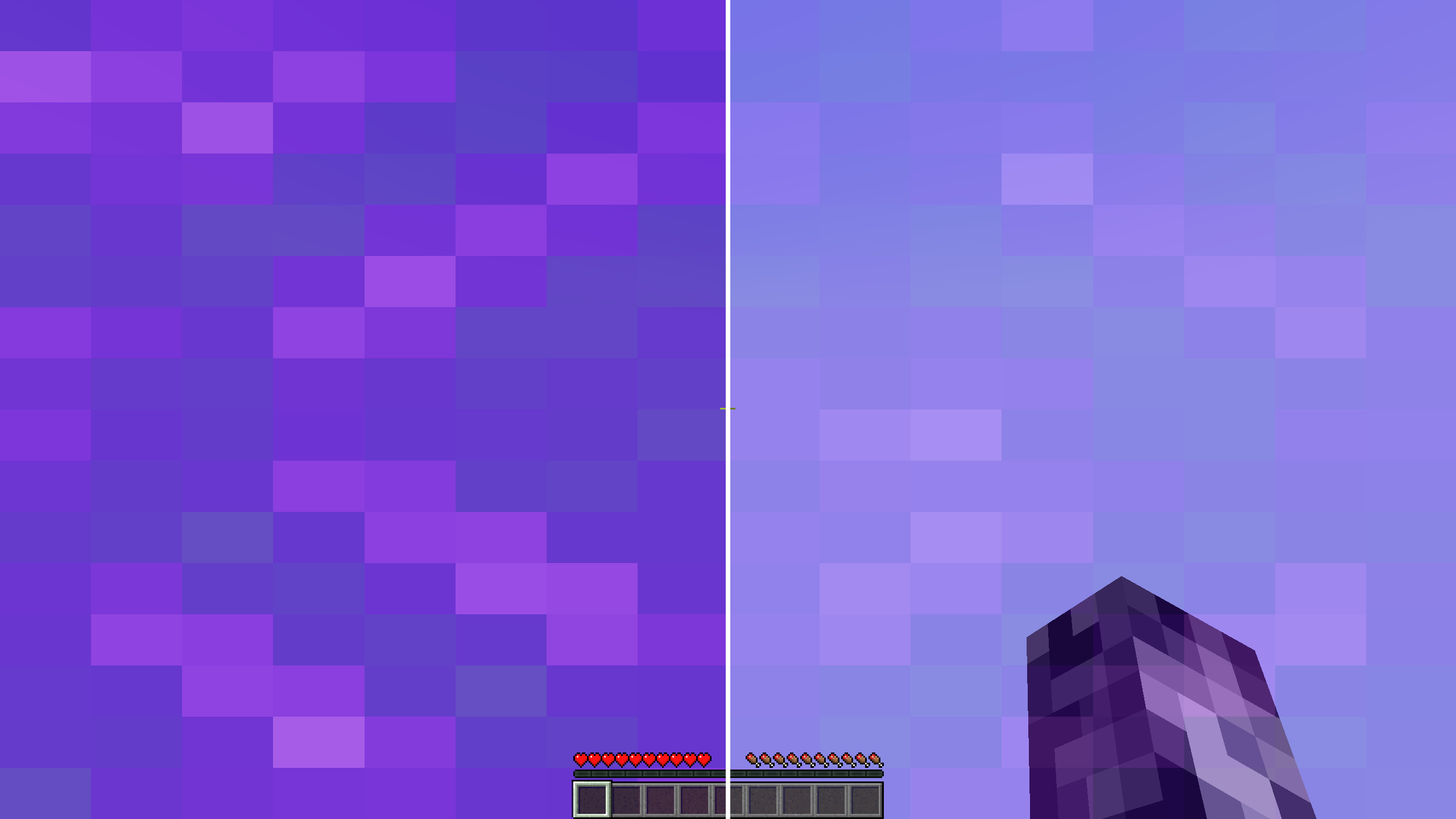
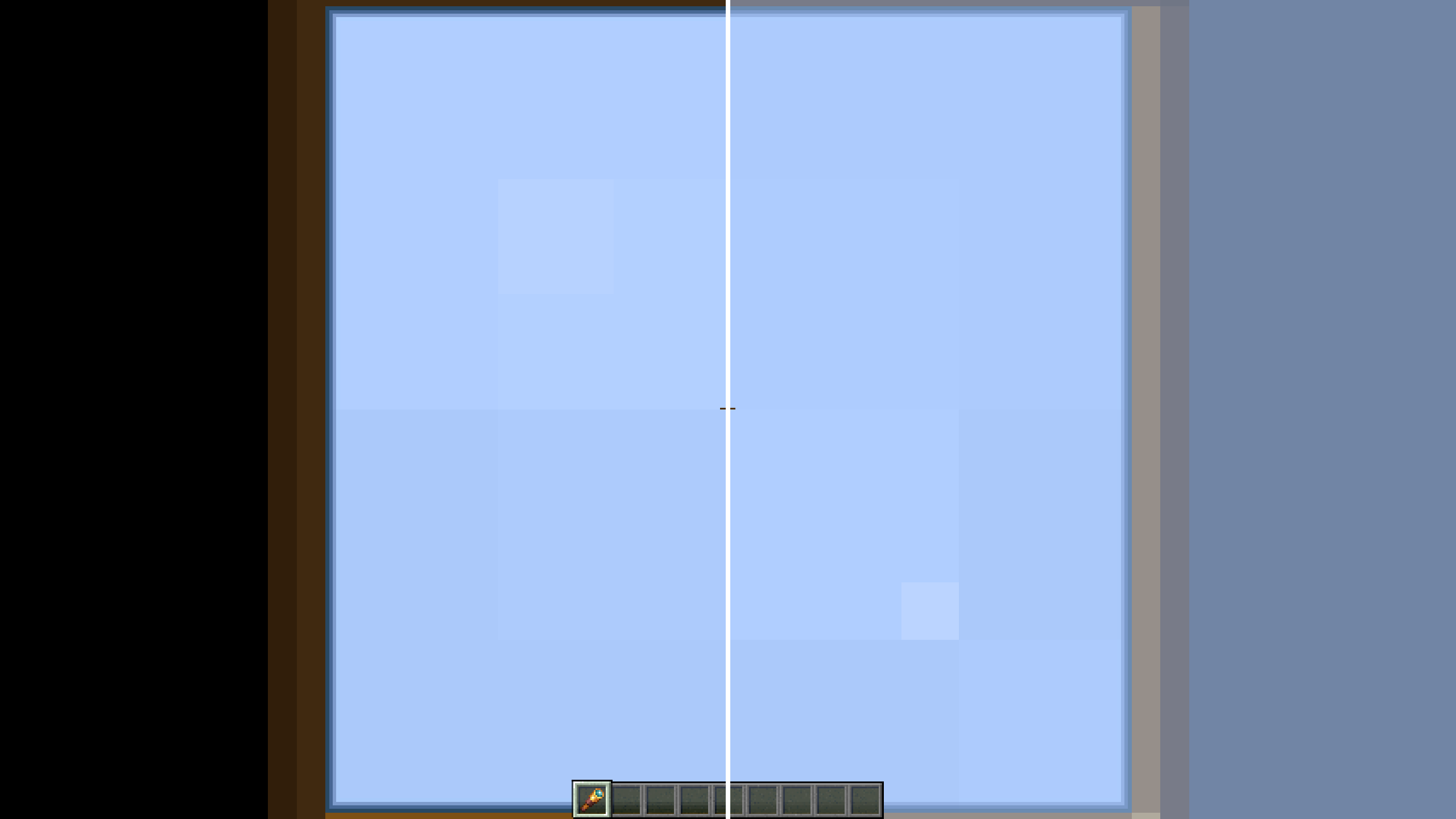
Editable Overlays/Effects:
- First Person Fire
- Underwater Overlay
- Nether Portal Swirls
- Spyglass Scope
- Vignette
- Distortion (Nausea)
- Pumpkin Blur
- Powder Snow Freezing
- Suffocation Overlay
- Elder Guardian Effect
- Totem of Undying Effect
- Held Item Viewmodels
ScreenFX ఎలా ఇన్స్టాల్ చేయాలి
With Millida Launcher
Install Millida Launcher
The launcher is free: download it at millida.net/launcher and sign in with any nickname.
Click “Install” on this page
The launcher opens and installs the mod for Minecraft 26.2 on Fabric or Quilt automatically.
Launch the game
A profile with it appears in the launcher: click “Play”.
Manually
Install Fabric or Quilt
The loader must match the game version of the mod file, for example Minecraft 26.2. After installing it, a separate profile appears in your launcher.
Download the file for your version
In the version list above, pick the file screenfx-1.5.1+26.2.jar (63 KB) for your game version and loader.
Put it in the mods folder
The folder is inside .minecraft (Windows: %appdata%\.minecraft\mods). If it does not exist, create it.
Launch the loader profile
Open “Mods” in the main menu: ScreenFX should be in the list.
వెర్షన్లు
డిపెండెన్సీలతో
| Minecraft | లోడర్ | ఫైల్ | తేదీ | చర్యలు |
|---|---|---|---|---|
| 26.2 | Fabric, Quilt | ScreenFX v1.5.162.5 KB 1 |
సమీక్షలు
ScreenFXకు మొదటి రేటింగ్ ఇవ్వండి


