

Minecraft 1.21.1, 26.1.2 కోసం Productive Farming మోడ్
Productive Farming జన్యు లక్షణాలు కలిగిన 160 పంటలను మరియు సాగుచేయగల రంగురంగుల పువ్వులను Minecraftకు జోడిస్తుంది.
- డౌన్లోడ్లు
- 1 డౌన్లోడ్లు
- వ్యూలు
- 31 వ్యూలు
- అప్డేట్ చేయబడింది
- అప్డేట్ చేయబడింది 30.10.2026
- 1.21.1 — 26.1.2
 NeoForge
Productive Farming
Productive Farming revolutionizes agriculture in Minecraft by introducing a diverse and immersive farming experience. With 160 unique crops, each with customizable genetic traits, players can cultivate a wide variety of plants, from staple grains to exotic vegetables. The mod also introduces a vibrant flower breeding system, allowing players to crossbreed flowers to achieve any color imaginable, perfect for decorating farms or creating stunning gardens.
Unleash your inner farmer as you experiment with crop genetics to optimize growth speed, yield, or resistance, and craft breathtaking floral displays with endless color combinations. Whether you're building a self-sustaining farm or a colorful botanical masterpiece, Productive Farming adds depth and creativity to your Minecraft world.
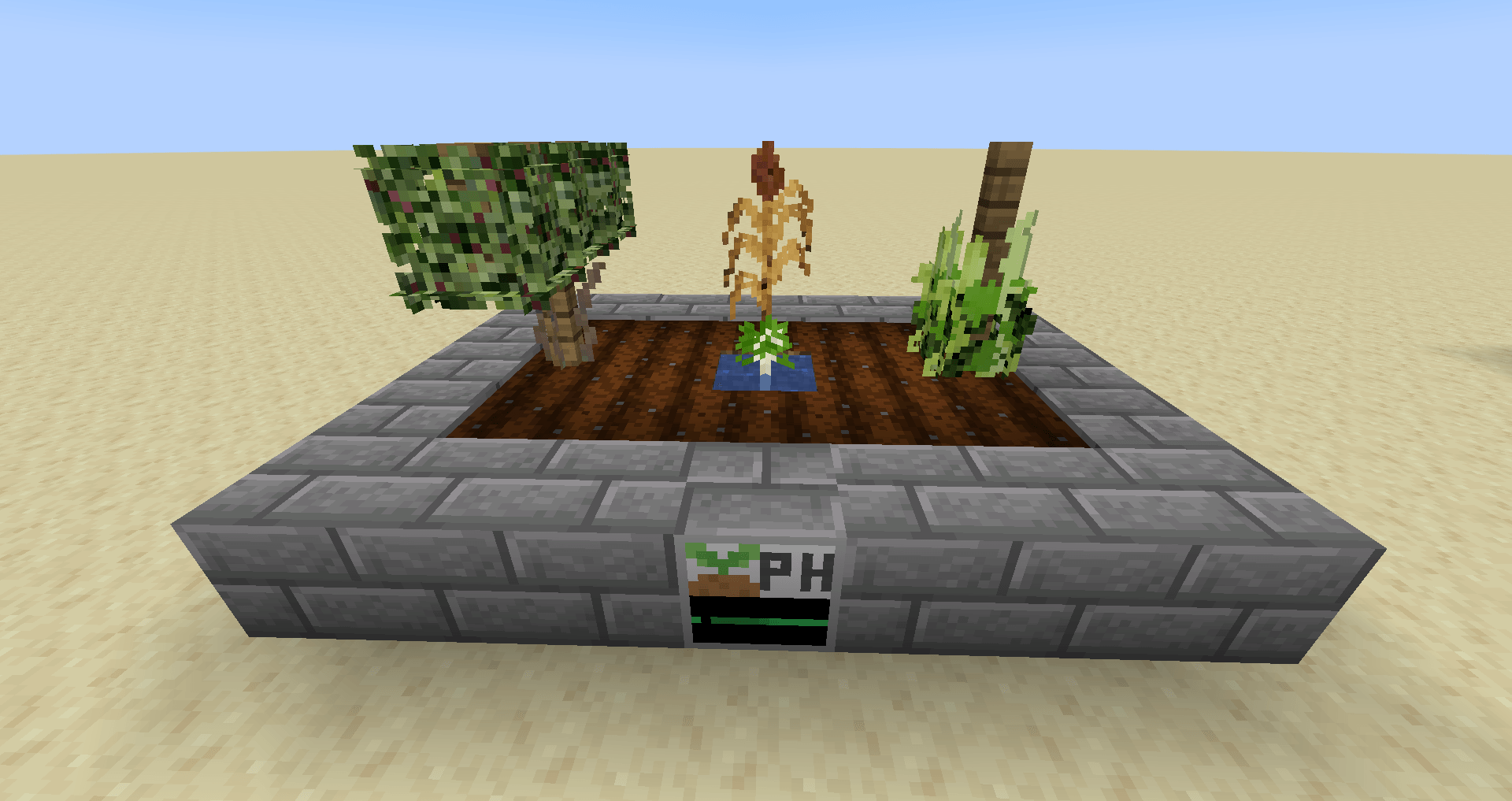
160 New Crops: Discover a vast array of crops, each with unique textures and uses, from nutrient-rich vegetables to rare herbs.
Genetic Traits System: Breed crops to enhance traits like growth rate, yield, or environmental resistance, adding strategic depth to farming.
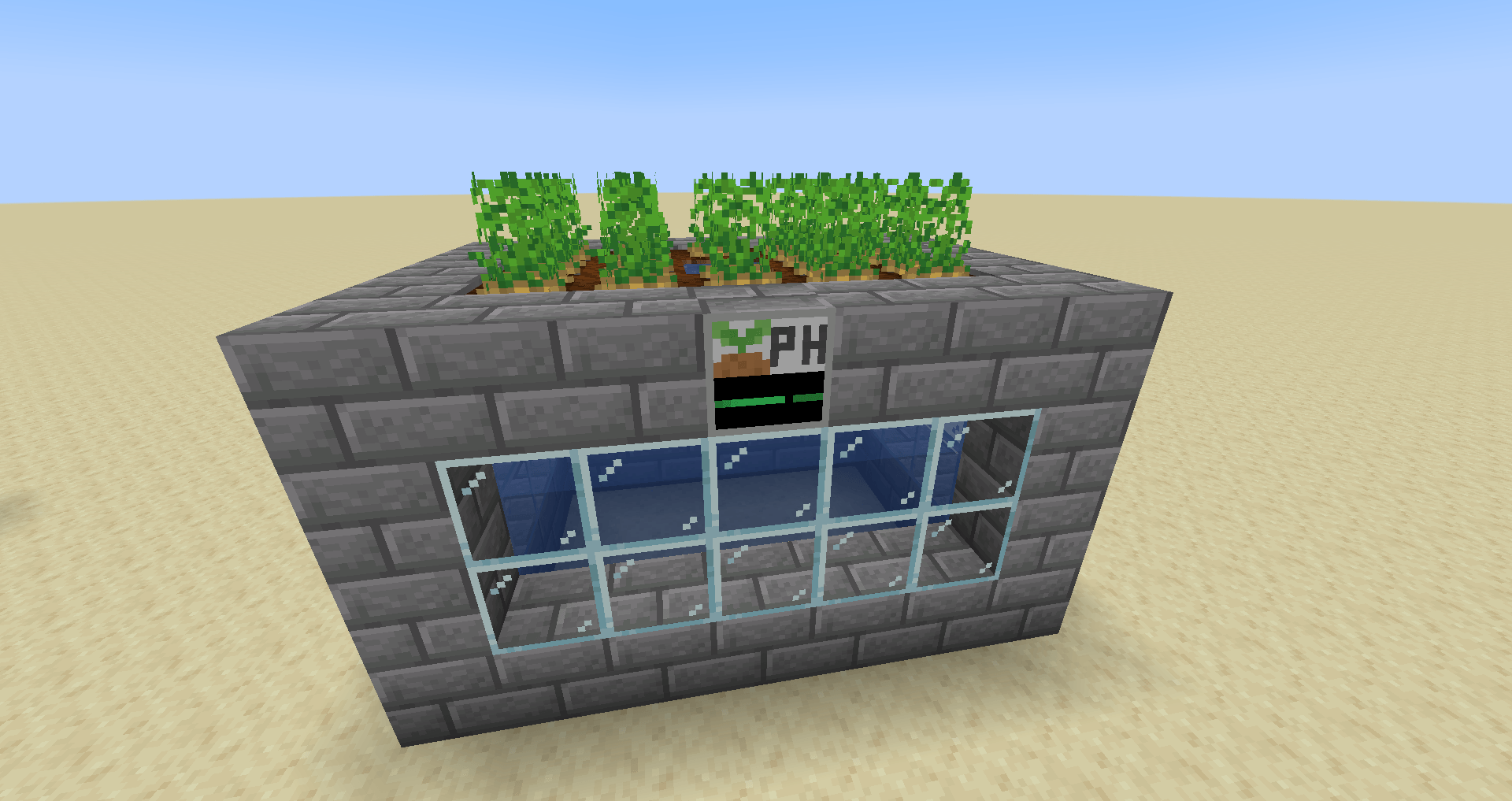
Flower Breeding: Crossbreed flowers to create any color combination, with a dynamic system that supports endless customization for aesthetic builds.
Seamless Integration: Designed to blend naturally with vanilla Minecraft, with balanced progression and compatibility with other farming mods.
Productive Farming ఎలా ఇన్స్టాల్ చేయాలి
With Millida Launcher
Install Millida Launcher
The launcher is free: download it at millida.net/launcher and sign in with any nickname.
Click “Install” on this page
The launcher opens and installs the mod for Minecraft 1.21.1–26.1.2 on NeoForge automatically.
Launch the game
A profile with it appears in the launcher: click “Play”.
Manually
Install NeoForge
The loader must match the game version of the mod file, for example Minecraft 26.1.2. After installing it, a separate profile appears in your launcher.
Download the file for your version
In the version list above, pick the file productivefarming-26.1.2-0.12.1.jar (3.8 MB) for your game version.
Put it in the mods folder
The folder is inside .minecraft (Windows: %appdata%\.minecraft\mods). If it does not exist, create it.
Launch the loader profile
Open “Mods” in the main menu: Productive Farming should be in the list.
వెర్షన్లు
డిపెండెన్సీలతో
| Minecraft | లోడర్ | ఫైల్ | తేదీ | చర్యలు |
|---|---|---|---|---|
| 26.1.2 | NeoForge | productivefarming-26.1.2-0.12.1.jar3.8 MB | ||
| 1.21.1 | NeoForge | productivefarming-1.21.1-0.2.0.jar4.8 MB 1 |
సమీక్షలు
Productive Farmingకు మొదటి రేటింగ్ ఇవ్వండి


